
EasyCapture Pro 2.0.3 for Windows
Takes full-screen or region screenshots and puts them on the clipboard
Screenshots
Description
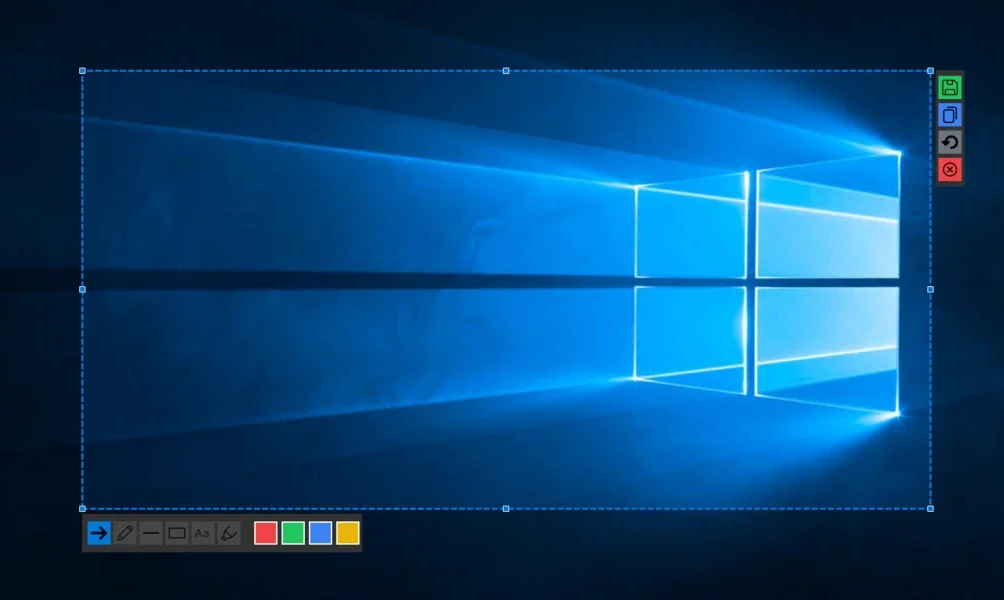
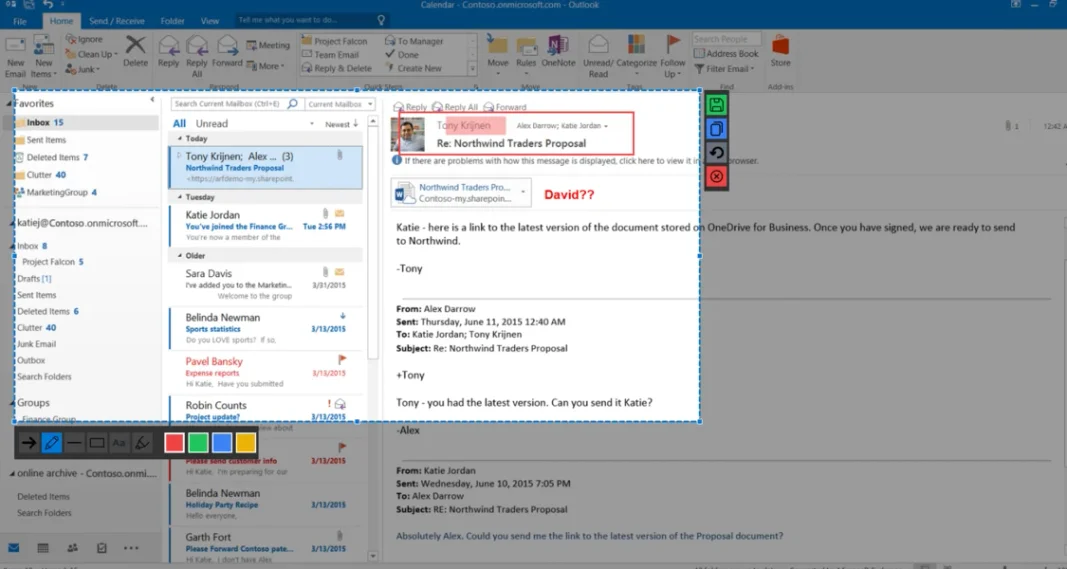
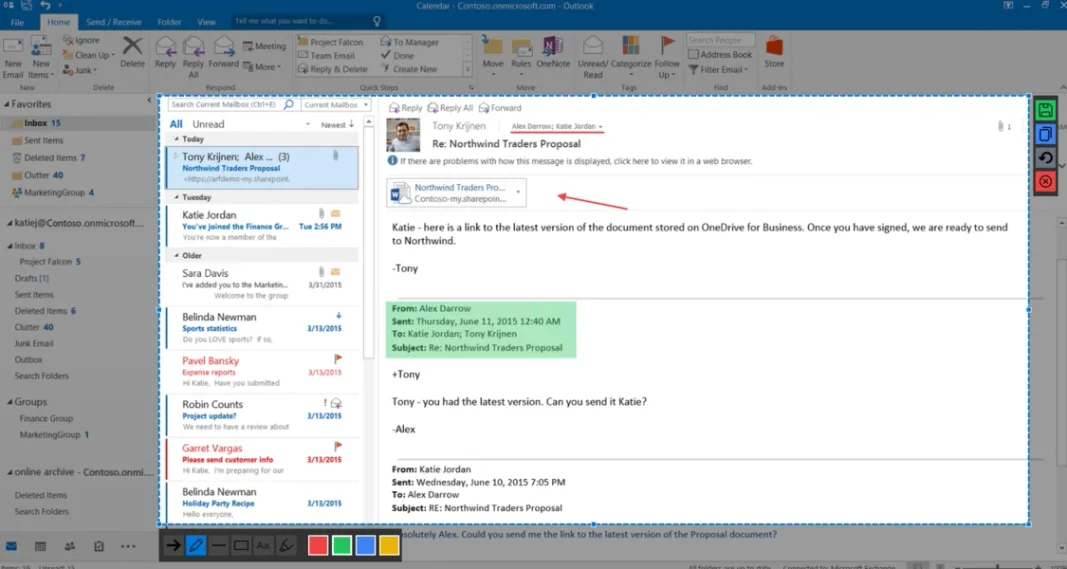
Pressing Shift+PrtScn captures the entire screen. PrtScn switches to region selection instead, where you click and drag a crosshair over the area you want and release the mouse button to take the image. EasyCapture Pro then saves it to the Pictures folder as a PNG and copies it to the clipboard, so Ctrl+V pastes it straight into whatever you are working in.
The program sits in the system tray and can be set to start with Windows, which keeps the hotkeys available without a window open. Shortcuts can be customized if the defaults collide with something else. It works completely offline and needs no account, and there are no ads and no data collection. Memory use stays low: 50 MB of RAM is the minimum, and the installer takes 10 MB of storage. All features are available without restrictions or paid upgrades, and personal and commercial use are both free. The program is a screenshot utility for Windows and runs on Windows 10 version 1809 or later, or Windows 11.
It is distributed as a standalone MSI installer package and requires .NET Framework 4.7.2 or newer.
Download files
4a3b58c3211f48be857ff872a04209c94cdbf4ace3532850b880d617c03dda27
Signed by Rentix GmbH · valid until Aug 20, 2026aab16033711ab914313b1ca69194b79d43996fef36c39b441b272290c23e62ab
Signed by Rentix GmbH · valid until Aug 20, 2026aab16033711ab914313b1ca69194b79d43996fef36c39b441b272290c23e62ab
Signed by Rentix GmbH · valid until Aug 20, 20269087501e09aa882590b9962ece402d01f73e7f1b35ea6748e8102eb37a83caf7
Signed by Rentix GmbH · valid until Aug 20, 2026System requirements
Available on:
Minimum OS:
Windows 8 or later
Additional information
Developer
Latest release
Size
Category
File type
SHA-256
4a3b58c3211f48be857ff872a04209c94cdbf4ace3532850b880d617c03dda27





