
Graabr 1.0 for Windows
SHA-256 listed
Open source
Capture desktop areas and share them online
All ages
Age rating
Screenshots
Description
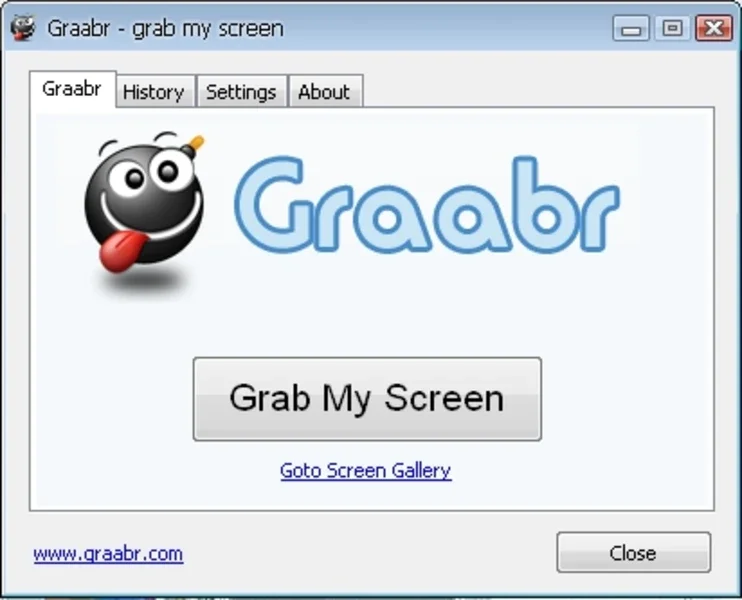
Capture starts when you click the button labeled Grab My Screen. Select any area of the desktop, and Graabr then offers to save the shot to your computer or upload it online.
Uploaded images go to Graabr's own web server, so the tool stays lightweight. Once an image is uploaded, you cannot delete it later. Your account keeps a history of everything you have uploaded, and you get a URL shortcut for each image. Those links can be shared automatically with contacts.
Graabr 1.0 is free and runs on Windows.
Download files
File1.0EXE
Version1.0
ReleasedNov 17, 2009
Size712.5 KB
SHA-256
Get
b9d307238b664b97af5b366ea06f1e452c2f3a6c8661367c0a7182e661e2393e
No digital signatureSystem requirements
Available on:
Additional information
Developer
Latest release
1.0 · Nov 17, 2009
Size
712.5 KB
Category
File type
EXE
SHA-256
b9d307238b664b97af5b366ea06f1e452c2f3a6c8661367c0a7182e661e2393e
Digital signature
No digital signature





