PC Screen Capture 2.3 for Windows
SHA-256 listed
Captures full screen, object, area or tab and keeps all shots in one folder
All ages
Age rating
Screenshots
Description
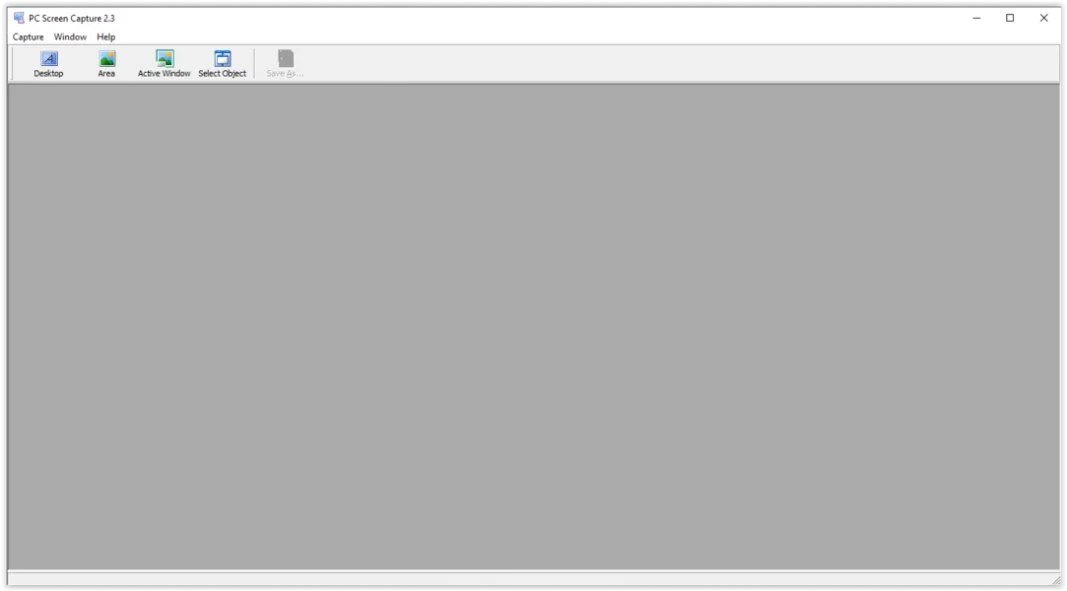
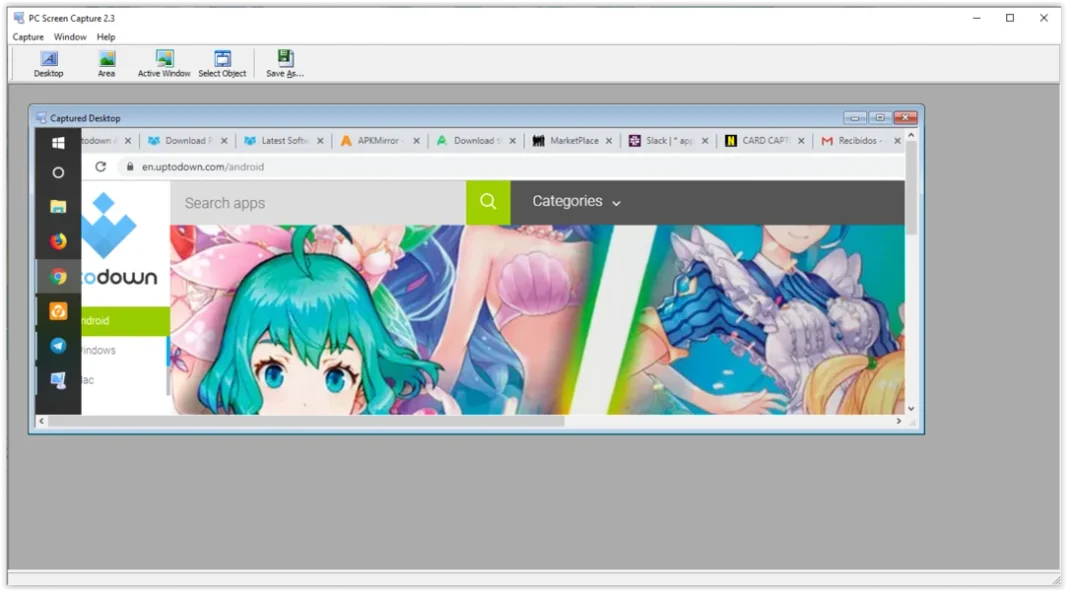
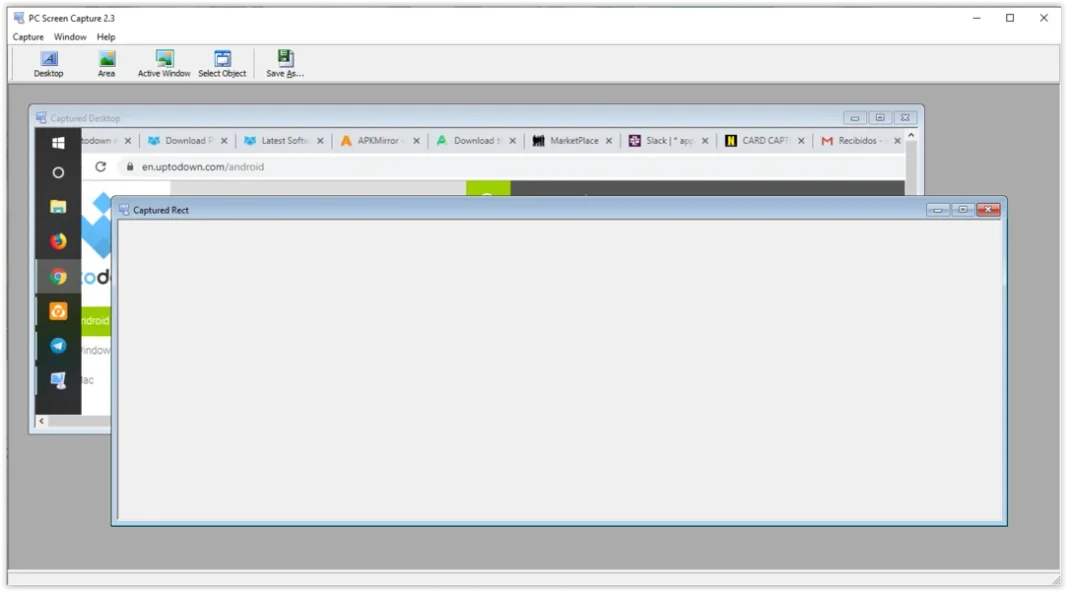
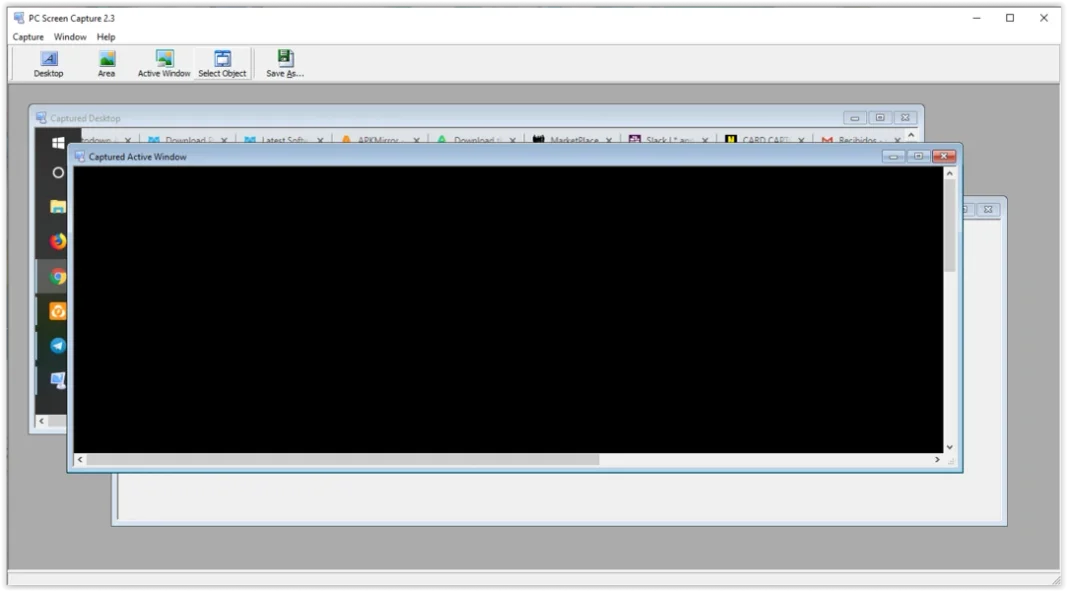
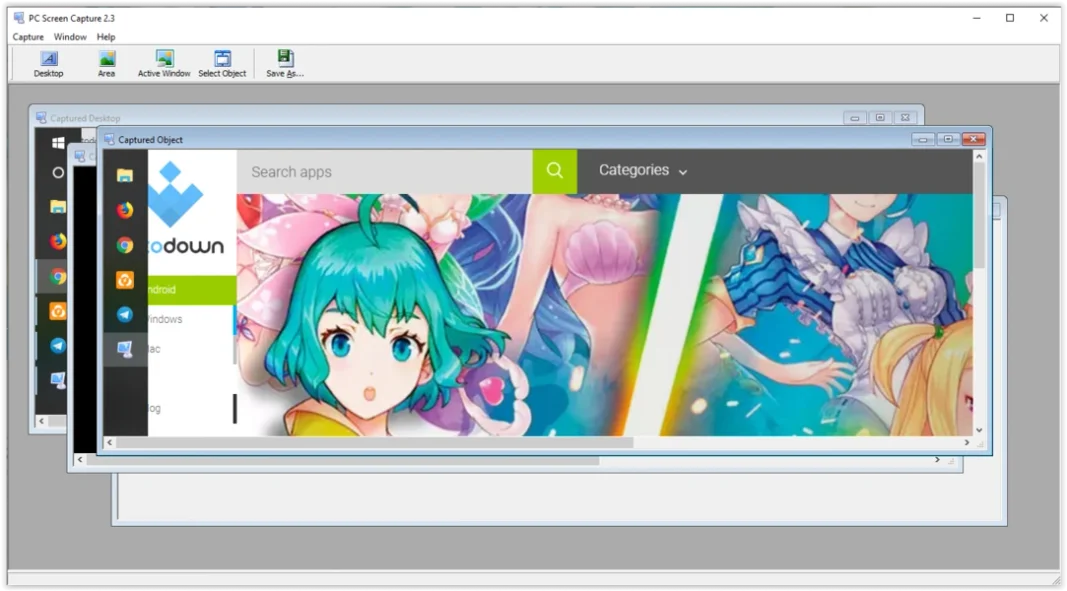
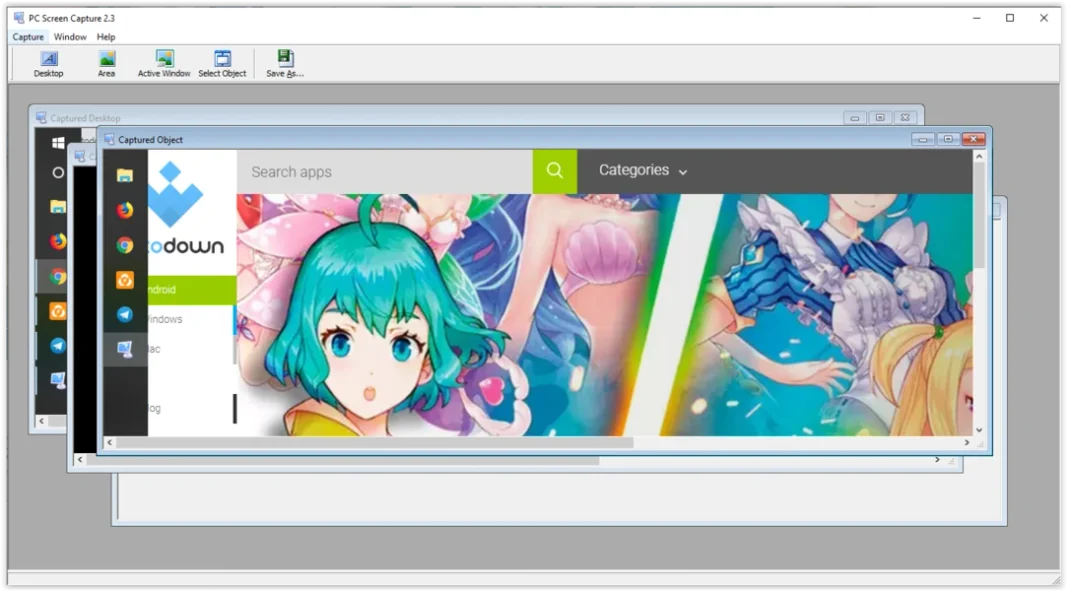
PC Screen Capture puts four capture buttons on its interface. One takes the full screen, one takes a specific object, one takes an area you choose by hand, and one takes the current tab. The interface has four buttons in all.
Every screenshot lands in a single folder, and the main tab lists all captured screenshots. From that tab you can delete a screenshot or modify it. The program may lack keyboard shortcuts.
Download files
File2.3EXE
Version2.3
ReleasedSep 11, 2019
Size1.3 MB
SHA-256
Get
6700ef1a7d358adb39834e8dea8b58db99b1919504204cf8eb1cd138e146b134
No digital signatureSystem requirements
Available on:
Minimum OS:
Windows Windows 98 or later
Additional information
Developer
Latest release
2.3 · Sep 11, 2019
Size
1.3 MB
Category
File type
EXE
SHA-256
6700ef1a7d358adb39834e8dea8b58db99b1919504204cf8eb1cd138e146b134
Digital signature
No digital signature





