HardCopy Pro 4.18.0 for Windows
Windows screenshot tool that captures windows, screens or regions
Screenshots
Description
HardCopy Pro is a Windows screenshot application. The small program uses little hard drive space.
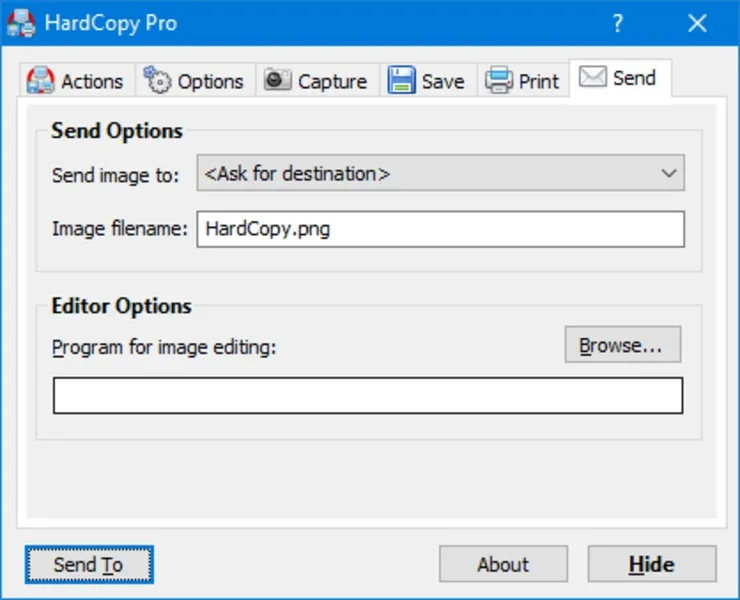
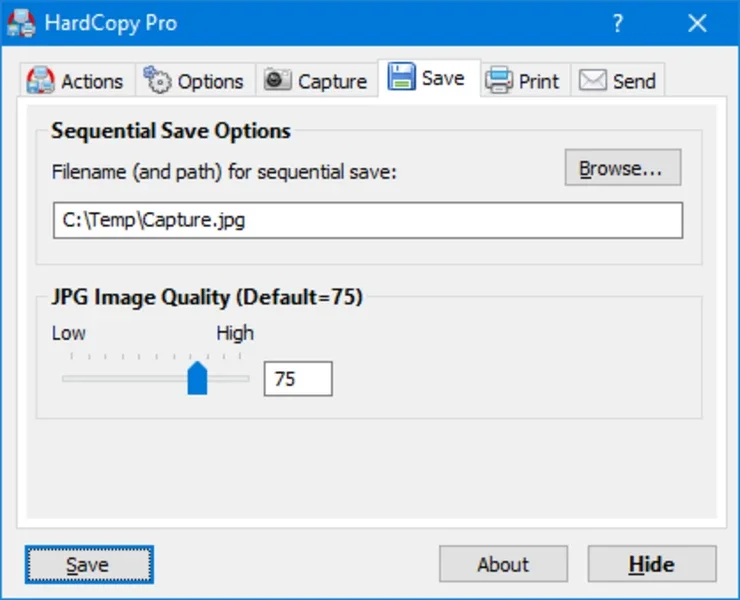
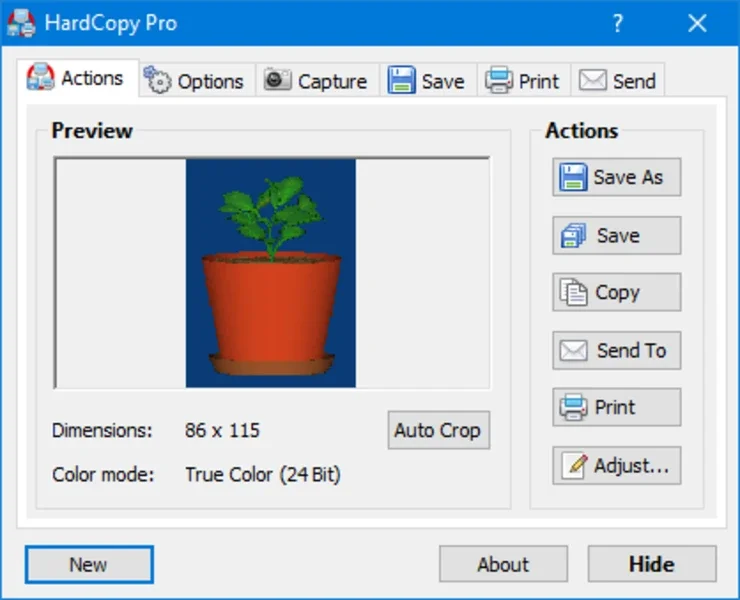
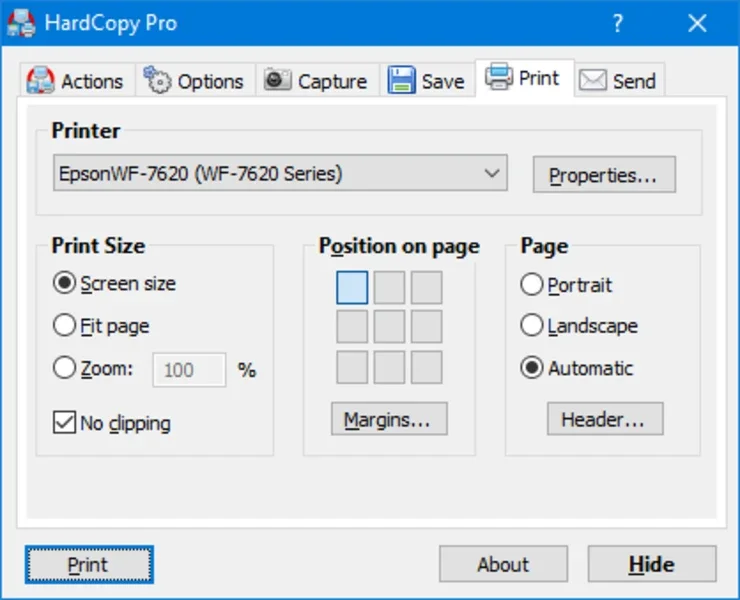
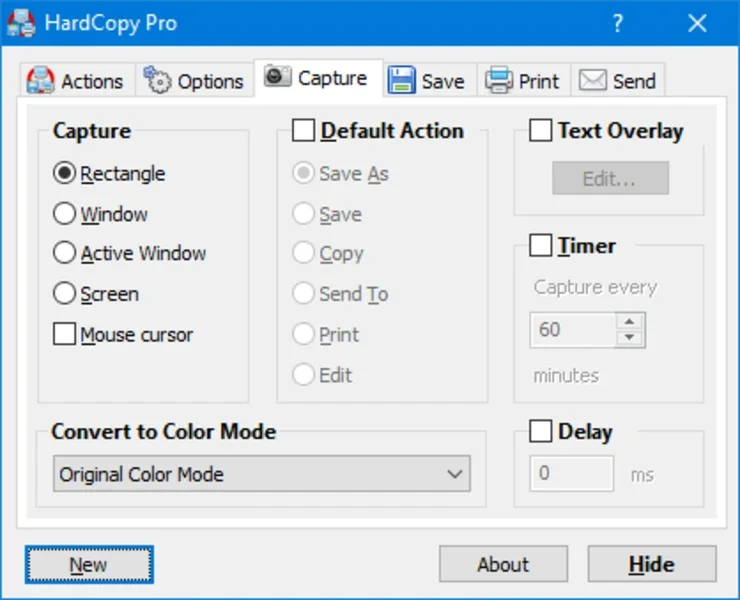
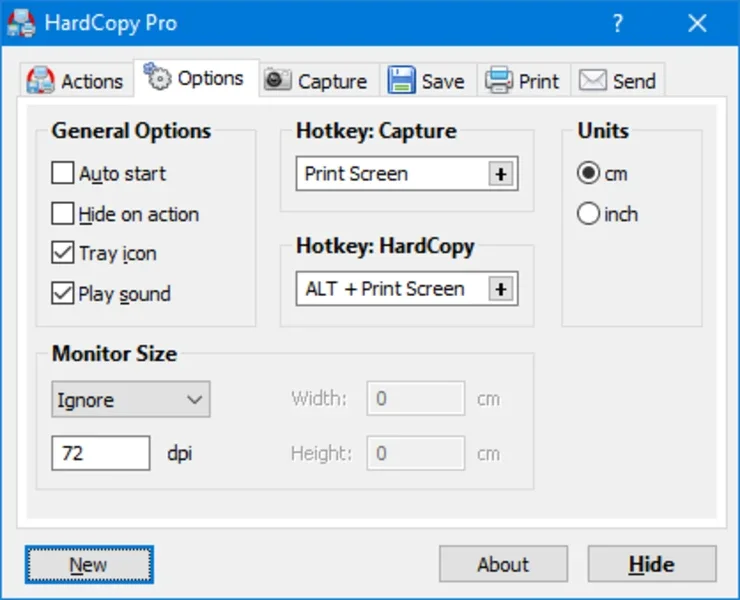
It can capture the active window, the entire screen, or a rectangular region selected beforehand. The options menu lets you set the key or shortcut used to take screenshots, and a timer can take a new one at a chosen interval in seconds. You can choose whether the mouse cursor appears in captures. Each screenshot can carry added text, for example as a watermark, and the output file name can be customized. Screenshots save as BMP, GIF, JPG, PNG and TIF. Output quality is configurable and defaults to 75%. A sound can be enabled to confirm a screenshot was taken.
HardCopy Pro is free.
Download files
7570a311f878c90d06f734d803e09d1192cb470e86575c201957bfffd92a7f3c
No digital signature2454c437709fca770a9223d5cf12a5cdc8257ee22436285d7b1844097ed044ca
c047453dca2a540aa4c2aa056b013e813327517ce9e4ebe6565789ac98304552
System requirements
Available on:
Additional information
Developer
Latest release
Size
Category
File type
SHA-256
7570a311f878c90d06f734d803e09d1192cb470e86575c201957bfffd92a7f3c





