
PicPick Portable 7.7.0.0 for Windows
Screenshot capture, an image editor and screen measuring tools
Screenshots
Description
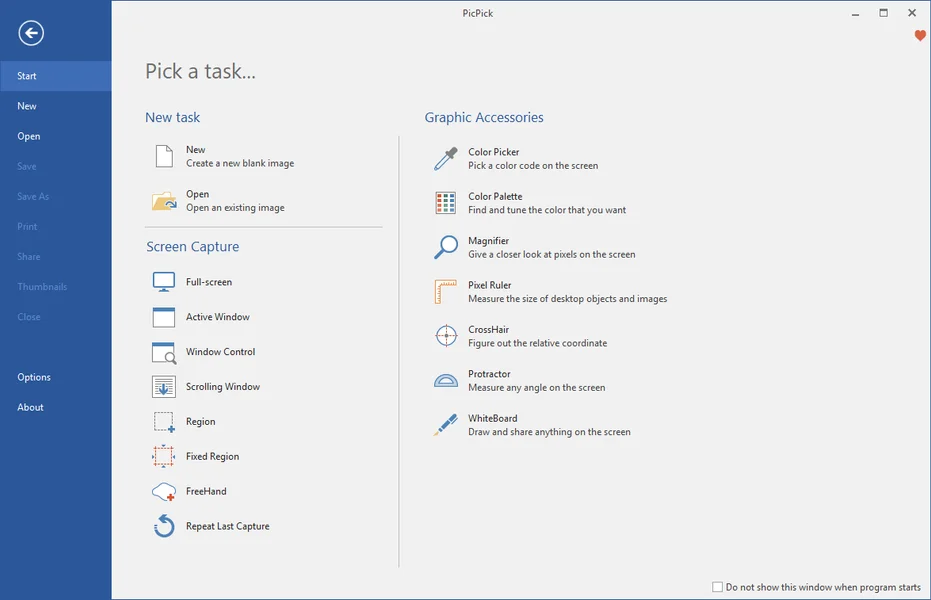
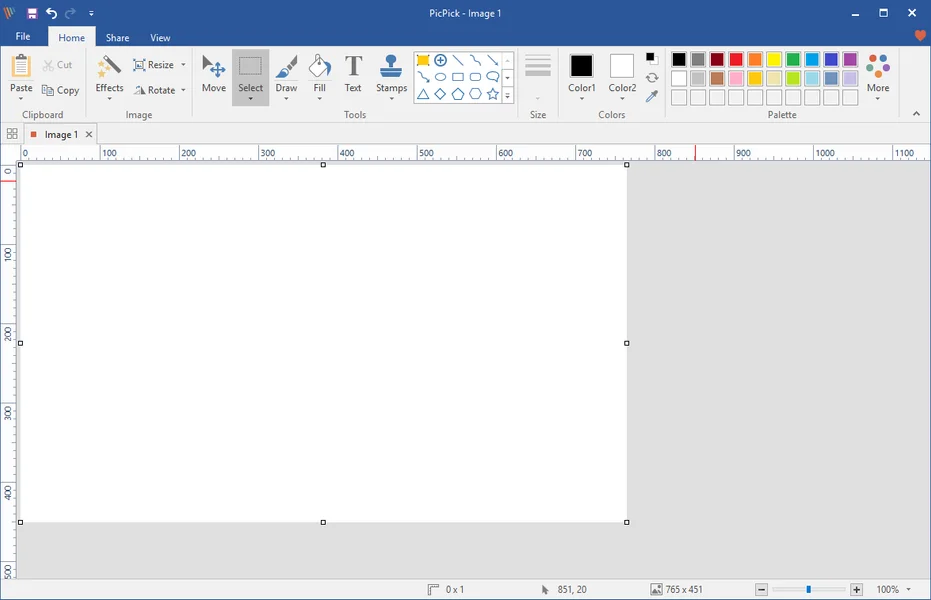
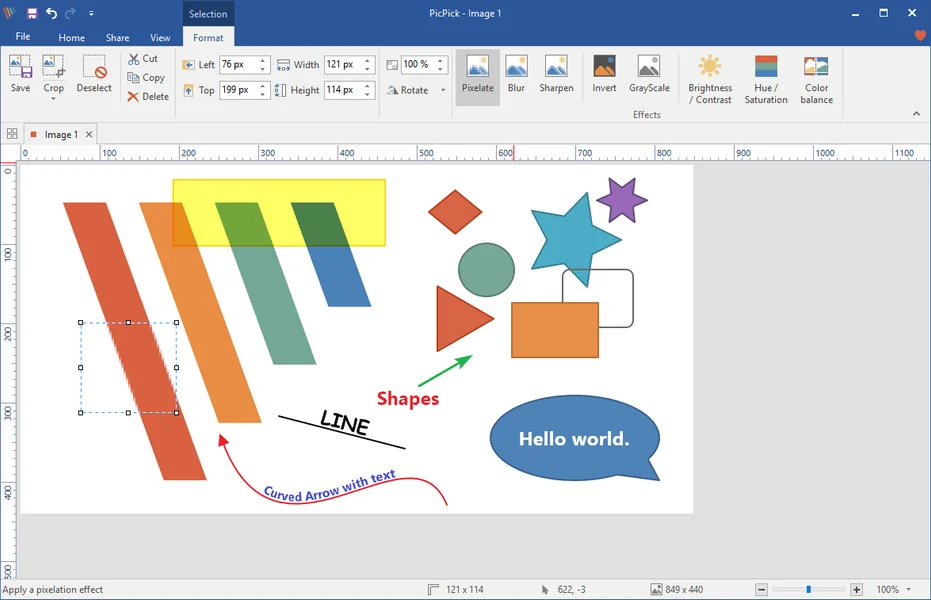
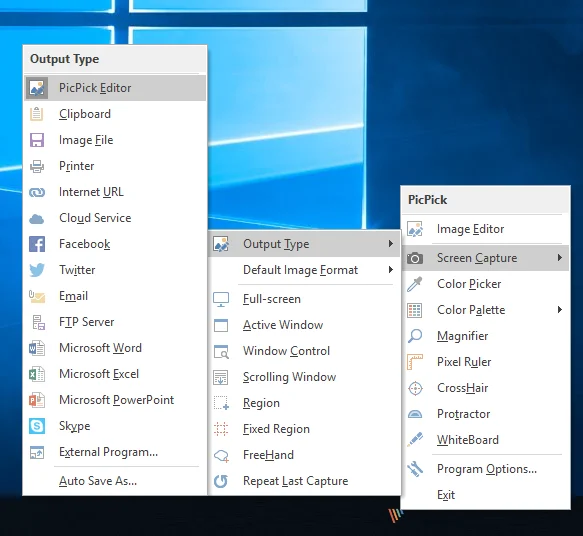
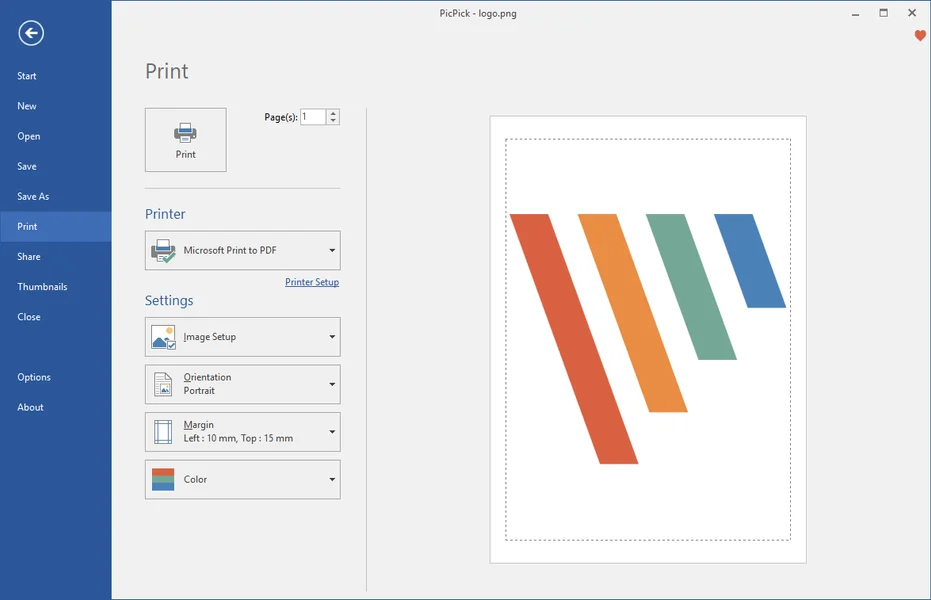
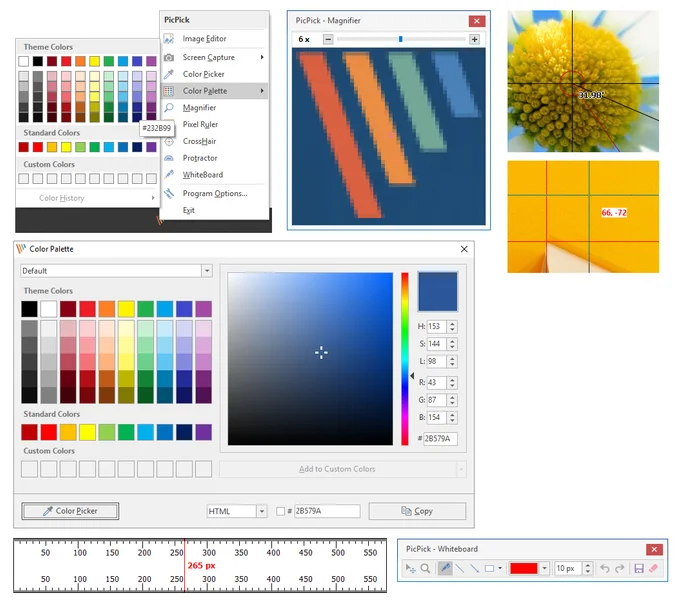
PicPick Portable captures screenshots, and it can take the whole screen, a rectangular portion of it or a free-form selection you draw by hand. The same window holds an image editor that works much like classic Paint, plus documents for drawing or jotting things down. There is a magnifying glass, and a color palette with a color selector for picking colors off the screen. For measuring, you get a pixel ruler, a virtual ruler that measures anything on the screen, and a tool that reads the angle of a screen, which is usable for mathematical and graphic programs. A blackboard is included as well.
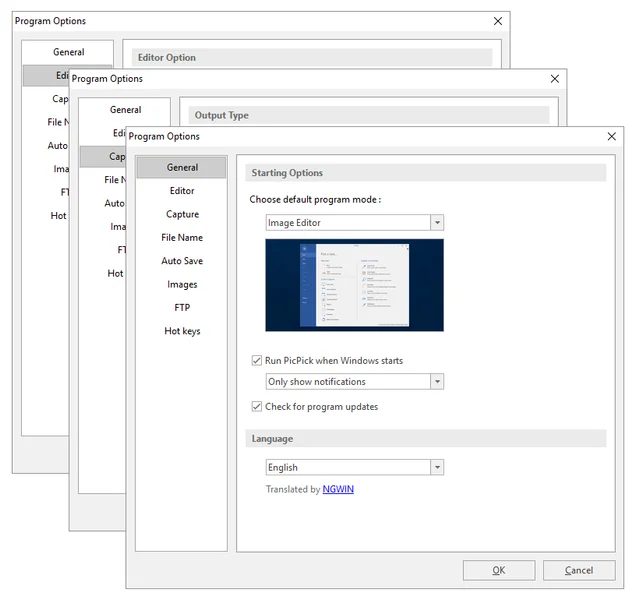
It is a suite of basic tools, and the interface is very simple. The portable version runs on any computer without installing anything on the hard drive. Advanced options can be configured, including image quality and shortcut icons.
Download files
dc66ea70f1a7613f08df1027174f6772650f0b262e8ee2783d680bbd6c796043
0a83b0aded4658261b1731bcdd2c76421955b90e9b18651214398ef1409ee82a
60e129d093ee207258e8bcaaad2d98bcd407f69bd4be4851d8501f33b11c9cd2
26b9850ceeaae489092a1ad82e7fe937c2421b84c071c45b0451f2aa29711210
c84845167011d1f6662462be3797bfe2f40946aa3e3c37be2f53b63344fa9b37
System requirements
Available on:
Minimum OS:
Windows XP or later
Additional information
Developer
Latest release
Size
Category
File type
SHA-256
dc66ea70f1a7613f08df1027174f6772650f0b262e8ee2783d680bbd6c796043





