
Pixel Snatcher 1.0.1632 for Windows
SHA-256 listed
Turns screen captures into translucent tool images
All ages
Age rating
Screenshots
Description
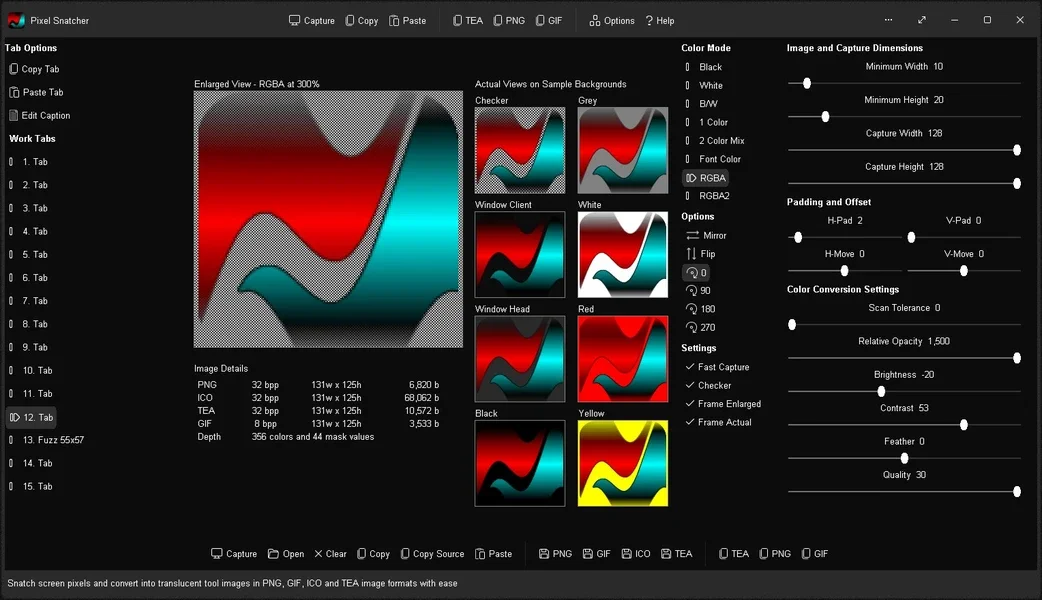
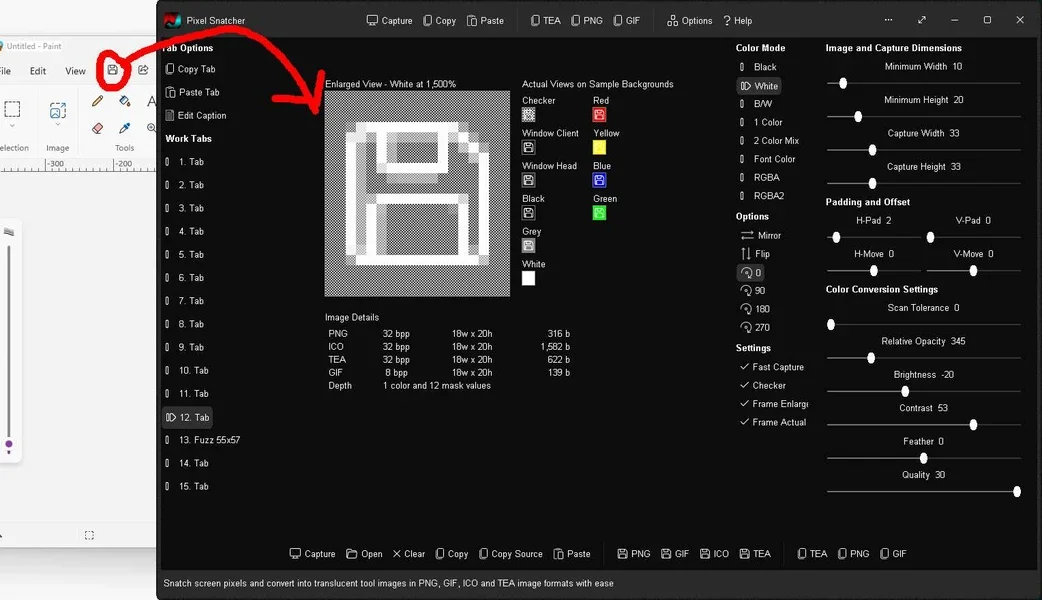
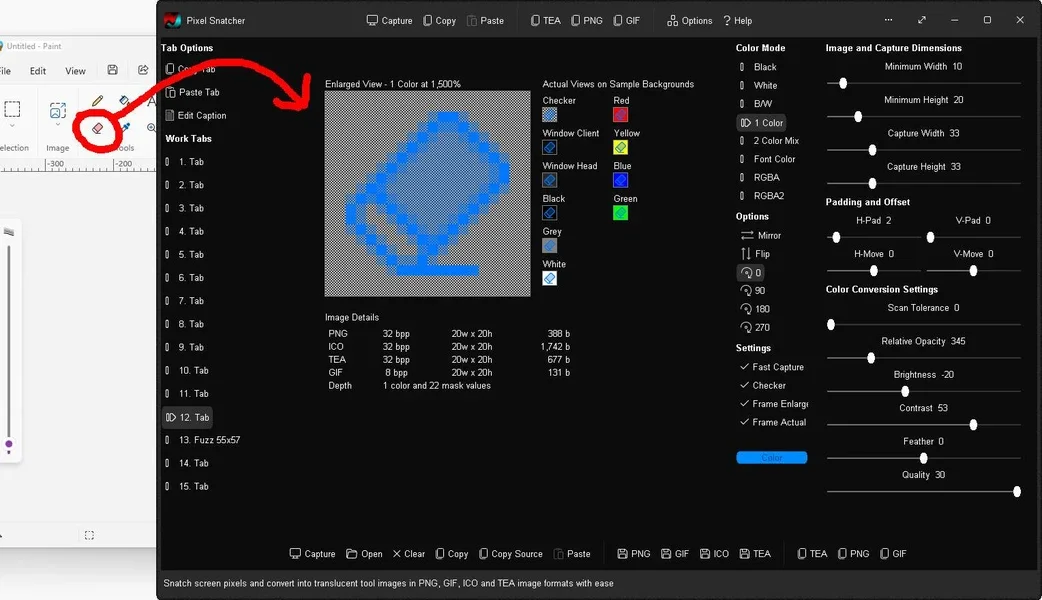
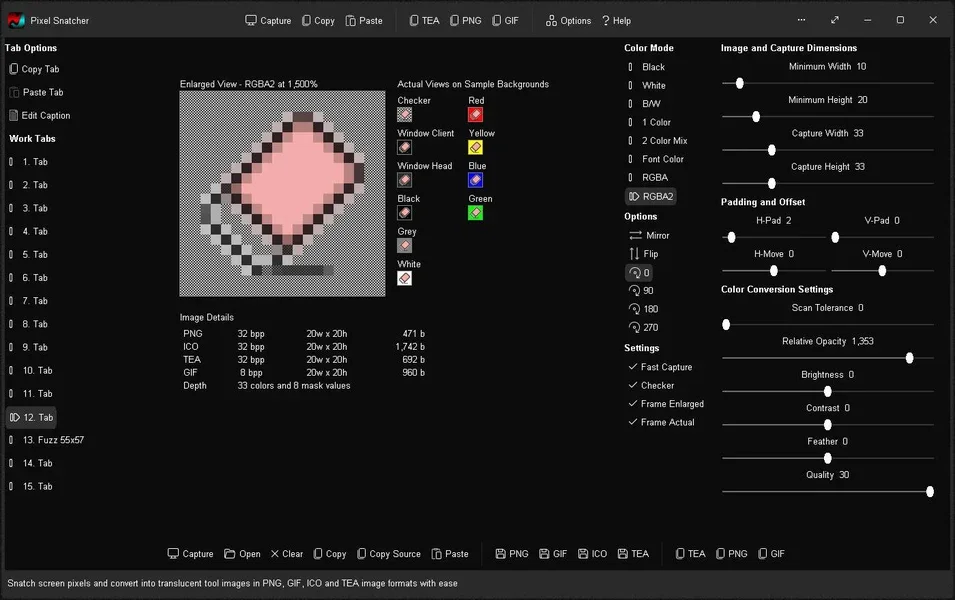
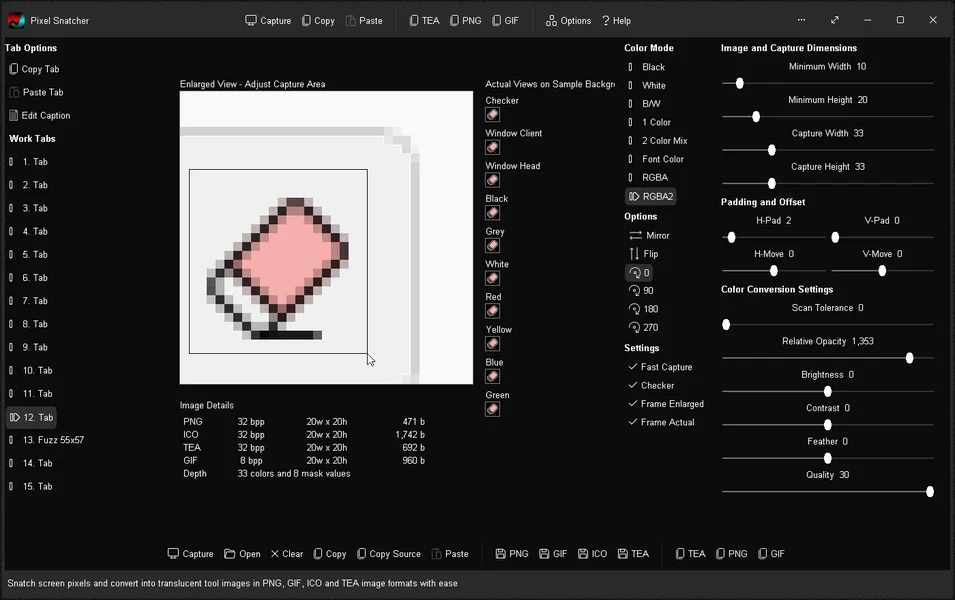
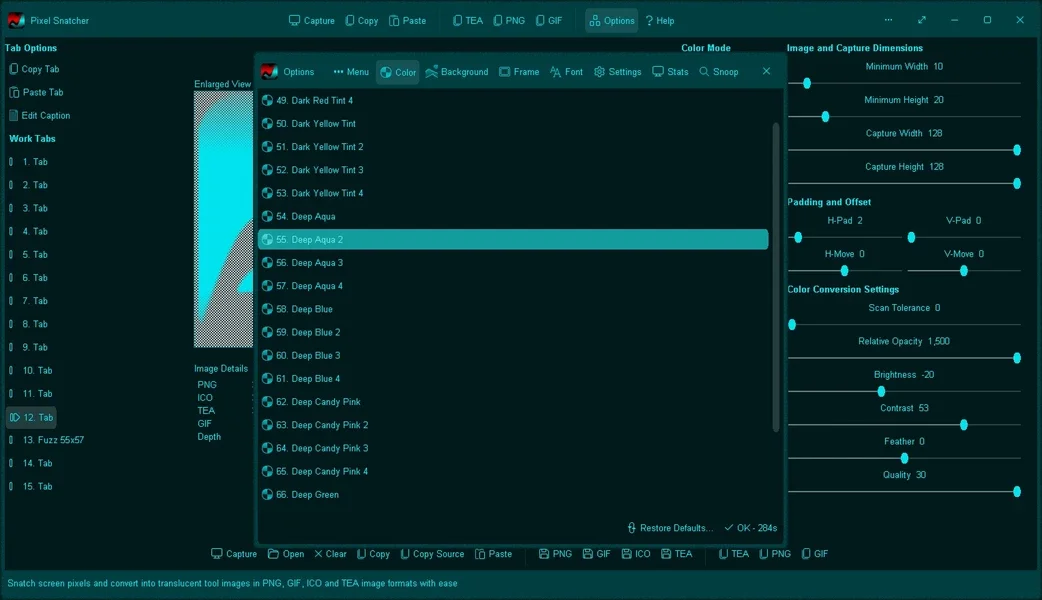
Pixel Snatcher grabs pixels from the screen and turns them into translucent tool images. Click capture, hover the cursor over an area to acquire it, adjust the color conversion settings if needed, then copy or save. Capture happens in realtime in one of two modes: drag and release, or click and hover with a short delay.
Saving and copying
Captured images can be saved to file as PNG, ICO or TEA, all at 32 bits, or as an 8-bit GIF. The clipboard takes a transparent PNG, or mime/type PNG and GIF for pasting straight into HTML. It can also copy a Pascal array in 32-bit TEA format for a Gossamer app, with automatic font color rendering when Color Mode is set to Font Color.
Download files
File1.0.1632EXE
Version1.0.1632
ReleasedNov 13, 2025
Size1.5 MB
SHA-256
Get
44b3f846b264f80061240b47abbd85765cc9f41e5b78bbce2a73c330d35f445c
Signed by Blaiz Enterprises · valid until Nov 1, 2028System requirements
Available on:
Minimum OS:
Windows XP or later
Additional information
Developer
Latest release
1.0.1632 · Nov 13, 2025
Size
1.5 MB
Category
File type
EXE
SHA-256
44b3f846b264f80061240b47abbd85765cc9f41e5b78bbce2a73c330d35f445c
Digital signature
Signed by Blaiz Enterprises · valid until Nov 1, 2028





