PixelColor 3.49.0.0 for Windows
SHA-256 listed
Reads the exact color of any pixel on screen
All ages
Age rating
Screenshots
Description
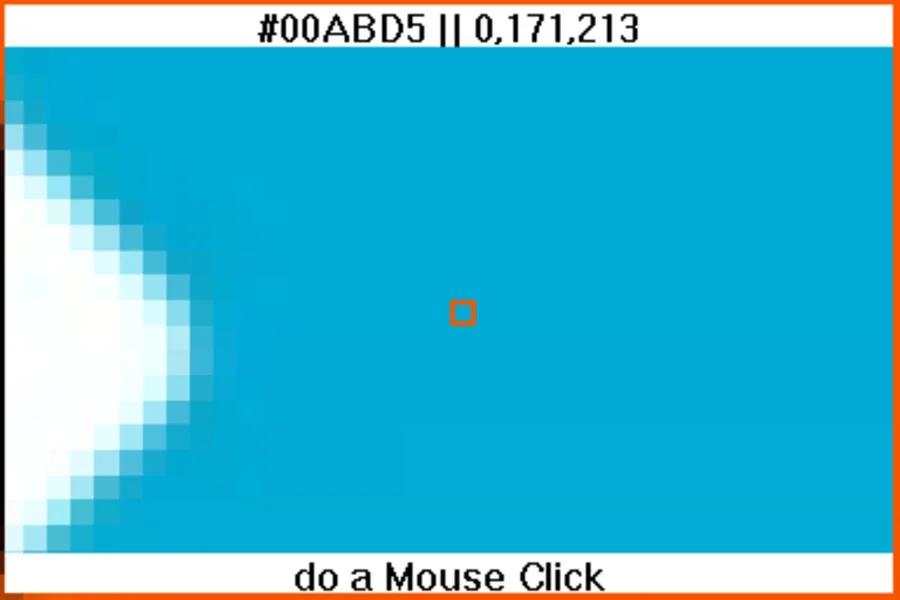
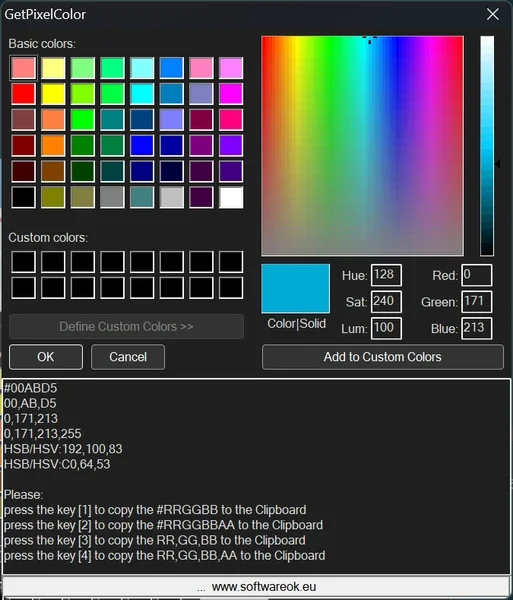
PixelColor identifies the exact color of a pixel on the computer screen, and the hexadecimal code of the color under the mouse pointer is always shown. Opening the app takes you straight to the color detector, a small window that zooms in on the screen for more precise color selection. Left-clicking moves you on to the color picker.
The color picker
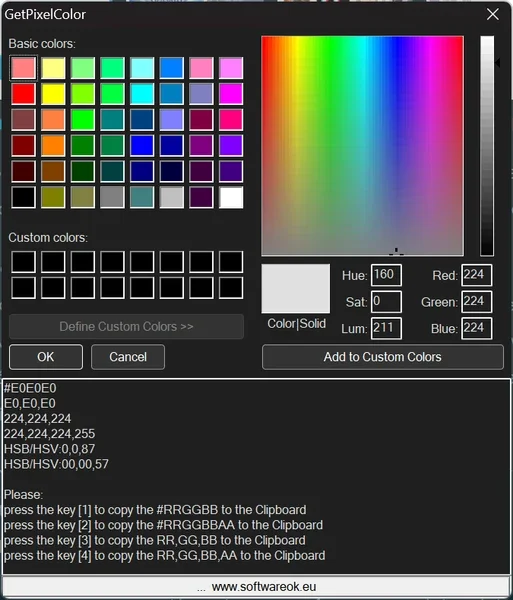
The picker shows all the color information and displays the RGB and HEX composition. You can save the color as a custom color, and the information can be used in other programs, for example to change a brush color.
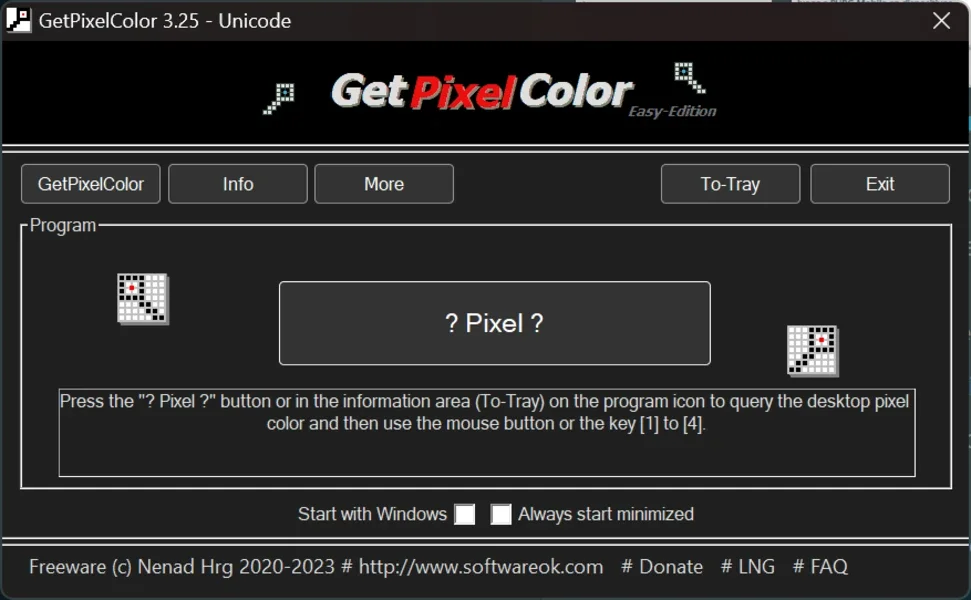
The program can be set to open when Windows starts, and it can be forced to always appear minimized. It takes up 100 KB.
Download files
File3.49.0.0ZIP
Version3.49.0.0
ReleasedJan 5, 2026
Size143.6 KB
SHA-256
Get
da9b2e33bb81dd498d0f88a0cb2901746ae43d91c429964bc982b1281fed77bb
Filepixelcolor-3.46.0.0.zipZIP
Version3.46.0.0
ReleasedOct 1, 2025
Size143.5 KB
SHA-256
Get
fc1faedf04fc5b8c56f755417f0b9350eaf1961da59a6057282e446c489e60ea
Filepixelcolor-3.33.zipZIP
Version3.33
ReleasedJul 19, 2024
Size100.7 KB
SHA-256
Get
1eaf3a200dfe32a8aa6452b14f2d045c3d0d516096868d40786a975b2bb88f74
Filepixelcolor-3.25.exeEXE
Version3.25
ReleasedMay 23, 2024
Size114.3 KB
SHA-256
Get
3cc759aece1e1009893dcaa58eaa232ddf0ea9e465fbd394da1633ae3412cf48
System requirements
Available on:
Additional information
Developer
Latest release
3.49.0.0 · Jan 5, 2026
Size
143.6 KB
Category
File type
ZIP
SHA-256
da9b2e33bb81dd498d0f88a0cb2901746ae43d91c429964bc982b1281fed77bb





