PrintScreenly 1.18.0 for Windows
Screenshot and screen recording tool with built-in OCR and markup
You are on macOS — this is the Windows version. See the macOS version
Screenshots
Description
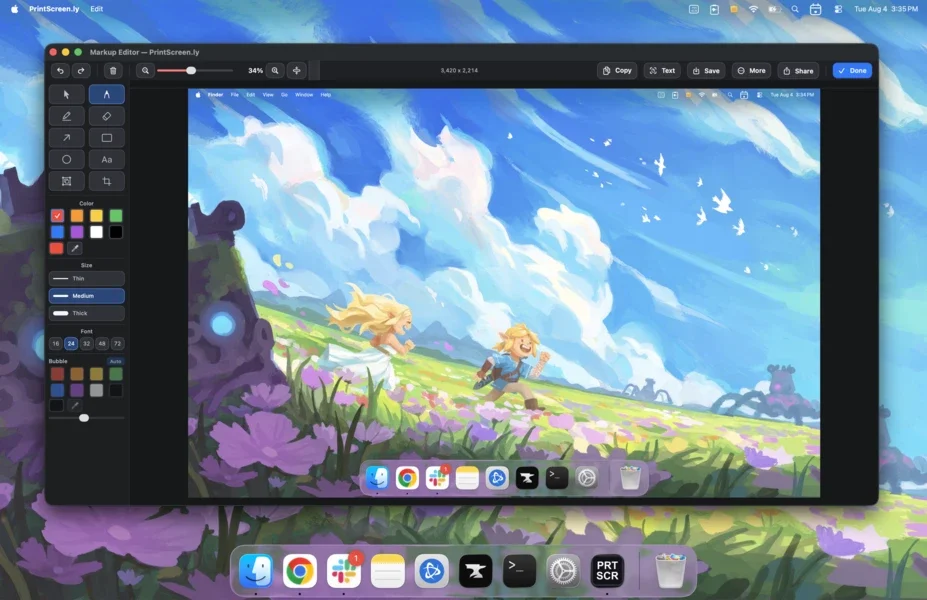
PrintScreen.ly is a screenshot and screen recording tool. It captures the full screen, a single window, or a region you select.
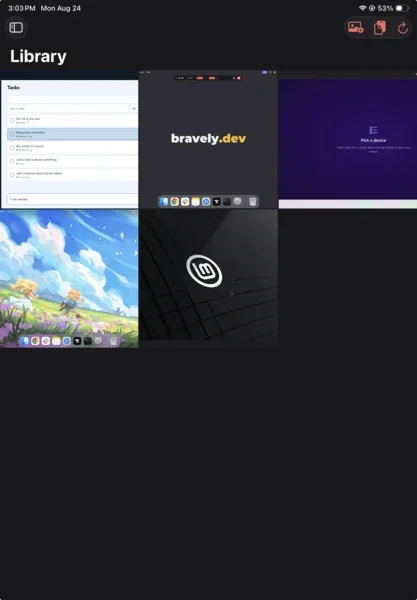
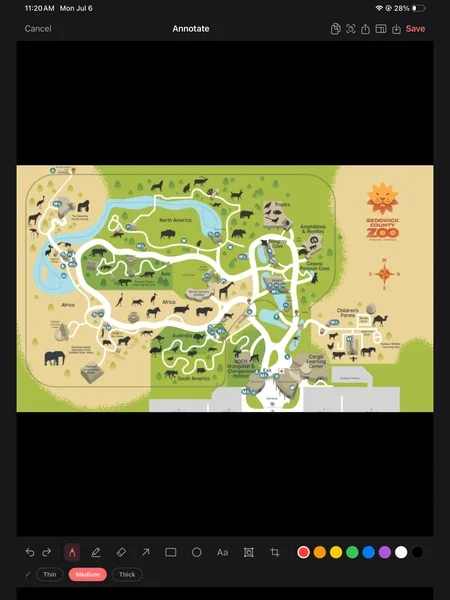
Recording the screen is built in, and the results suit bug reports, tutorials, walkthroughs, and quick explanations. Annotation happens in the app, so you do not need a separate image editor: arrows, boxes, and text are there to mark up what you captured. Scrolling capture stitches a whole page or a long document into one image. Delayed capture waits before it fires, which gives you time to set up the shot. OCR reads text in images, videos, PDFs, error dialogs, and anywhere else text cannot be selected normally. There is also a separate OCR mode that copies text from a selected area straight to the clipboard without taking a screenshot. Screenshots land in a library that syncs across your devices.
The app has native builds for Windows, Mac, Linux, iOS, and Android, and it is available on the web as well. It is developed by Bravely Studios and distributed as a trial under a proprietary license. The current version is 1.18.0.
Download files
6bc4cc75c7924049ab4e9f4e9bf32f21d97d9321df7d89c356253d17db2b44e8
Signed by Bravely Studios LLC · valid until Jul 29, 20266ab2acef9843eddc00a3b46922f82e04b2a010efda6f9ba5ee49c9b6d19639e2
Signed by Bravely Studios LLC · valid until Sep 28, 2026System requirements
Available on:
Minimum OS:
Windows Windows 11 or later
Additional information
Developer
Latest release
Size
Category
File type
SHA-256
6bc4cc75c7924049ab4e9f4e9bf32f21d97d9321df7d89c356253d17db2b44e8





