
PrtScr 1.8 for Windows
Captures the whole screen, a window or a drawn area on any monitor
Screenshots
Description
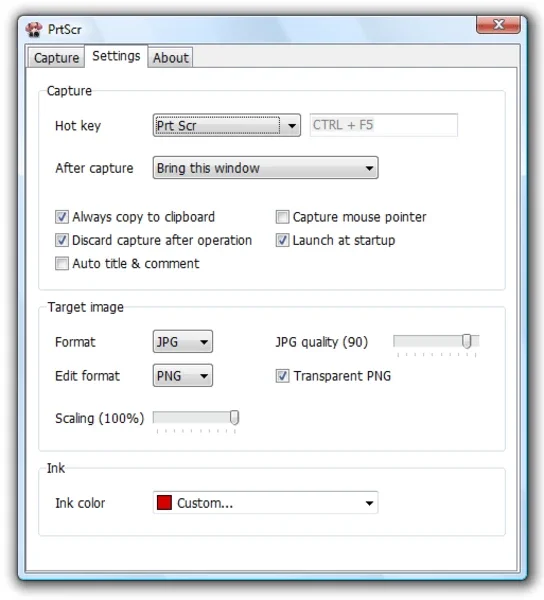
PrtScr is a Windows screen capture utility, and you start it the way you would expect: with the Print Screen key. Ctrl+Prt Scr works too, as does a hotkey you set yourself. The point of the program is that pressing the key does not just snap and save. You choose what to grab and can annotate it before you are done.
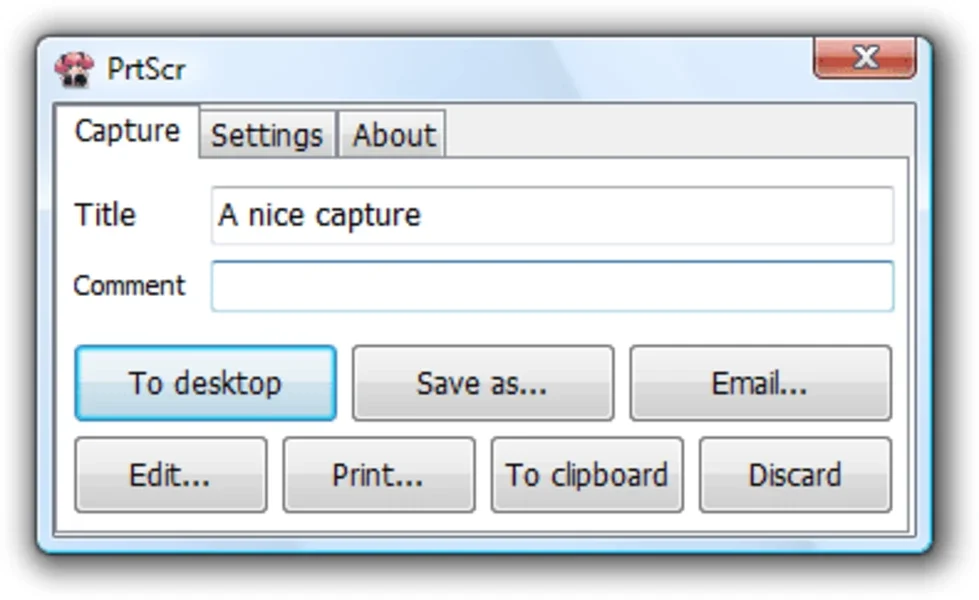
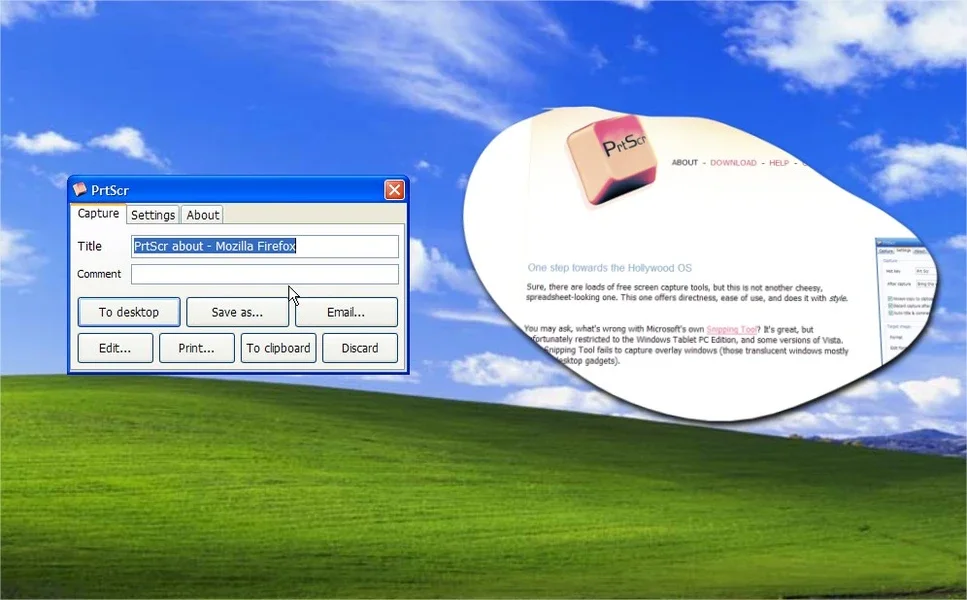
Whole screens and single windows are both available, across multiple monitors, and you can drag out a rectangle or draw a freehand outline with the mouse. The mouse cursor can be part of the shot. Annotations go over the selected area while the capture is still open. From there the screenshot can be saved to the desktop or another location as JPG, PNG or BMP, with PNG files written transparent or opaque. Rescaling happens before export. There is also a copy to the clipboard, a print, an email send, and a handoff to an image-editing application for anything beyond what the capture window covers. Comment and title fields come prefilled from the title of the window you captured and from the browser URL.
Firestarter makes it, and it is free.
Download files
c093ed64aa8ebd90b96c5d621756f025851461da0558c617575d86fcf36353f8
No digital signature159cc63d01f9539cc7b7d726bb5de44e2118e6d6573bb235ed0de394f4aebe33
dadd264b9ae4d90304d0b9b796643412709216186ff0621e337bd2a63cc651d2
1d023142188d1ad8a1f34e101b9b395937ecef1c8d57c9495970b003aefa0967
System requirements
Available on:
Minimum OS:
Windows XP or later
Additional information
Developer
Latest release
Size
Category
File type
SHA-256
c093ed64aa8ebd90b96c5d621756f025851461da0558c617575d86fcf36353f8





