
Rumshot 1.1 for Windows
SHA-256 listed
Captures the screen, then crops it into a thumbnail with a themed frame
All ages
Age rating
Screenshots
Description
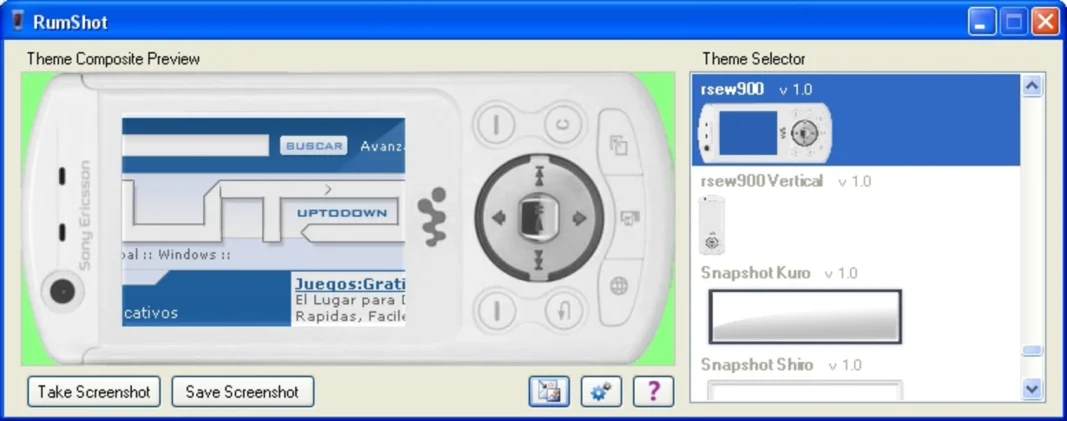
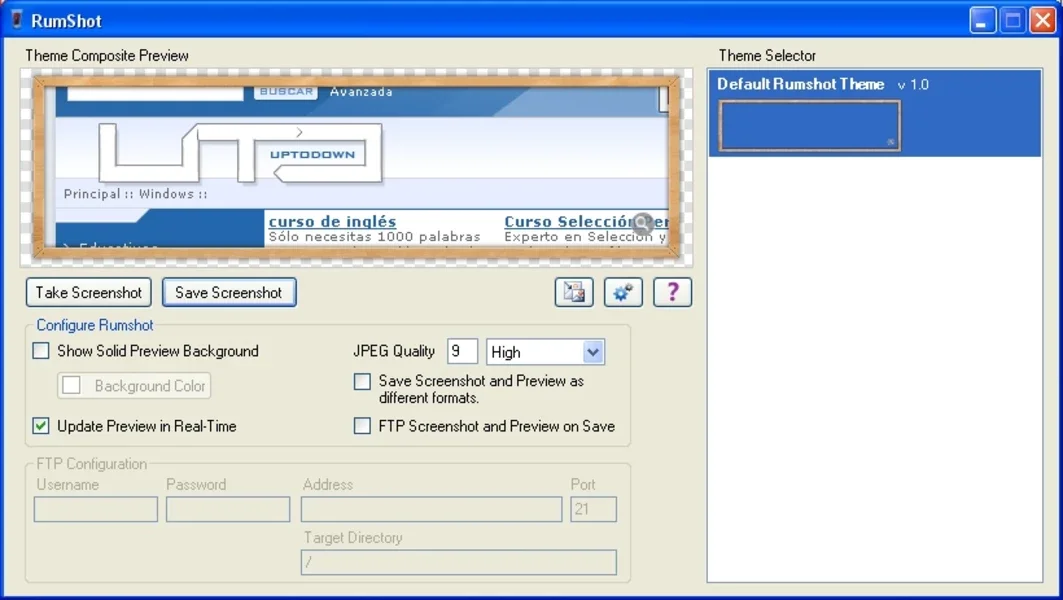
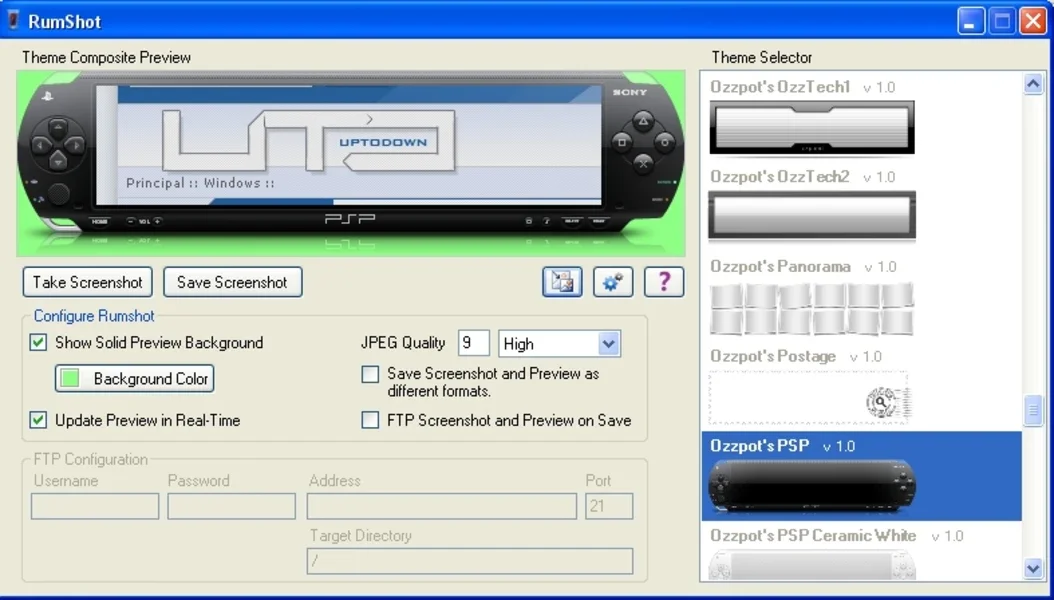
Rumshot shrinks a screenshot into a small thumbnail. The Take Screenshot button captures the entire screen, and after that you pick the area of the capture to keep as the thumbnail.
- Screenshots can be turned into small thumbnails
- Frames can be added to screenshots
- Frames come in a variety of themes
Frames decorate the borders of the shot, and you choose a theme from a menu on the right. It is free, and version 1.1.0 is the latest release.
Download files
System requirements
Available on:
Minimum OS:
Windows Windows 2000 or later
Additional information
Developer
Latest release
1.1 · Nov 18, 2026
Size
227.8 KB
Category
File type
ZIP
SHA-256
c2474ac7763a23318ca20d50739cf1277ed258196ac1cec242f6f73f0df21569





