
ScanRn 1.23 for Windows
Grabs screen areas or scans pages, then prints or saves them
Screenshots
Description
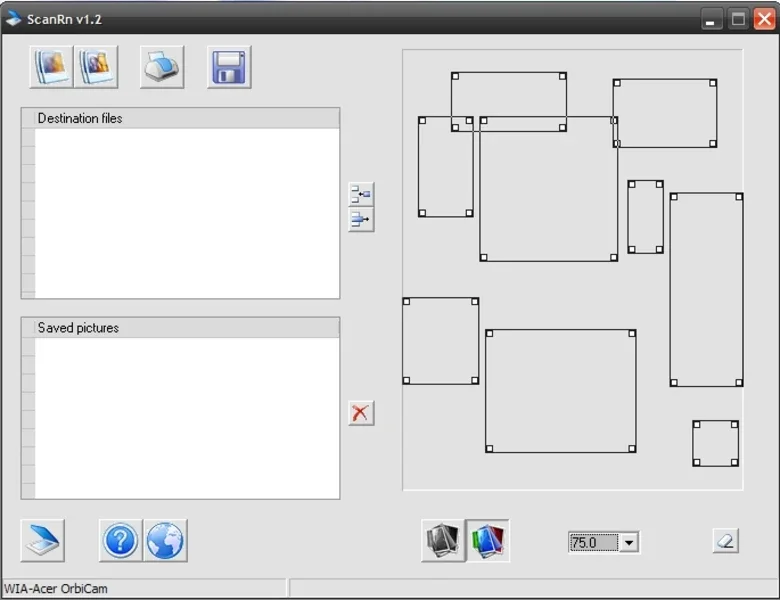
ScanRn is a small Windows tool for getting images off a scanner or off the screen. To scan, you pick the capturing device and start it; the scanner's controller has to be installed first, since the program won't run without it. What comes back can be saved in colour or in black and white, and you set the output resolution yourself.
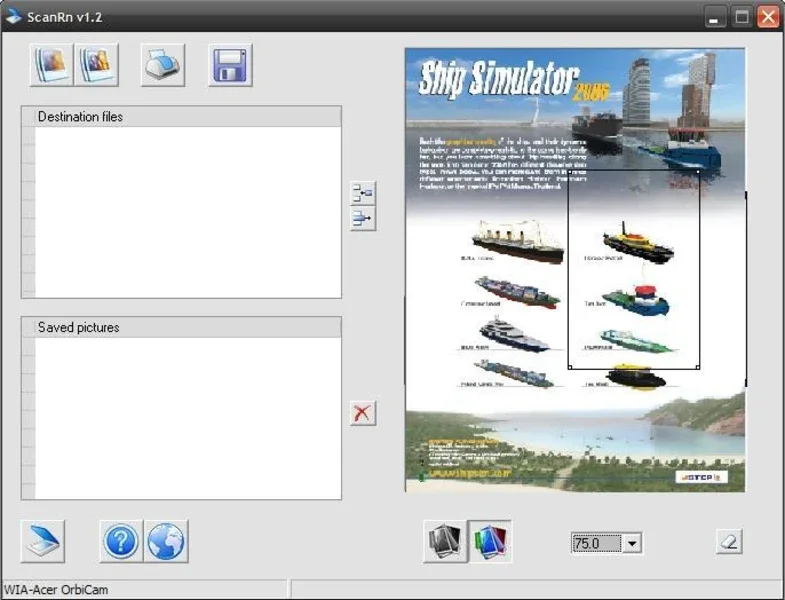
Screen capture works from a rubber tool in the bottom right corner. Click it once and area selection is active; click it again and it stops. Drag over the part of the screen you want and that region is taken. An image preview option shows what will be captured before you commit, which saves repeating a shot you misjudged.
There is also a keyboard shortcut that copies the whole page surface and sends it straight to the printer, no dialog in between. The scanning side covers basic document capture and ships inside ScanRn rather than as a separate download. Version 1.23 is the current build.
Download files
0d65ff7f4ed6453ab56cba693299c796bf2d5dfd7a2896bfd38fef3c67b105eb
No digital signature89bcc2fcc6a590365cb772292b62a40d63b33c6fab4ed1703ffb01ed06c9e71b
No digital signature176d9d7fc20d7ecb8a7a31252a43078f66c20f4fd9e917cc25ebe02f485e09b8
System requirements
Available on:
Minimum OS:
Windows Windows 11 or later
Additional information
Developer
Latest release
Size
Category
File type
SHA-256
0d65ff7f4ed6453ab56cba693299c796bf2d5dfd7a2896bfd38fef3c67b105eb





