ScreenMaster 2.11 for Windows
SHA-256 listed
Takes screenshots on a timer or with the print screen key
All ages
Age rating
Screenshots
Description
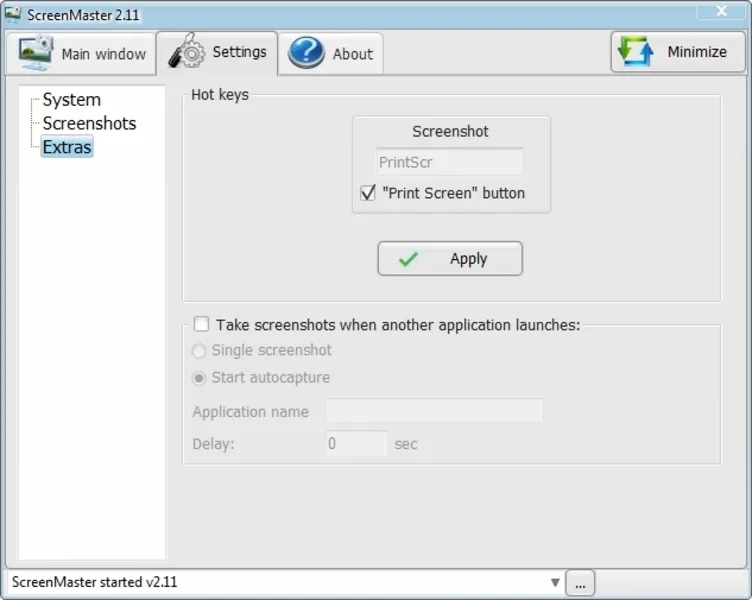
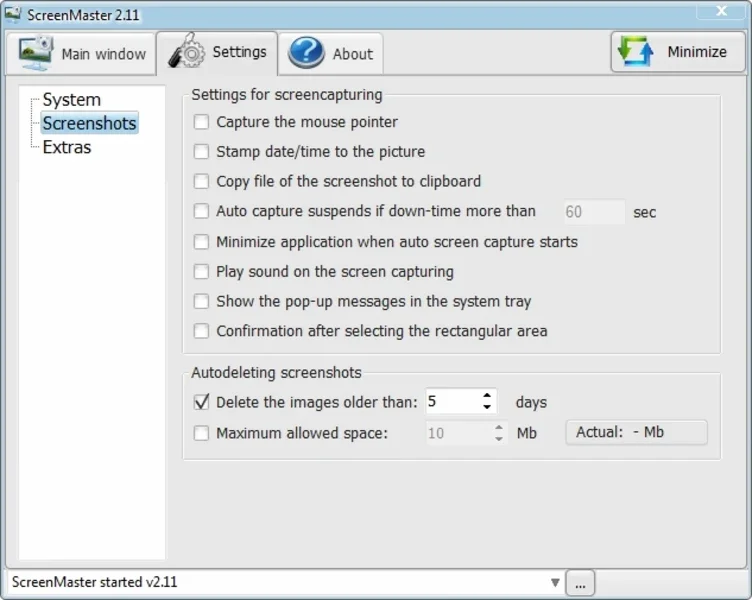
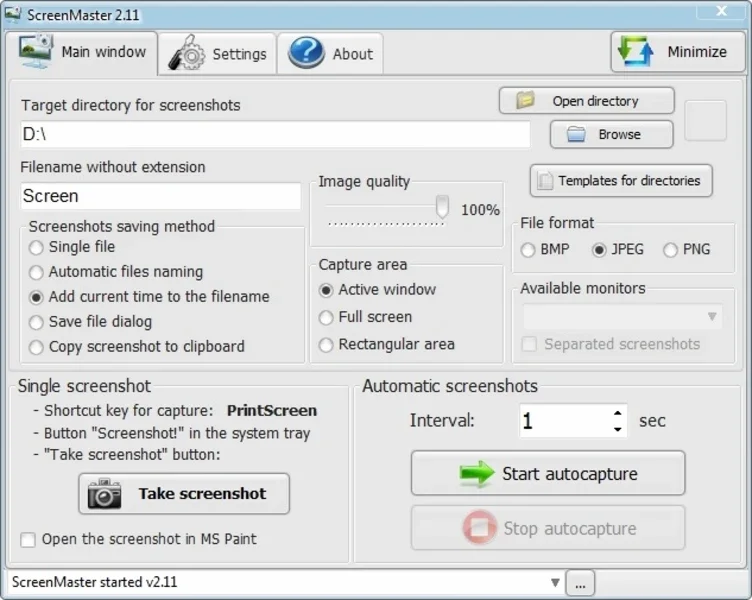
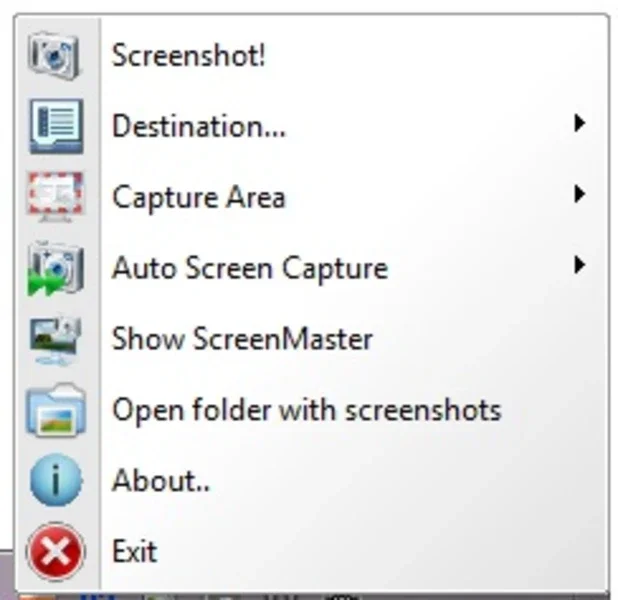
ScreenMaster captures the whole screen or just part of it, and it can also take snapshots automatically at set time intervals when you don't want to press anything. Manual shots go through the print screen key. It takes screenshots of the desktop, websites and presentations, and can record images directly from the webcam.
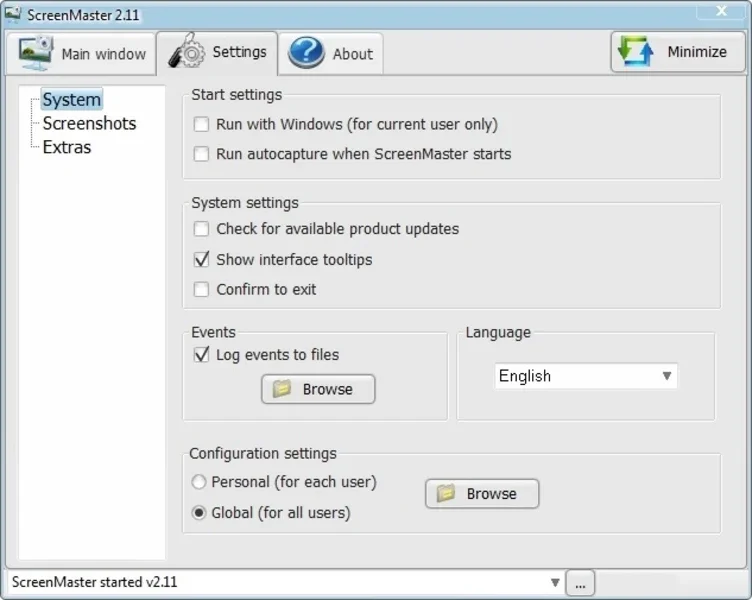
Saved screenshots are BMP, JPG or PNG. Images can be resized while keeping them high quality, and the options cover the image format and quality as well as the directory where images are saved. Keyboard shortcuts are among the options too.
Double-clicking the configuration icon opens the options.
Download files
File2.11EXE
Version2.11
ReleasedMay 10, 2022
Size3.2 MB
SHA-256
Get
9da4fda86e6a5957d836de074d72c584630dded7ead85910a2ed391607c1b9ba
No digital signatureFilescreenmaster-2.10.exeEXE
Version2.10
ReleasedJul 4, 2019
Size2.6 MB
SHA-256
Get
4135cb0a5b64d3f4de5c0e5410b29c12041a4beacb5791c548e59a500802c50a
Filescreenmaster-2.9.exeEXE
Version2.9
ReleasedOct 5, 2016
Size1.9 MB
SHA-256
Get
1dc74bb0694697c70e8673607f8dbc90ca5b2304b84c401dbc9e832ccc9a592a
Filescreenmaster-2.8.exeEXE
Version2.8
ReleasedOct 5, 2015
Size1.6 MB
SHA-256
Get
e25414d27cb669506a7e2183998f83b5151059df727a57e2a8b3779a9103712d
Filescreenmaster-2.7.exeEXE
Version2.7
ReleasedFeb 23, 2015
Size1.8 MB
SHA-256
Get
a850469e939ad2e0111fca90df0e02f490e128a02c3754702e39529b210ba5cc
System requirements
Available on:
Minimum OS:
Windows Windows Vista or later
Additional information
Developer
Latest release
2.11 · May 10, 2022
Size
3.2 MB
Category
File type
EXE
SHA-256
9da4fda86e6a5957d836de074d72c584630dded7ead85910a2ed391607c1b9ba
Digital signature
No digital signature





