Screenshoter 1.92 for Windows
SHA-256 listed
Captures full screen or a chosen area and saves to the desktop
All ages
Age rating
Screenshots
Description
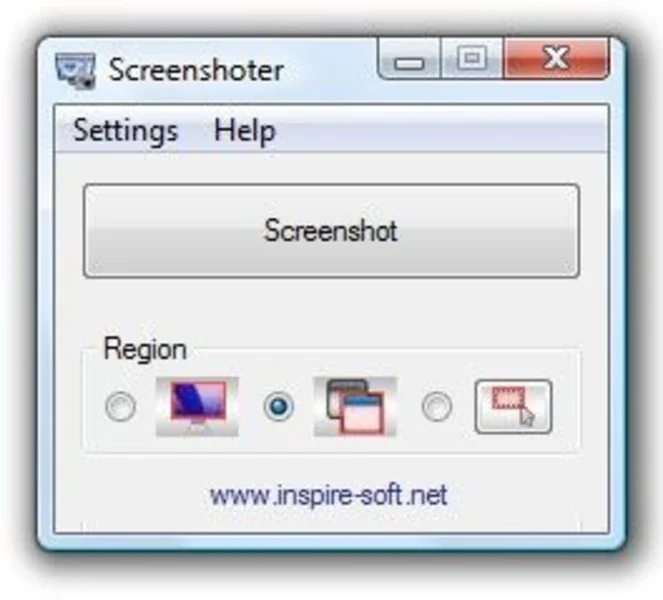
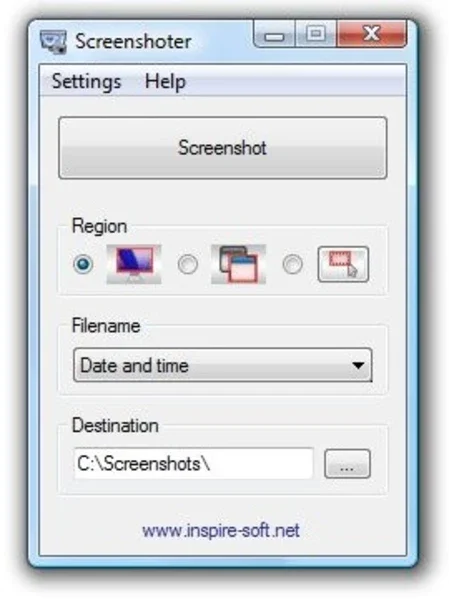
Take a screenshot of the whole screen or a specific area, then save it to the desktop with a button press. Screenshoter is a screen grab tool for Windows.
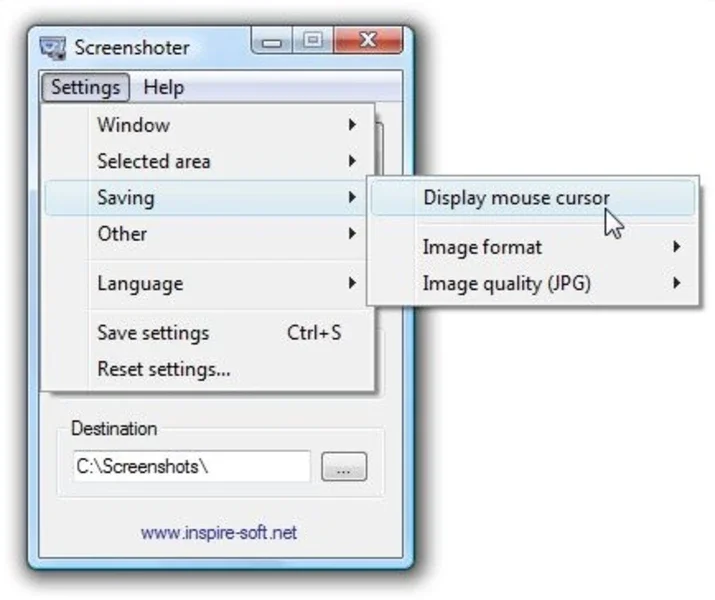
You can capture by clicking the large screenshot button or by pressing Print Screen. Either method takes an instant screenshot, and captures appear on the desktop by default. Output formats are JPG, PNG, and BMP.
Options are limited, and the program is free.
Download files
File1.92ZIP
Version1.92
ReleasedJul 1, 2014
Size292.1 KB
SHA-256
Get
45221ff422f19afaaac2e29ae2e8da7390eddb82c14cfa3c310f218422832d14
Filescreenshoter-1.91.zipZIP
Version1.91
ReleasedMay 14, 2014
Size290.3 KB
SHA-256
Get
a3506d8b089eae3534374200d4a101c5b473a19cb6f1cdd556d725eea7ae88ba
Filescreenshoter-1.9.zipZIP
Version1.9
ReleasedApr 1, 2014
Size287.9 KB
SHA-256
Get
18d8d70a1e9e2a79ca8dfa7dbd1df25c357bcabd3165a3c7f04509564fe38fa9
Filescreenshoter-1.82.zipZIP
Version1.82
ReleasedAug 26, 2013
Size283.9 KB
SHA-256
Get
9814310ff92d1114b2eaa68a7d77feaec8ae52e14159e88f821119098550fc16
Filescreenshoter-1.81.zipZIP
Version1.81
ReleasedAug 13, 2013
Size281.0 KB
SHA-256
Get
bd51f97655b26b493d5c7ae92eae18cb4f566108dfe2b0ade8b25c9e18d305c7
System requirements
Available on:
Additional information
Developer
Latest release
1.92 · Jul 1, 2014
Size
292.1 KB
Category
File type
ZIP
SHA-256
45221ff422f19afaaac2e29ae2e8da7390eddb82c14cfa3c310f218422832d14





