
Skitch 1.0.2 for Windows
Captures a screen section and opens it in an editor
You are on macOS — this is the Windows version. See the macOS version
Screenshots
Description
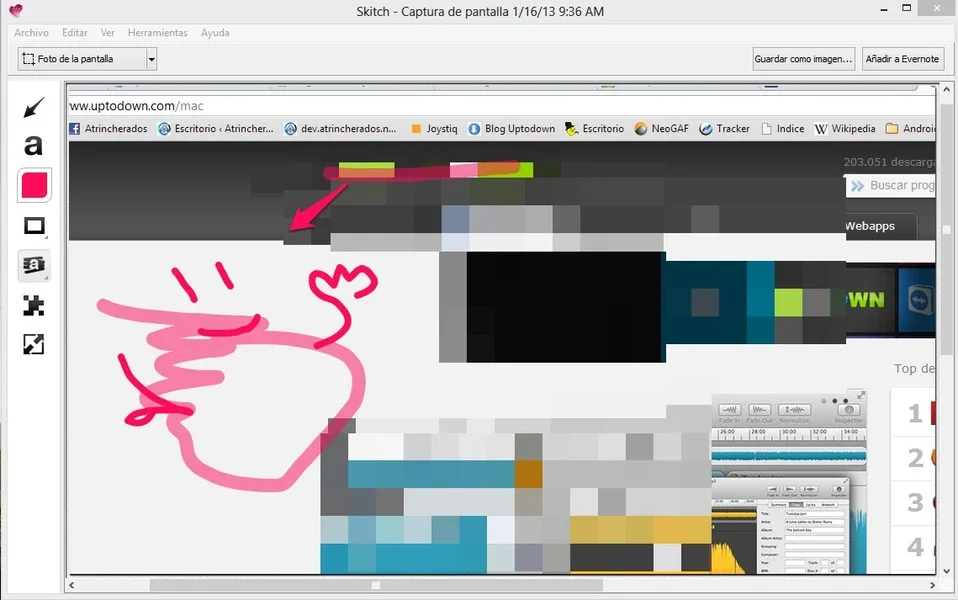
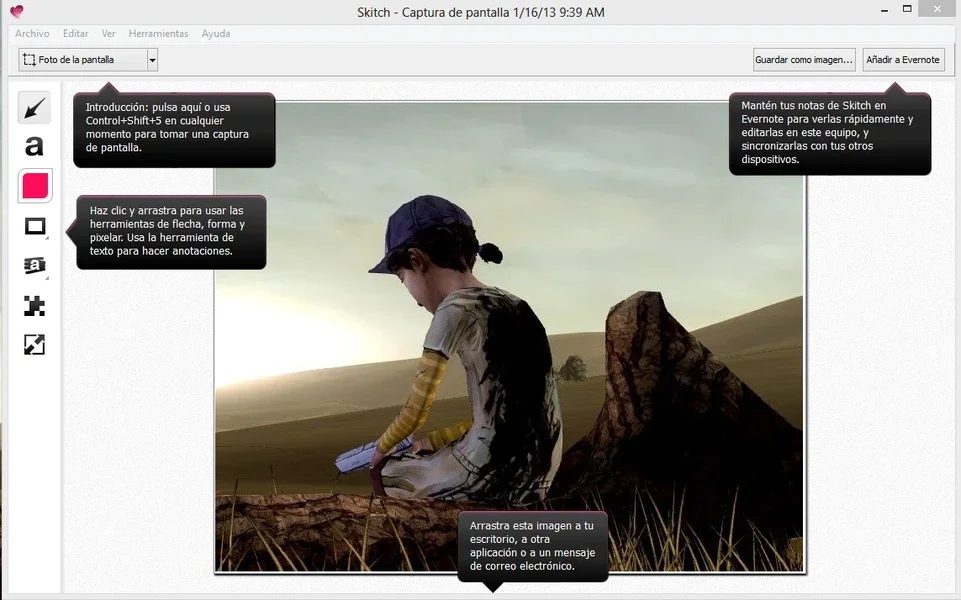
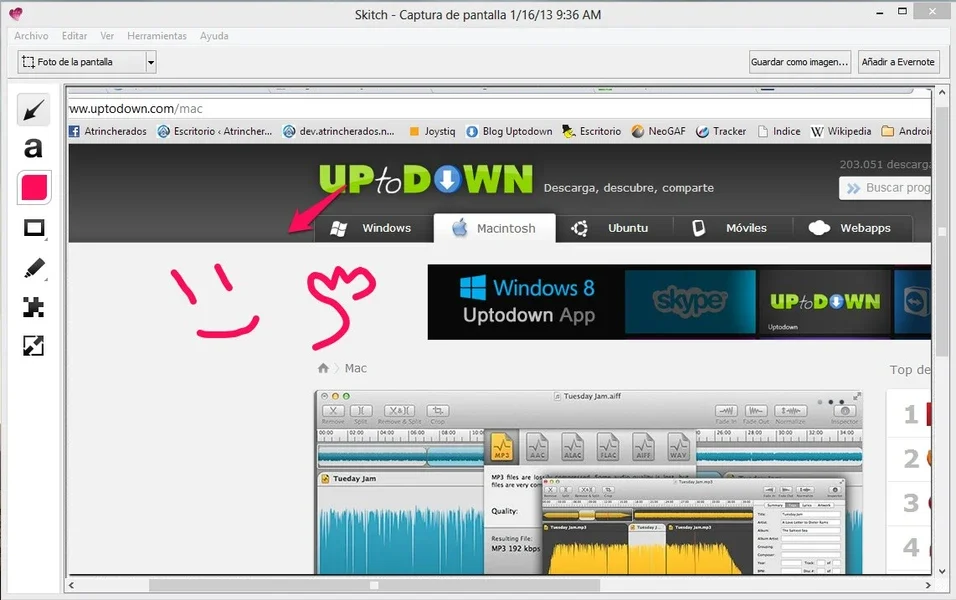
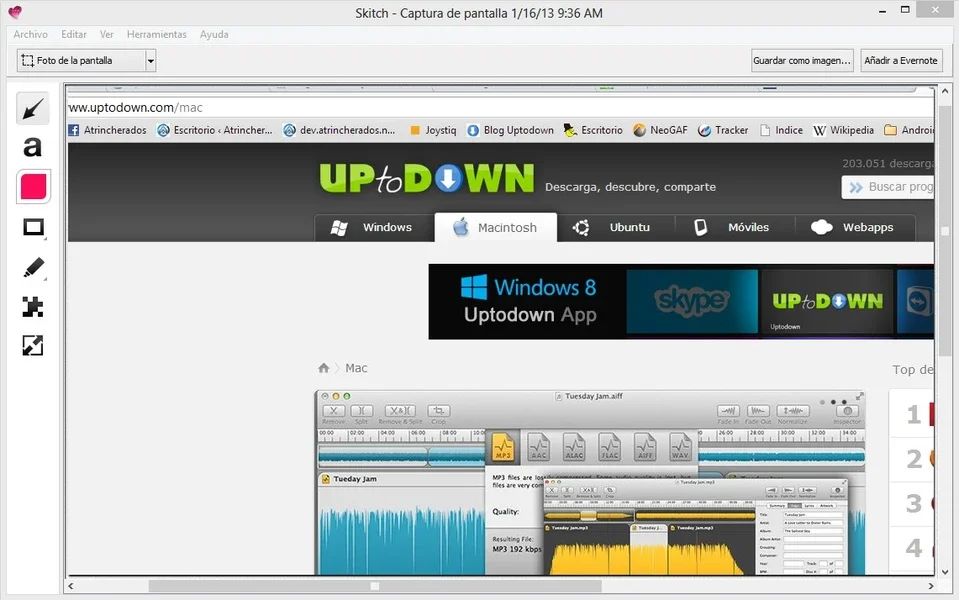
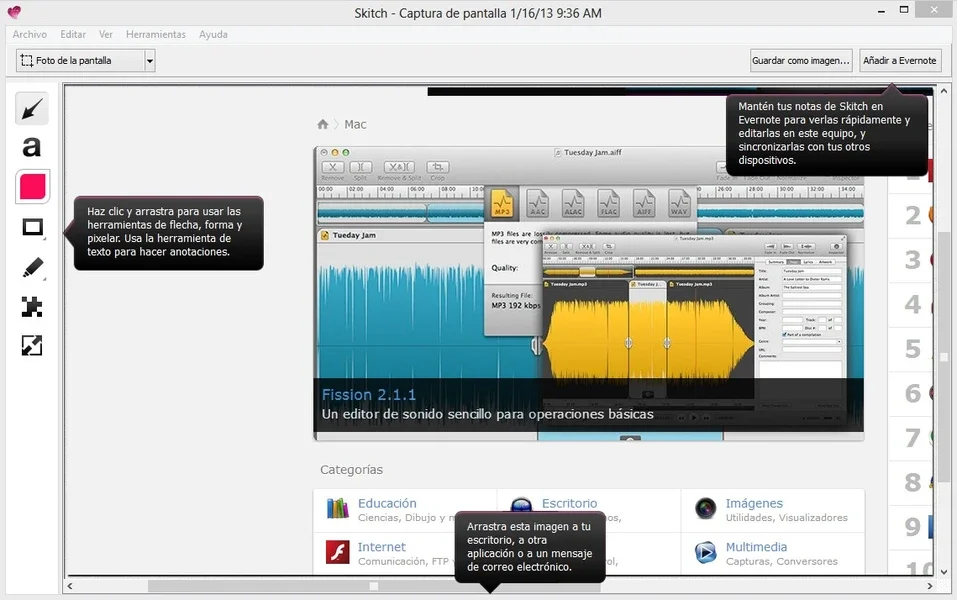
Skitch captures part of the screen and opens it in an editor. A key combination grabs whichever section you choose, and the image appears in the editor straight away. Capture and editing sit in the same program, so a screenshot can be marked up as soon as it is taken. The editor has object tools such as arrows, coloured markers, a text editor with an underline function, and a tool for censoring images. Finished images can be uploaded automatically to the Internet.
It suits occasional screenshots that are edited at the same time. In a professional setting, such as a server handling daily tasks, it may not be especially useful.
The program runs on Windows and is free.
Download files
ec8bb126934729965e0300ca075cc99ede63c725a38bd8df43c2b6e30c6b8bd5
Signed by EVERNOTE CORPORATION · valid until Nov 7, 2013System requirements
Available on:
Additional information
Developer
Latest release
Size
Category
File type
SHA-256
ec8bb126934729965e0300ca075cc99ede63c725a38bd8df43c2b6e30c6b8bd5





