
SmartCapture 3.23.1 for Windows
SHA-256 listed
Captures screen regions, windows, and whole screens, with editing built in
All ages
Age rating
Screenshots
Description
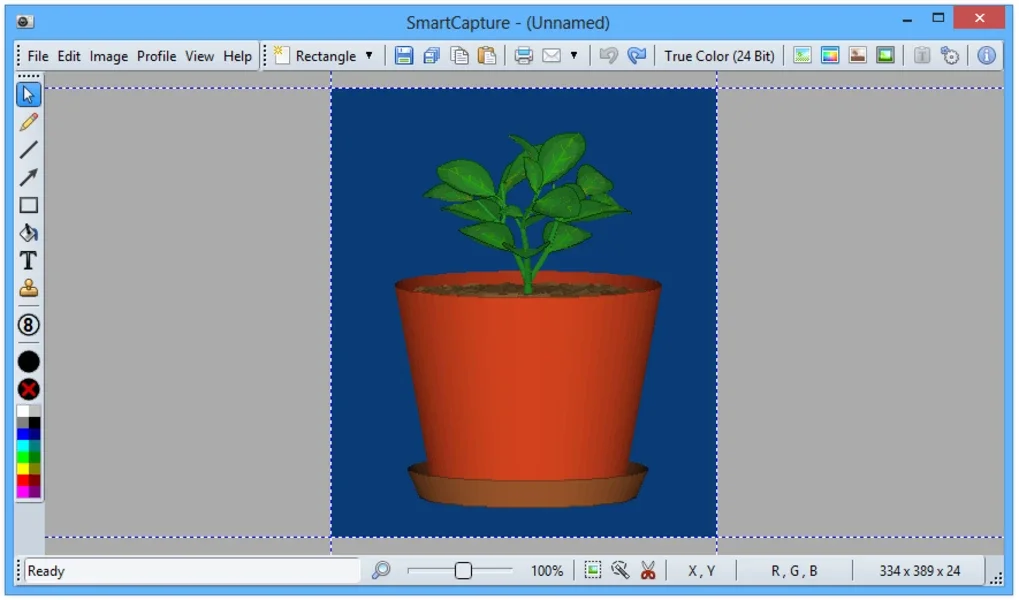
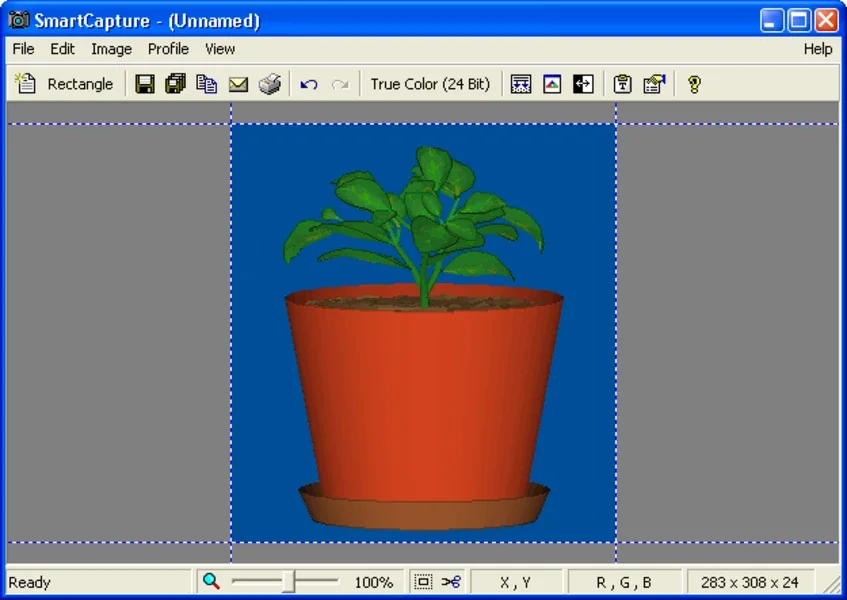
SmartCapture captures rectangular screen areas, whole windows, or entire screens. It can also acquire images from Twain compatible data sources.
Once an image is captured, you can edit it inside the program: change colors, or reduce the size. There is an option to send the acquired image by e-mail. It uses minimal system resources while it runs.
It runs on Windows.
Download files
FileSmartCapture_V3.23.1.exeEXE
Version3.23.1
ReleasedAug 7, 2026
Size1.7 MB
SHA-256
Get
8037a91fae13d9dd4a728ca0cf97b83f907038ef27d55a293498572b09d44a74
No digital signatureFile3.22.4EXE
Version3.22.4
ReleasedDec 10, 2025
Size1.7 MB
SHA-256
Get
1692ffbe144e11039b846c85ab32454fb03cef3c4ee5db587ca135f086d4fb89
No digital signatureFilesmartcapture-3.19.1.exeEXE
Version3.19.1
ReleasedApr 8, 2022
Size1.7 MB
SHA-256
Get
132d0ebd8493f8638ee933d982e2f254714cea248115cca389a5c9241c868b87
Filesmartcapture-3.19.0.exeEXE
Version3.19.0
ReleasedDec 30, 2021
Size1.7 MB
SHA-256
Get
e2bc0bb403fe02744e3bbadf648292e309e140d9a2ddf424018d12642c4dc12a
Filesmartcapture-3.17.4.exeEXE
Version3.17.4
ReleasedJun 3, 2021
Size1.7 MB
SHA-256
Get
043682562ae0641a86a60a6a02c2d282c21932167dd513f281e3a4763f0b9a7a
System requirements
Available on:
Minimum OS:
Windows Windows Vista or later
Additional information
Developer
Latest release
3.23.1 · Aug 7, 2026
Size
1.7 MB
Category
File type
EXE
SHA-256
8037a91fae13d9dd4a728ca0cf97b83f907038ef27d55a293498572b09d44a74
Digital signature
No digital signature





