SnapaShot 4.3 for Windows
Captures whatever its own resizable window covers
Screenshots
Description
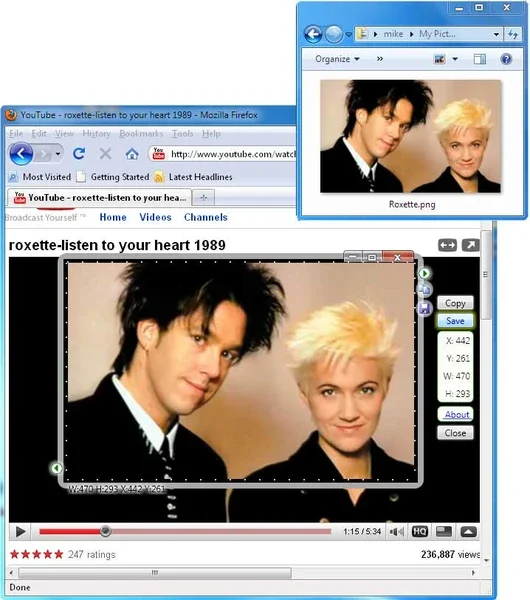
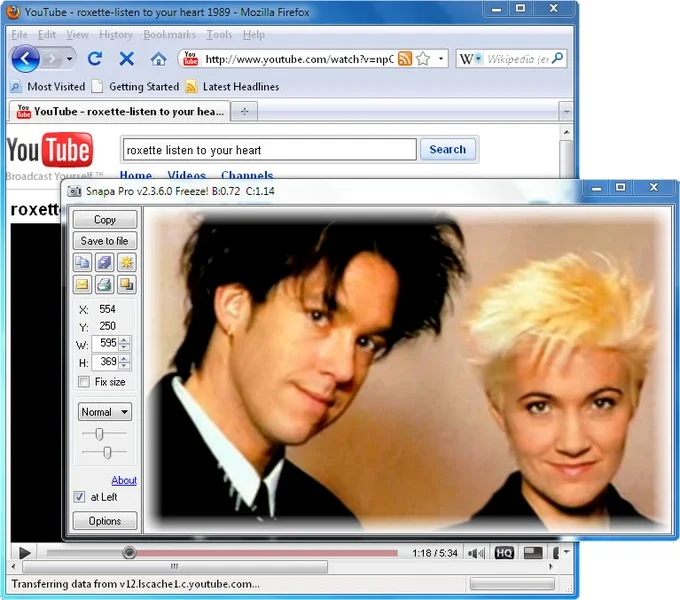
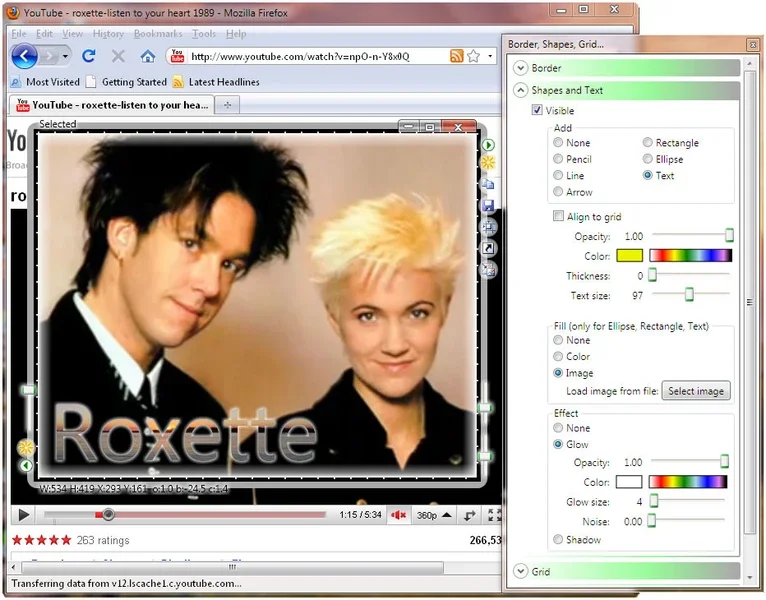
SnapaShot turns the area its own window covers into an image file. Drag the window's sides to set the capture boundary, then save what is inside it.
The screenshot can go to the clipboard or to a file in BMP, JPEG, GIF, TIFF or PNG. There is no installation step, so the program runs from wherever it sits. One limit comes from the method: maximizing the window leaves part of the screen out of reach, so full-screen captures are not possible. The tool stays basic by design, and a capture is only ever as large as the window you can position.
It is a Windows program from Nicekit Software, released under a proprietary license and free to use. The current version is 3.9.
Download files
4a8cde98f3c1b4a86627f99140b58c525af6e35ffbb8ead52e81215d3f5d62d1
2b88d5085a0cee793029a8accacfb1bbb5a4678563e6b3510226ddf8589b2797
2bea02647bf7a6d226a42ac50b4a9094e54754ea3856f163b025f6cd4ba3b4da
c18be36782c1c92c0a3fe8eccbc2f481830576363ab4bd42e5b04138ed7800cd
72e3a0a92b8bf2789bcc7fdda7896881b26032c19832fb8f5c3b6cd3c7cc03ce
System requirements
Available on:
Minimum OS:
Windows Windows 10 or later
Additional information
Developer
Latest release
Size
Category
File type
SHA-256
4a8cde98f3c1b4a86627f99140b58c525af6e35ffbb8ead52e81215d3f5d62d1





