
SnapShot 2.0.4 for Windows
SHA-256 listed
Takes a screenshot and saves it as an image file
All ages
Age rating
Screenshots
Description
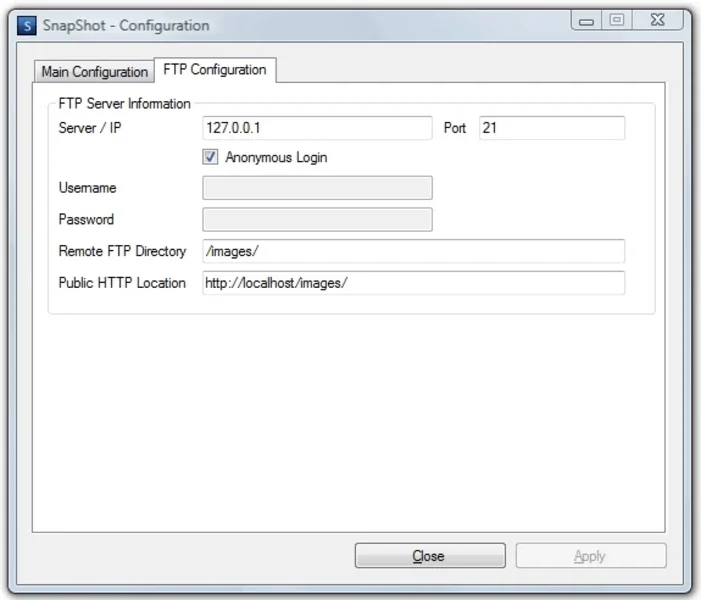
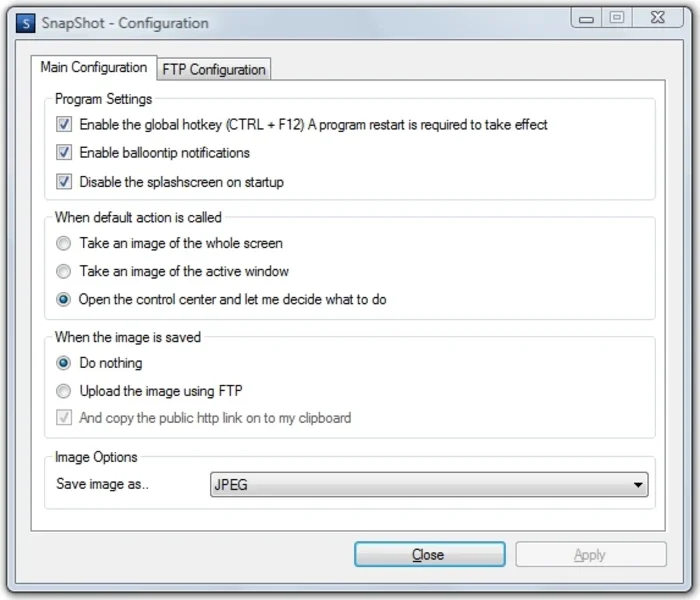
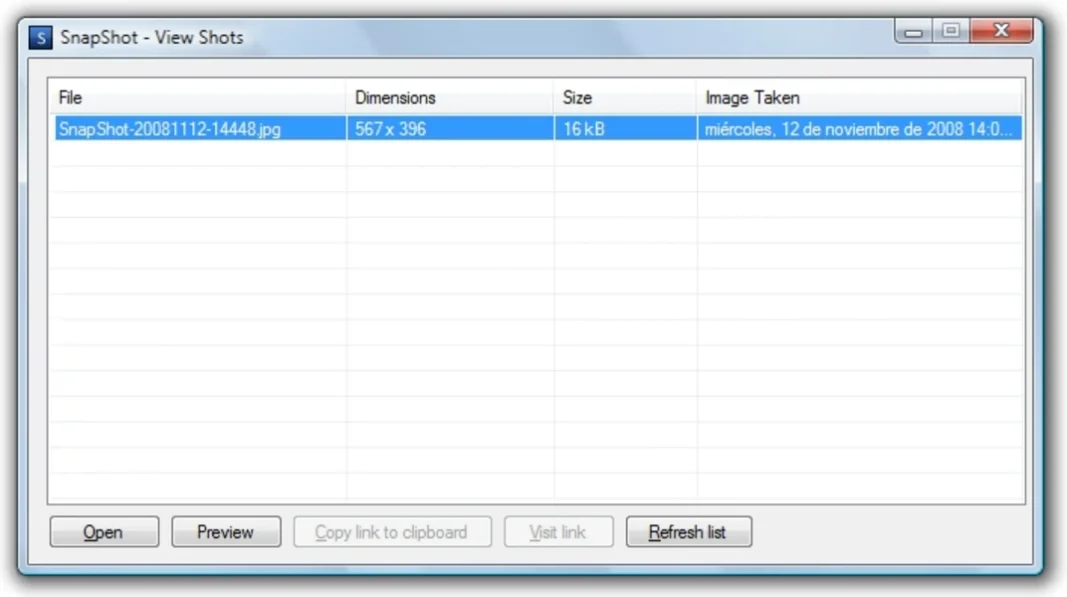
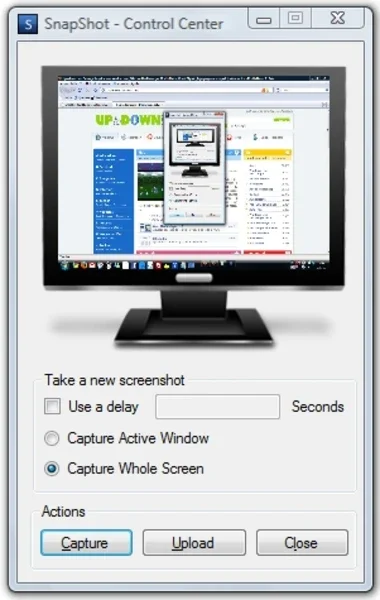
SnapShot captures the screen and writes it out as an image file. It is a free application for Windows. You can start a capture from the control panel or with a key combination; the default is CTRL+F12. The capture covers either the entire screen or the active window as it stands at that moment. Once an image is made, it can be sent to an FTP server automatically.
Capture and upload
Two things happen in one pass: the image is saved locally, and the same image can go straight to FTP without you moving it there.
Download files
File2.0.4EXE
Version2.0.4
ReleasedNov 12, 2008
Size214.7 KB
SHA-256
Get
7e140c5ccbbca6e8ab276fea56c0ff46a714b8f28f21d8f0a85f7b7a729fb652
No digital signatureSystem requirements
Available on:
Additional information
Developer
Latest release
2.0.4 · Nov 12, 2008
Size
214.7 KB
Category
File type
EXE
SHA-256
7e140c5ccbbca6e8ab276fea56c0ff46a714b8f28f21d8f0a85f7b7a729fb652
Digital signature
No digital signature





