
Sniptool 2.1 for Windows
SHA-256 listed
Grabs a screen area onto a canvas for marking up and saving
All ages
Age rating
Screenshots
Description
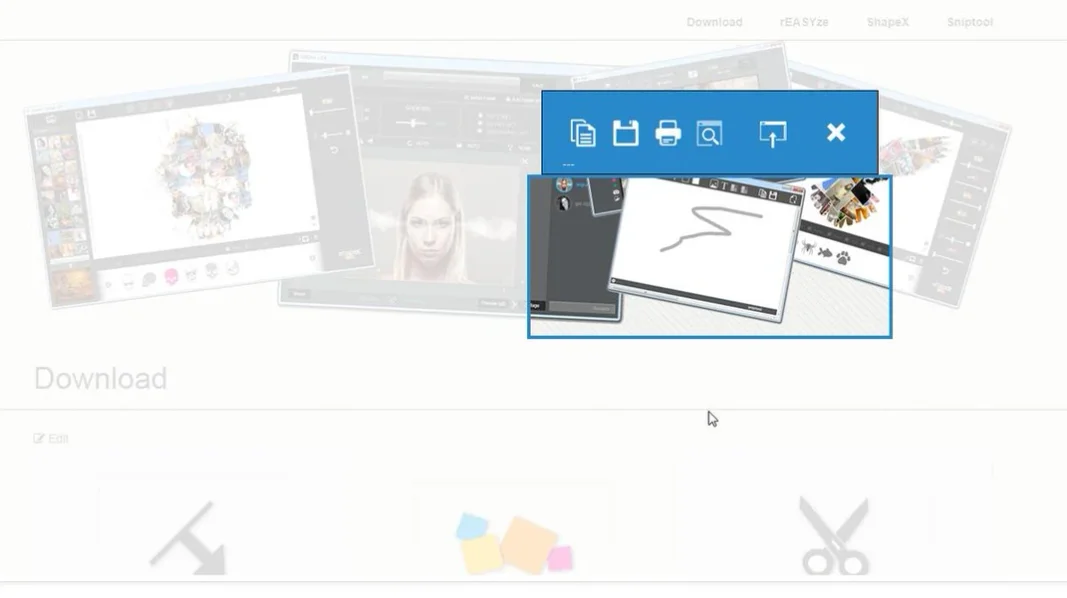
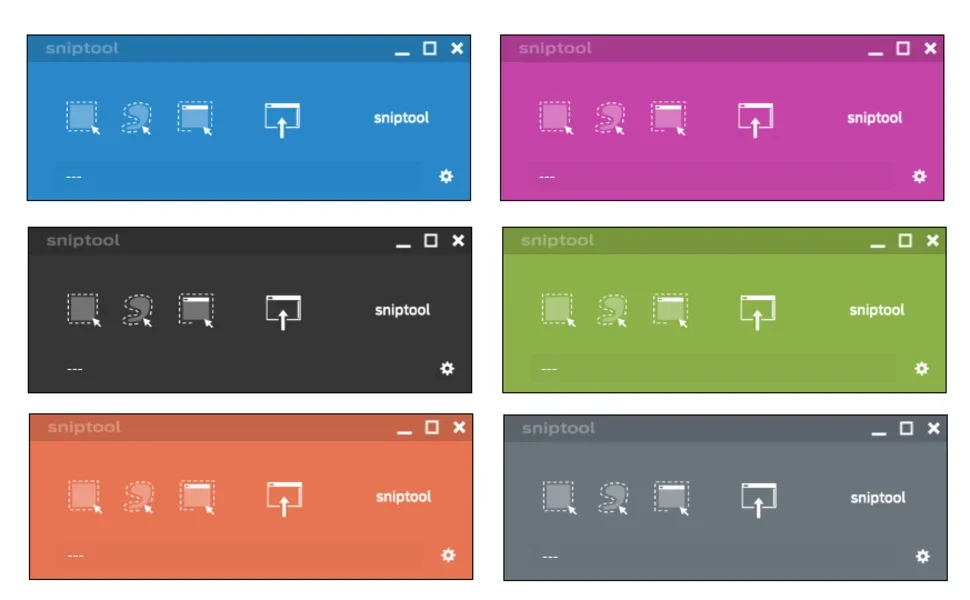
Sniptool is a Windows screen capture tool. You pick an area of the screen and it lands on a blank canvas, where you can annotate what you grabbed and keep the result.
What you can put on the canvas
Text, images, arrows and bullet points can all be added to the capture. The layout keeps shortcuts within reach, and the tools respond quickly.
Download files
File2.1MSI
Version2.1
ReleasedAug 21, 2023
Size5.5 MB
SHA-256
Get
63bc0aa081433b95a0f2c88e4c5f9be6916a8fc89f7b8c2e794f993473470175
No digital signatureFilesniptool-2.0.msiMSI
Version2.0
ReleasedApr 29, 2021
Size5.5 MB
SHA-256
Get
dd2d3c61f689a49da395ed3d31284c80bc58485590df64eb1e0e17c60d4e9c00
Filesniptool-1.8.zipZIP
Version1.8
ReleasedDec 8, 2020
Size4.7 MB
SHA-256
Get
3319b09ff132e947aad785e01afc1d1af59ba794ef9b41ea40aa36a04f473932
Filesniptool-1.7.zipZIP
Version1.7
ReleasedFeb 26, 2020
Size4.7 MB
SHA-256
Get
e1aca46144c8fdf2c875e9c318b0a247f87fe707362b8491561c328ac59a2f7d
Filesniptool-1.6.msiMSI
Version1.6
ReleasedJan 28, 2020
Size998.5 KB
SHA-256
Get
1a608850e3db974a9f37430357fe5962472414ee9ff1f873ef89a9ce2651369a
System requirements
Available on:
Minimum OS:
Windows XP or later
Additional information
Developer
Latest release
2.1 · Aug 21, 2023
Size
5.5 MB
Category
File type
MSI
SHA-256
63bc0aa081433b95a0f2c88e4c5f9be6916a8fc89f7b8c2e794f993473470175
Digital signature
No digital signature





