
Sparkit 2.0.0 for Windows
Extracts video frames, with auto captions or your own subtitle file
Screenshots
Description
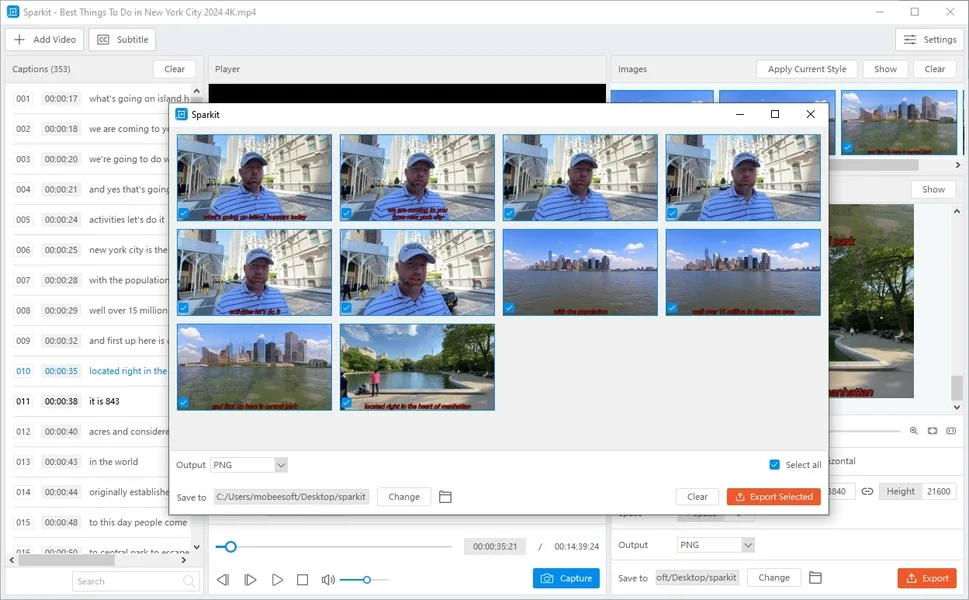
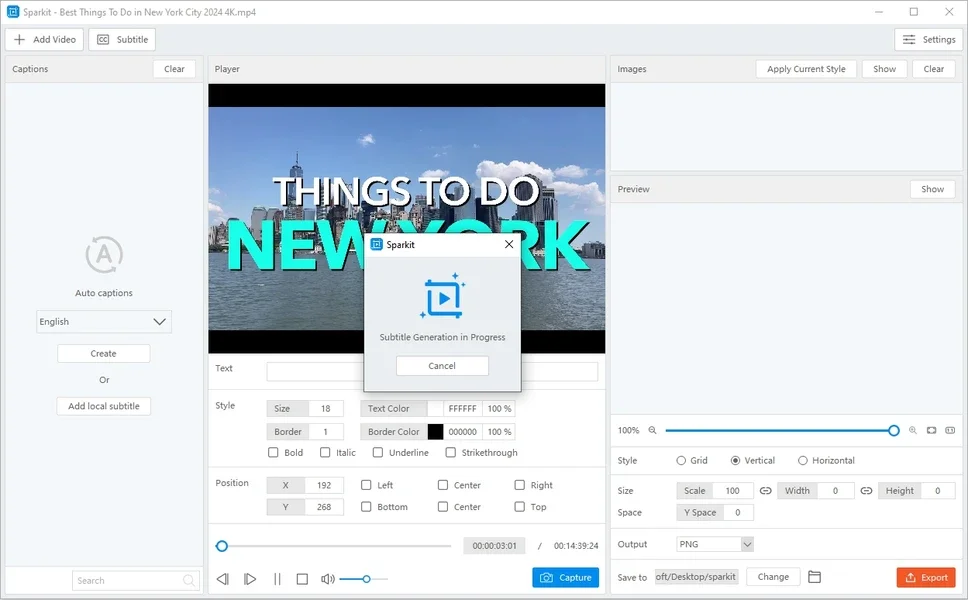
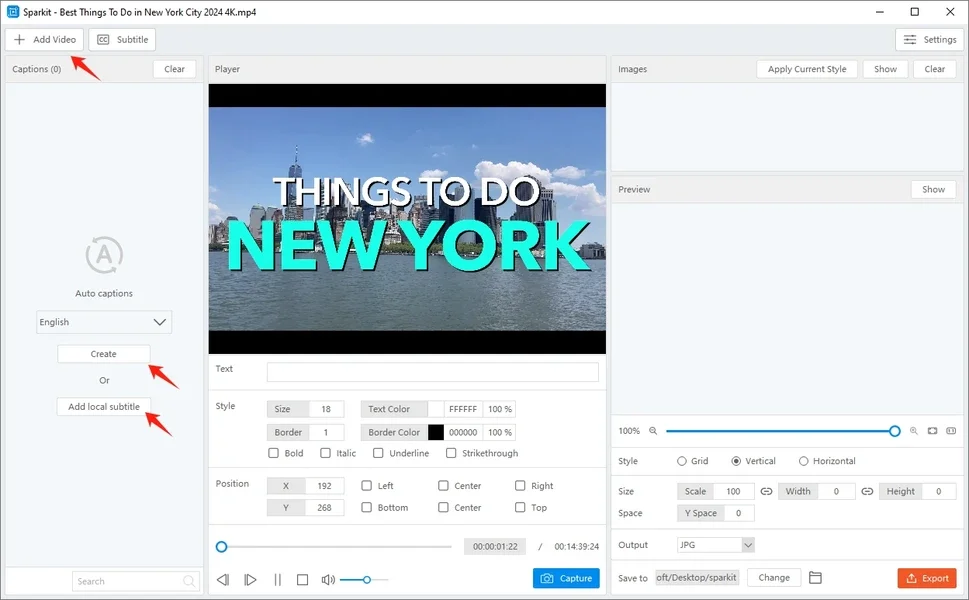
Sparkit extracts still frames from a video, and it can generate the subtitles that decide which frames come out. You upload a local video, then either use auto captions or upload a local subtitle file. From there the program extracts all the frames.
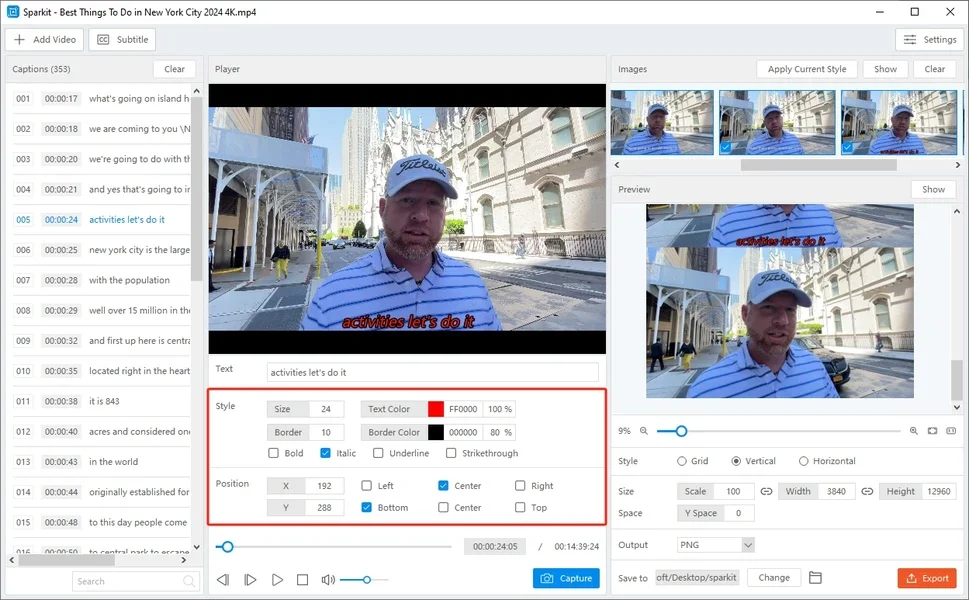
Captions and layout settings
Subtitles can be adjusted after they are generated. The settings also cover the spacing between snapshots, the number of columns per row, the export resolution and the export format. Captured frames are high-resolution screenshots of the video, and you can export them locally with one click.
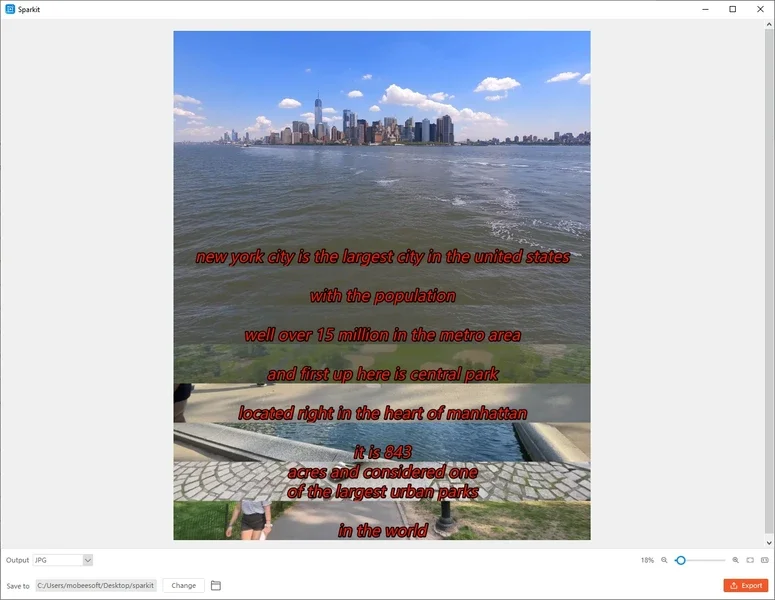
Several or all of the captured images can be merged into a new composite picture. The interface is built for users of all skill levels and backgrounds. It runs on Windows.
Download files
f37922ec1f8ddd3d62a2c20966c625785b35dff49f86b9d3c8302caf7f16e975
Signed by Mobee Technology Co., Limited · valid until Jan 23, 20250e5eca791f0a0fcf3ca81645803910631634e3ef4a759eb6e138ea8e68f75515
System requirements
Available on:
Additional information
Developer
Latest release
Size
Category
File type
SHA-256
f37922ec1f8ddd3d62a2c20966c625785b35dff49f86b9d3c8302caf7f16e975





