
SurFlex Screen Recorder 2.0.2 for Windows
Records the screen, a window or a region, with sound and webcam
You are on macOS — this is the Windows version. See the macOS version
Screenshots
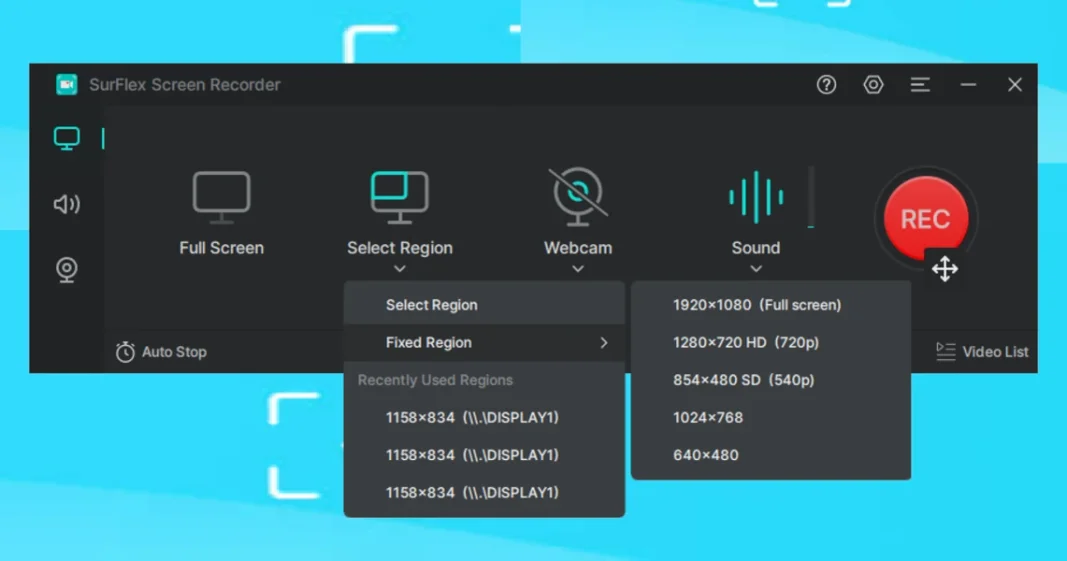
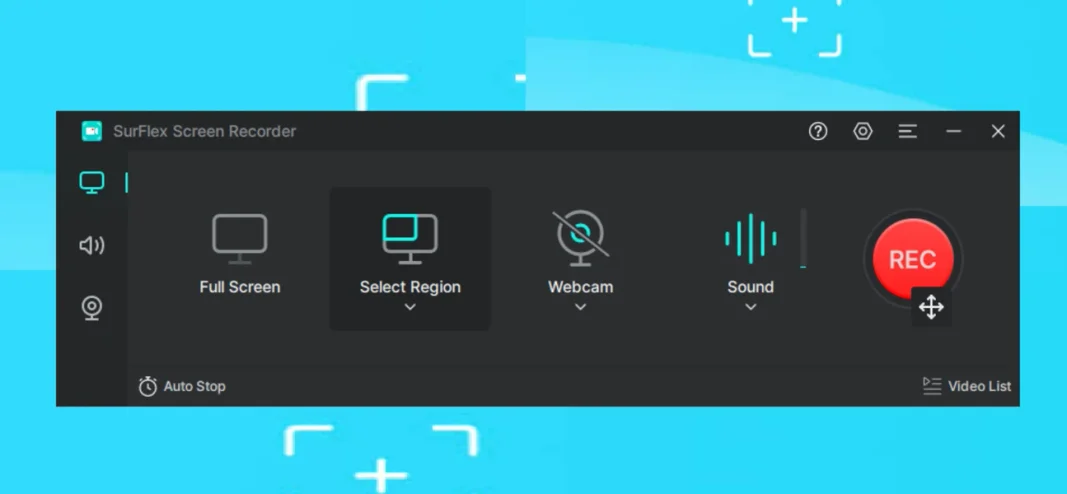
Description
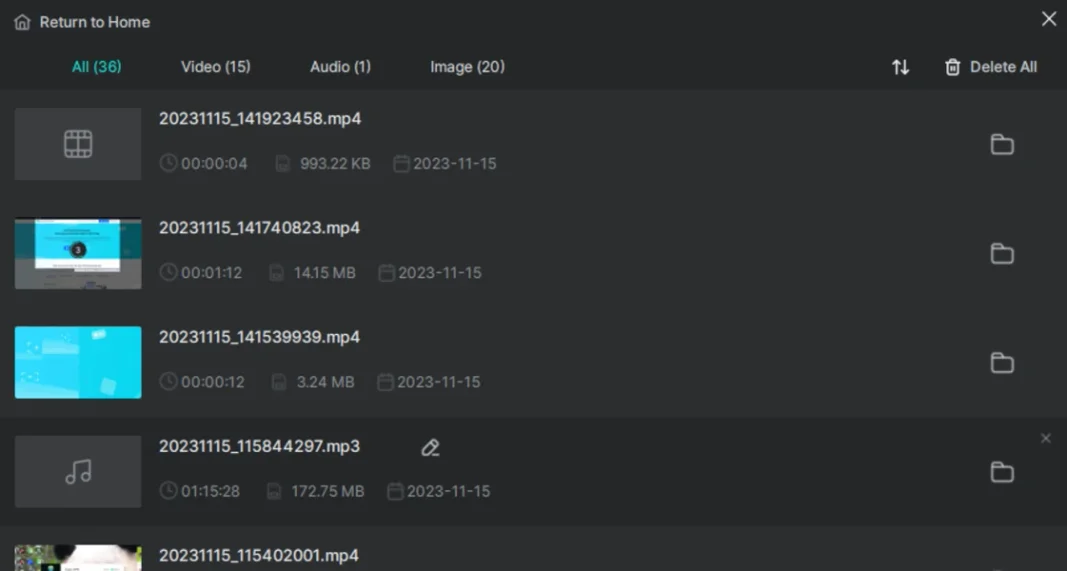
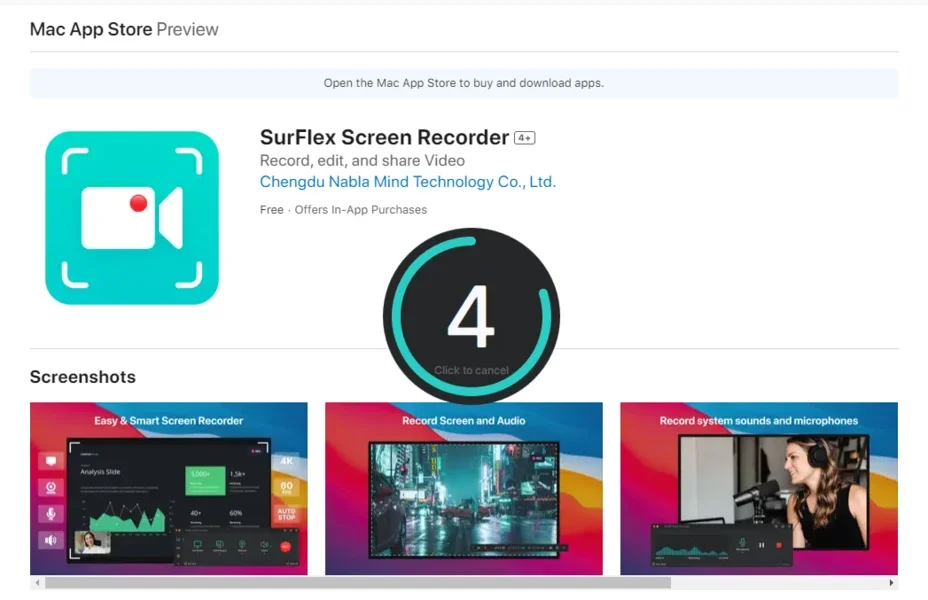
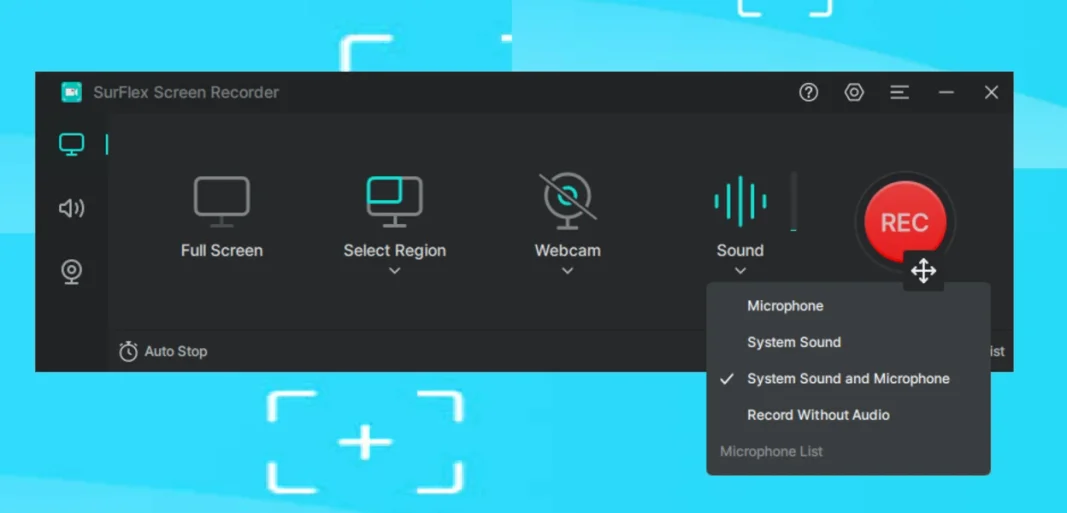
SurFlex Screen Recorder captures what happens on a computer screen: online meetings, tutorials, presentations, gameplay. It records the whole screen or a region you choose, and specific windows can be captured on their own. Audio can come from system sound, from a microphone, or from both at once. A webcam can be captured alongside the screen for narration in the video. While recording, a screen capturing button takes quick screenshots.
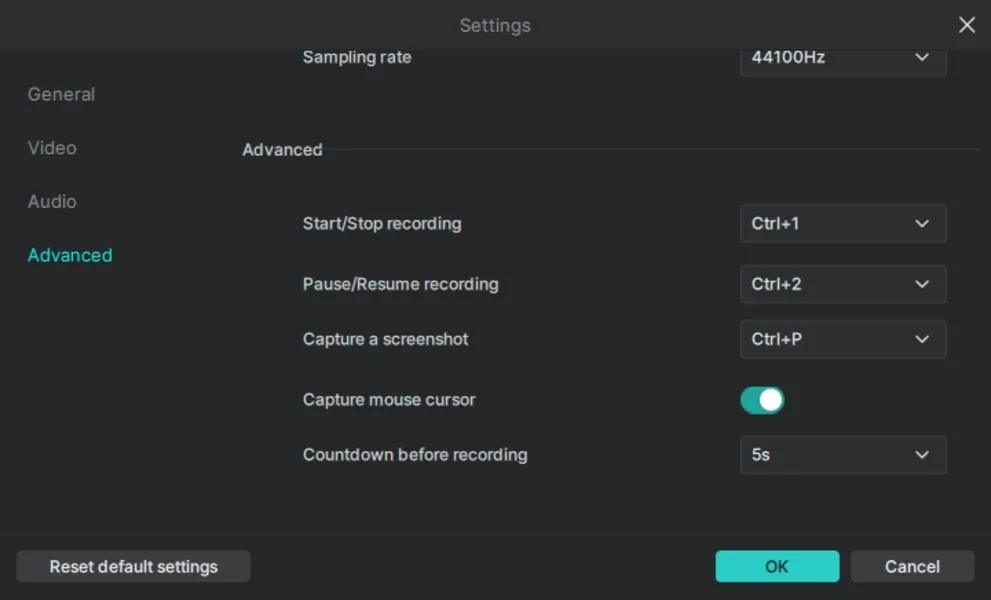
Videos export as MP4, WMV, AVI, MOV or FLV, and can be exported in 4K resolution. A separate audio copy can be saved as MP3, AAC, OGG, WMA, WAV or FLAC. Recording can be set to stop automatically at a specified time or file size.
Download files
042f3d2f2671cde03a28e3d0b5f84d7b8a001184e8ab13c791f6b77c4763c370
Signed by Chengdu Nabla Mind Technology Co., Ltd. · valid until Jul 3, 202472a7b9d7540accc6cde1bba2e4e553711fa9208a8faaa82012222701f937ad5d
Signed by Chengdu Nabla Mind Technology Co., Ltd. · valid until Jul 3, 2024System requirements
Available on:
Additional information
Developer
Latest release
Size
Category
File type
SHA-256
042f3d2f2671cde03a28e3d0b5f84d7b8a001184e8ab13c791f6b77c4763c370





