Webshot 1.9.3.1 for Windows
SHA-256 listed
Captures a whole web page as one image, no scrolling needed
All ages
Age rating
Screenshots
Description
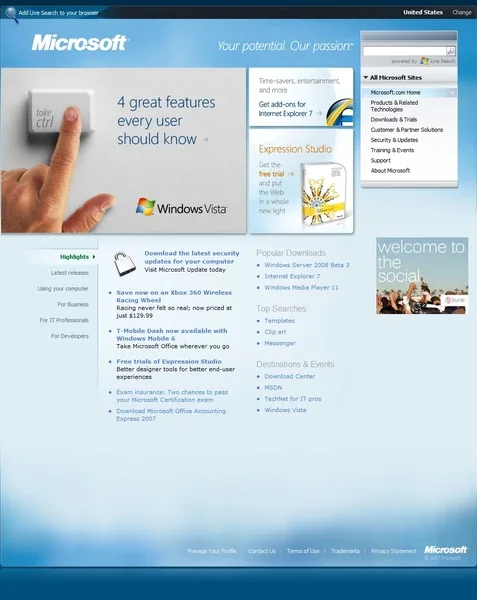
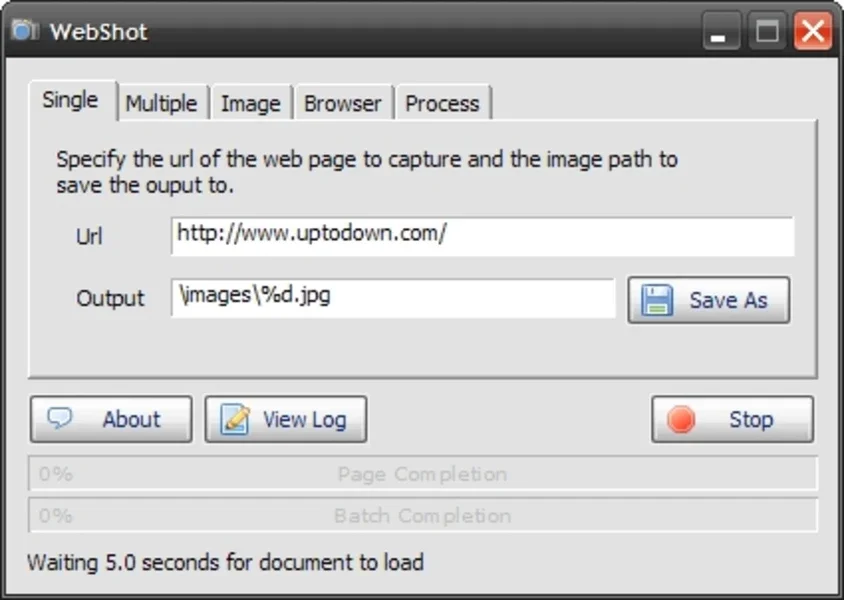
Webshot captures an image of an entire website in one go. That helps when a page is larger than the screen and would otherwise mean scrolling and stitching several snapshots together. You enter the URL of the page you want, and the program does the rest.
You can pick the output dimensions and the output quality. If you have several pages to capture, give Webshot a list of URLs and it takes all of them. The options are few and there are no extra features; capturing full webpage images is the only thing it does.
Download files
File1.9.3.1EXE
Version1.9.3.1
ReleasedMar 28, 2014
Size18.0 MB
SHA-256
Get
aebc97de014da100210e6bda221baad8f838e0e7db4418883922fca3ea25f7d3
Signed by Nathan Moinvaziri · valid until Jun 1, 2014Filewebshot-1.9.1.1.exeEXE
Version1.9.1.1
ReleasedOct 15, 2012
Size12.2 MB
SHA-256
Get
929e483455f8d5edc49e223ba3c35005c7afd40f9e3d07d65c5daf448d0d01eb
Filewebshot-1.89.exeEXE
Version1.89
ReleasedAug 14, 2012
Size12.6 MB
SHA-256
Get
97ec79add1cbff9925d24cb7d848e669cfe459d33ccefc12a46789fc878e1ed9
Filewebshot-1.88.exeEXE
Version1.88
ReleasedJan 20, 2012
Size1.1 MB
SHA-256
Get
e38e2d7107949ec4d6a07be491e5451b84795b59030a3279cfae4acc4de36a7b
System requirements
Available on:
Additional information
Developer
Latest release
1.9.3.1 · Mar 28, 2014
Size
18.0 MB
Category
File type
EXE
SHA-256
aebc97de014da100210e6bda221baad8f838e0e7db4418883922fca3ea25f7d3
Digital signature
Signed by Nathan Moinvaziri · valid until Jun 1, 2014





