
WinSnap 6.3.3.0 for Windows
SHA-256 listed
Open source
Captures full screens, areas or whole webpages, with a built-in editor
All ages
Age rating
Screenshots
Description
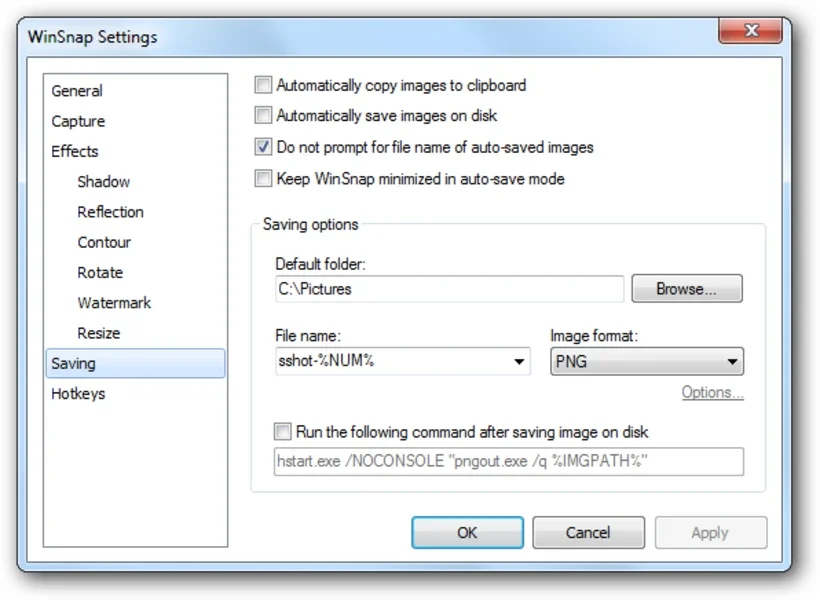
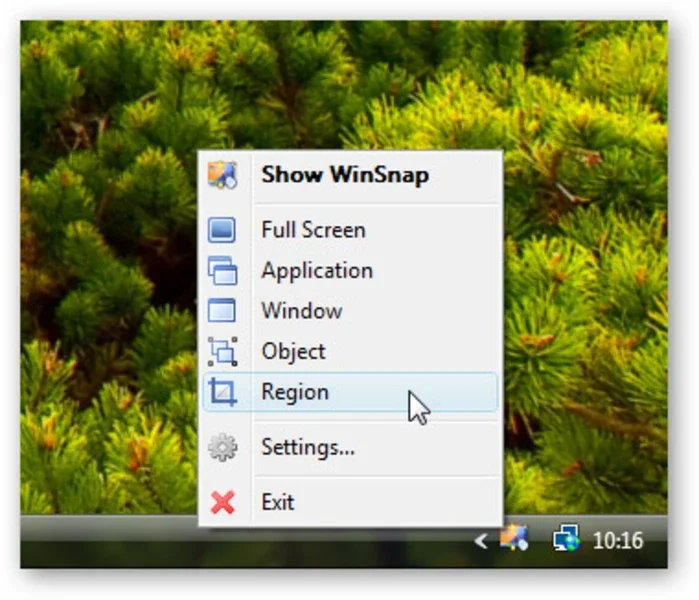
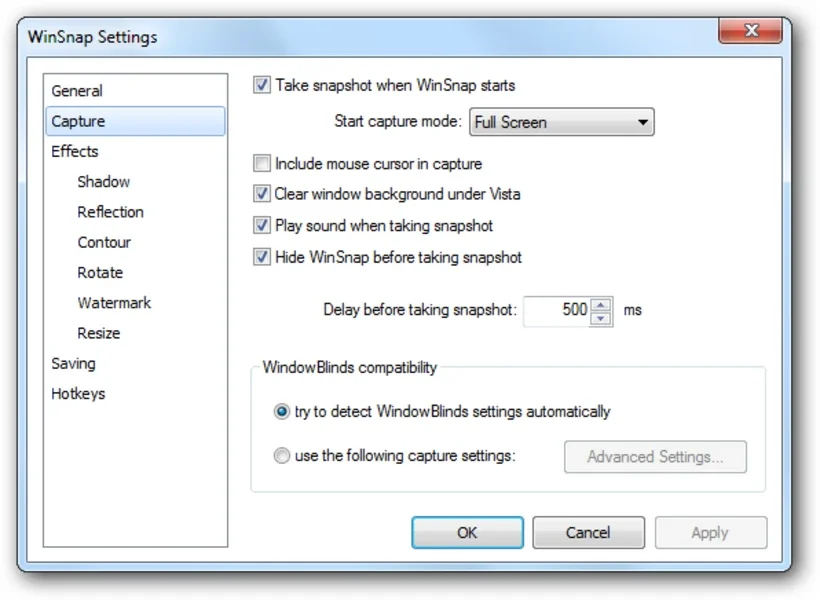
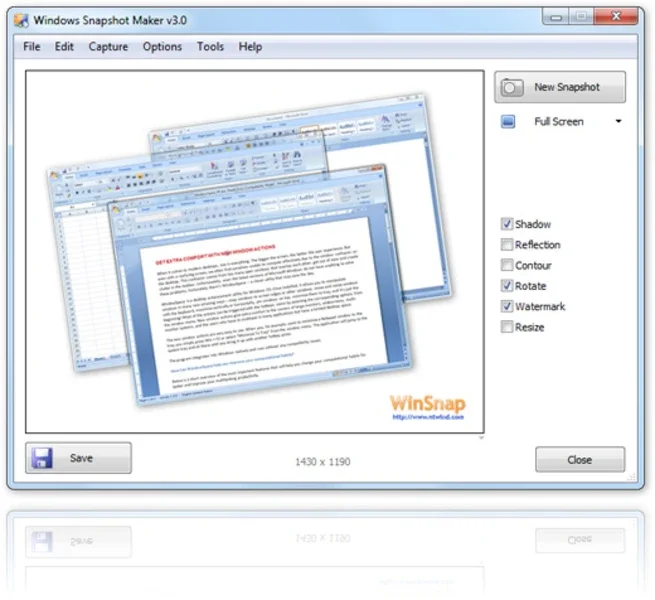
WinSnap is a program for capturing screens on a PC. You can set the type of screenshot it takes, including the full screen, a rectangular area, or a full webpage.
Capturing and editing
Keyboard shortcuts let you capture a screen by pressing one key, and the shortcuts can be configured to suit how you work. After capturing a screen, you decide whether to modify it. A built-in editor handles the editing, so you don't need a third-party program for that.
Download files
Filewinsnap-6-3-3-0.exeEXE
Version6.3.3.0
ReleasedSep 22, 2026
Size3.7 MB
SHA-256
Get
922241a49a572d6e31e068db749e2c3ab66df9212622db293cdc3d465191dbec
Signed by NTWIND LLC · valid until Nov 27, 2027Filewinsnap-6-3-2-0.exeEXE
Version6.3.2.0
ReleasedSep 15, 2026
Size3.7 MB
SHA-256
Get
8cb6434c9fe8648c7d0eba8892bf460d3b208346f51e3b093df362451db7761a
Signed by NTWIND LLC · valid until Nov 27, 2027File6.2.4EXE
Version6.2.4
ReleasedJul 31, 2026
Size3.6 MB
SHA-256
Get
47c406f4487102402d9cd335b712c4b8e124d07eb37cd258ba91c2ebc04b11f7
Signed by NTWIND LLC · valid until Sep 5, 2026Filewinsnap-6-2-4-0.exeEXE
Version6.2.4.0
ReleasedJul 9, 2026
Size3.6 MB
SHA-256
Get
47c406f4487102402d9cd335b712c4b8e124d07eb37cd258ba91c2ebc04b11f7
Signed by NTWIND LLC · valid until Sep 5, 2026Filewinsnap-6-2-3-0.exeEXE
Version6.2.3.0
ReleasedJun 9, 2026
Size3.6 MB
SHA-256
Get
c19e4c2e311d1363f6ddef9956f6f003e9b42341142ff26ac5f09d3dbc6dd92e
Signed by NTWIND LLC · valid until Sep 5, 2026System requirements
Available on:
Additional information
Developer
Latest release
6.3.3.0 · Sep 22, 2026
Size
3.7 MB
Category
File type
EXE
SHA-256
922241a49a572d6e31e068db749e2c3ab66df9212622db293cdc3d465191dbec
Digital signature
Signed by NTWIND LLC · valid until Nov 27, 2027





