Assistive Touch for Android
Assistive Touch TeamContains ads
- EveryoneAge rating
- ToolsCategory
- Aug 28, 2026Updated
- FreePrice
Links to the official Google Play listing of com.easytouch.assistivetouch. Last checked on Nov 27, 2026.

Screenshots
About this app
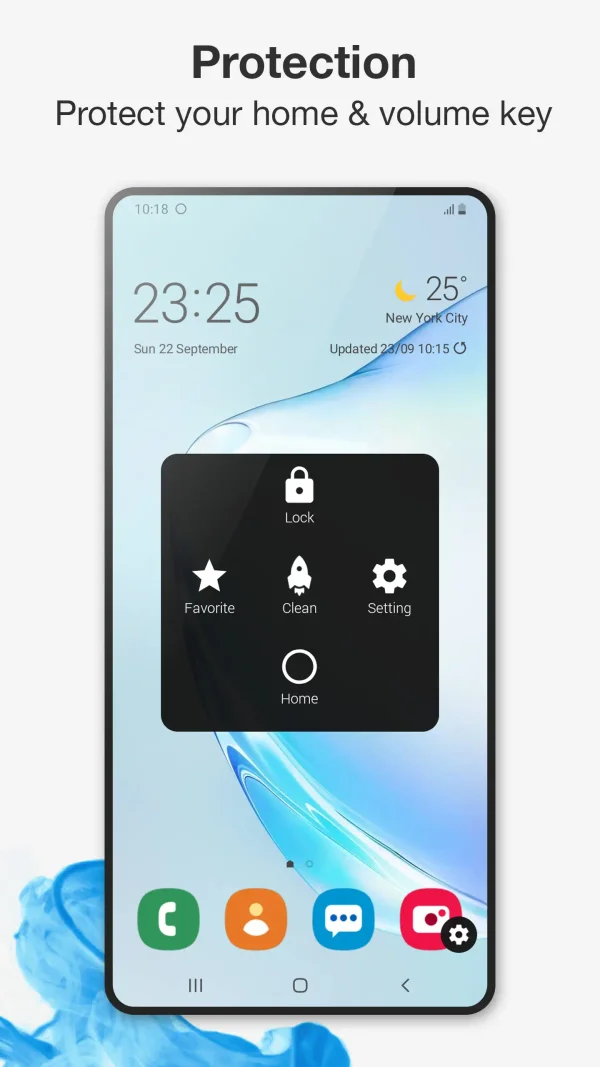
Protect home button & volume button, access all setting quickly
What is Assistive Touch?
Assistive Touch is an easy tool for Android devices. It's fast, it’s smooth, and it’s totally FREE.
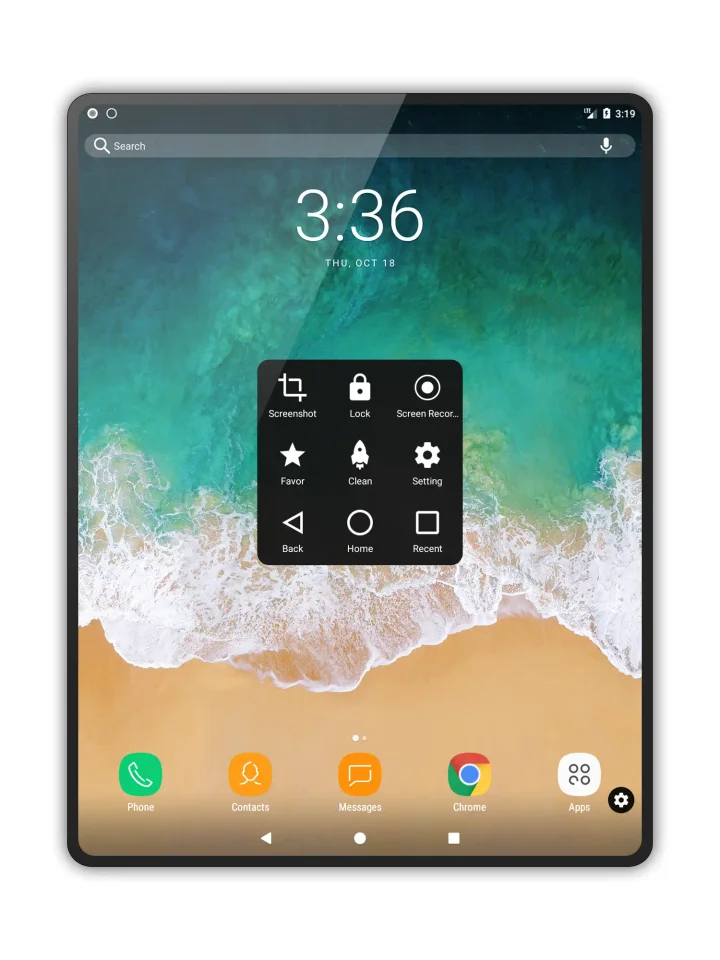
With a floating panel on the screen, you can easily use your Android smart phone. More conveniently, you can quickly access to all your favorite apps, games, settings and quick toggle. Assistive Touch is also an ideal app to protect the physical buttons (home button and volume button). It is very useful for big screen smart phone.
Assistive Touch for Android
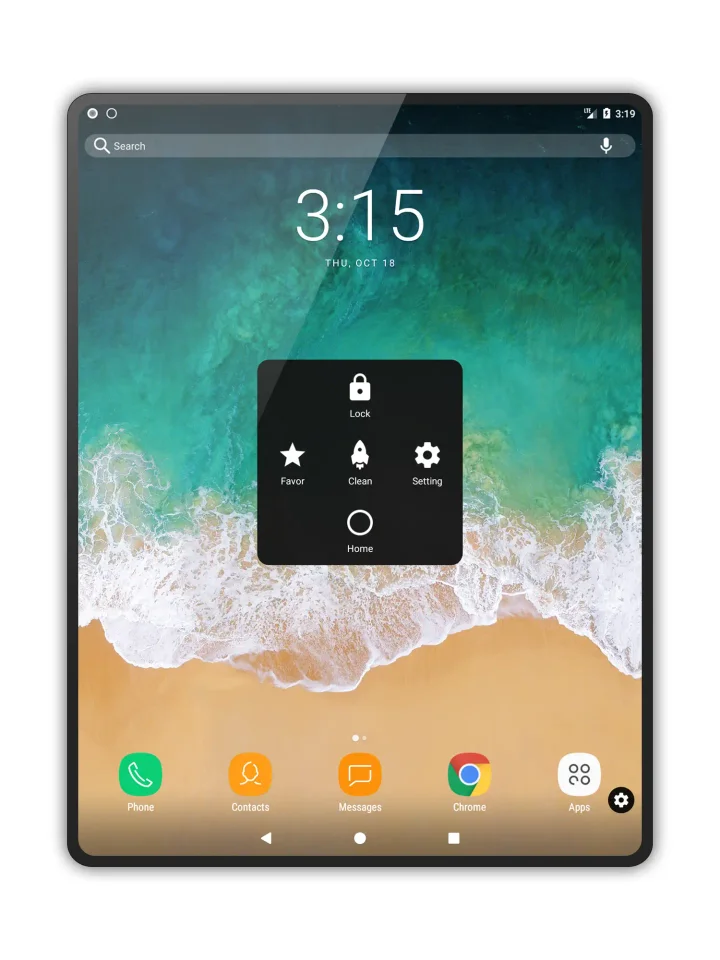
- Virtual Home button, easy touch to lock screen and open recent task
- Virtual Volume button, quick touch to change volume and change sound mode
- Virtual Back button
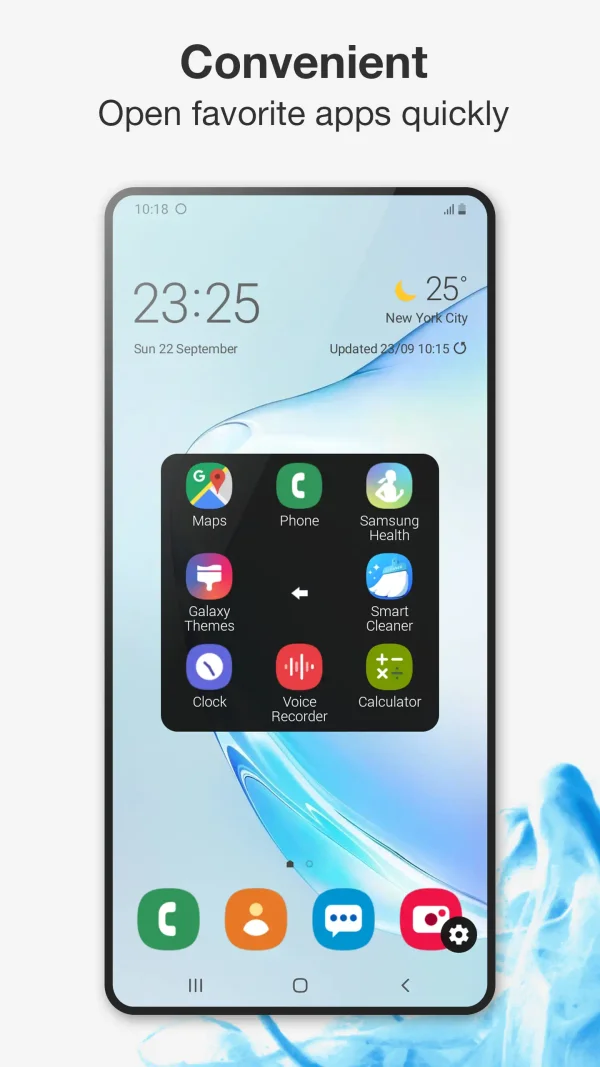
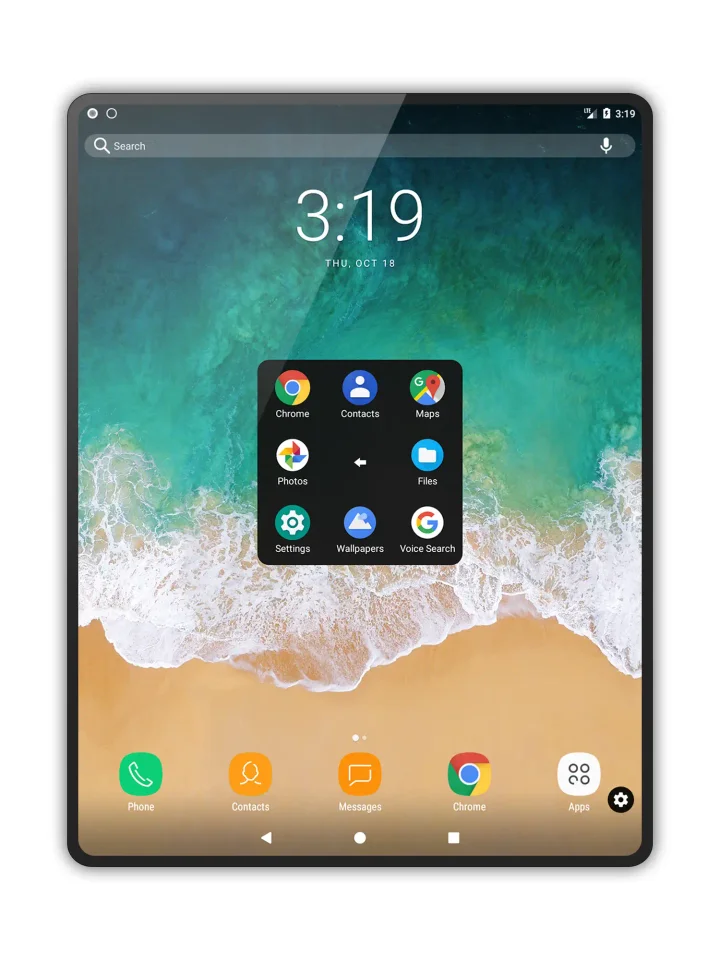
- Easy touch to open your favorite application
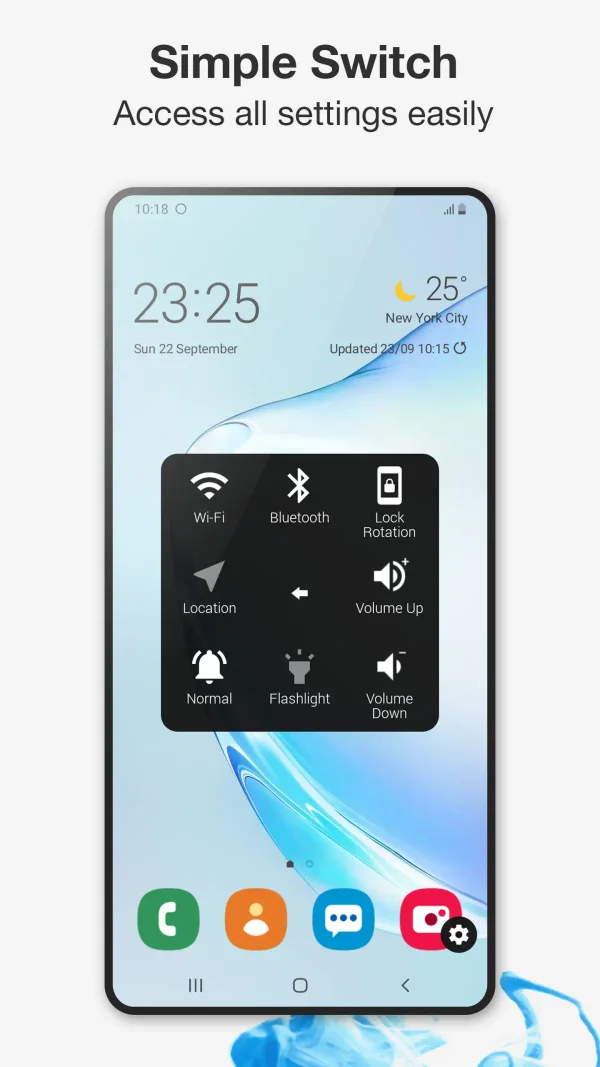
- Go to all setting very quick with a touch
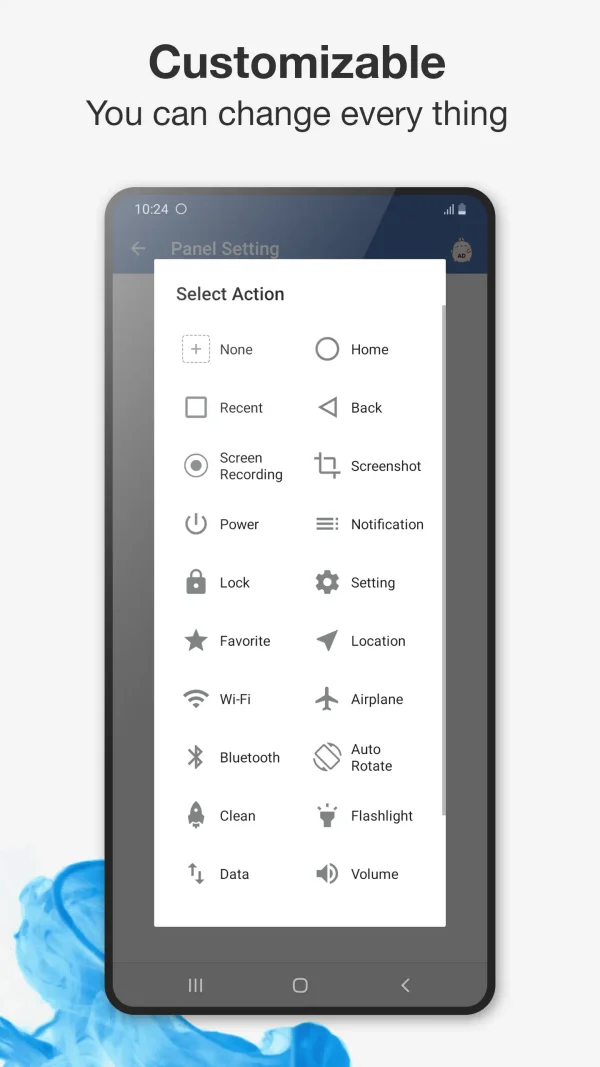
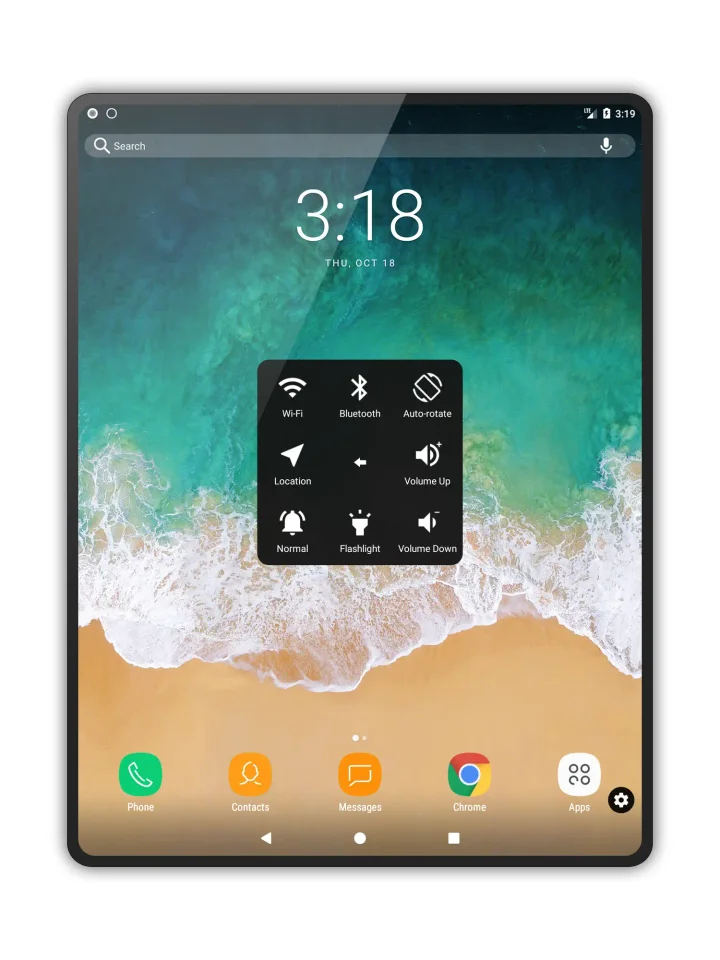
★ Quick touch setting include:
- Capture Screenshot (5.0 and up)
- Power popup (5.0 and up)
- Open Notification
- WiFi
- Bluetooth
- Location (GPS)
- Ring mode (Normal mode, Vibrate mode, Silent mode)
- Screen rotation
- Volume up & down
- Airplane mode
- Flashlight Bright
- Launch all applications or games on your device
★ Screen Recorder
- Screen Recorder is function to record the screen. It does NOT require root access, no time limit, no watermark, ad free and very easy to use with one action to start and stop recording.
- Screen recorder lets you record your screen to HD and FullHD videos. You can also record audio from the mic and it is automatically muxed into the videos.
★ Customize
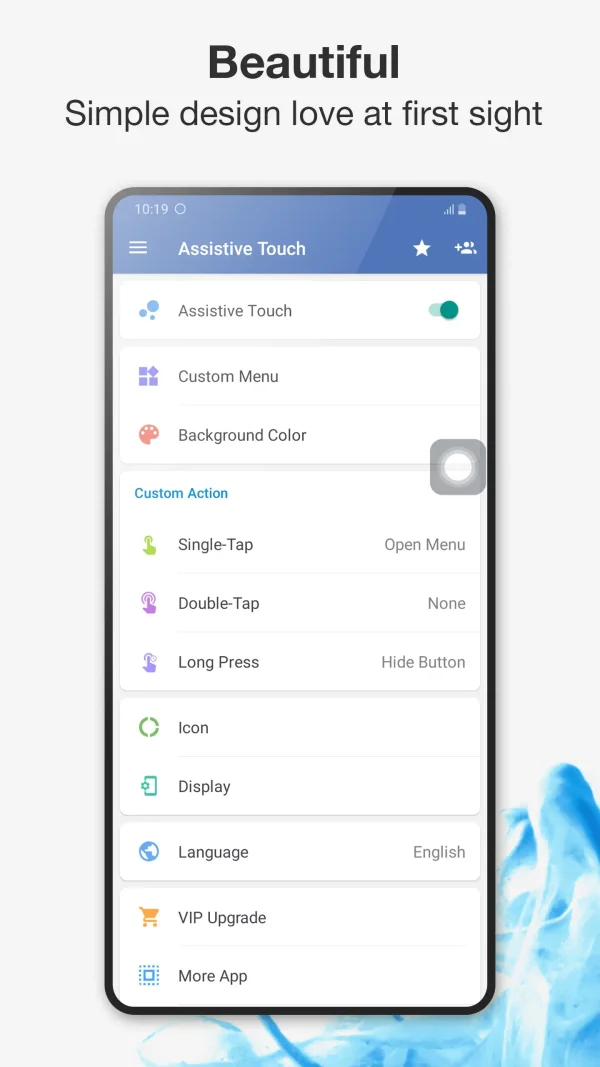
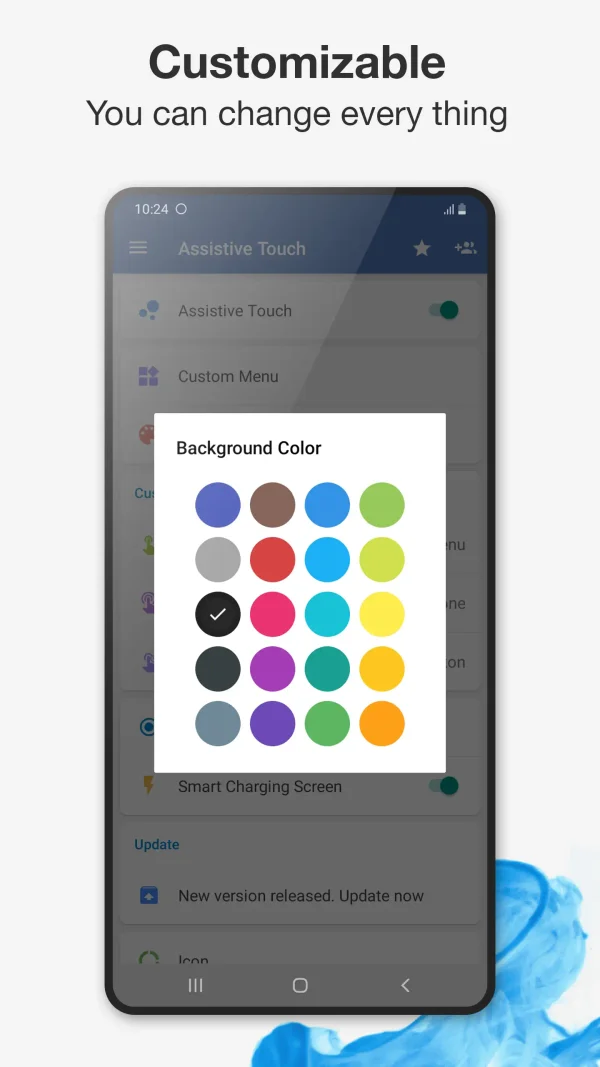
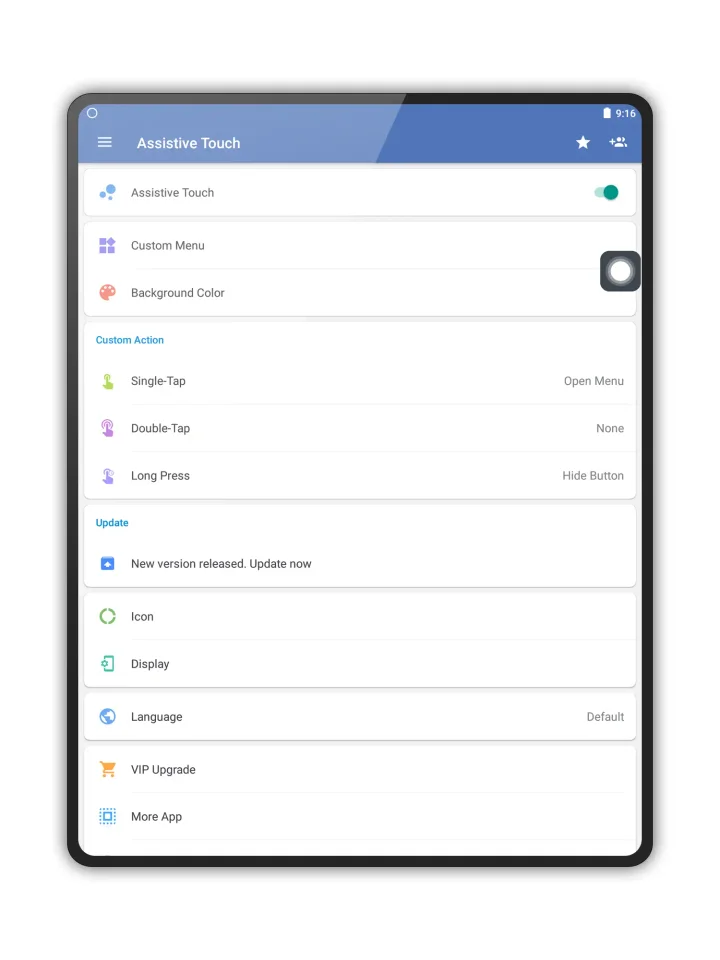
- You can change color of background with your favorite color
- You can change icon of Assistive Touch easy with many pretty icon, totally free
- Gesture Setting for Floating Button (One tap, double tap, long press)
Feedback
- If you like Assistive Touch please review and give us 5 stars
- If you have any problem with this app please give us feedback for your problem, we will fix it quickly
- Please email for us if you want send request new icon, color or function
Frequently asked questions:
- If you want to uninstall this Assistive Touch, please open app and go to setting, click on uninstall button.
This app uses the Device Administrator permission.
This app uses Accessibility services for below functions:
- Lock screen
- Go to home screen
- Open control center
- Go to back
- Make screenshot
- We do not collect any data or take actions that users do not do
- We never publicly disclose any personal or sensitive user data related to financial or payment activities or any government identification numbers, photos and contacts, etc.
Thank for your support!
Data safety
What Assistive Touch Team declares on Google Play about the data this app collects and shares.
- No data shared with third partiesLearn more about how developers declare sharing
- No data collectedLearn more about how developers declare collection
- Data is encrypted in transit
- Data can’t be deleted
Developer contact
- Websiteassistivetouchteam.blogspot.com
- Emailassistivetouchteam@gmail.com
- Privacy policysites.google.com
- AddressLập Lễ, Thủy Nguyên, Hải Phòng Vietnam
Information
- Offered by
- Assistive Touch Team
- Category
- Tools
- Version
- 4.0.35
- Updated
- Aug 28, 2026
- Released
- Apr 12, 2015
- Requires
- Android 6.0 or later
- Age rating
- Everyone
- Price
- Free
- Package name
- com.easytouch.assistivetouch
Similar apps
-
 Auto Clicker - Automatic tap
Tools
-
 Move to iOS
Tools
-
 Screen Recorder Video Recorder
Tools
-
 Auto Clicker AG- Automatic Tap
Tools
-
 Minimal Widgets
Personalization
-
 Wifi password all in one
Tools
-
 Screen Recorder - AX Recorder
Video Players & Editors
-
 Screen Recorder: Facecam Audio
Video Players & Editors
-
 Color Widgets, Theme: iWidgets
Lifestyle
-
 Screen Recorder - XRecorder
Video Players & Editors
-
 Android Accessibility Suite
Tools
-
 Ratio: Productivity Homescreen
Productivity