Link to Windows
Microsoft Corporation- EveryoneAge rating
- ProductivityCategory
- Nov 16, 2026Updated
- FreePrice
Links to the official Google Play listing of com.microsoft.appmanager. Last checked on Nov 19, 2026.
Screenshots
About this app
Access your phone's notifications, calls, apps, photos & texts on your PC
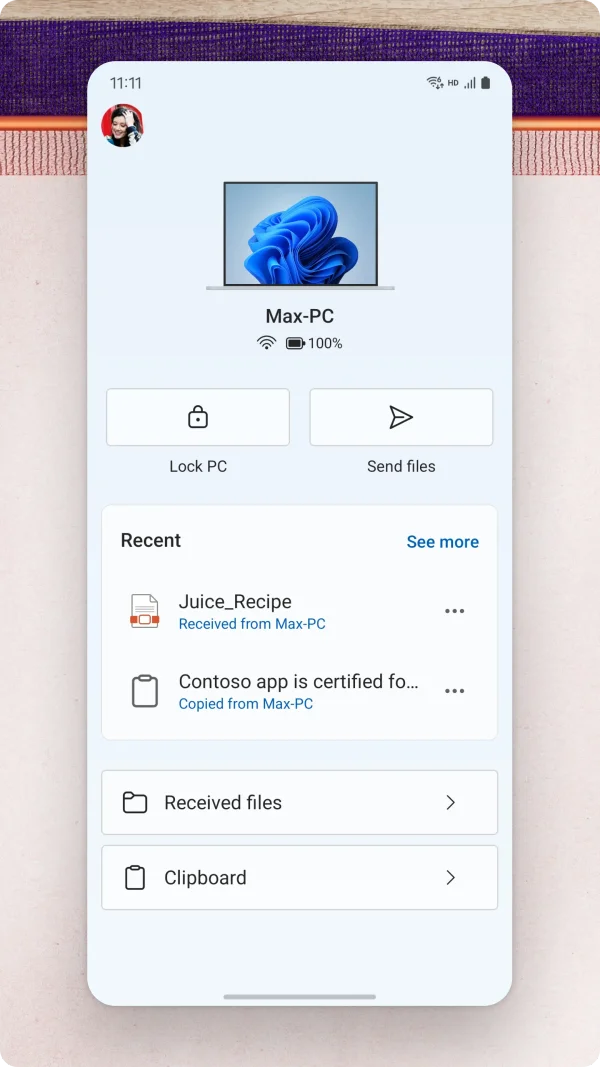
You love your phone. So does your PC. Get instant access to everything you love on your phone, right from your PC. To get started, install the Link to Windows app on your Android phone and connect it with the Phone Link on your Windows PC.
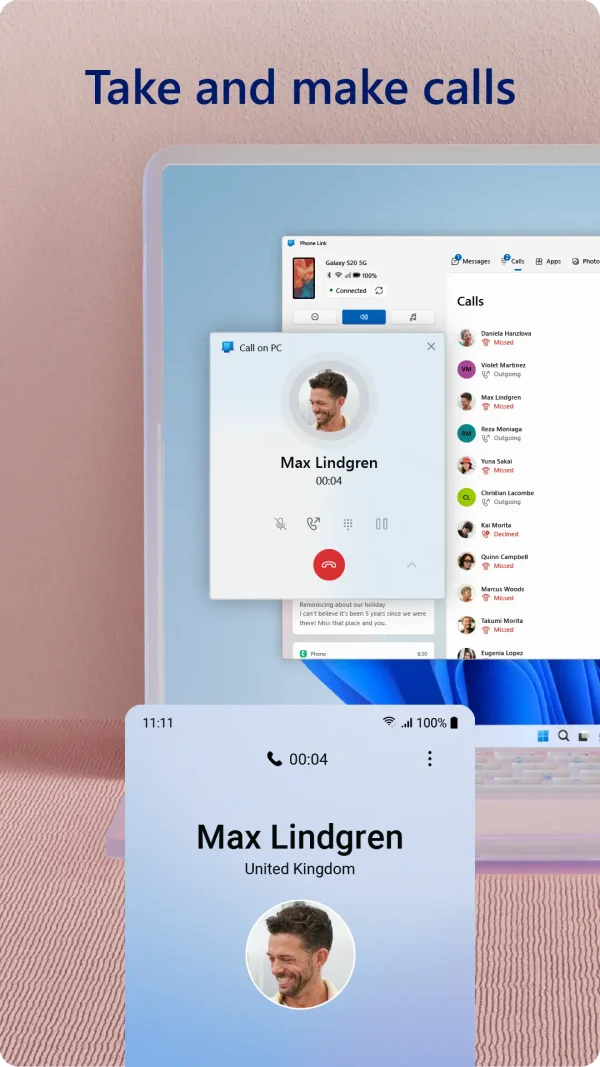
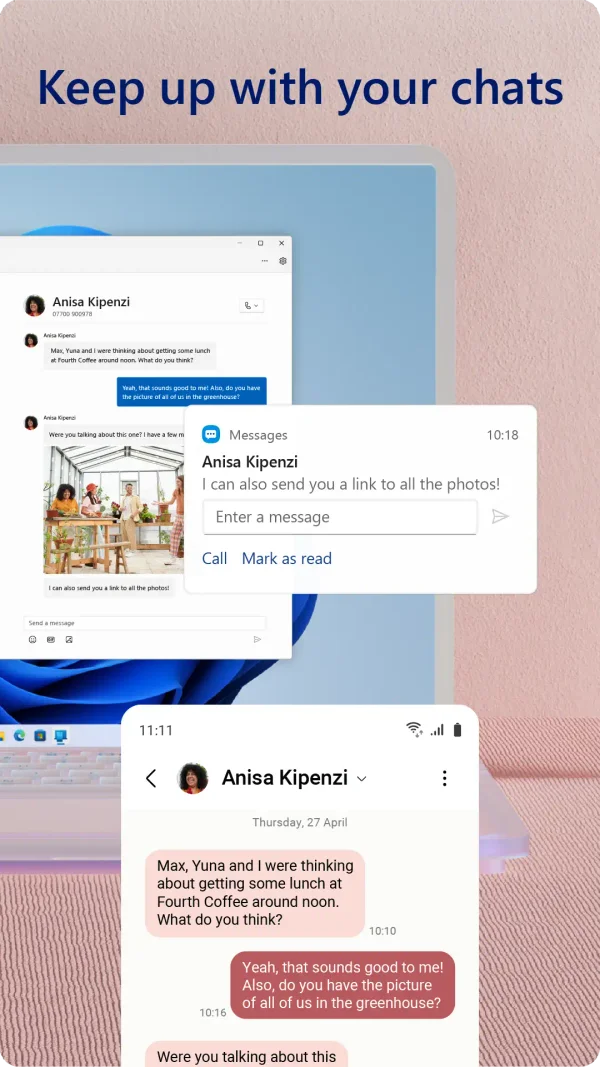
Link your Android phone and PC to view and reply to text messages, make and receive calls*, view your notifications and more.
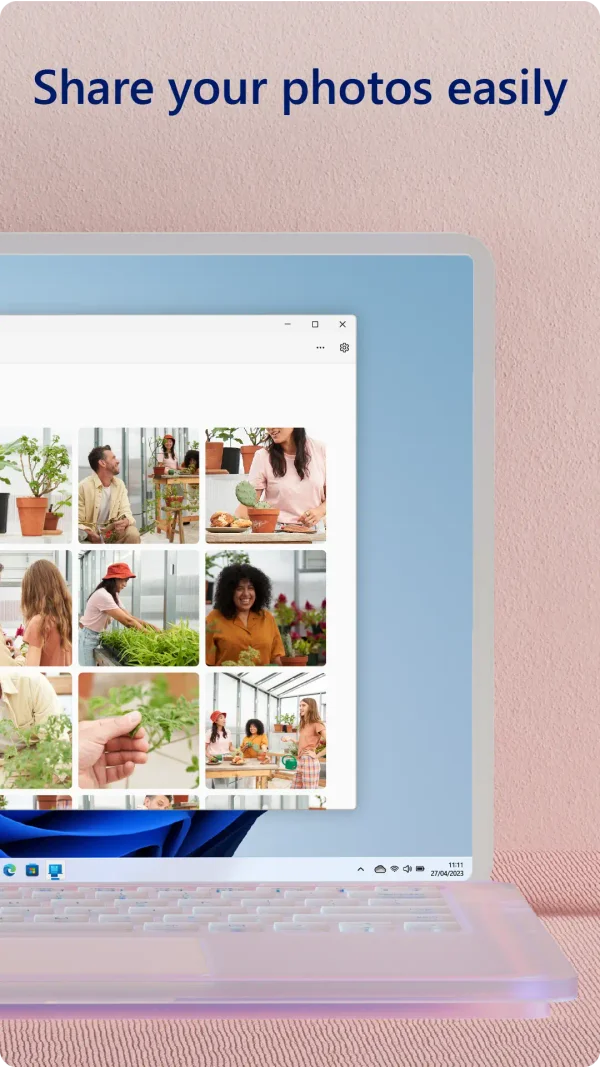
Make emailing yourself photos a thing of the past as you share your favourite images between your phone and PC. Copy, edit, and even drag and drop photos without ever touching your phone.
Phone Link features:
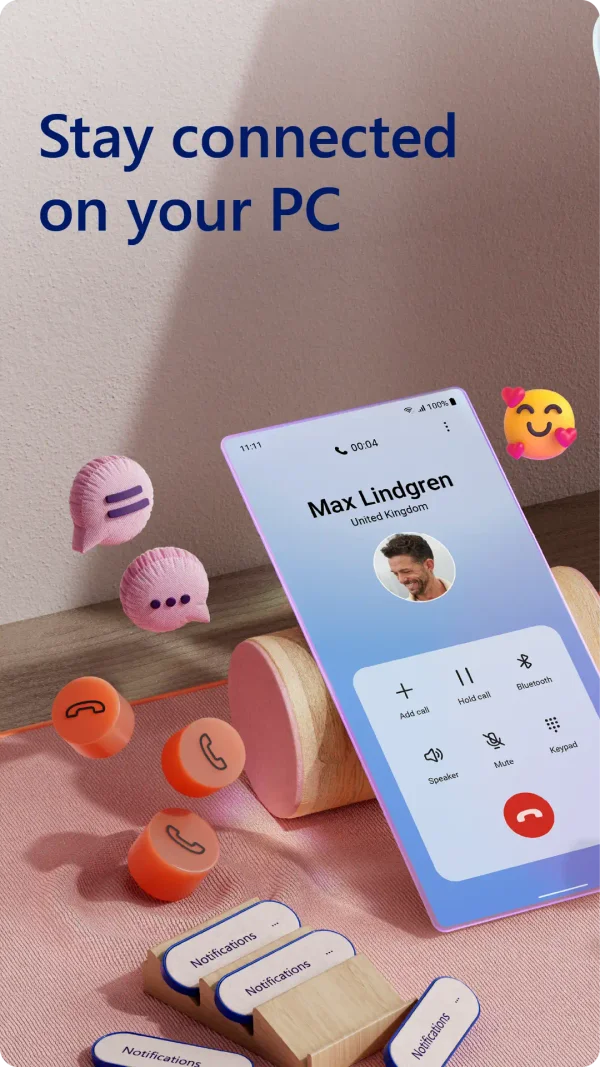
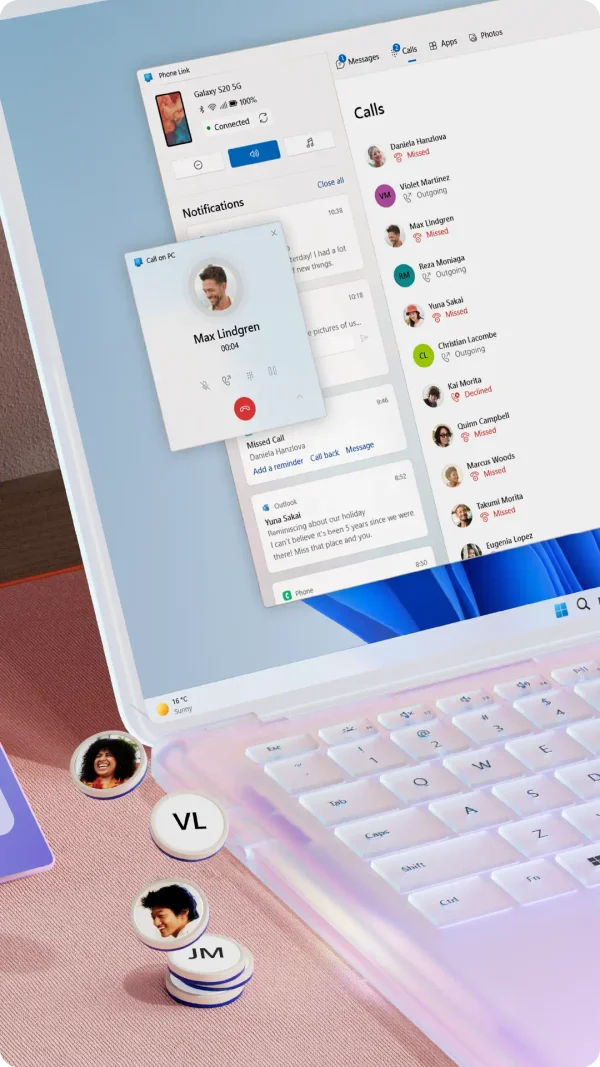
• Make and receive calls from your PC*
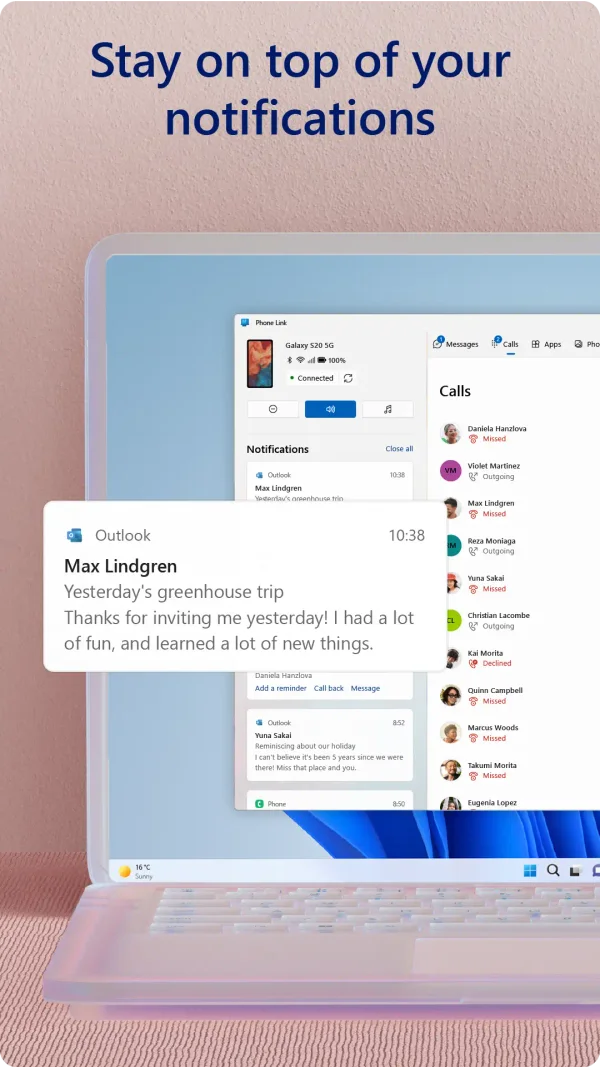
• Manage your Android phone's notifications on your PC
• Access your favourite mobile apps** on your PC
• Read and reply to text messages from your PC
• Drag files between your PC and phone**
• Copy and paste content between your PC and phone**
• Instantly access the photos on your phone from your PC
• Use your PC's bigger screen, keyboard, mouse and touch screen to interact with your phone from your PC.
Integrated with select** Microsoft Duo, Samsung and HONOR phones for an even better experience:
The Link to Windows app comes integrated so no additional apps need to be downloaded from the Play Store.
Link to Windows is easy to find in the Quick Access tray (swipe down from the top of your screen to access it).
Exclusive features like cross-device copy and paste, Phone screen, file drag-and-drop and Apps.
Let us know what features you'd like to see next by selecting “Send feedback” in the Phone Link settings.
*Calls requires a Windows 10 PC with Bluetooth capability.
**Drag and drop, Phone screen and Apps all require a compatible Microsoft Duo, Samsung or HONOR device (full list and breakdown of capabilities: aka.ms/phonelinkdevices). The multiple apps experience requires a Windows 10 PC running the May 2020 Update or later and has at least 8GB of RAM, and your Android device must be running Android 11.0.
The Link to Windows accessibility service is for those using a screen reading tool on the PC. When the service is enabled, it lets you control all your phone’s apps from your PC using Android keyboard navigation while receiving spoken feedback from your PC speakers. No personal or sensitive data is collected via Accessibility Service.
By installing this app, you agree to the Microsoft Terms of Use https://go.microsoft.com/fwlink/?LinkID=246338 and Privacy Statement https://go.microsoft.com/fwlink/?LinkID=248686.
Data safety
What Microsoft Corporation declares on Google Play about the data this app collects and shares.
- No data shared with third partiesLearn more about how developers declare sharing
- This app may collect these data typesPersonal info, App activity and 2 others
- Data is encrypted in transit
- You can request that data be deleted
Developer contact
- Websitemicrosoft.com
- Emailltwfeedback@microsoft.com
- Privacy policygo.microsoft.com
- Address1 Microsoft Way Redmond, WA 98052 United States
Information
- Offered by
- Microsoft Corporation
- Category
- Productivity
- Version
- 1.26102.152.0
- Updated
- Nov 16, 2026
- Released
- Dec 17, 2015
- Requires
- Android 10 or later
- Age rating
- Everyone
- Price
- Free
- Package name
- com.microsoft.appmanager
Similar apps
-
 Microsoft Outlook
Productivity
-
 Windows App
Business
-
 OPPO Clone Phone
Productivity
-
 Smart Connect
Productivity
-
 Move to iOS
Tools
-
 Microsoft Edge
Communication
-
 Microsoft Teams
Business
-
 Samsung Email
Productivity
-
 Samsung Smart Switch Mobile
Tools
-
 Microsoft Defender: Antivirus
Tools
-
 Virtual Master - Android Clone
Tools
-
 Microsoft Authenticator
Business