Split Screen Launcher
One Music PlayerContains ads · In-app purchases
- EveryoneAge rating
- ToolsCategory
- Oct 30, 2026Updated
- FreePrice
Links to the official Google Play listing of com.ccssoftwareinc.splitscreenlauncher. Last checked on Nov 20, 2026.

Screenshots

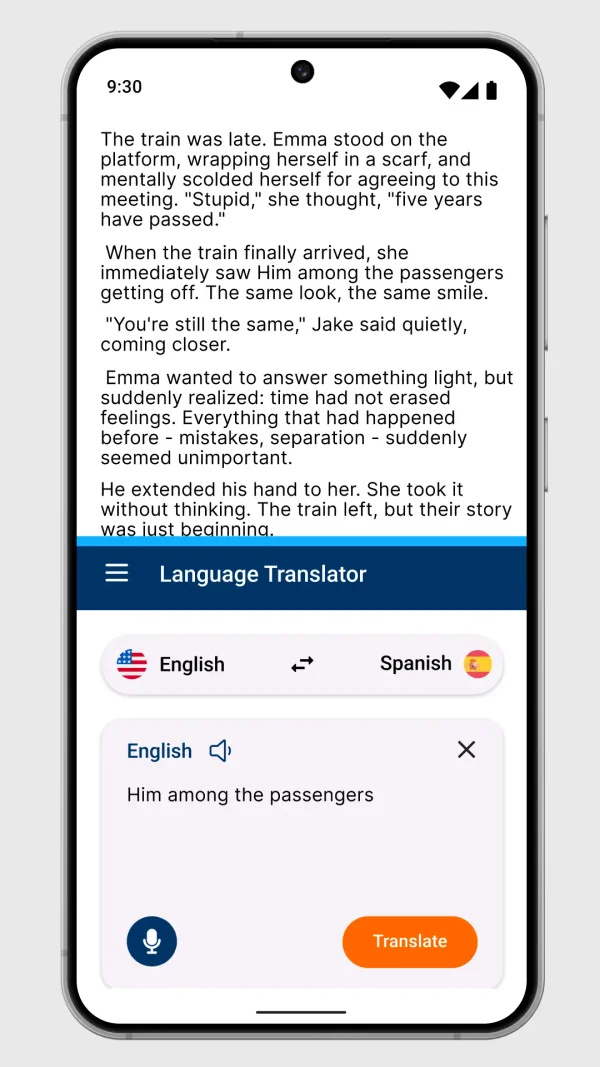
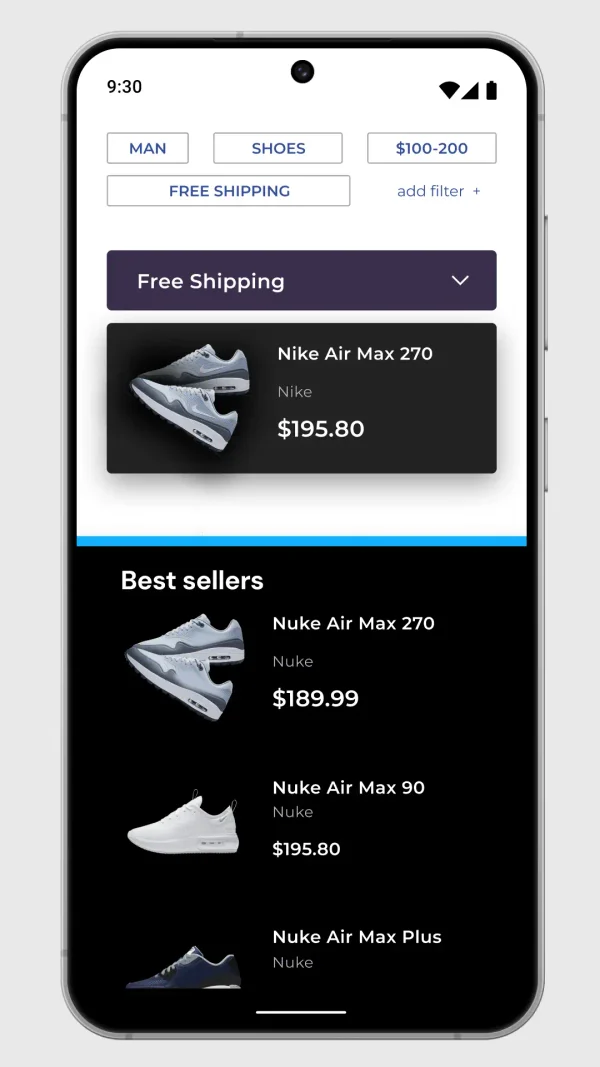
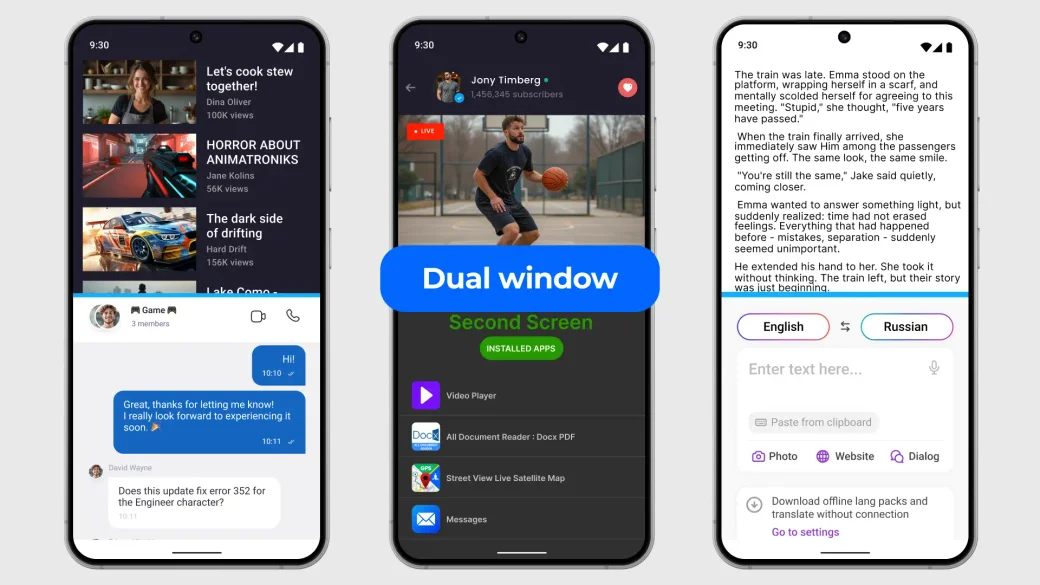
About this app
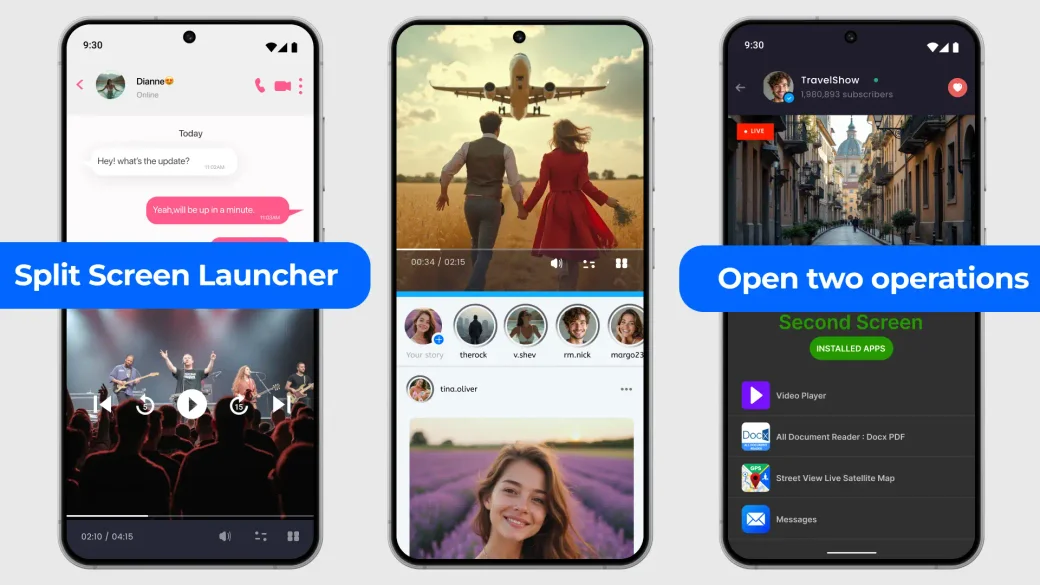
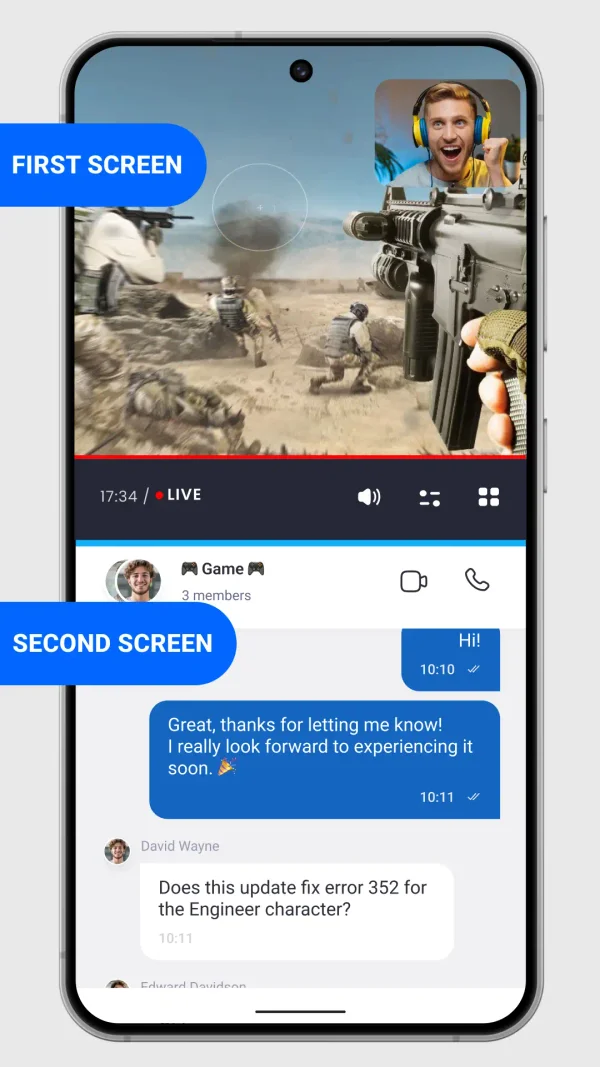
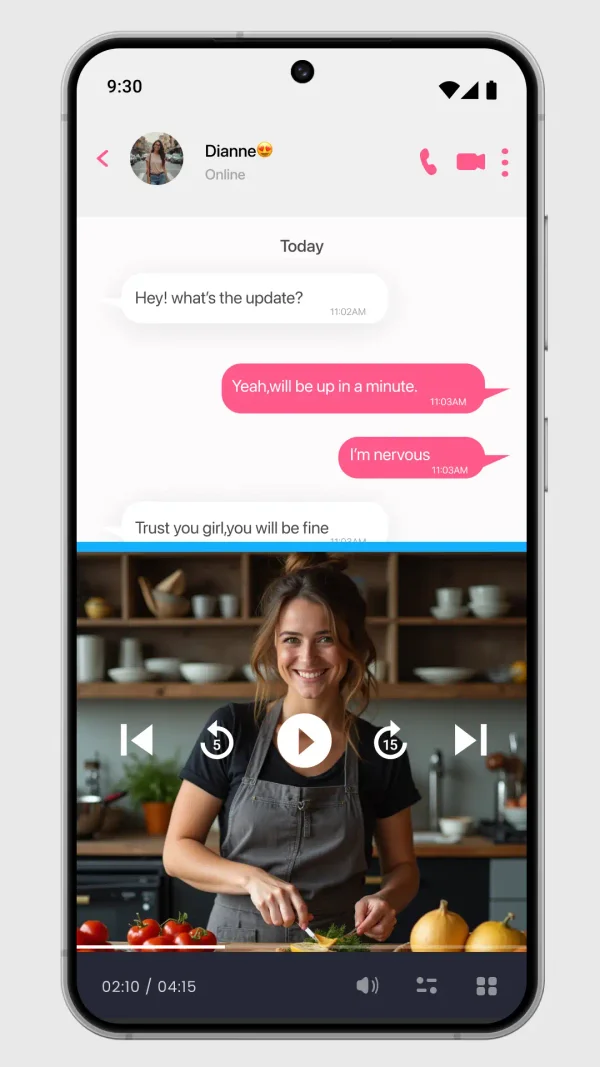
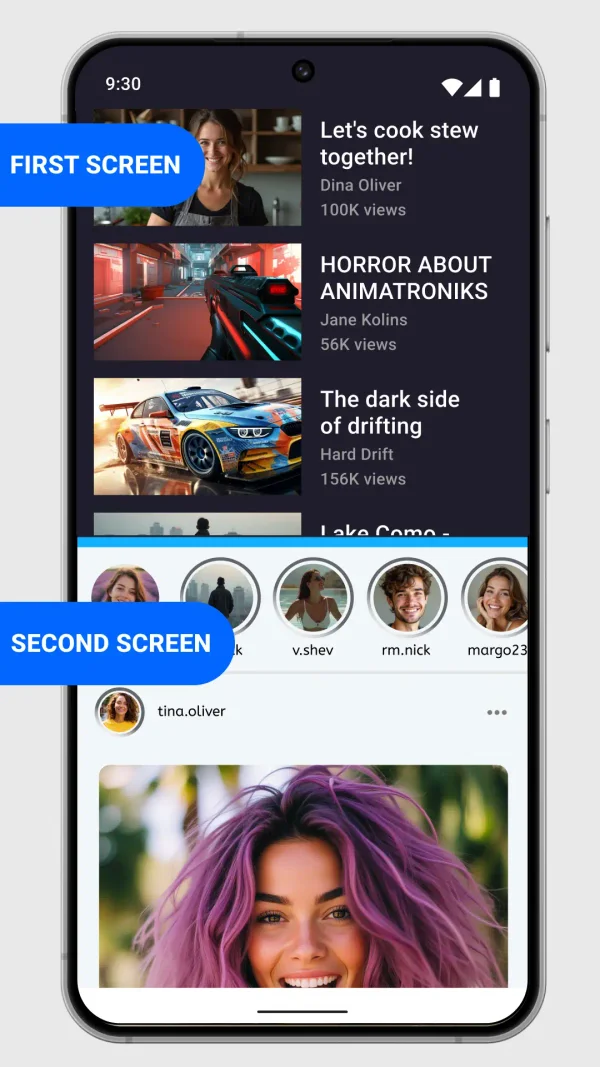
Open two compatible apps together in split-screen view on supported devices.
What is Split Screen Launcher?
Open two compatible Android apps in split-screen view and keep both visible while you work. Choose an app pair, save a combination you use often and adjust the divider to give each app the space you need.
Who is Split Screen Launcher for?
It is for people comparing information, taking notes beside a reference or keeping a conversation visible while browsing. Pair a reader with a translator, review a document alongside email or watch a lesson while writing notes in another app.
Saved app pairs are useful when you return to the same two-app setup regularly instead of choosing each app again.
What does Split Screen Launcher do?
• 📱 Launch two selected apps together in split-screen mode on supported devices.
• Customize app pairs for different tasks, such as reading and notetaking or browsing and messaging.
• Save favorite combinations for one-tap access later.
• Adjust the split point to give one app more screen space or keep the views balanced.
• Switch between split-screen and single-app viewing as your task changes.
How does Split Screen Launcher work?
Select the two apps you want to use together and launch the pair. Save combinations you use often so you can reopen them from your saved setup.
Move the divider to adjust the space given to each app. Interact with the view you need, and return to single-app mode when you want a larger workspace.
Compatibility and requirements
Your Android device and the selected apps must support the split-screen setup. Availability, layout and resizing behavior depend on the Android version, device and individual apps. Some apps may not open in split-screen or may behave differently when resized.
Two visible windows do not guarantee that every video, game or background task will keep running at the same time. Each app's playback, focus and resource rules still apply.
The paired apps retain their own account, permission and connection requirements. The launcher contains ads and offers in-app purchases.
Split Screen Launcher keeps your chosen app pairs within reach, making it easier to compare, read and work across two views on a compatible device.
Data safety
What One Music Player declares on Google Play about the data this app collects and shares.
- This app may share these data types with third partiesDevice or other IDs
- No data collectedLearn more about how developers declare collection
- Data is encrypted in transit
- Data can’t be deleted
Developer contact
- Websiteonemusicplayer.com
- Emailsupport.splitscreenlaunch@onemusicplayer.com
- Privacy policyonemusicplayer.com
- Address16 Spinoza TEL AVIV-JAFFA, 6438422 Israel
Information
- Offered by
- One Music Player
- Category
- Tools
- Version
- 2.1.0
- Updated
- Oct 30, 2026
- Released
- Apr 15, 2022
- Requires
- Android 7.0 or later
- Age rating
- Everyone
- Price
- Free
- In-app purchases
- $0.99 - $99.99 per item
- Package name
- com.ccssoftwareinc.splitscreenlauncher
Similar apps
-
 MacroDroid - Device Automation
Tools
-
 Multiple Accounts - Assist
Tools
-
 Touch Screen Test
Tools
-
 Glip Screen Recorder
Tools
-
 ScreenStream
Tools
-
 Send Anywhere (File Transfer)
Productivity
-
 Floating Apps (multitasking)
Productivity
-
 ADV Screen Recorder
Tools
-
 Parallel App - Dual App Cloner
Tools
-
 WireGuard
Tools
-
 Taskbar
Tools
-
 Remote Mouse
Tools