
Notebooks - Your Digital Notes
Digital notebook
Entwickelt für iPhone, iPad
Kostenlos
- Altersfreigabe4+
- KategorieProduktivität
- EntwicklerDroid-Veda LLP
- SprachenEnglisch
- Größe45,7 MB
Verlinkt auf die offizielle App Store-Seite
Download.org hostet keine Datei von Notebooks - Your Digital Notes. Die Schaltfläche öffnet die App-Seite bei App Store, wo Droid-Veda LLP die App veröffentlicht. Eintrag zuletzt geprüft am 12.11.2026.
Screenshots
Info
Der Entwickler hat diesen Text nicht in Ihrer Sprache bereitgestellt.
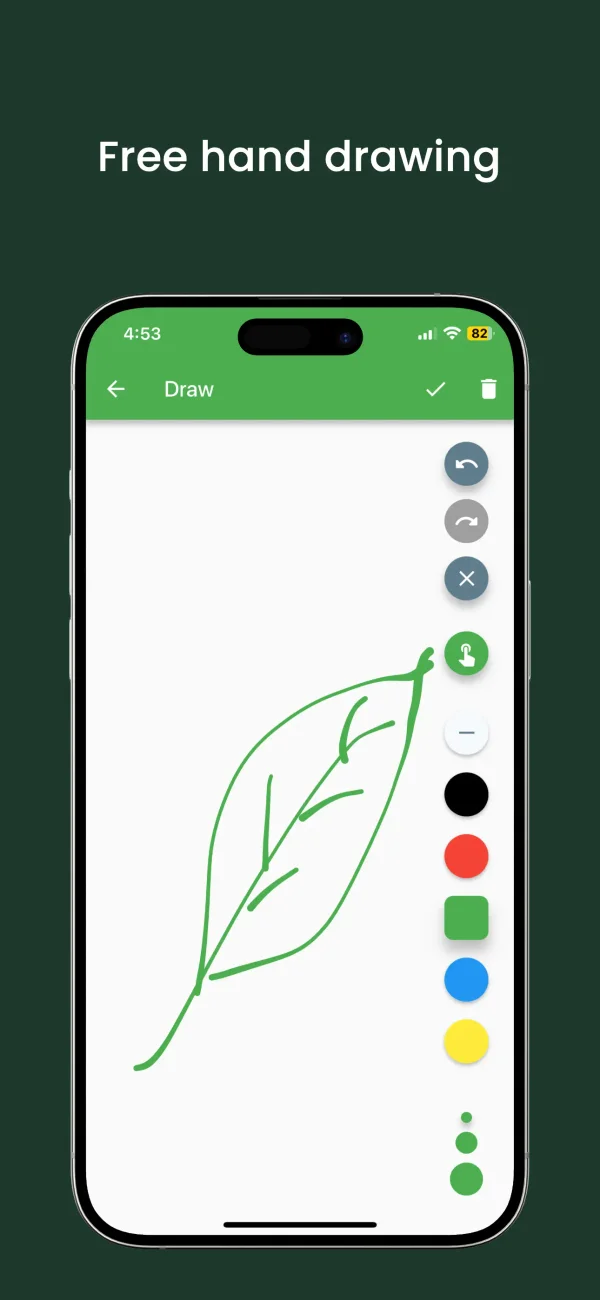
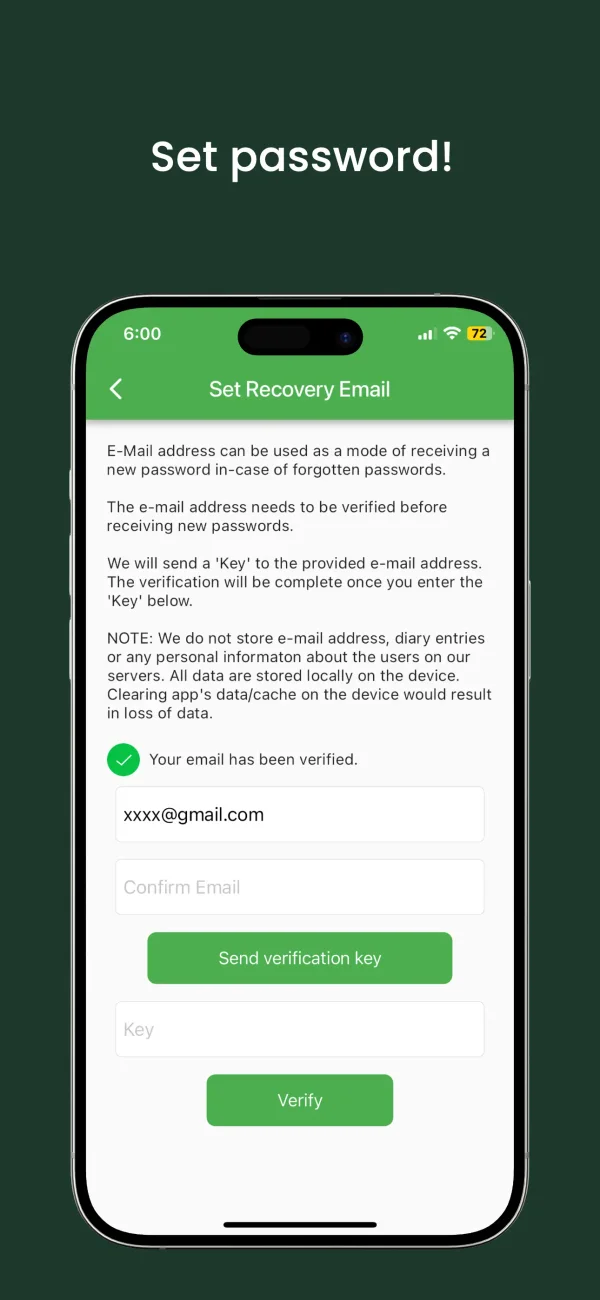
Take notes and even attach your free hand drawing, everything in style and completely without papers!
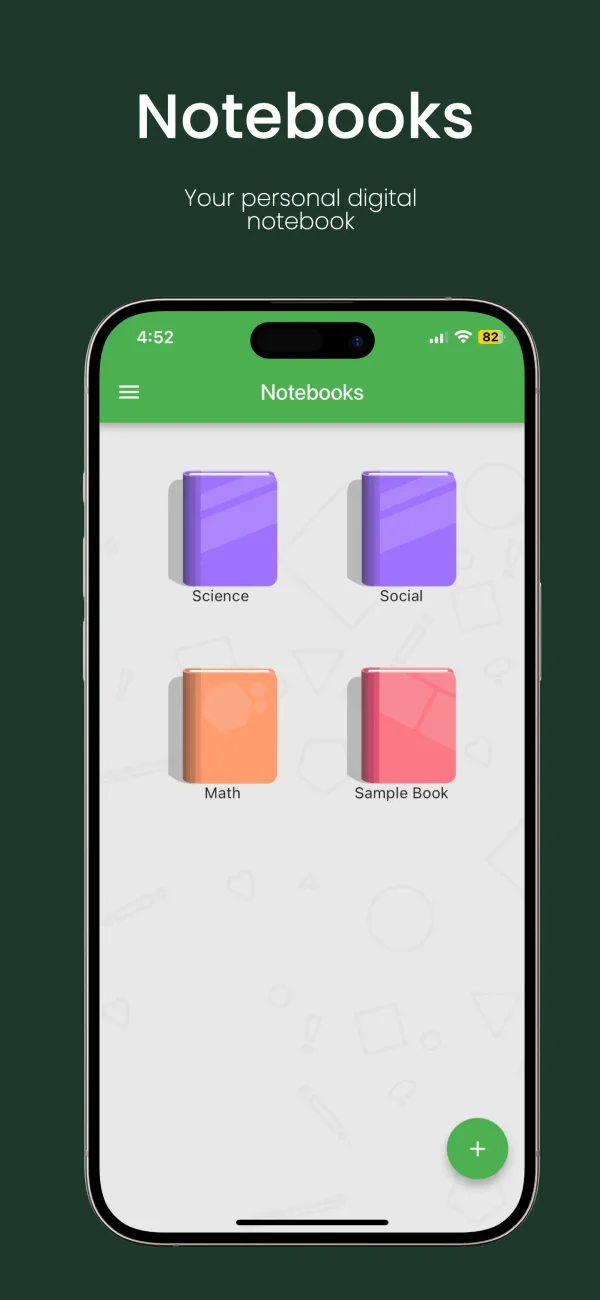
Create multiple notebooks for every subject and avoid messing up your notes.
Notebooks is the only application you will ever need for all your note making needs.
Designed with flexibility and ease of use in mind, taking notes is now at it simplest with our application. With multiple colors and custom title for each notebook cover, you will enjoy creating a notebook for every subject you want.
Notebooks is a must have application for students, business men and for anyone using their phones and tablets for taking notes.
Features:
1. Create multiple notebooks.
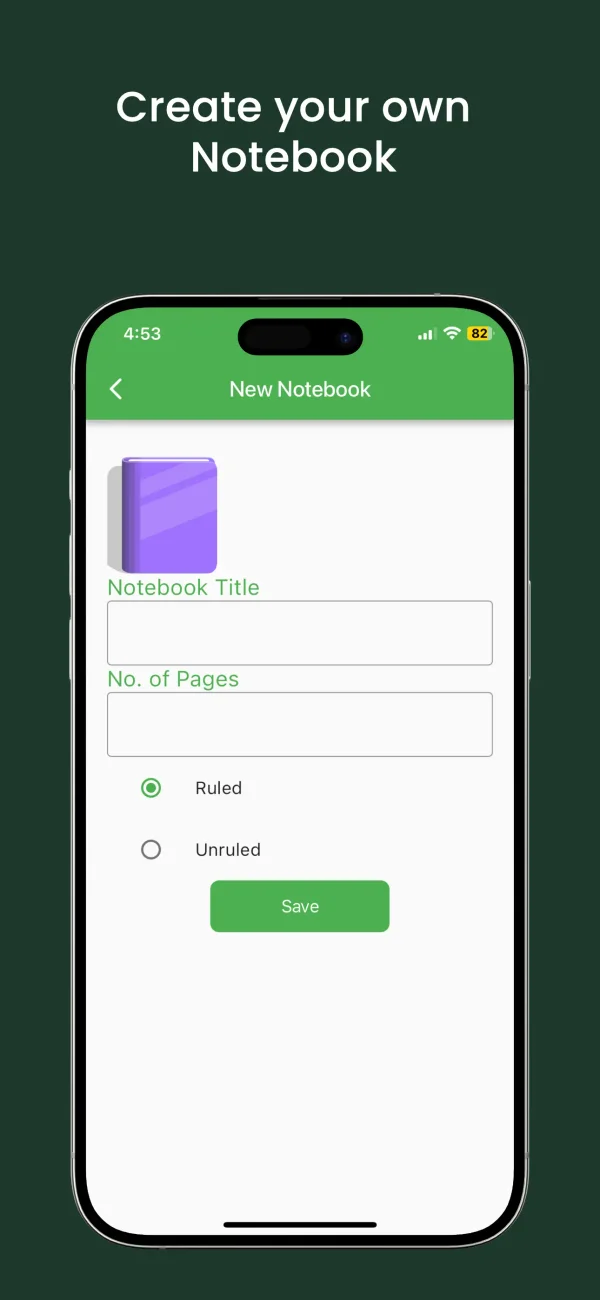
2. Customizable cover, title, number of pages for every notebook.
3. Password protected.
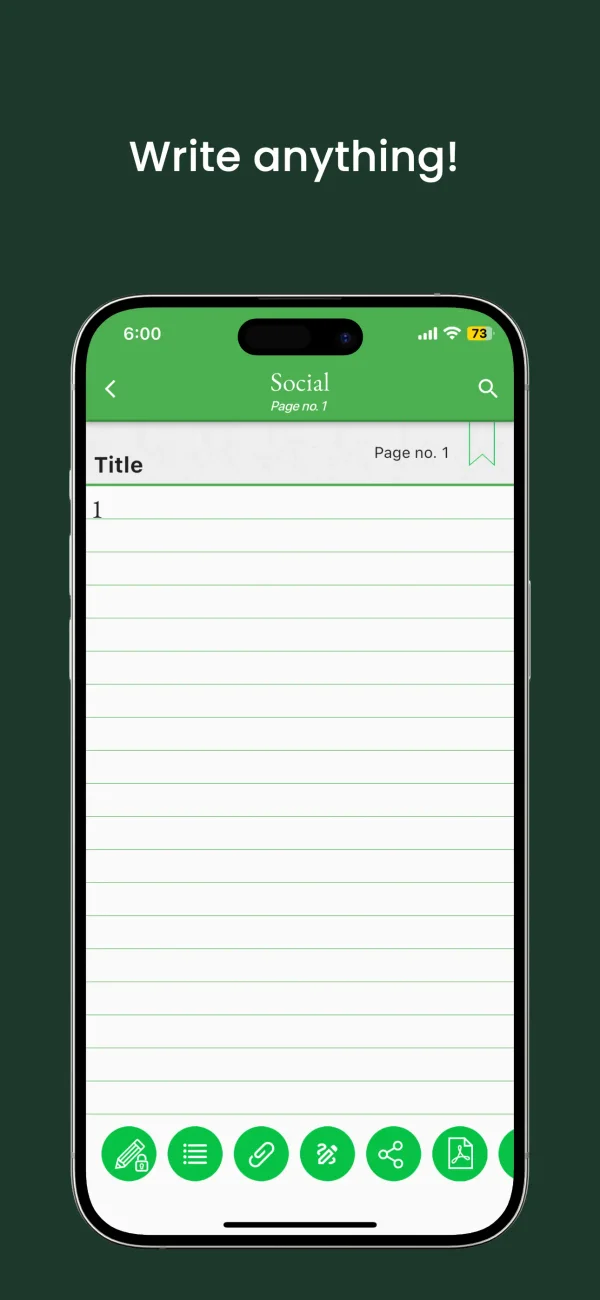
4. Set a title for every page.
5. Instant search within each notebook.
6. Attach image files.
7. Bookmark a page.
8. Create your own free hand drawing.
9. Easily find your entries.
10. Set theme for each notebook.
11. Convert the entire Notebook to PDF with attachments. (Currently supports English only)
12. Backup/Restore.
(***Option available in the menu of the Notebooks screen. Some devices will not have the hardware menu
button on the device, in that case 'long press' the 'All Apps' button to get the menu on the app***)
13. Backup to Google Drive
FAQs: http://www.droidveda.com/faq/faq_notebooks.html
How to use?
1. Use '+' mark in the home screen to create new books.
2. Long tap on any book to edit/delete the book.
3. Use 'Password' option to set/reset the password.
4. On the Page tap on Page Header to set the Title for the page.
5. Make use of different editing options provided at the bottom of the page.
App-Datenschutz
Was Droid-Veda LLP im App Store zum Umgang dieser App mit Daten angibt.
-
Daten, die zum Tracking Ihrer Person verwendet werden
Können verwendet werden, um Sie über Apps und Websites anderer Unternehmen hinweg zu verfolgen.
- Kennungen
-
Nicht mit Ihnen verknüpfte Daten
Können erfasst werden, sind aber nicht mit Ihrer Identität verknüpft.
- Kennungen
Die Datenschutzpraktiken können variieren, zum Beispiel je nach den von Ihnen verwendeten Funktionen oder Ihrem Alter.
Informationen
- Anbieter
- DROID-VEDA LLP
- Kategorie
- Produktivität
- Version
- 1.0
- Aktualisiert
- 28.05.2024
- Veröffentlicht
- 27.05.2024
- Größe
- 45,7 MB
- Erfordert
- iOS 17.0 oder neuer
- Altersfreigabe
- 4+
- Preis
- Kostenlos
- Sprachen
- Englisch
- Copyright
- © Droid-Veda LLP 2012-2024
Das könnte Ihnen auch gefallen
-
 Easy Notebook - simple notes -Produktivität
-
 Notizen: Notizbuch, NotizblockHinweise Zu Den Täglichen Aufg
-
 Scriptum - Notebook CreatorProduktivität
-
 Unendliche NotizebeneUnendliches Notizbuch per Hand
-
 NeatNotes – Notizen & ListenMemos, To-dos & Erinnerungen
-
 OfflineNoteKein Auswendiglernen mehr.
-
 Notizen Journal To Do TagebuchHabit Tracker To do List & PDF
-
 Simplify Notes: PDF-NotizbuchNotizen, PDF und Apple Pencil
-
 Desktop Note - Notes & PhotosAlways-on-desktop sticky note
-
 Saber: Handwritten NotesProduktivität