
Notebooks - Your Digital Notes
Digital notebook
Được thiết kế cho iPhone, iPad
Miễn phí
- Độ tuổi4+
- Danh mụcHiệu Suất
- Nhà phát triểnDroid-Veda LLP
- Ngôn ngữTiếng Anh
- Kích thước45,7 MB
Liên kết đến trang App Store chính thức
Download.org không lưu trữ tệp nào của Notebooks - Your Digital Notes. Nút này mở trang ứng dụng trên App Store, nơi Droid-Veda LLP phát hành ứng dụng. Trang được kiểm tra lần cuối: 12/11/2026.
Ảnh chụp màn hình
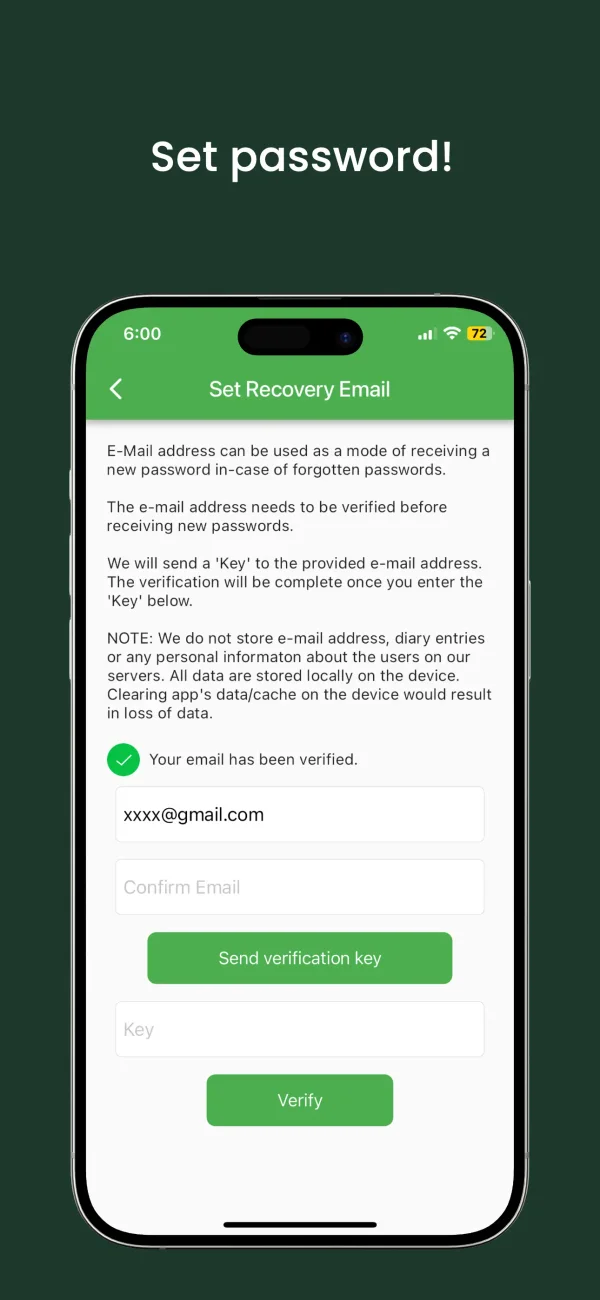
Giới thiệu
Nhà phát triển chưa cung cấp nội dung này bằng ngôn ngữ của bạn.
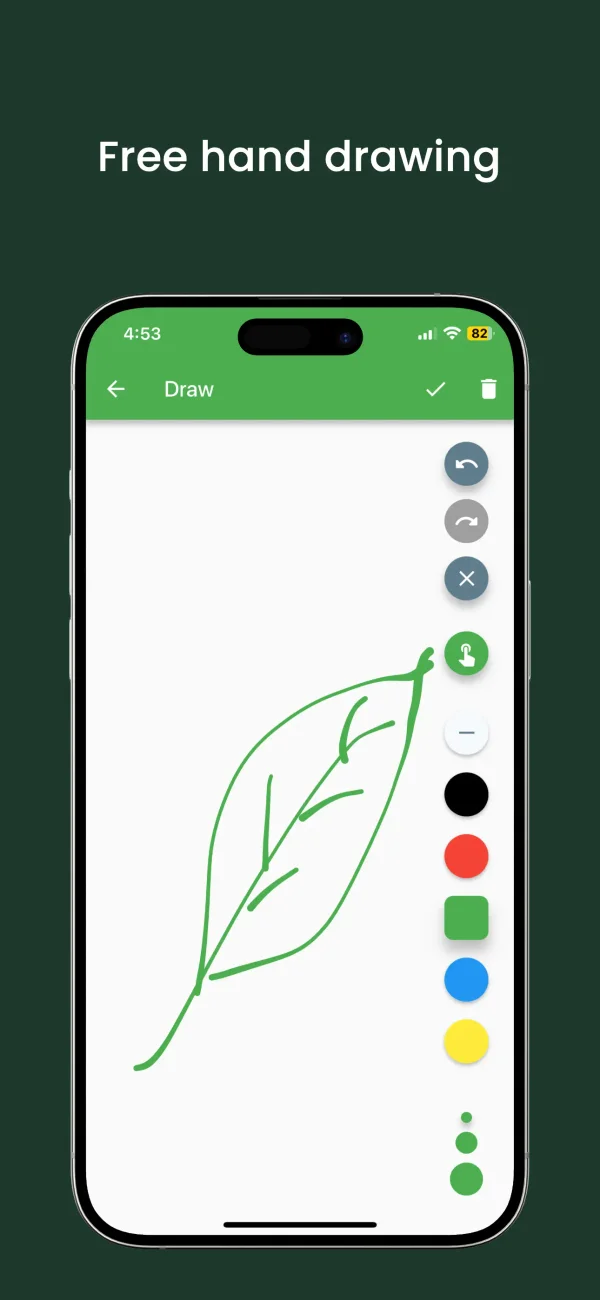
Take notes and even attach your free hand drawing, everything in style and completely without papers!
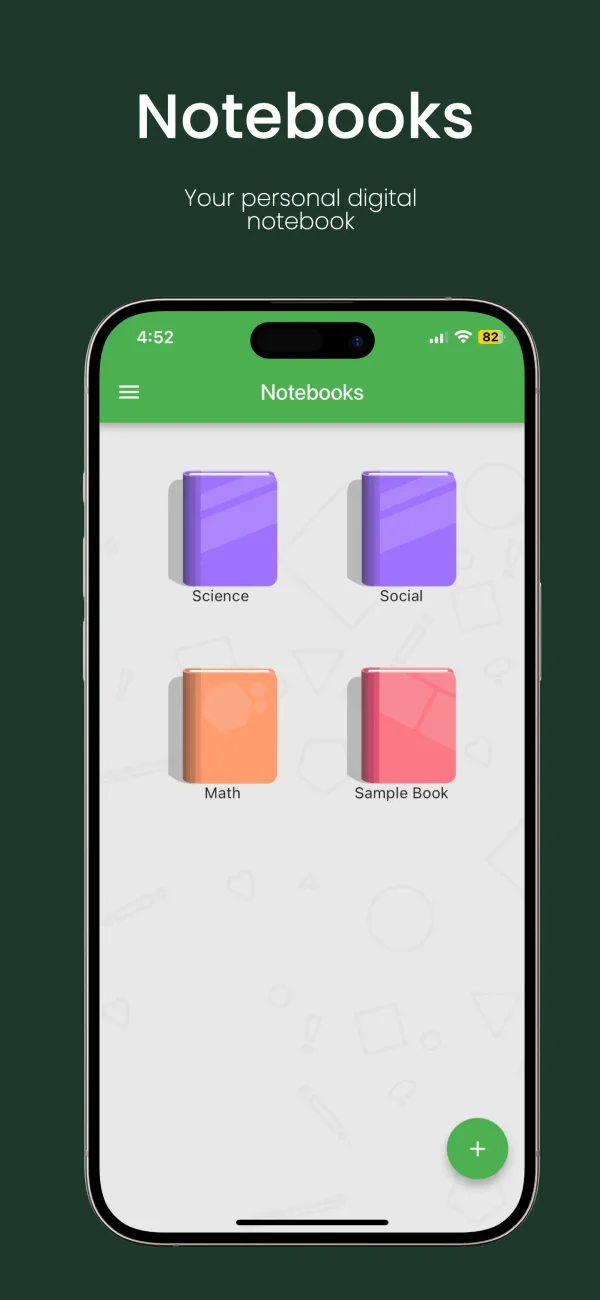
Create multiple notebooks for every subject and avoid messing up your notes.
Notebooks is the only application you will ever need for all your note making needs.
Designed with flexibility and ease of use in mind, taking notes is now at it simplest with our application. With multiple colors and custom title for each notebook cover, you will enjoy creating a notebook for every subject you want.
Notebooks is a must have application for students, business men and for anyone using their phones and tablets for taking notes.
Features:
1. Create multiple notebooks.
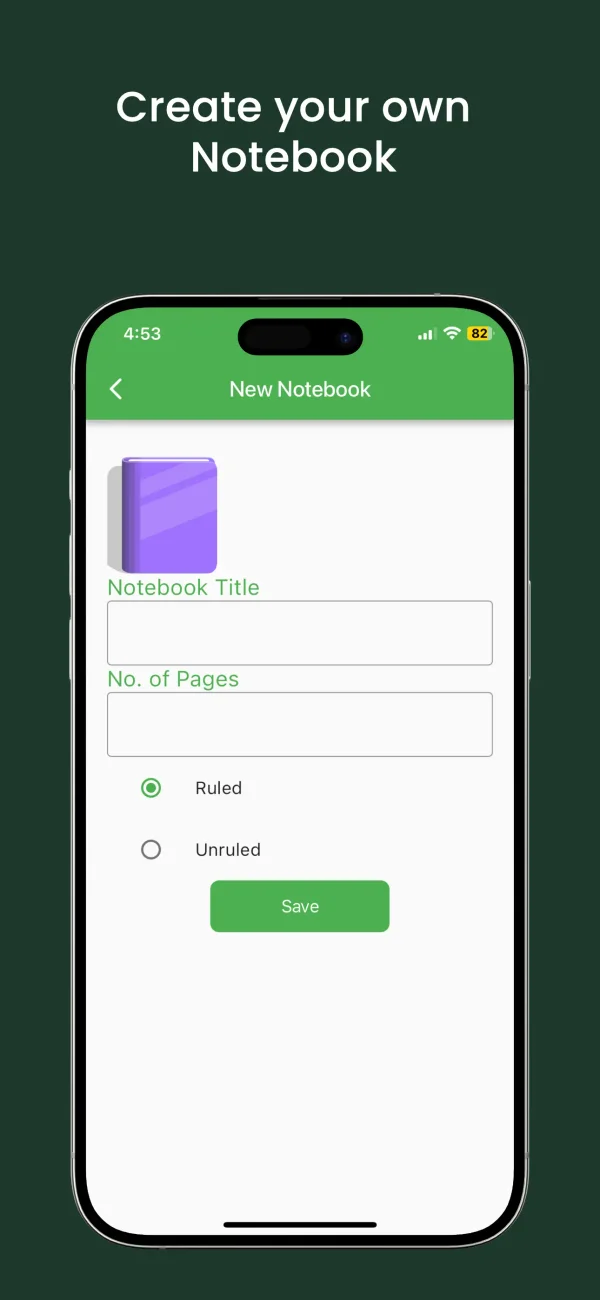
2. Customizable cover, title, number of pages for every notebook.
3. Password protected.
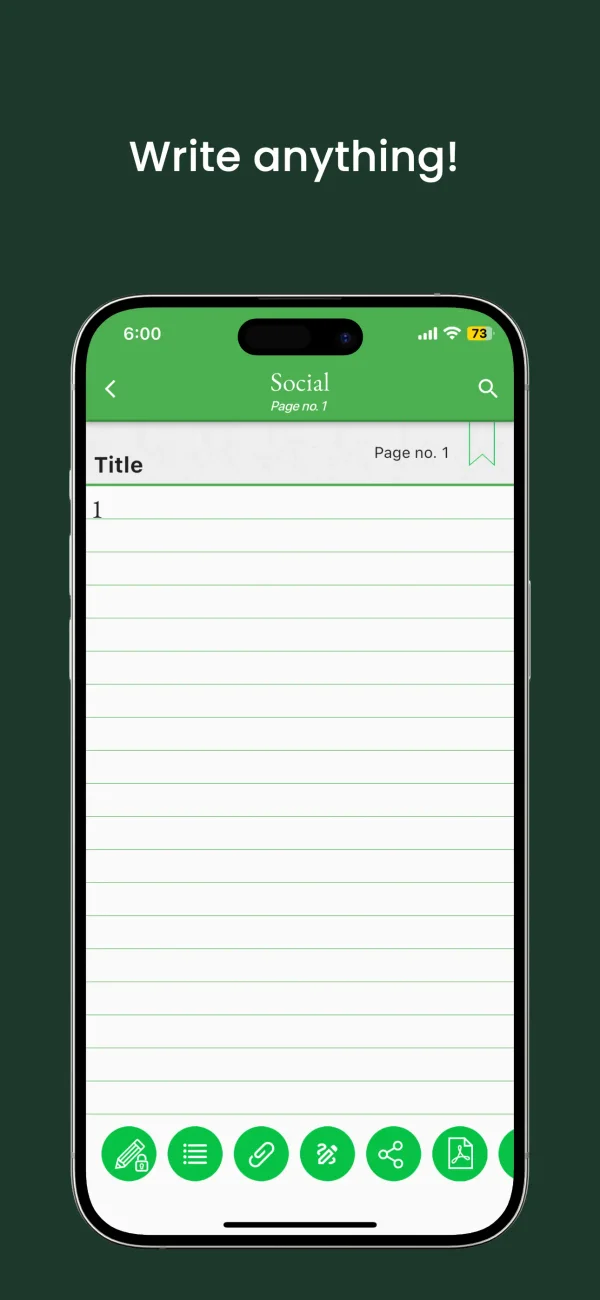
4. Set a title for every page.
5. Instant search within each notebook.
6. Attach image files.
7. Bookmark a page.
8. Create your own free hand drawing.
9. Easily find your entries.
10. Set theme for each notebook.
11. Convert the entire Notebook to PDF with attachments. (Currently supports English only)
12. Backup/Restore.
(***Option available in the menu of the Notebooks screen. Some devices will not have the hardware menu
button on the device, in that case 'long press' the 'All Apps' button to get the menu on the app***)
13. Backup to Google Drive
FAQs: http://www.droidveda.com/faq/faq_notebooks.html
How to use?
1. Use '+' mark in the home screen to create new books.
2. Long tap on any book to edit/delete the book.
3. Use 'Password' option to set/reset the password.
4. On the Page tap on Page Header to set the Title for the page.
5. Make use of different editing options provided at the bottom of the page.
Quyền riêng tư của ứng dụng
Những gì Droid-Veda LLP khai báo trên App Store về cách ứng dụng này xử lý dữ liệu.
-
Dữ liệu được sử dụng để theo dõi bạn
Có thể được sử dụng để theo dõi bạn trên các ứng dụng và trang web do công ty khác sở hữu.
- Mã định danh
-
Dữ liệu không liên kết với bạn
Có thể được thu thập nhưng không liên kết với danh tính của bạn.
- Mã định danh
Phương thức đảm bảo quyền riêng tư có thể khác nhau, chẳng hạn như tuỳ theo các tính năng bạn sử dụng hoặc độ tuổi của bạn.
Thông tin
- Người bán
- DROID-VEDA LLP
- Danh mục
- Hiệu Suất
- Phiên bản
- 1.0
- Cập nhật
- 28/05/2024
- Phát hành
- 27/05/2024
- Kích thước
- 45,7 MB
- Yêu cầu
- iOS 17.0 trở lên
- Độ tuổi
- 4+
- Giá
- Miễn phí
- Ngôn ngữ
- Tiếng Anh
- Bản quyền
- © Droid-Veda LLP 2012-2024
Có thể bạn cũng thích
-
 Easy Notebook - simple notes -Hiệu Suất
-
 Ghi Chú : Sổ TayGhi Chú Cho Các Nhiệm Vụ Hàng
-
 Scriptum - Notebook CreatorHiệu Suất
-
 Plane NotesHiệu Suất
-
 NeatNotes : Notes and listsHiệu Suất
-
 OfflineNoteHiệu Suất
-
 Lịch Ghi chú & To do ListWidget: Nhật ký & Lời nhắc
-
 Simplify Notes: PDF NotebookHiệu Suất
-
 Desktop Note - Notes & PhotosHiệu Suất
-
 Saber: Handwritten NotesHiệu Suất