
- Age rating4+
- CategoryProductivity
- DeveloperDroid-Veda LLP
- LanguagesEnglish
- Size45.7 MB
Links to the official App Store page
Download.org hosts no file of Notebooks - Your Digital Notes. The button opens its official App Store page, published by Droid-Veda LLP. Listing last checked on Nov 12, 2026.
Screenshots
About
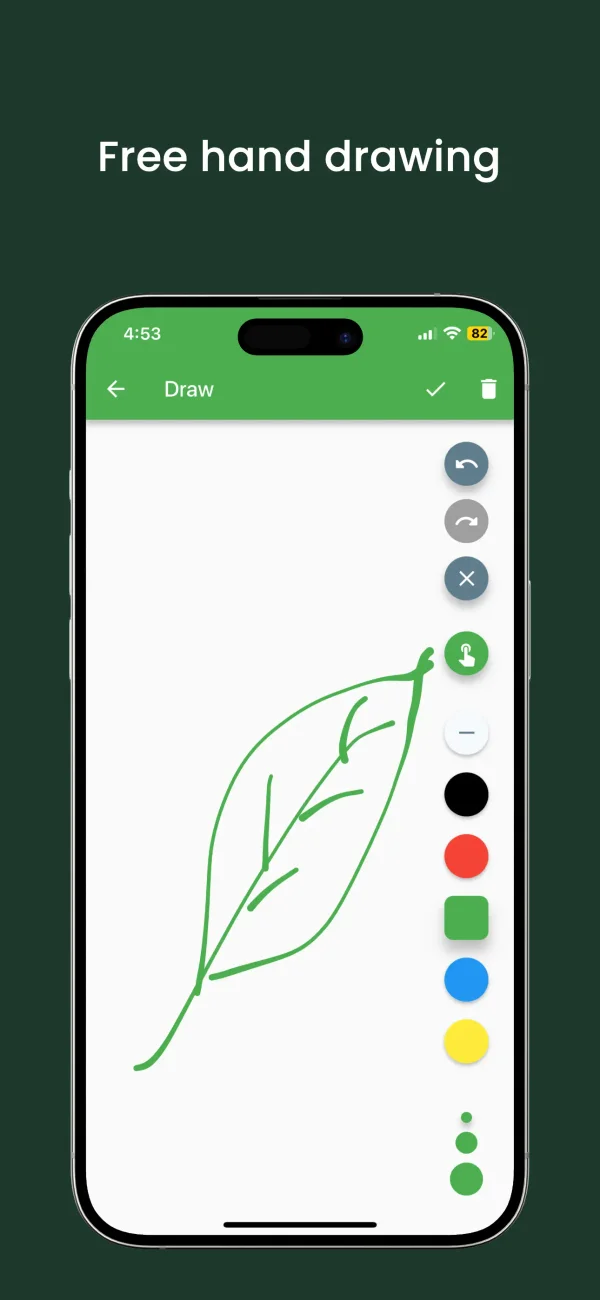
Take notes and even attach your free hand drawing, everything in style and completely without papers!
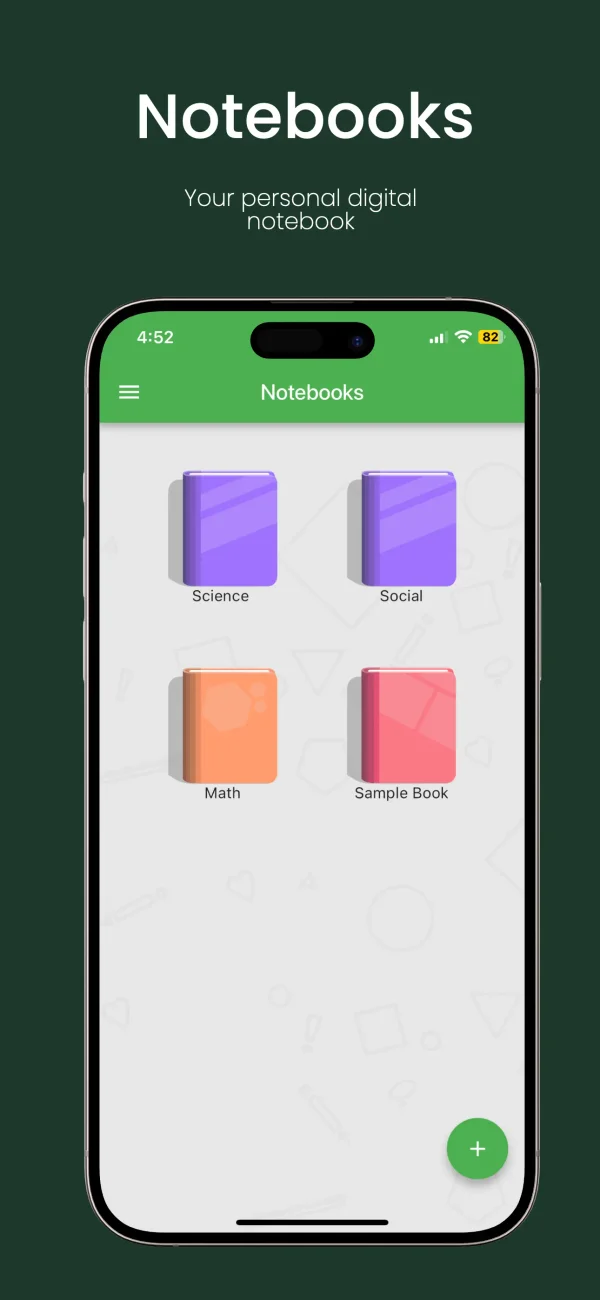
Create multiple notebooks for every subject and avoid messing up your notes.
Notebooks is the only application you will ever need for all your note making needs.
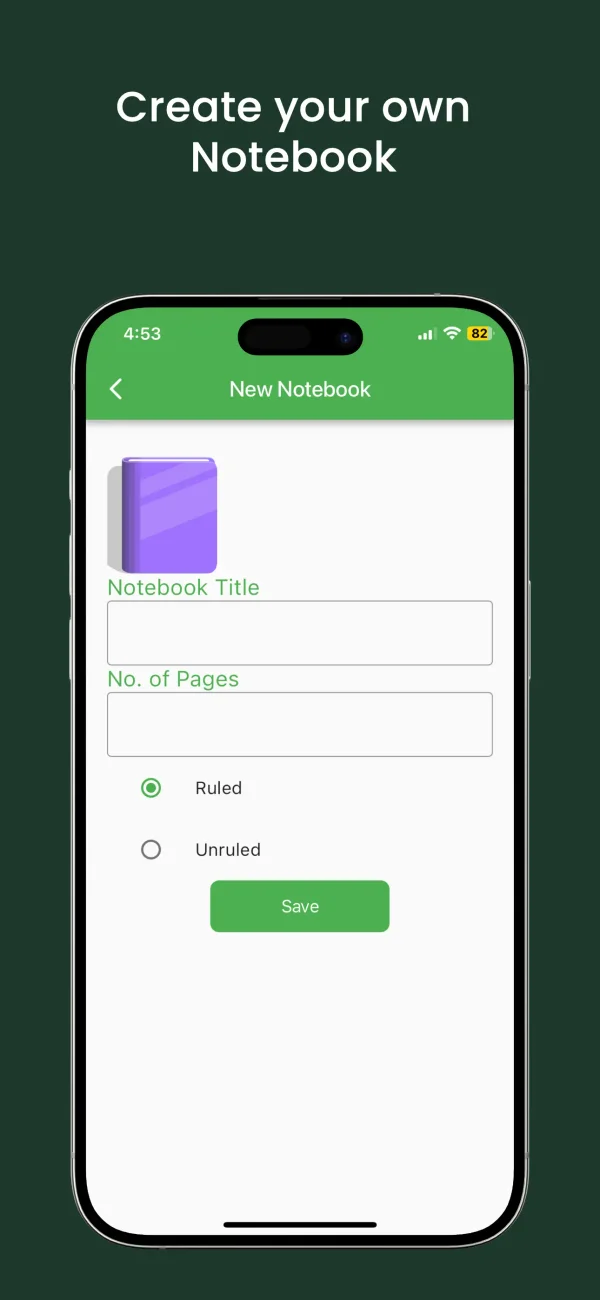
Designed with flexibility and ease of use in mind, taking notes is now at it simplest with our application. With multiple colors and custom title for each notebook cover, you will enjoy creating a notebook for every subject you want.
Notebooks is a must have application for students, business men and for anyone using their phones and tablets for taking notes.
Features:
1. Create multiple notebooks.
2. Customizable cover, title, number of pages for every notebook.
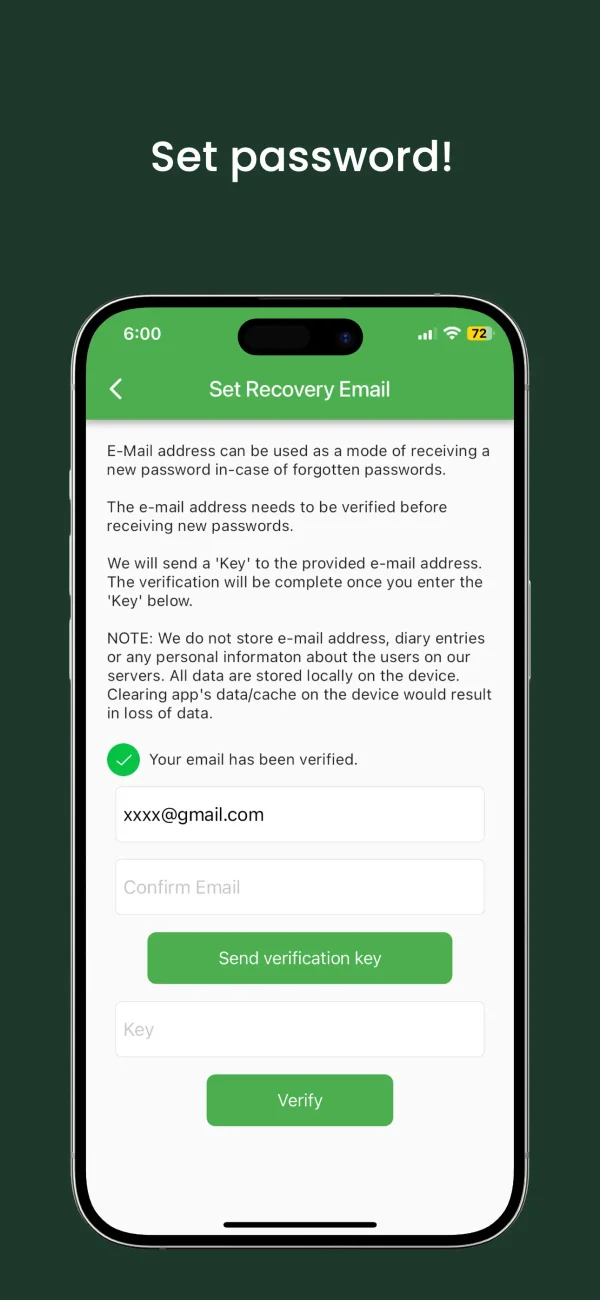
3. Password protected.
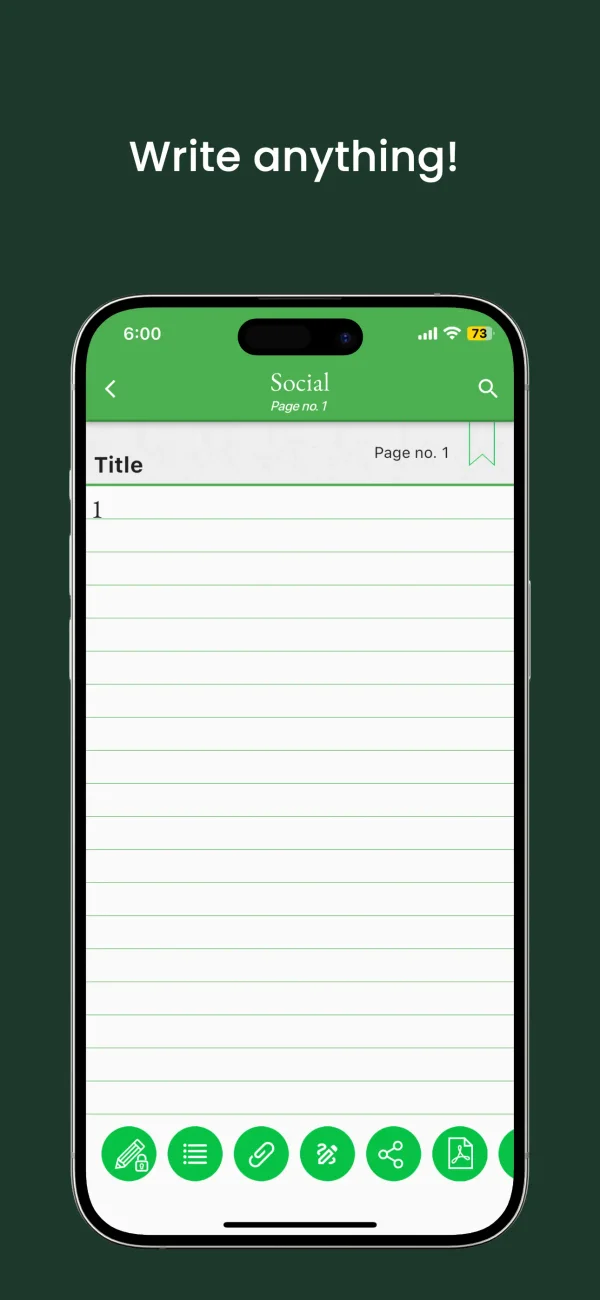
4. Set a title for every page.
5. Instant search within each notebook.
6. Attach image files.
7. Bookmark a page.
8. Create your own free hand drawing.
9. Easily find your entries.
10. Set theme for each notebook.
11. Convert the entire Notebook to PDF with attachments. (Currently supports English only)
12. Backup/Restore.
(***Option available in the menu of the Notebooks screen. Some devices will not have the hardware menu
button on the device, in that case 'long press' the 'All Apps' button to get the menu on the app***)
13. Backup to Google Drive
FAQs: http://www.droidveda.com/faq/faq_notebooks.html
How to use?
1. Use '+' mark in the home screen to create new books.
2. Long tap on any book to edit/delete the book.
3. Use 'Password' option to set/reset the password.
4. On the Page tap on Page Header to set the Title for the page.
5. Make use of different editing options provided at the bottom of the page.
App privacy
What Droid-Veda LLP declares on the App Store about how this app handles data.
-
Data used to track you
May be used to track you across apps and websites owned by other companies.
- Identifiers
-
Data not linked to you
May be collected but is not linked to your identity.
- Identifiers
Privacy practices may vary, for example with the features you use or your age.
Information
- Seller
- DROID-VEDA LLP
- Category
- Productivity
- Version
- 1.0
- Updated
- May 28, 2024
- Released
- May 27, 2024
- Size
- 45.7 MB
- Requires
- iOS 17.0 or later
- Age rating
- 4+
- Price
- Free
- Languages
- English
- Copyright
- © Droid-Veda LLP 2012-2024
You might also like
-
 Easy Notebook - simple notes -Productivity
-
 Notes: Color Notepad, NotebookNotes for Daily Tasks
-
 Scriptum - Notebook CreatorCustom Covers, Paper & Writing
-
 Plane NotesInfinite handwritten notebook
-
 NeatNotes : Notes and listsnotepad, stickies, reminders
-
 OfflineNoteNo more memorising things
-
 Simple Notes Daily PlannerReminders: Journal & Stickers
-
 Simplify Notes: PDF NotebookHandwriting, Notes & Study
-
 Desktop Note - Notes & PhotosAlways-on-desktop sticky note
-
 Saber: Handwritten NotesThe app built for handwriting