
Notebooks - Your Digital Notes
Digital notebook
Conçue pour iPhone, iPad
Gratuit
- Classification d’âge4+
- CatégorieProductivité
- DéveloppeurDroid-Veda LLP
- LanguesAnglais
- Taille45,7 Mo
Renvoie vers la page App Store officielle
Download.org n’héberge aucun fichier de Notebooks - Your Digital Notes. Le bouton ouvre la page de l’application sur App Store, où Droid-Veda LLP la publie. Fiche vérifiée pour la dernière fois le 12/11/2026.
Captures d’écran
À propos
Le développeur n’a pas fourni ce texte dans votre langue.
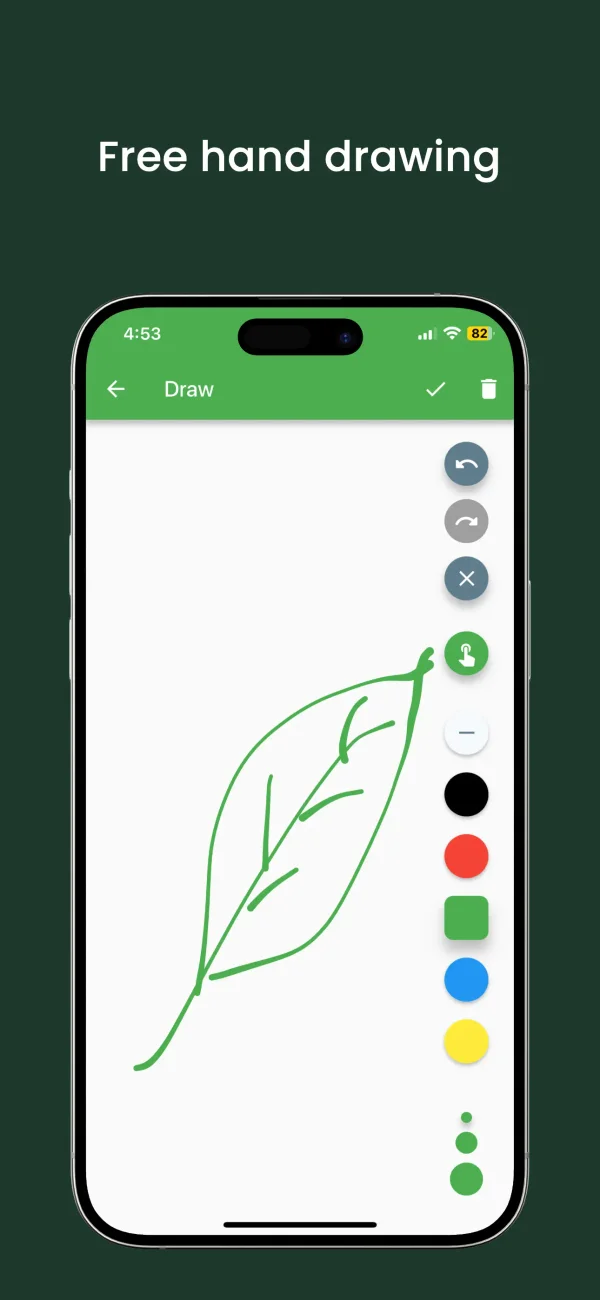
Take notes and even attach your free hand drawing, everything in style and completely without papers!
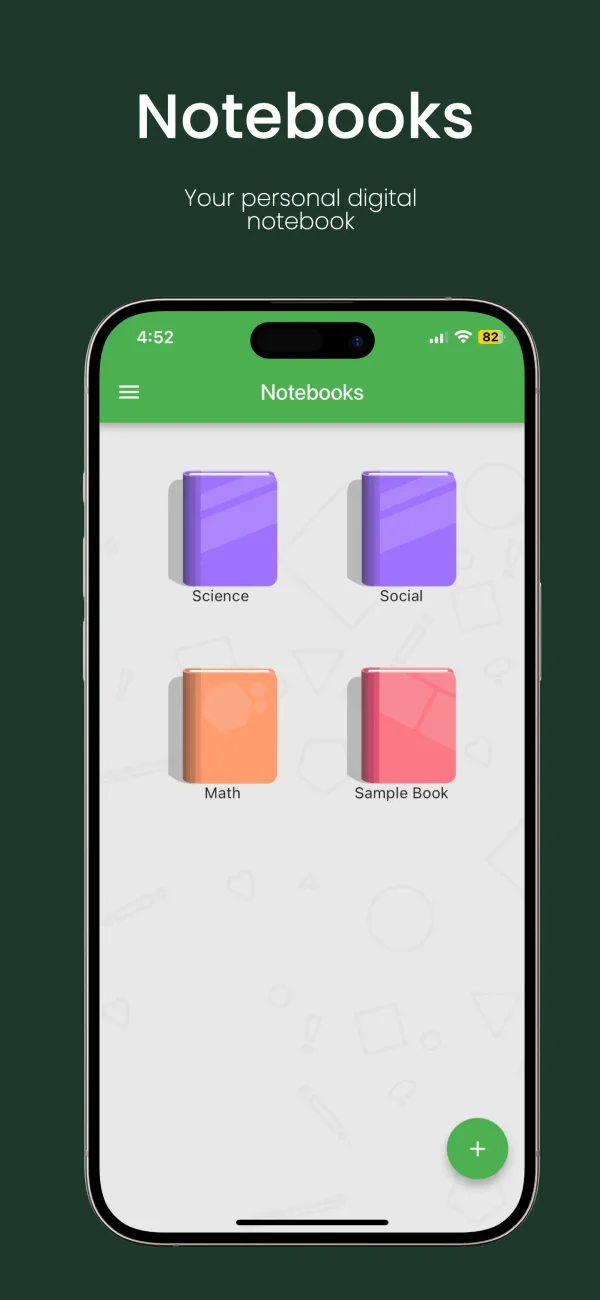
Create multiple notebooks for every subject and avoid messing up your notes.
Notebooks is the only application you will ever need for all your note making needs.
Designed with flexibility and ease of use in mind, taking notes is now at it simplest with our application. With multiple colors and custom title for each notebook cover, you will enjoy creating a notebook for every subject you want.
Notebooks is a must have application for students, business men and for anyone using their phones and tablets for taking notes.
Features:
1. Create multiple notebooks.
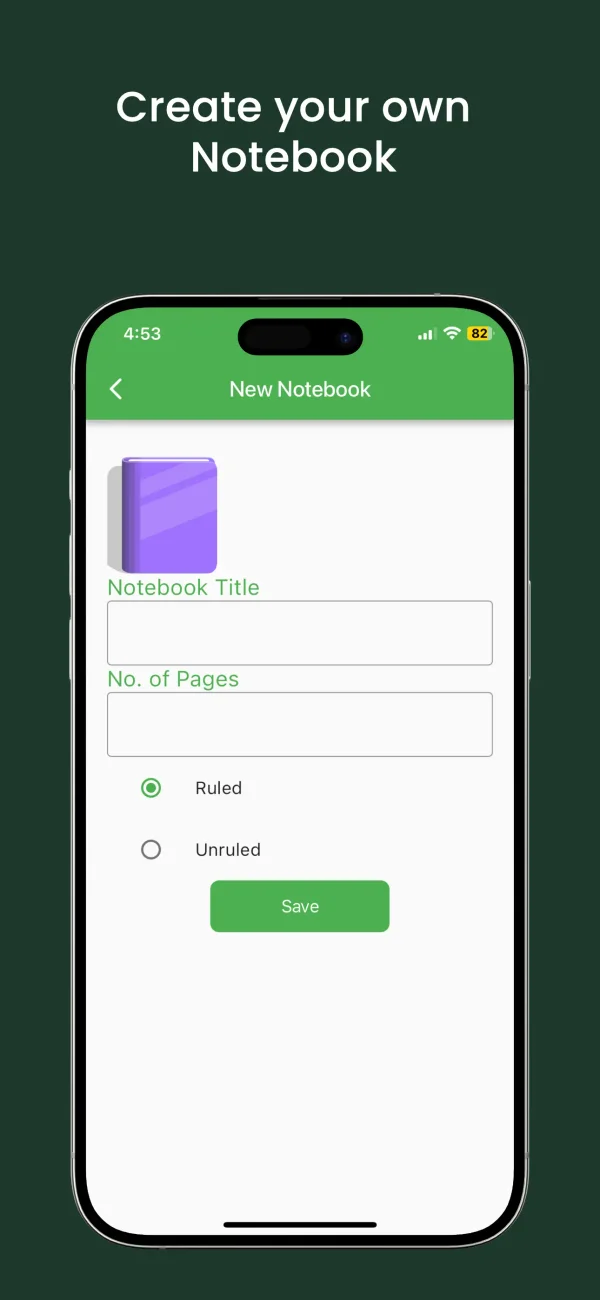
2. Customizable cover, title, number of pages for every notebook.
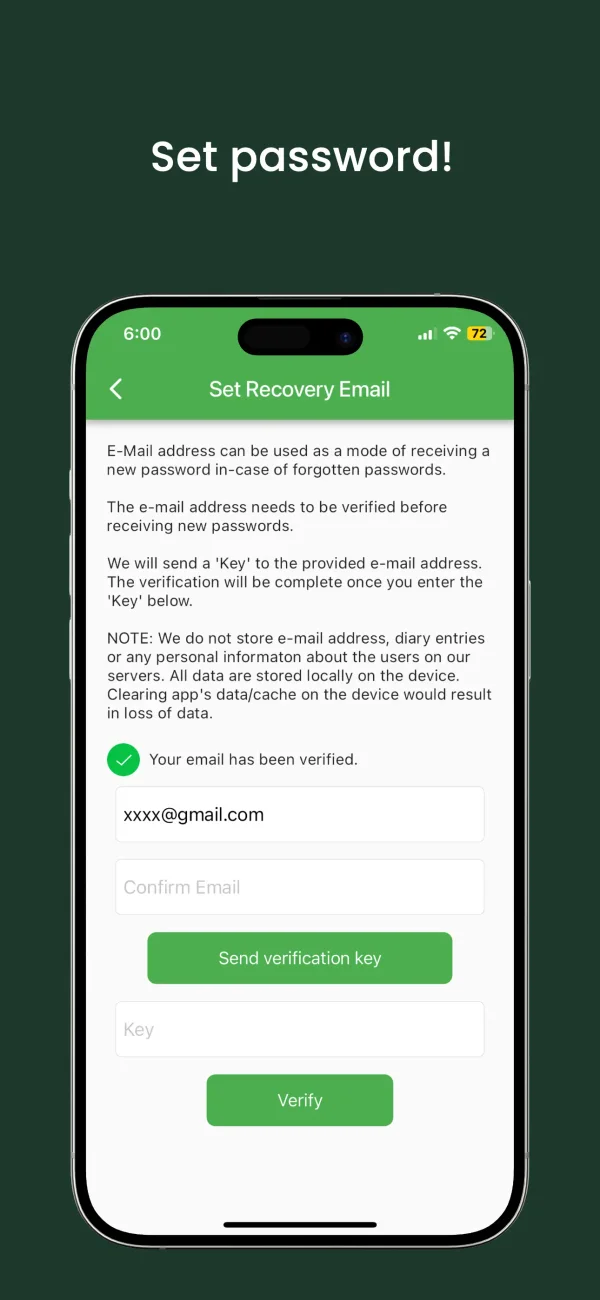
3. Password protected.
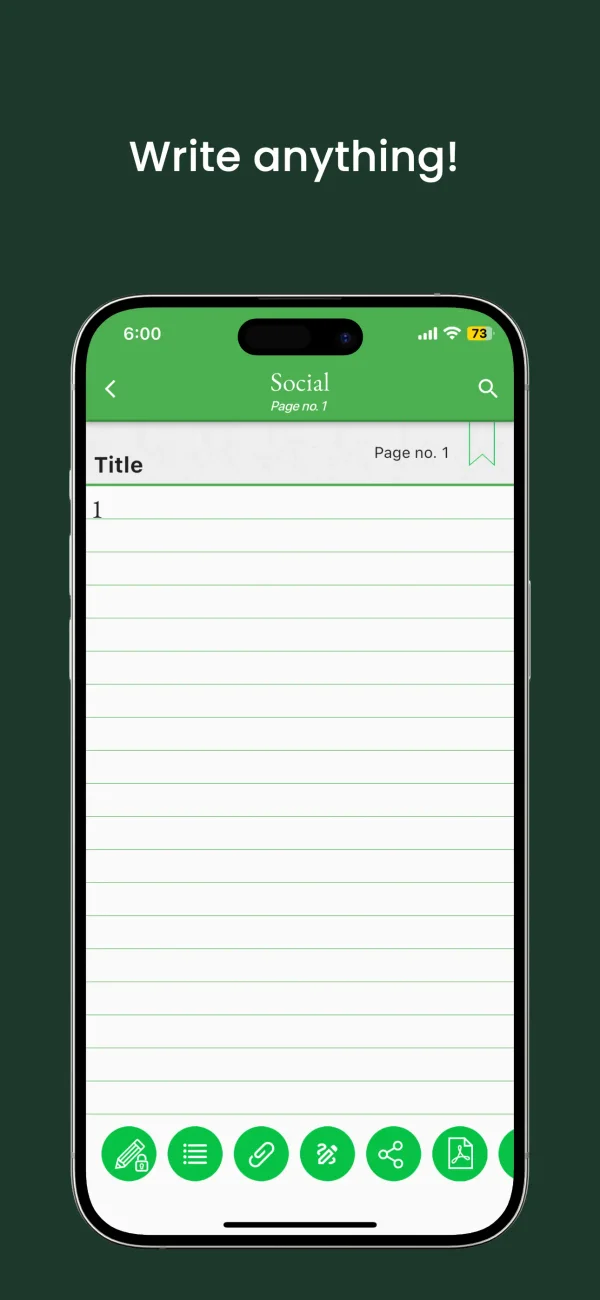
4. Set a title for every page.
5. Instant search within each notebook.
6. Attach image files.
7. Bookmark a page.
8. Create your own free hand drawing.
9. Easily find your entries.
10. Set theme for each notebook.
11. Convert the entire Notebook to PDF with attachments. (Currently supports English only)
12. Backup/Restore.
(***Option available in the menu of the Notebooks screen. Some devices will not have the hardware menu
button on the device, in that case 'long press' the 'All Apps' button to get the menu on the app***)
13. Backup to Google Drive
FAQs: http://www.droidveda.com/faq/faq_notebooks.html
How to use?
1. Use '+' mark in the home screen to create new books.
2. Long tap on any book to edit/delete the book.
3. Use 'Password' option to set/reset the password.
4. On the Page tap on Page Header to set the Title for the page.
5. Make use of different editing options provided at the bottom of the page.
Confidentialité de l’application
Ce que Droid-Veda LLP déclare sur l’App Store au sujet du traitement des données par cette application.
-
Données utilisées pour vous suivre
Peuvent être utilisées pour vous suivre sur des applications et des sites web appartenant à d’autres sociétés.
- Identifiants
-
Données n’établissant aucun lien avec vous
Peuvent être collectées, mais ne sont pas liées à votre identité.
- Identifiants
Les pratiques en matière de confidentialité peuvent varier, notamment en fonction des fonctionnalités que vous utilisez ou de votre âge.
Informations
- Vendeur
- DROID-VEDA LLP
- Catégorie
- Productivité
- Version
- 1.0
- Mis à jour
- 28/05/2024
- Publié
- 27/05/2024
- Taille
- 45,7 Mo
- Nécessite
- iOS 17.0 ou version ultérieure
- Classification d’âge
- 4+
- Prix
- Gratuit
- Langues
- Anglais
- Copyright
- © Droid-Veda LLP 2012-2024
Vous aimerez peut-être aussi
-
 Easy Notebook - simple notes -Productivité
-
 Notes - Bloc Note, CarnetNotes Pour Tâches Quotidiennes
-
 Scriptum - Notebook CreatorProductivité
-
 Plan infini de notesCarnet manuscrit infini
-
 NeatNotes : Notes et Post itnotebook, memo, reminders
-
 OfflineNotePlus besoin de mémoriser
-
 Simple Notes Agenda JournalWidget: To Do List & Planner
-
 Simplify Notes : Carnet PDFNotes, PDF et Apple Pencil
-
 Desktop Note - Notes & PhotosAlways-on-desktop sticky note
-
 Saber: Handwritten NotesProductivité