
Notebooks - Your Digital Notes
Digital notebook
Diseñada para iPhone, iPad
Gratis
- Clasificación por edad4+
- CategoríaProductividad
- DesarrolladorDroid-Veda LLP
- IdiomasInglés
- Tamaño45,7 MB
Enlaza a la página oficial de App Store
Download.org no aloja ningún archivo de Notebooks - Your Digital Notes. El botón abre la página de la aplicación en App Store, donde la publica Droid-Veda LLP. Ficha comprobada por última vez el 12/11/2026.
Capturas de pantalla
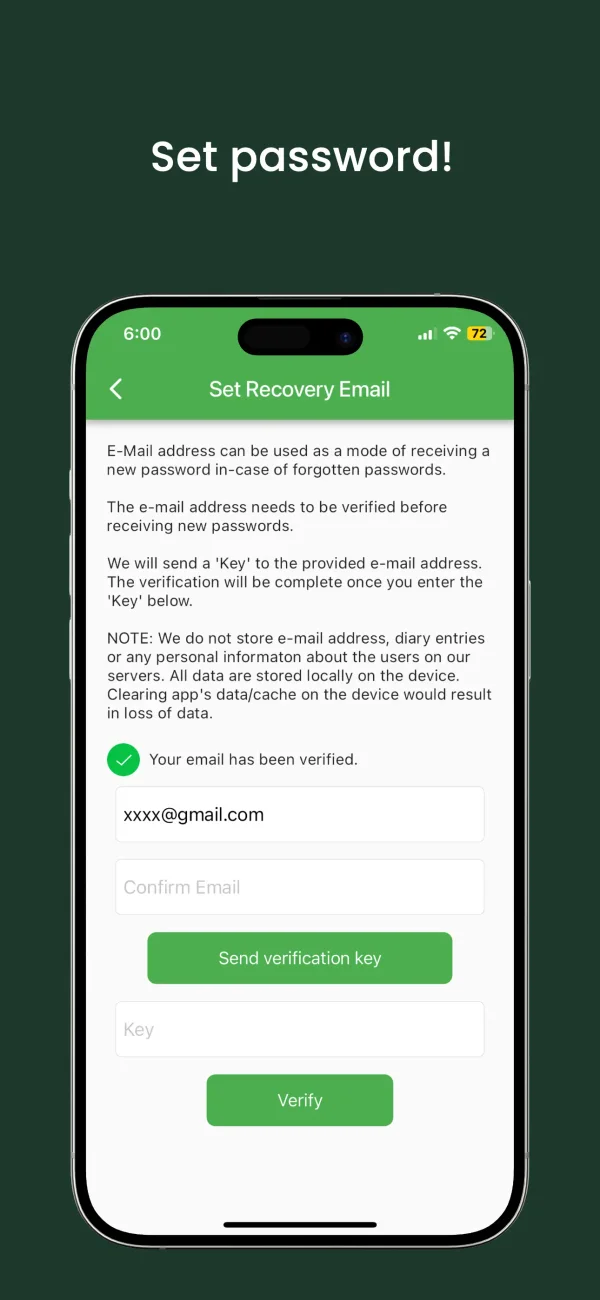
Acerca de
El desarrollador no ha proporcionado este texto en tu idioma.
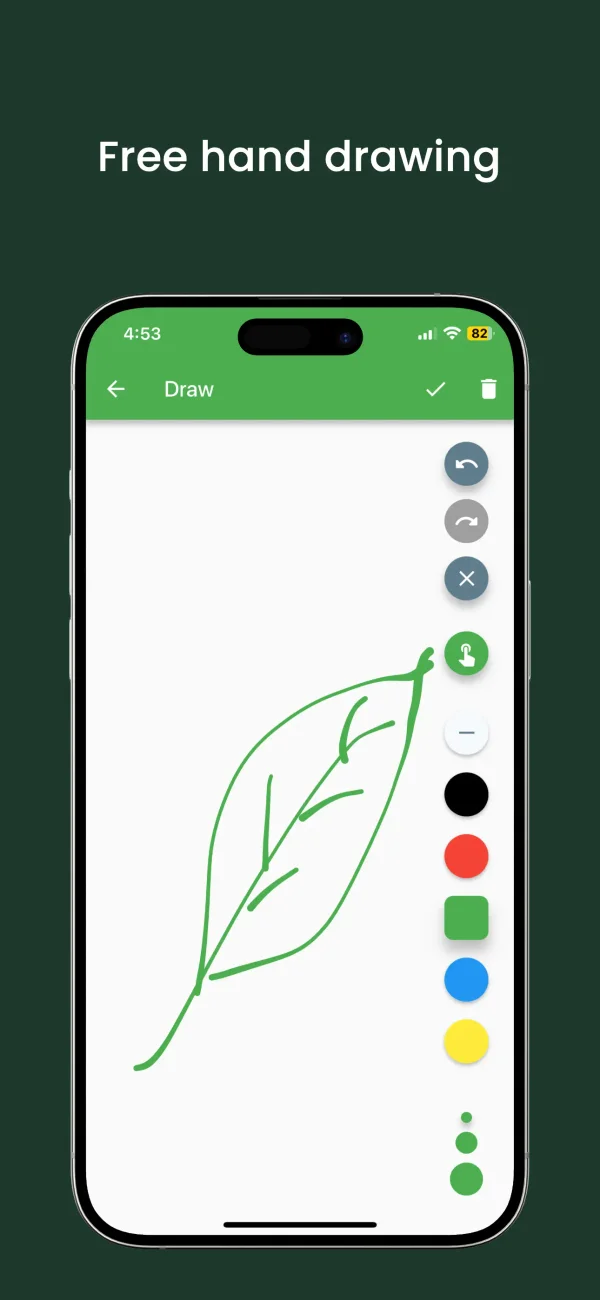
Take notes and even attach your free hand drawing, everything in style and completely without papers!
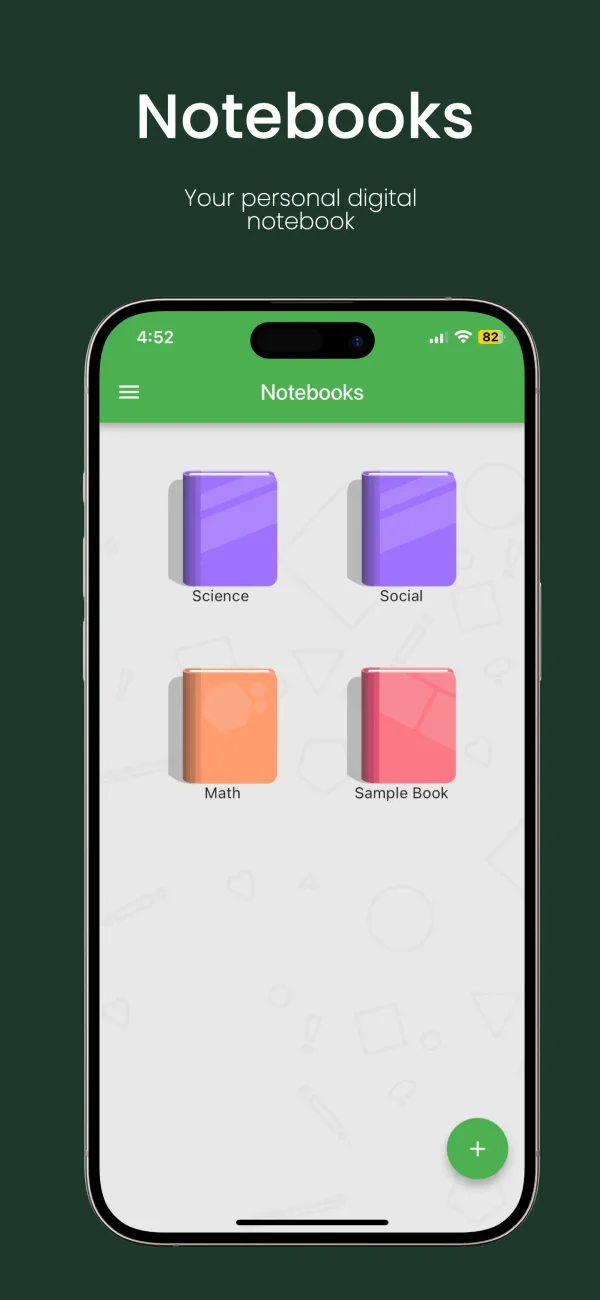
Create multiple notebooks for every subject and avoid messing up your notes.
Notebooks is the only application you will ever need for all your note making needs.
Designed with flexibility and ease of use in mind, taking notes is now at it simplest with our application. With multiple colors and custom title for each notebook cover, you will enjoy creating a notebook for every subject you want.
Notebooks is a must have application for students, business men and for anyone using their phones and tablets for taking notes.
Features:
1. Create multiple notebooks.
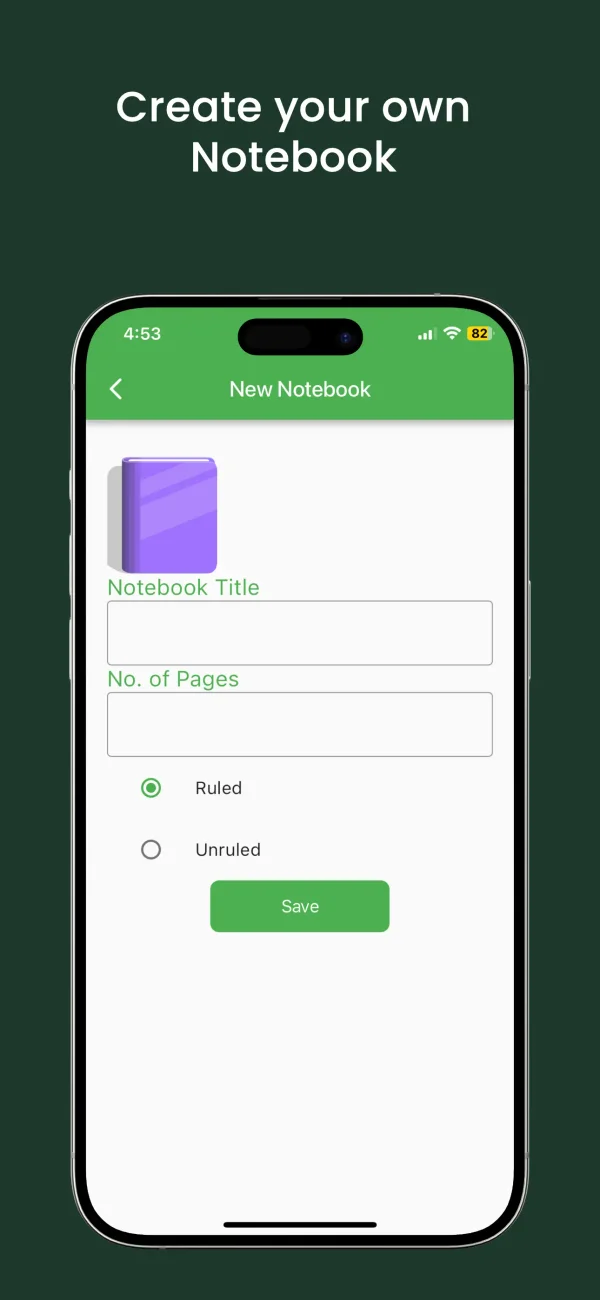
2. Customizable cover, title, number of pages for every notebook.
3. Password protected.
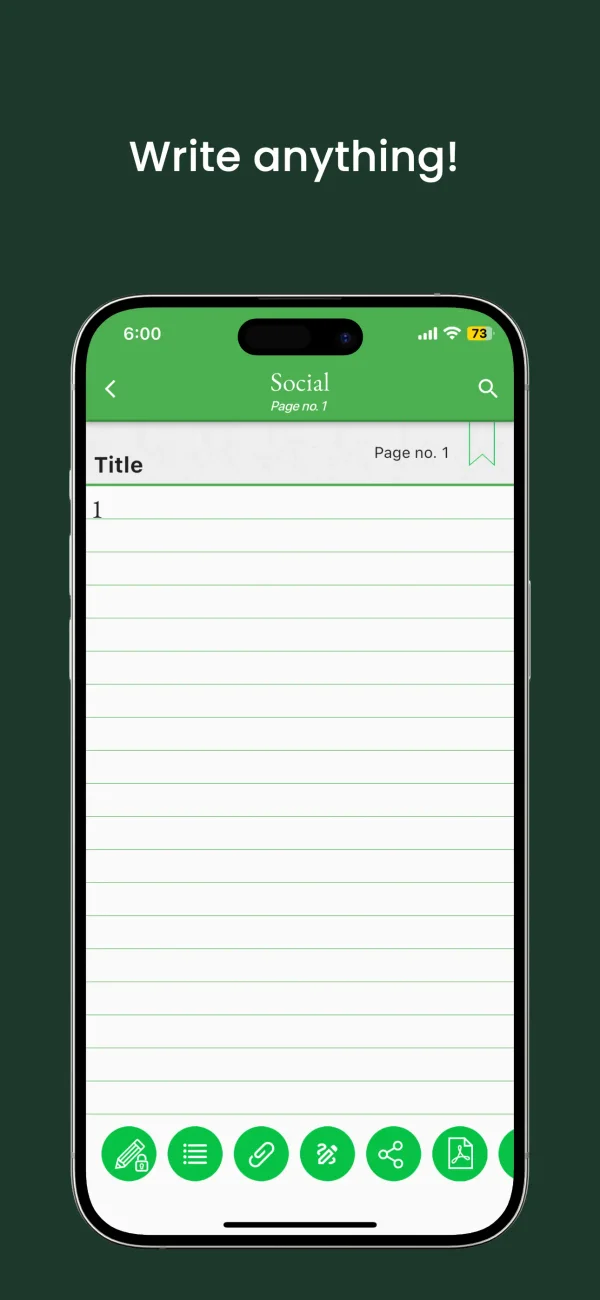
4. Set a title for every page.
5. Instant search within each notebook.
6. Attach image files.
7. Bookmark a page.
8. Create your own free hand drawing.
9. Easily find your entries.
10. Set theme for each notebook.
11. Convert the entire Notebook to PDF with attachments. (Currently supports English only)
12. Backup/Restore.
(***Option available in the menu of the Notebooks screen. Some devices will not have the hardware menu
button on the device, in that case 'long press' the 'All Apps' button to get the menu on the app***)
13. Backup to Google Drive
FAQs: http://www.droidveda.com/faq/faq_notebooks.html
How to use?
1. Use '+' mark in the home screen to create new books.
2. Long tap on any book to edit/delete the book.
3. Use 'Password' option to set/reset the password.
4. On the Page tap on Page Header to set the Title for the page.
5. Make use of different editing options provided at the bottom of the page.
Privacidad de la aplicación
Lo que Droid-Veda LLP declara en App Store sobre cómo esta aplicación gestiona los datos.
-
Datos usados para rastrearte
Pueden usarse para rastrearte en aplicaciones y sitios web propiedad de otras empresas.
- Identificadores
-
Datos no vinculados a ti
Pueden recopilarse, pero no se vinculan a tu identidad.
- Identificadores
Las prácticas de privacidad pueden variar, por ejemplo, según las funciones que uses o tu edad.
Información
- Vendedor
- DROID-VEDA LLP
- Categoría
- Productividad
- Versión
- 1.0
- Actualizado
- 28/5/2024
- Publicado
- 27/5/2024
- Tamaño
- 45,7 MB
- Requiere
- iOS 17.0 o posterior
- Clasificación por edad
- 4+
- Precio
- Gratis
- Idiomas
- Inglés
- Copyright
- © Droid-Veda LLP 2012-2024
Quizá también te guste
-
 Easy Notebook - simple notes -Productividad
-
 Cuaderno - Bloc de NotasNotas Para Las Tareas Diarias
-
 Scriptum - Notebook CreatorProductividad
-
 Plano infinito de notasCuaderno manuscrito infinito
-
 NeatNotes : Notas y listasnotas adhesivas, recordatorios
-
 OfflineNoteNo más cosas memorables
-
 Notas: Diario & RecordatoriosWidget: To Do List & Agenda
-
 Simplify Notes: Cuaderno PDFCuadernos, escritura y estudio
-
 Desktop Note - Notes & PhotosAlways-on-desktop sticky note
-
 Saber: Handwritten NotesProductividad