- Altersfreigabe4+
- KategorieProduktivität
- EntwicklerJeny Goentoro
- SprachenEnglisch
- Größe7,4 MB
Verlinkt auf die offizielle App Store-Seite
Download.org hostet keine Datei von PDF Compressor. Die Schaltfläche öffnet die App-Seite bei App Store, wo Jeny Goentoro die App veröffentlicht. Eintrag zuletzt geprüft am 17.11.2026.
Screenshots
Info
Der Entwickler hat diesen Text nicht in Ihrer Sprache bereitgestellt.
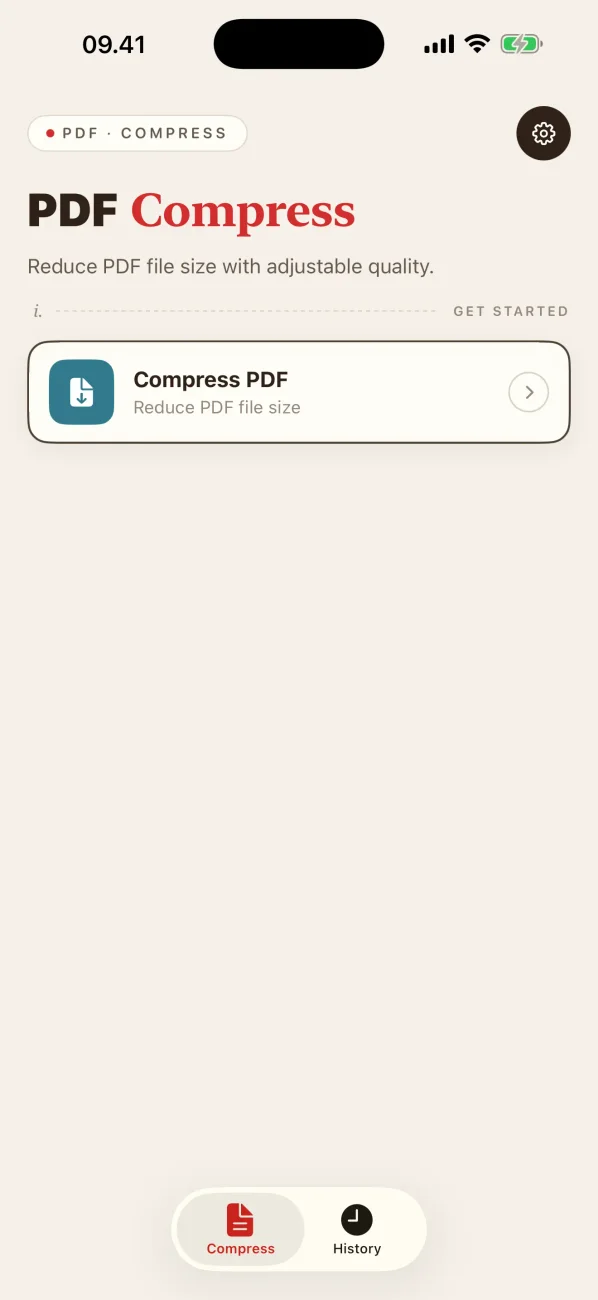
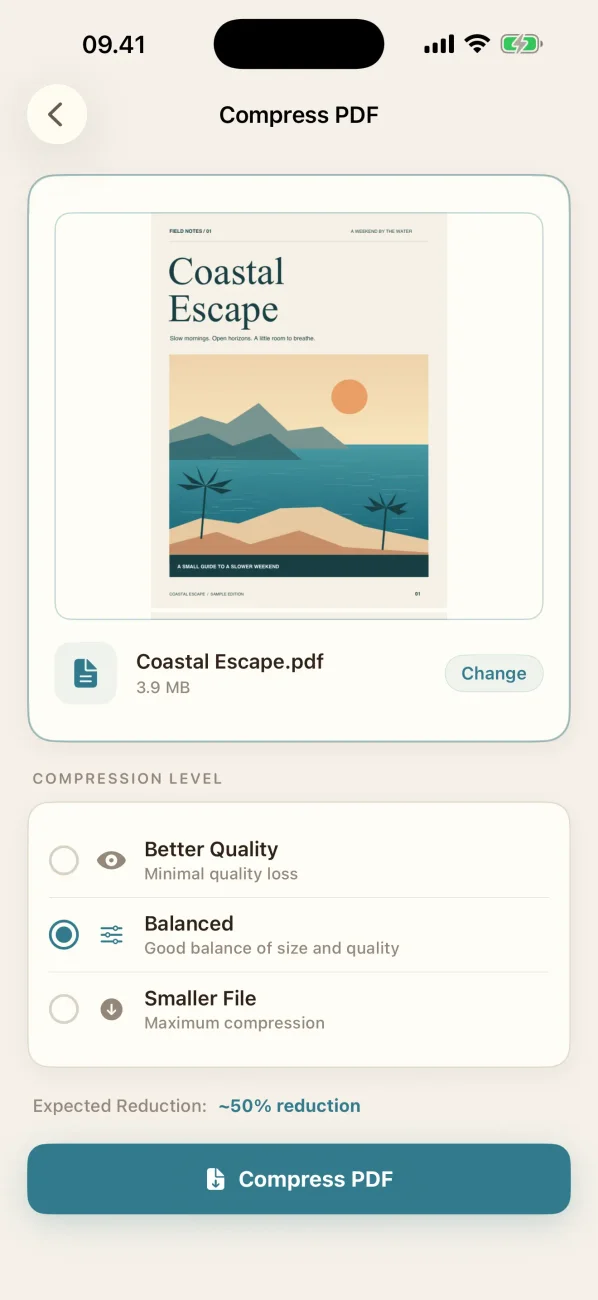
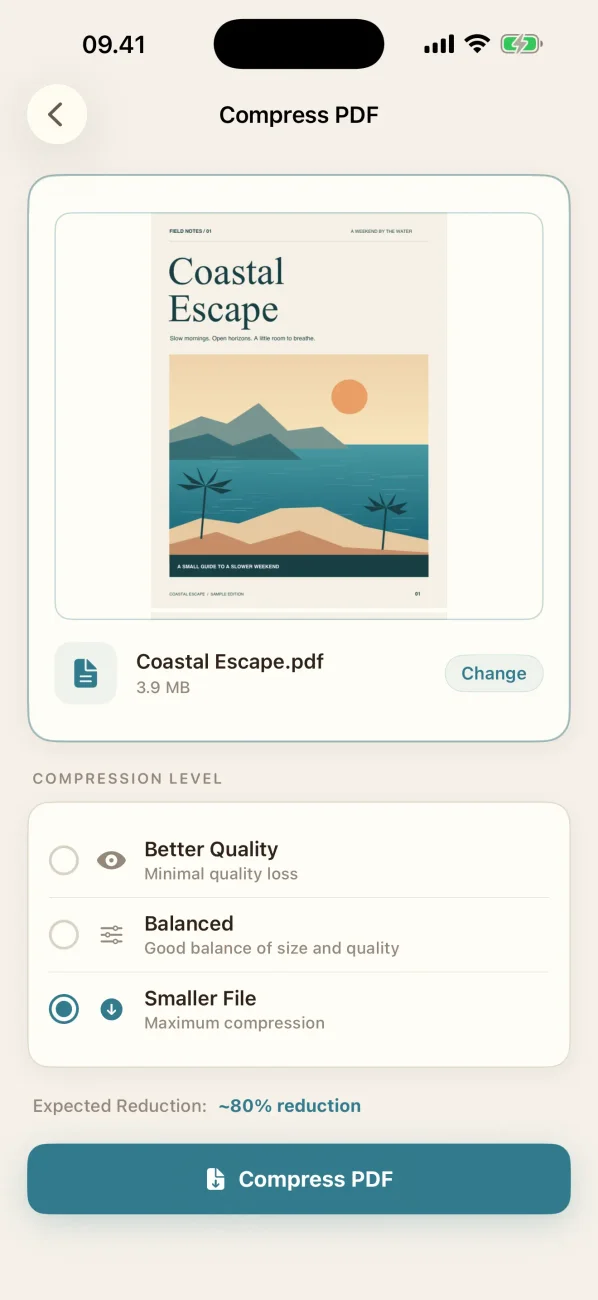
PDF Compressor helps you reduce PDF file size for sharing, uploading, and keeping smaller copies of your documents. Select a PDF, choose a compression level, and check the result before saving or sharing it.
Choose your compression level
Pick Better Quality, Balanced, or Smaller File to prioritize visual quality or a smaller output. The amount of reduction depends on the original document.
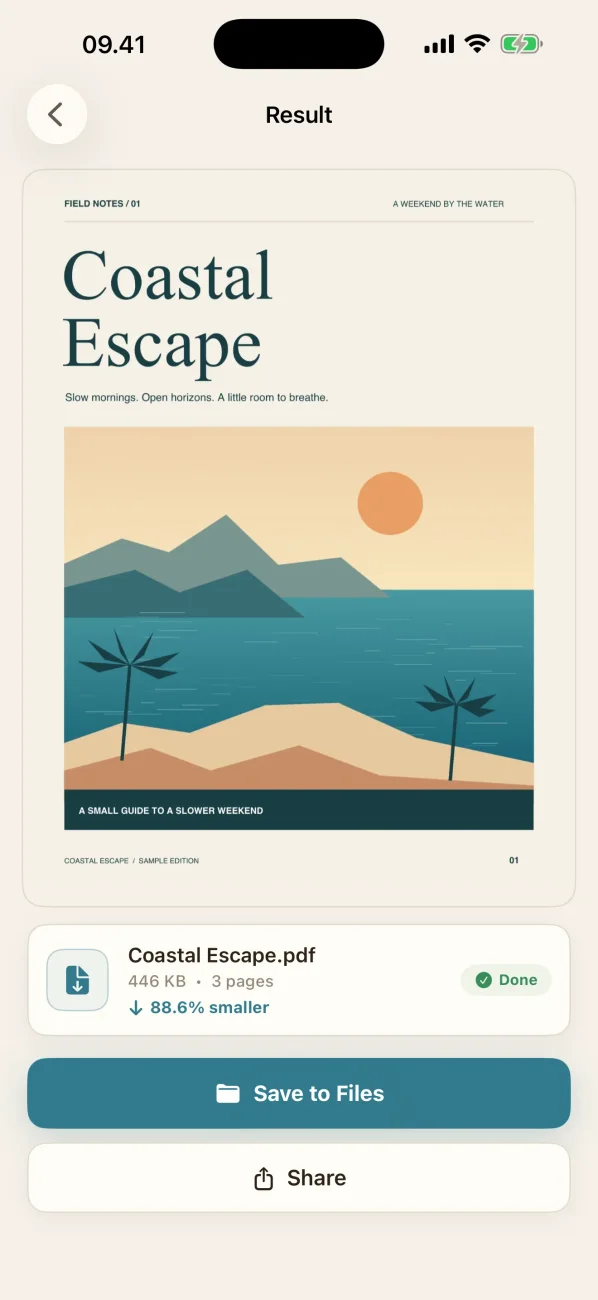
Check the result
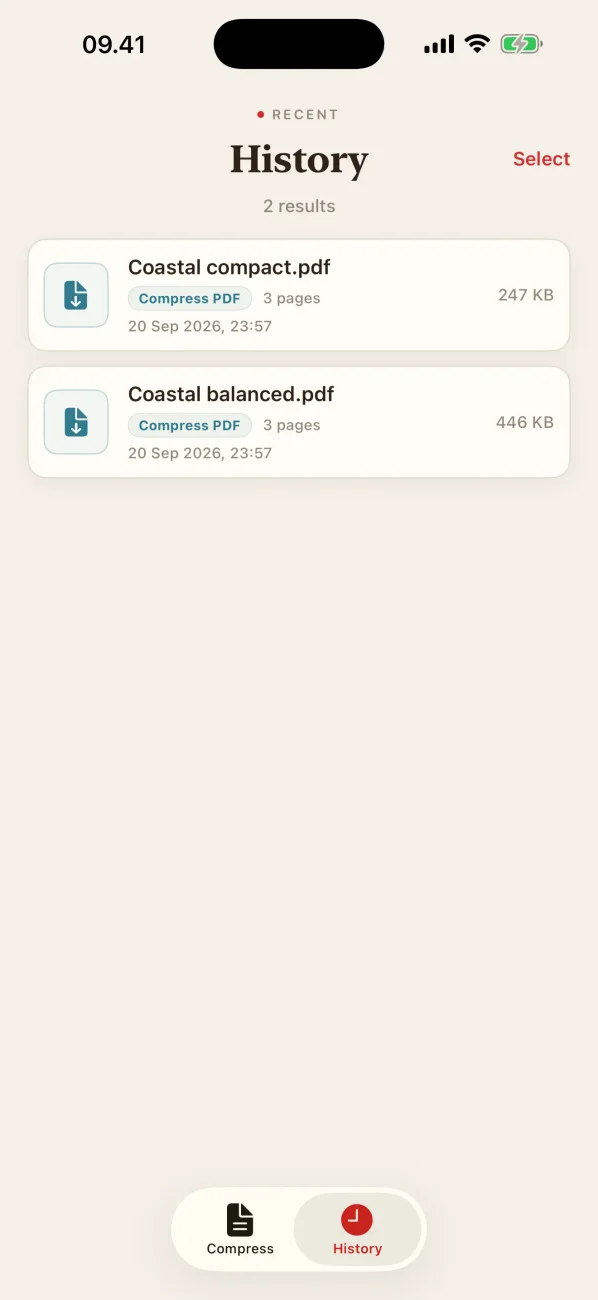
Preview your compressed PDF and see its file size, page count, and percentage reduction. Your original PDF stays unchanged, so you can review the compressed copy before using it.
Save, share, and find it again
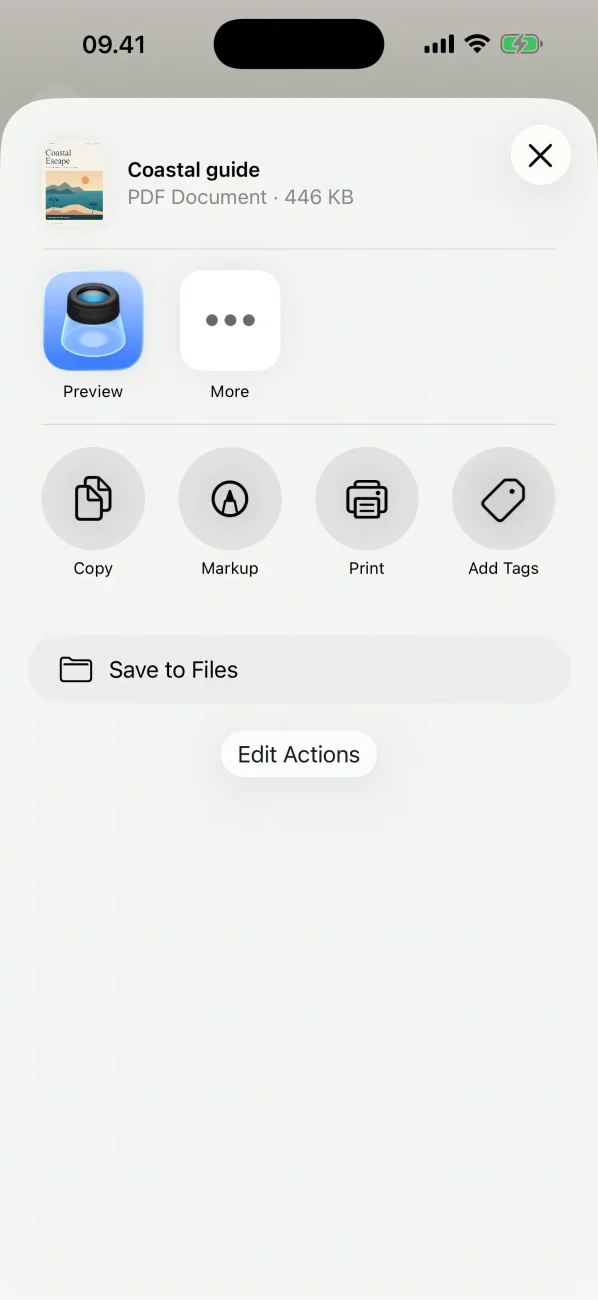
Save the result to Files or send it through the share sheet. Saved results remain available in History for previewing, sharing, renaming, or deleting later.
Process your PDFs locally
Compression runs locally without uploading your documents to a processing server. No app account is required.
Choose the access that fits your needs
Free access includes advertising and two successful compressions per day. Cancelled or failed attempts and results without a meaningful size reduction do not use your allowance. Previewing, saving, and sharing an existing result remain available without using another compression. Optional Pro access removes advertising and the daily compression limit. The same compression quality options are available with free and Pro access.
Before you compress
Compression converts each page into an image within the output PDF. Visual quality may decrease, and text in the compressed copy will no longer be selectable or searchable. Some PDFs may not become smaller, and a specific output size is not guaranteed.
PDF Compressor lets you use the app at no cost. However, premium access may be available as an optional in-app upgrade.
Privacy Policy: https://alderpathstudio.github.io/PDF-Compressor/privacy-policy.html
Terms of Use: https://alderpathstudio.github.io/PDF-Compressor/term-of-use.html
Neue Funktionen
Version 1.0.1 · 06.10.2026
Performance improvements
App-Datenschutz
Was Jeny Goentoro im App Store zum Umgang dieser App mit Daten angibt.
-
Daten, die zum Tracking Ihrer Person verwendet werden
Können verwendet werden, um Sie über Apps und Websites anderer Unternehmen hinweg zu verfolgen.
- Kennungen
-
Mit Ihnen verknüpfte Daten
Können erfasst und mit Ihrer Identität verknüpft werden.
- Standort
- Kennungen
- Nutzungsdaten
-
Nicht mit Ihnen verknüpfte Daten
Können erfasst werden, sind aber nicht mit Ihrer Identität verknüpft.
- Diagnose
Die Datenschutzpraktiken können variieren, zum Beispiel je nach den von Ihnen verwendeten Funktionen oder Ihrem Alter.
Informationen
- Anbieter
- Jeny Goentoro
- Kategorie
- Produktivität
- Version
- 1.0.1
- Aktualisiert
- 06.10.2026
- Veröffentlicht
- 30.09.2026
- Größe
- 7,4 MB
- Erfordert
- iOS 17.0 oder neuer
- Altersfreigabe
- 4+
- Preis
- Kostenlos
- In-App-Käufe
- Ja
- Sprachen
- Englisch
- Copyright
- © 2026 Alderpath Studio
Das könnte Ihnen auch gefallen
-
 FrameSlim: Compress VideosProduktivität
-
 Merge PDF - Combine PDFsProduktivität
-
 Udfyld: PDF-Editor & SignaturPDFs ausfüllen, unterschreiben
-
 Minder: Lerntimer & FokusBody Doubling bei ADHS
-
 Scan Sheets: QR & BarcodeText zu Excel, CSV, XLSX
-
 PDF Opus: Scanner & EditorDokumente scannen, bearbeiten
-
 Quiet Translator: DolmetscherLive KI-Sprachübersetzung
-
 Balane TextDeck: KurzbefehlePrompt-Vorlagen, Textbausteine
-
 PDF Redak: Edit, Sign & ScanProduktivität
-
 PDFz: PDF Scanner & BearbeitenUnterschreiben, Umwandeln, OCR