- Batasan usia4+
- KategoriProduktivitas
- PengembangJeny Goentoro
- BahasaInggris
- Ukuran7,4 MB
Tertaut ke halaman resmi App Store
Download.org tidak menyimpan file PDF Compressor apa pun. Tombol ini membuka halaman aplikasi di App Store, tempat Jeny Goentoro menerbitkannya. Halaman terakhir diperiksa pada 17/11/2026.
Tangkapan layar
Tentang
Pengembang belum menyediakan teks ini dalam bahasa Anda.
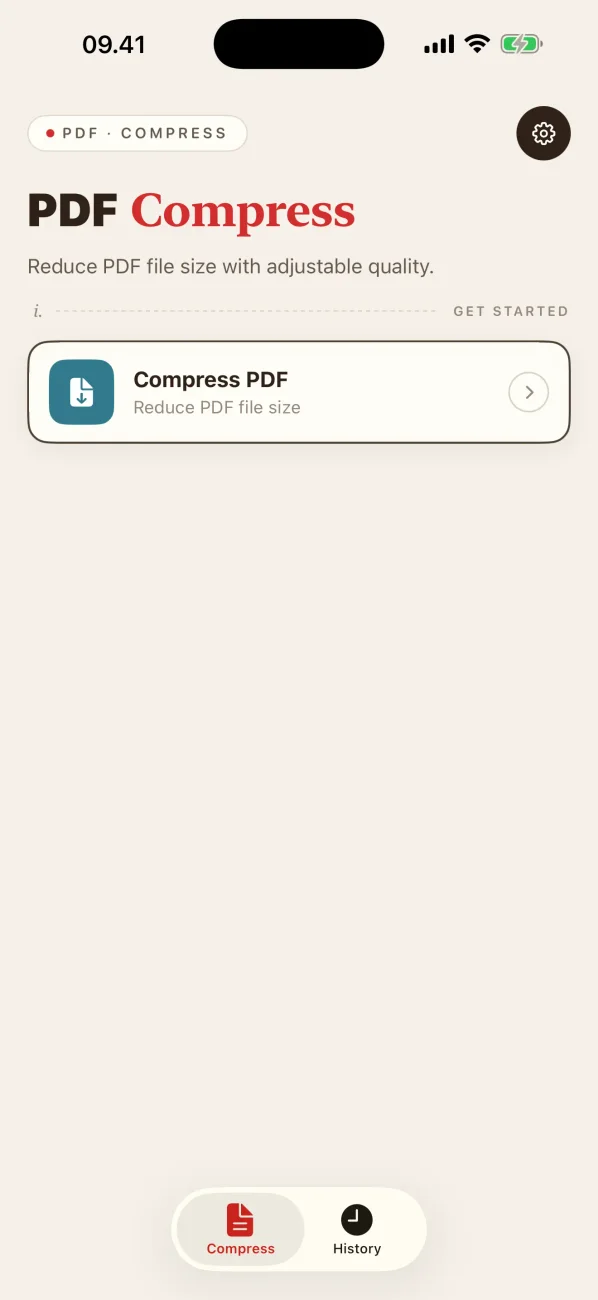
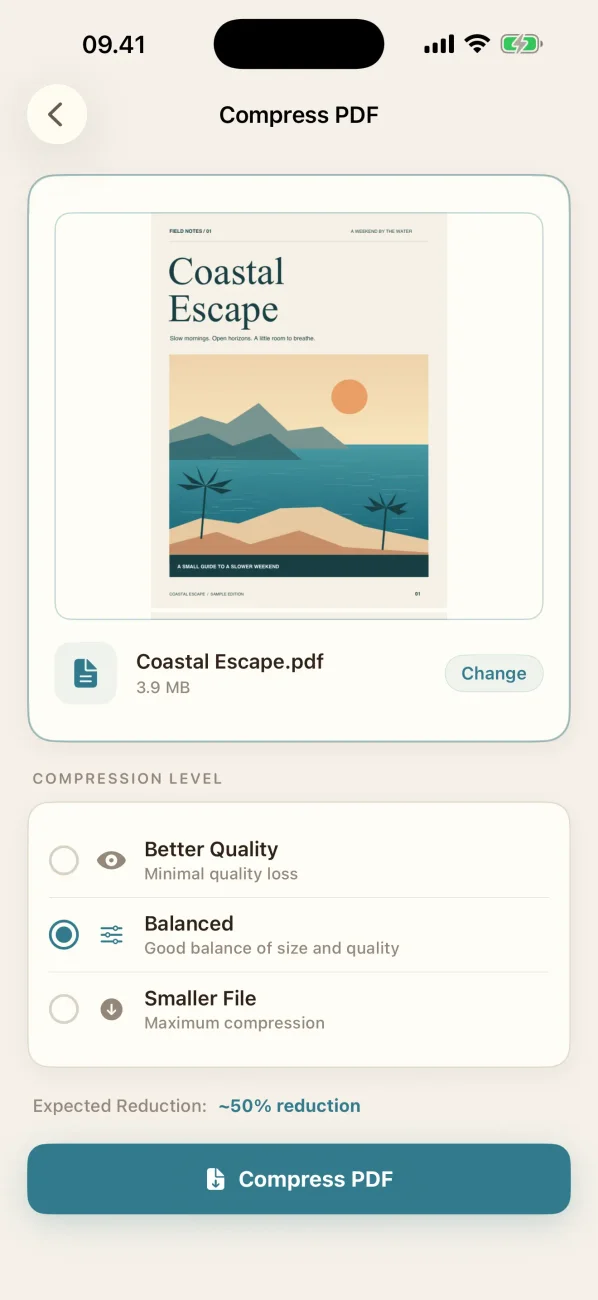
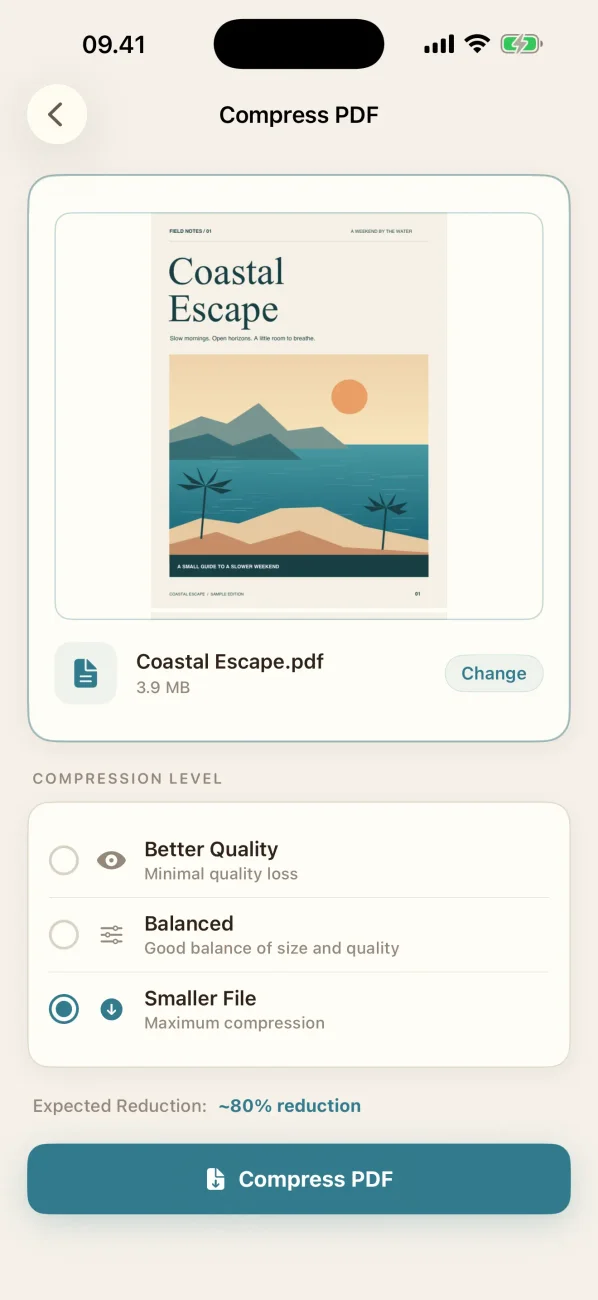
PDF Compressor helps you reduce PDF file size for sharing, uploading, and keeping smaller copies of your documents. Select a PDF, choose a compression level, and check the result before saving or sharing it.
Choose your compression level
Pick Better Quality, Balanced, or Smaller File to prioritize visual quality or a smaller output. The amount of reduction depends on the original document.
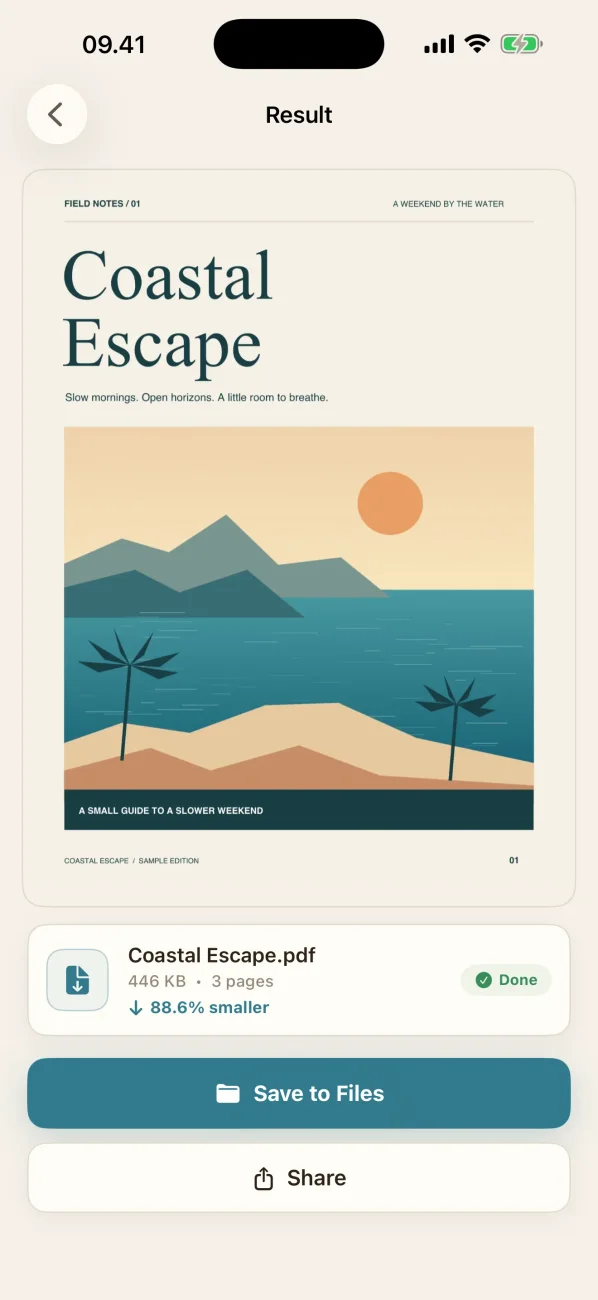
Check the result
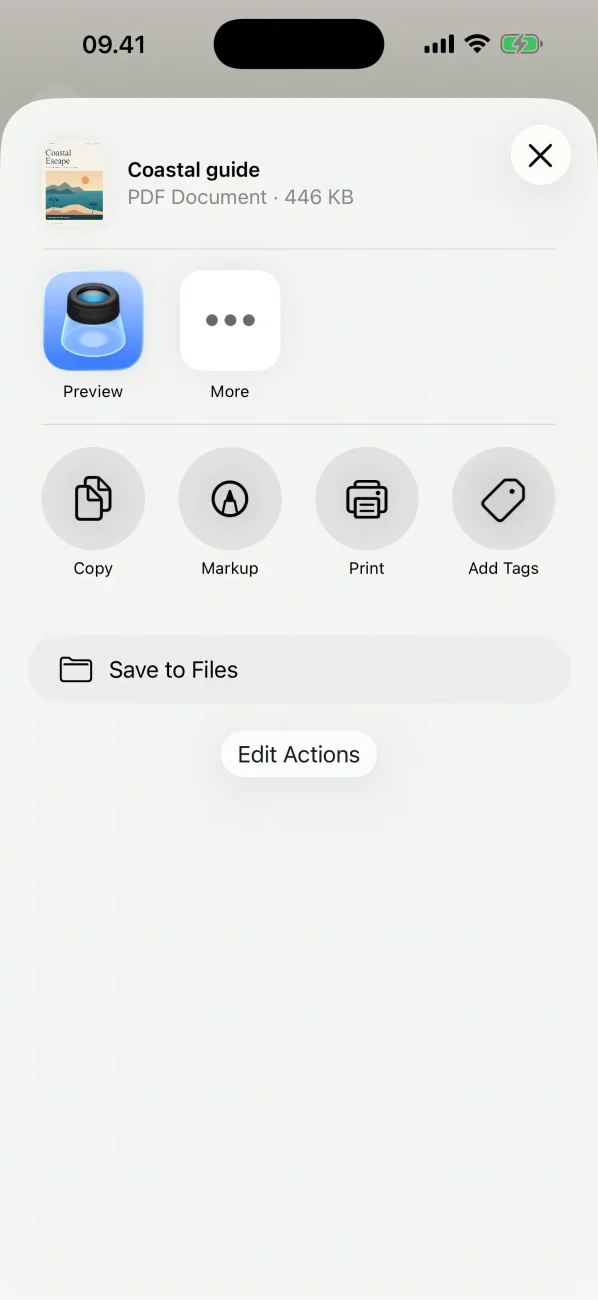
Preview your compressed PDF and see its file size, page count, and percentage reduction. Your original PDF stays unchanged, so you can review the compressed copy before using it.
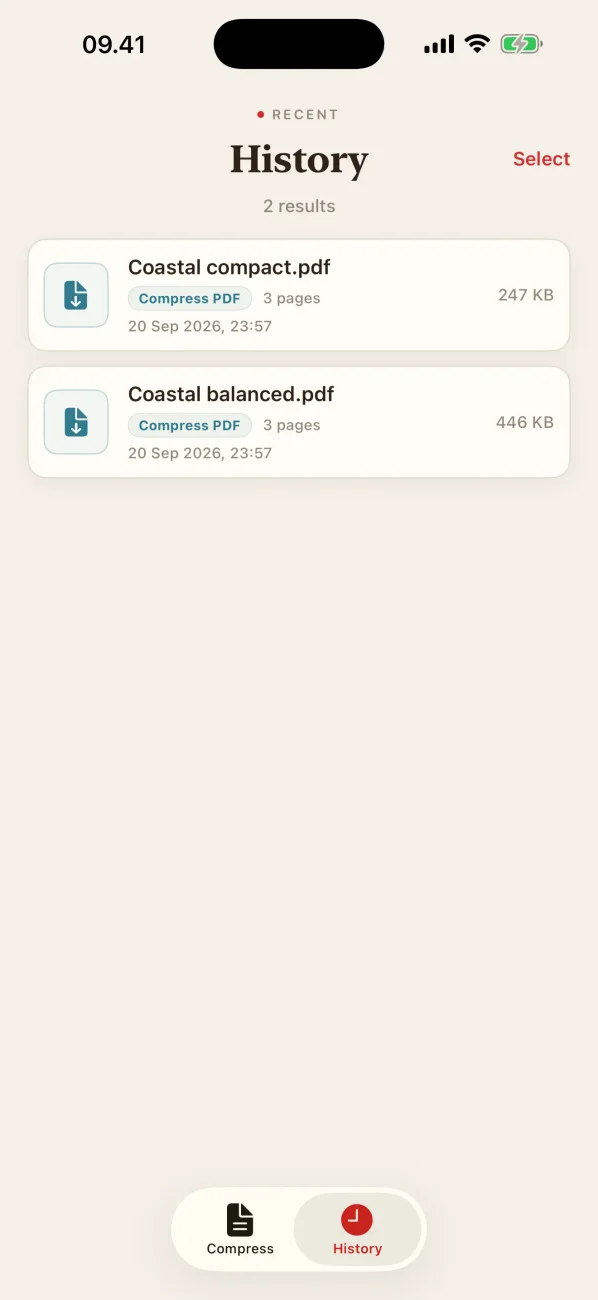
Save, share, and find it again
Save the result to Files or send it through the share sheet. Saved results remain available in History for previewing, sharing, renaming, or deleting later.
Process your PDFs locally
Compression runs locally without uploading your documents to a processing server. No app account is required.
Choose the access that fits your needs
Free access includes advertising and two successful compressions per day. Cancelled or failed attempts and results without a meaningful size reduction do not use your allowance. Previewing, saving, and sharing an existing result remain available without using another compression. Optional Pro access removes advertising and the daily compression limit. The same compression quality options are available with free and Pro access.
Before you compress
Compression converts each page into an image within the output PDF. Visual quality may decrease, and text in the compressed copy will no longer be selectable or searchable. Some PDFs may not become smaller, and a specific output size is not guaranteed.
PDF Compressor lets you use the app at no cost. However, premium access may be available as an optional in-app upgrade.
Privacy Policy: https://alderpathstudio.github.io/PDF-Compressor/privacy-policy.html
Terms of Use: https://alderpathstudio.github.io/PDF-Compressor/term-of-use.html
Yang baru
Versi 1.0.1 · 6/10/2026
Performance improvements
Privasi aplikasi
Yang dinyatakan Jeny Goentoro di App Store tentang cara aplikasi ini menangani data.
-
Data yang digunakan untuk melacak Anda
Dapat digunakan untuk melacak Anda di aplikasi dan situs web milik perusahaan lain.
- Pengenal
-
Data yang ditautkan dengan Anda
Dapat dikumpulkan dan ditautkan dengan identitas Anda.
- Lokasi
- Pengenal
- Data penggunaan
-
Data yang tidak ditautkan dengan Anda
Dapat dikumpulkan, tetapi tidak ditautkan dengan identitas Anda.
- Diagnostik
Praktik privasi dapat bervariasi, misalnya berdasarkan fitur yang Anda gunakan atau usia Anda.
Informasi
- Penjual
- Jeny Goentoro
- Kategori
- Produktivitas
- Versi
- 1.0.1
- Diperbarui
- 6/10/2026
- Dirilis
- 30/9/2026
- Ukuran
- 7,4 MB
- Memerlukan
- iOS 17.0 atau yang lebih baru
- Batasan usia
- 4+
- Harga
- Gratis
- Pembelian dalam aplikasi
- Ya
- Bahasa
- Inggris
- Hak cipta
- © 2026 Alderpath Studio
Mungkin Anda juga suka
-
 Kompres Video & KonverterKecilkan ukuran & edit video
-
 Merge PDF - Combine PDFsProduktivitas
-
 Udfyld: Fill & Sign PDF EditorProduktivitas
-
 Minder: Focus EyesProduktivitas
-
 Scan Sheets: QR & BarcodeTeks ke Excel, CSV
-
 PDF Opus: Scanner & EditorScan Dokumen & Tanda Tangan
-
 Quiet Translator: PenerjemahTerjemahan suara AI real-time
-
 Balane TextDeck: Pintasan teksTemplate, Clipboard & Makro
-
 PDF Redak: Edit, Sign & ScanProduktivitas
-
 PDFz: Pemindai & Editor PDFScan, Edit, Tanda Tangan, OCR