- 対象年齢4+
- カテゴリ仕事効率化
- 開発元Jeny Goentoro
- 言語英語
- サイズ7.4 MB
App Storeの公式ページにリンクしています
Download.orgはPDF Compressorのファイルを一切ホストしていません。ボタンを押すと、Jeny Goentoroが公開しているApp Storeのアプリページが開きます。ページの最終確認:2026/11/17。
スクリーンショット
概要
開発元はこのテキストをお使いの言語で提供していません。
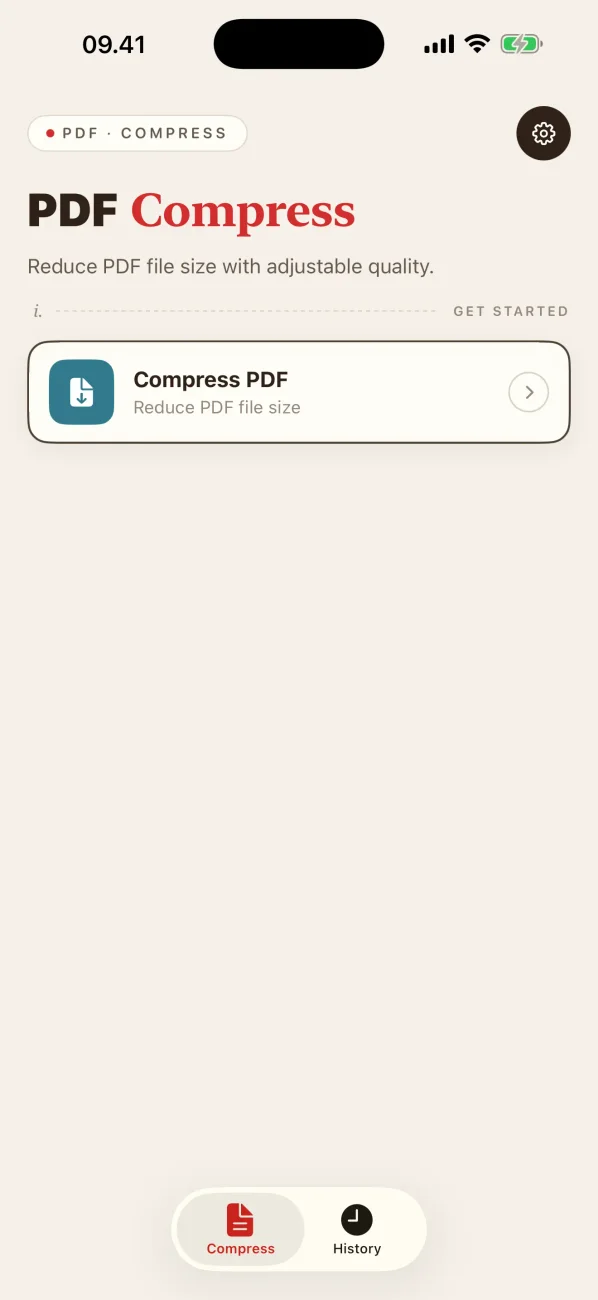
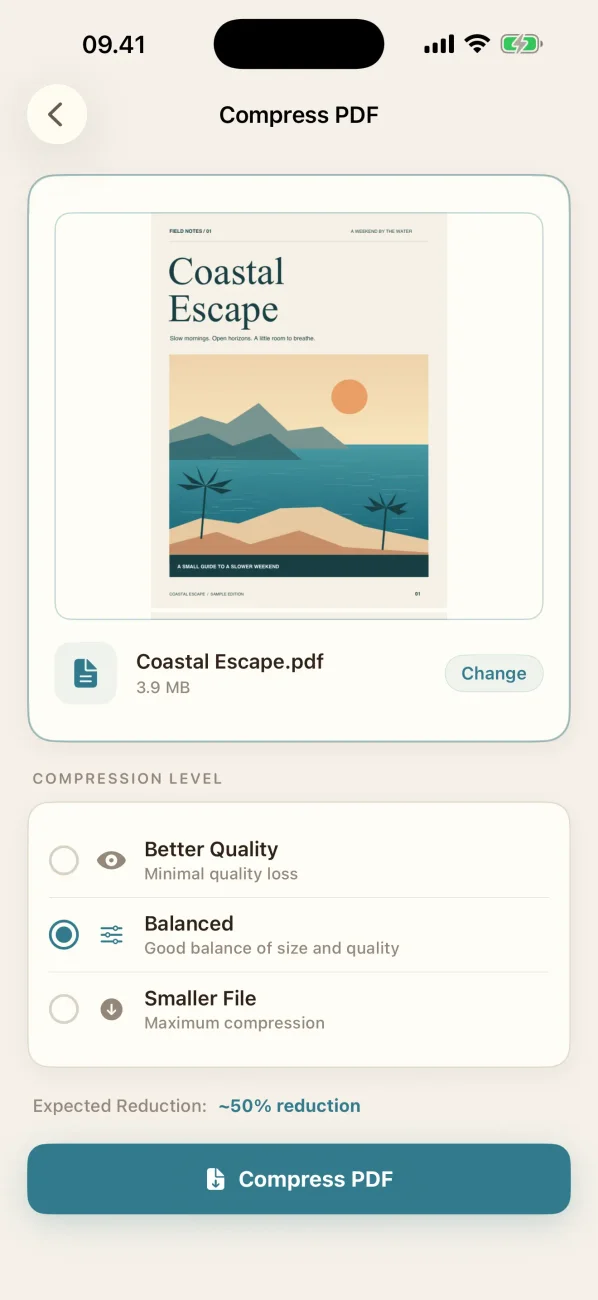
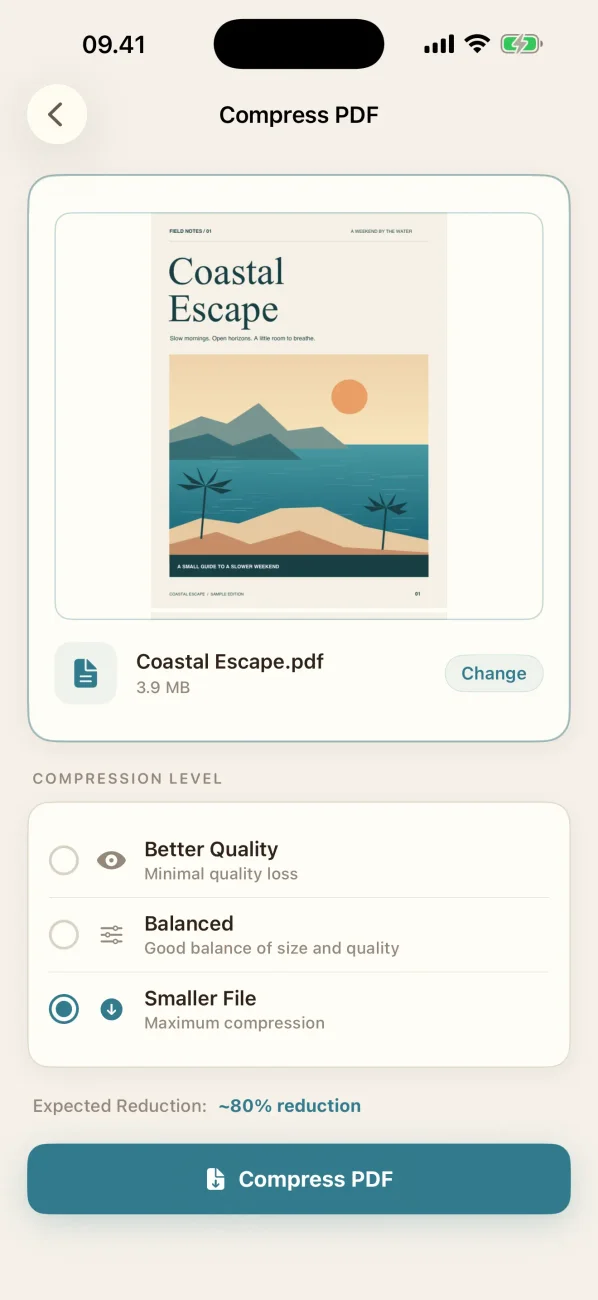
PDF Compressor helps you reduce PDF file size for sharing, uploading, and keeping smaller copies of your documents. Select a PDF, choose a compression level, and check the result before saving or sharing it.
Choose your compression level
Pick Better Quality, Balanced, or Smaller File to prioritize visual quality or a smaller output. The amount of reduction depends on the original document.
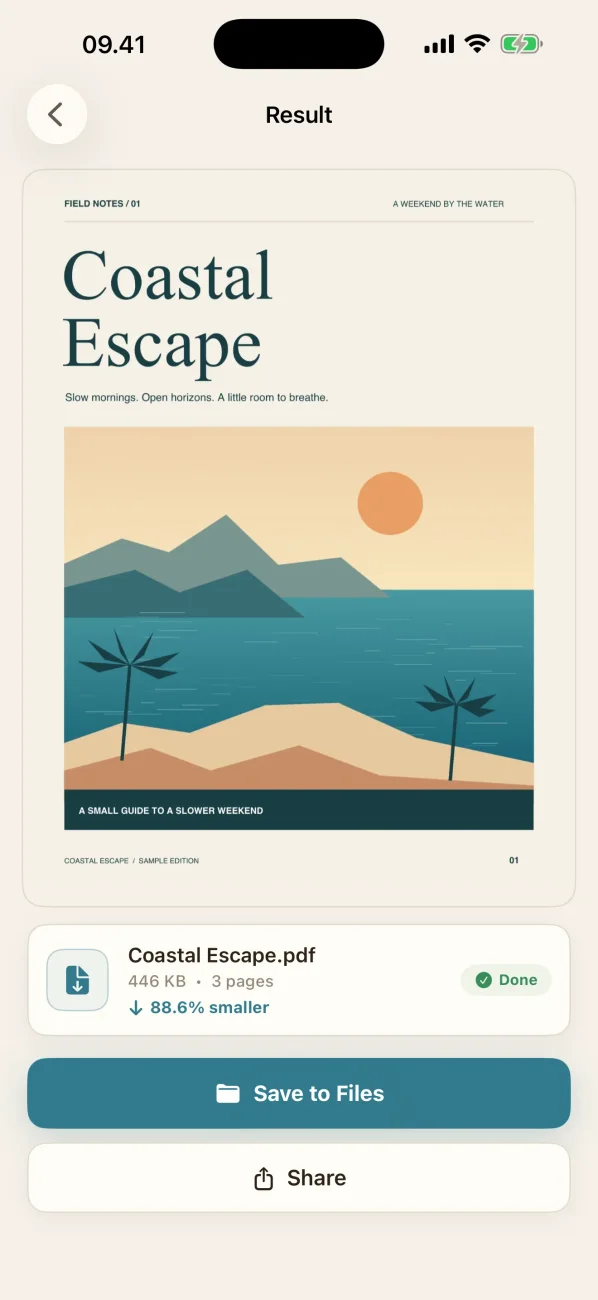
Check the result
Preview your compressed PDF and see its file size, page count, and percentage reduction. Your original PDF stays unchanged, so you can review the compressed copy before using it.
Save, share, and find it again
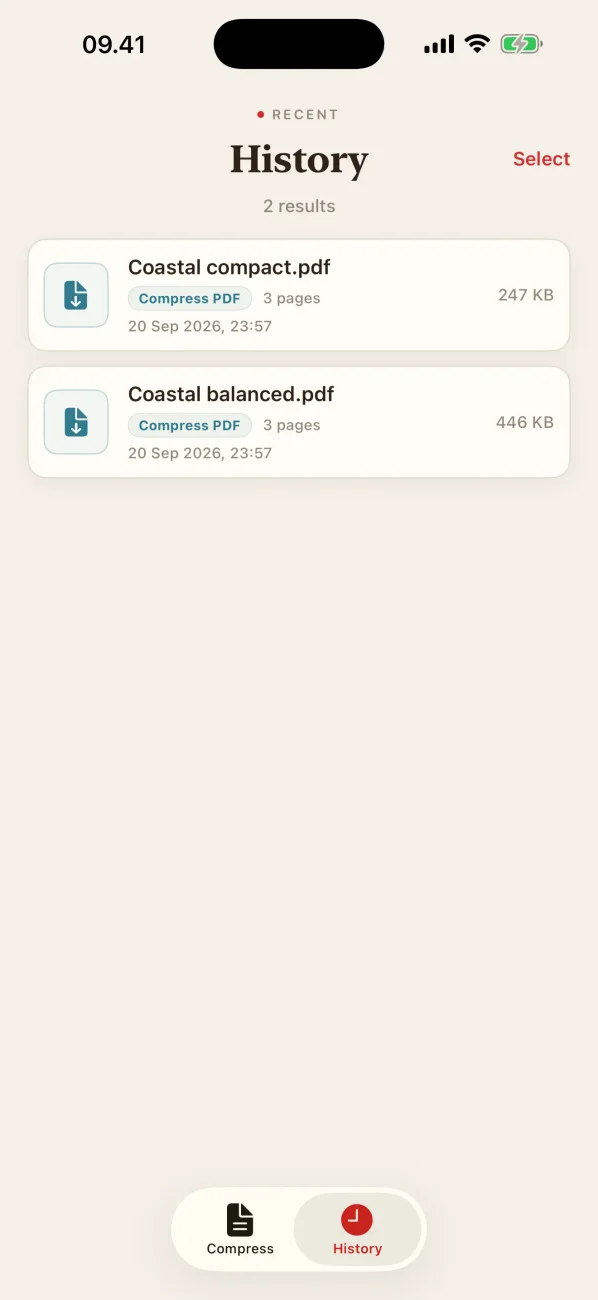
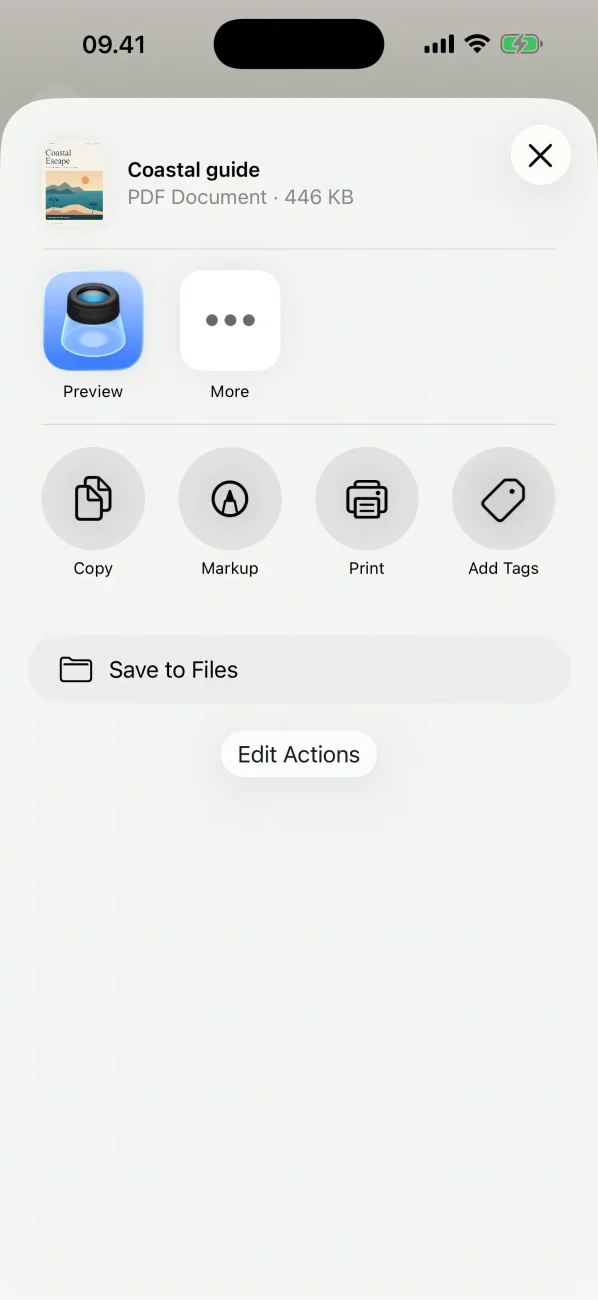
Save the result to Files or send it through the share sheet. Saved results remain available in History for previewing, sharing, renaming, or deleting later.
Process your PDFs locally
Compression runs locally without uploading your documents to a processing server. No app account is required.
Choose the access that fits your needs
Free access includes advertising and two successful compressions per day. Cancelled or failed attempts and results without a meaningful size reduction do not use your allowance. Previewing, saving, and sharing an existing result remain available without using another compression. Optional Pro access removes advertising and the daily compression limit. The same compression quality options are available with free and Pro access.
Before you compress
Compression converts each page into an image within the output PDF. Visual quality may decrease, and text in the compressed copy will no longer be selectable or searchable. Some PDFs may not become smaller, and a specific output size is not guaranteed.
PDF Compressor lets you use the app at no cost. However, premium access may be available as an optional in-app upgrade.
Privacy Policy: https://alderpathstudio.github.io/PDF-Compressor/privacy-policy.html
Terms of Use: https://alderpathstudio.github.io/PDF-Compressor/term-of-use.html
新機能
バージョン 1.0.1 · 2026/10/6
Performance improvements
アプリのプライバシー
このアプリのデータの取り扱いについて、Jeny GoentoroがApp Storeで申告している内容です。
-
ユーザーのトラッキングに使用されるデータ
他社のアプリやウェブサイトを横断してユーザーをトラッキングする目的で使用される場合があります。
- ID
-
ユーザーに関連付けられたデータ
収集され、ユーザーの識別情報に関連付けられる場合があります。
- 位置情報
- ID
- 使用状況データ
-
ユーザーに関連付けられないデータ
収集される場合がありますが、ユーザーの識別情報には関連付けられません。
- 診断
プライバシーの取り扱いは、ご利用の機能やお客様の年齢などに応じて異なる場合があります。
情報
- 販売元
- Jeny Goentoro
- カテゴリ
- 仕事効率化
- バージョン
- 1.0.1
- 更新日
- 2026/10/6
- リリース
- 2026/9/30
- サイズ
- 7.4 MB
- 必要条件
- iOS 17.0以降
- 対象年齢
- 4+
- 価格
- 無料
- アプリ内課金
- あり
- 言語
- 英語
- 著作権
- © 2026 Alderpath Studio
こちらもおすすめ
-
 動画圧縮 & フォーマット変換容量削減・速度調整・切り抜き・字幕
-
 Merge PDF - Combine PDFs仕事効率化
-
 Udfyld:PDF入力・署名エディタPDFの書類に入力して署名
-
 Minder: 集中タイマー・勉強タイマー見守る目と作業。ボディダブリングで集中
-
 Scan Sheets: QRとバーコード文字をExcel/CSVへ
-
 PDF Opus: スキャナー&編集書類スキャン・署名・変換・OCR
-
 Quiet Translator: 音声翻訳機リアルタイムAI音声翻訳
-
 Balane TextDeck: 定型文ショートカットプロンプト・テンプレートをワンタップでコピペ
-
 PDF Redak: Edit, Sign & Scan仕事効率化
-
 PDFz: PDF 書類スキャナー・編集・署名・変換文書スキャン・サイン・フォーム入力・ワード・OCR・翻訳