- Classification d’âge4+
- CatégorieProductivité
- DéveloppeurJeny Goentoro
- LanguesAnglais
- Taille7,4 Mo
Renvoie vers la page App Store officielle
Download.org n’héberge aucun fichier de PDF Compressor. Le bouton ouvre la page de l’application sur App Store, où Jeny Goentoro la publie. Fiche vérifiée pour la dernière fois le 17/11/2026.
Captures d’écran
À propos
Le développeur n’a pas fourni ce texte dans votre langue.
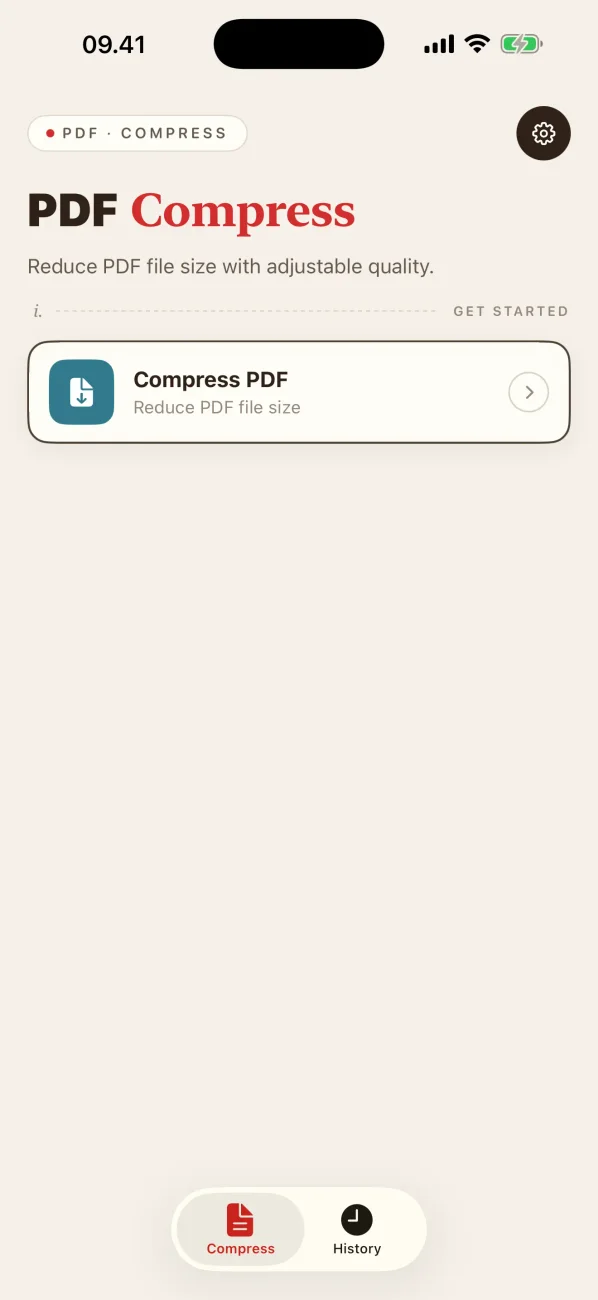
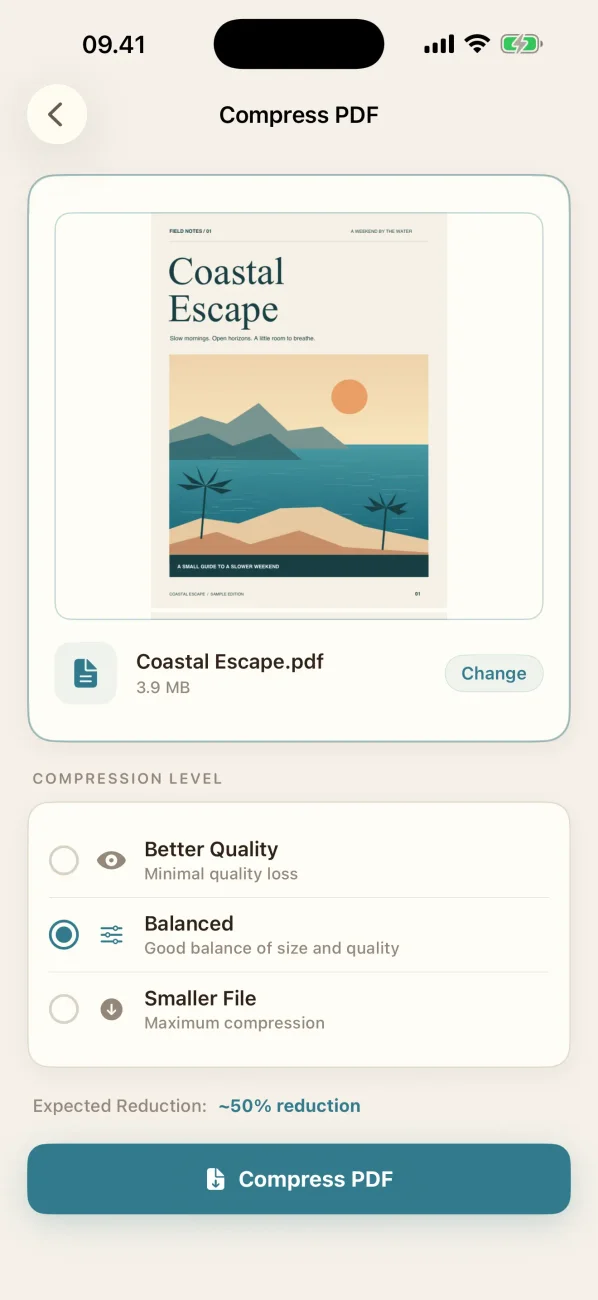
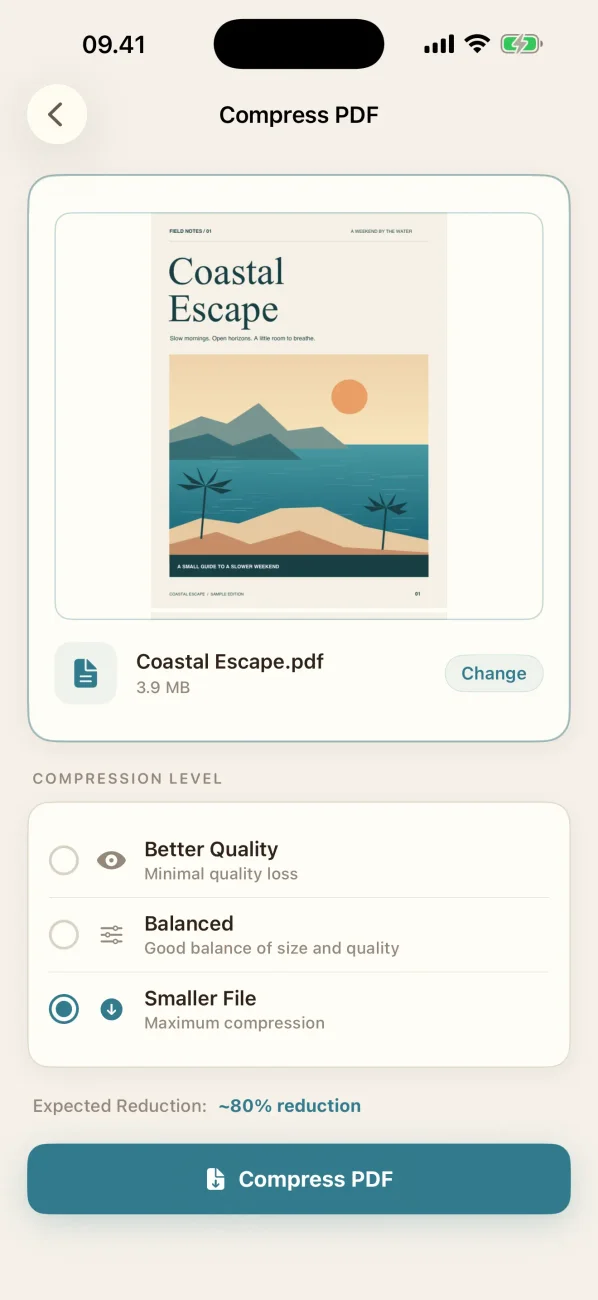
PDF Compressor helps you reduce PDF file size for sharing, uploading, and keeping smaller copies of your documents. Select a PDF, choose a compression level, and check the result before saving or sharing it.
Choose your compression level
Pick Better Quality, Balanced, or Smaller File to prioritize visual quality or a smaller output. The amount of reduction depends on the original document.
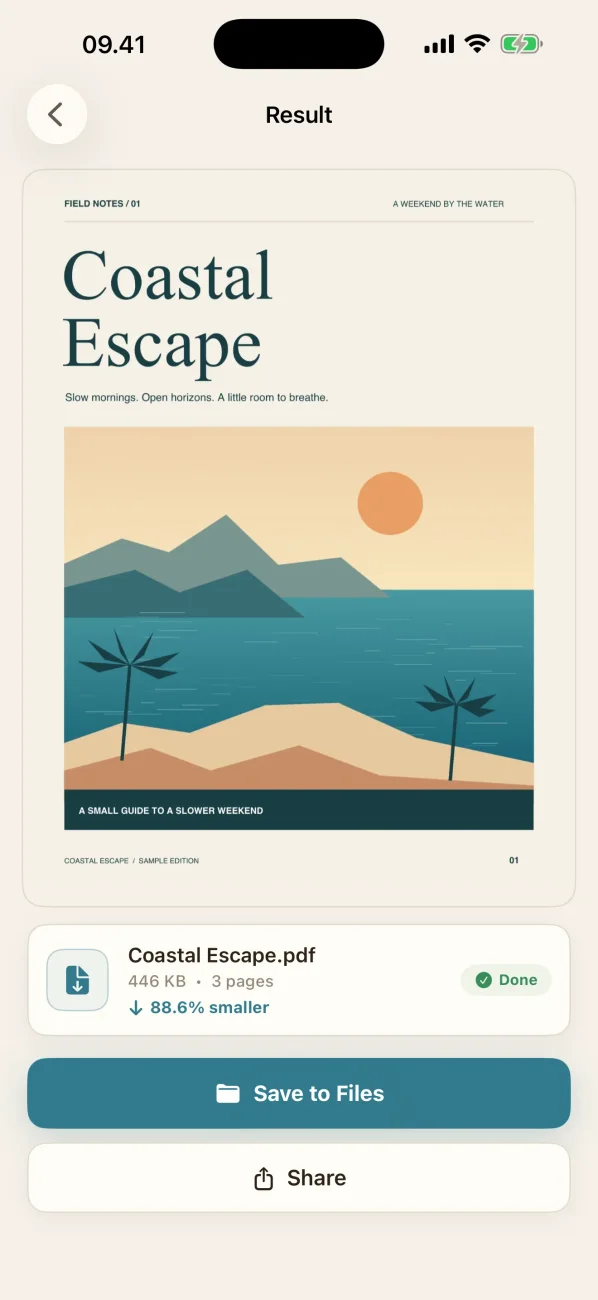
Check the result
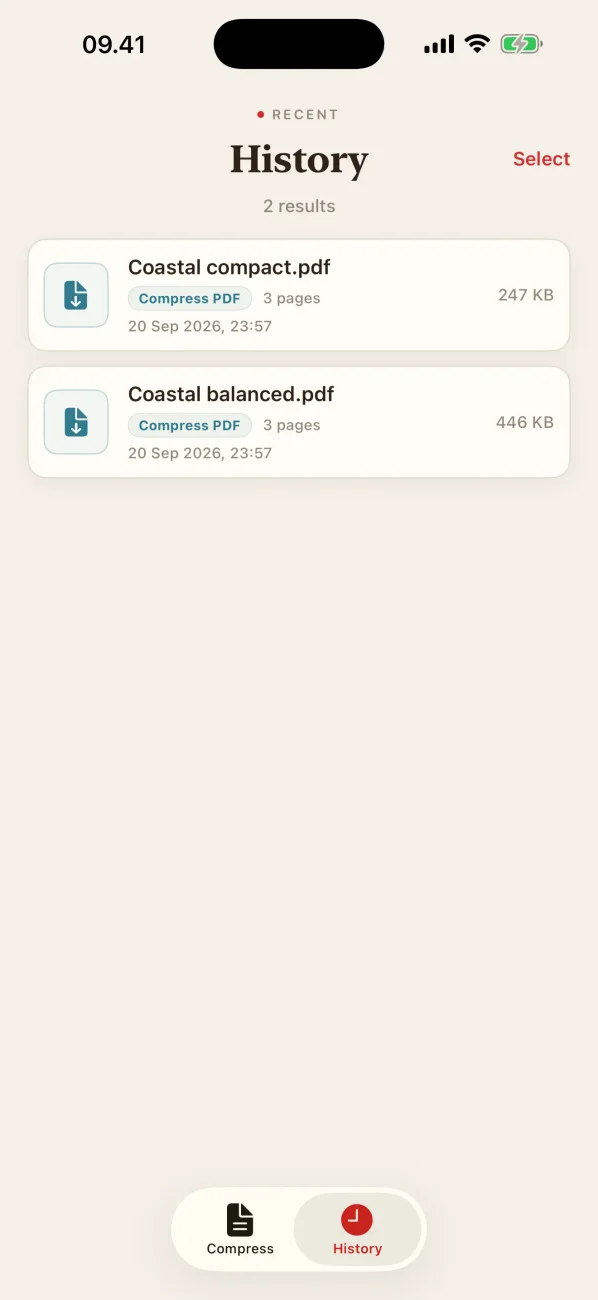
Preview your compressed PDF and see its file size, page count, and percentage reduction. Your original PDF stays unchanged, so you can review the compressed copy before using it.
Save, share, and find it again
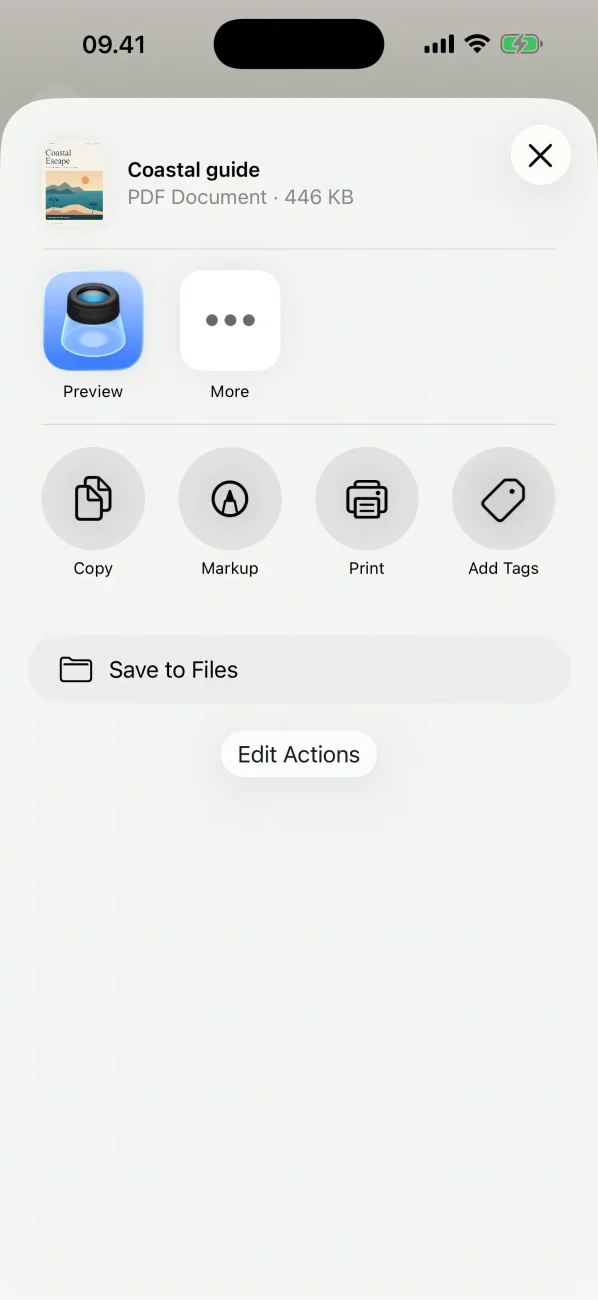
Save the result to Files or send it through the share sheet. Saved results remain available in History for previewing, sharing, renaming, or deleting later.
Process your PDFs locally
Compression runs locally without uploading your documents to a processing server. No app account is required.
Choose the access that fits your needs
Free access includes advertising and two successful compressions per day. Cancelled or failed attempts and results without a meaningful size reduction do not use your allowance. Previewing, saving, and sharing an existing result remain available without using another compression. Optional Pro access removes advertising and the daily compression limit. The same compression quality options are available with free and Pro access.
Before you compress
Compression converts each page into an image within the output PDF. Visual quality may decrease, and text in the compressed copy will no longer be selectable or searchable. Some PDFs may not become smaller, and a specific output size is not guaranteed.
PDF Compressor lets you use the app at no cost. However, premium access may be available as an optional in-app upgrade.
Privacy Policy: https://alderpathstudio.github.io/PDF-Compressor/privacy-policy.html
Terms of Use: https://alderpathstudio.github.io/PDF-Compressor/term-of-use.html
Nouveautés
Version 1.0.1 · 06/10/2026
Performance improvements
Confidentialité de l’application
Ce que Jeny Goentoro déclare sur l’App Store au sujet du traitement des données par cette application.
-
Données utilisées pour vous suivre
Peuvent être utilisées pour vous suivre sur des applications et des sites web appartenant à d’autres sociétés.
- Identifiants
-
Données établissant un lien avec vous
Peuvent être collectées et liées à votre identité.
- Emplacement
- Identifiants
- Données d’utilisation
-
Données n’établissant aucun lien avec vous
Peuvent être collectées, mais ne sont pas liées à votre identité.
- Diagnostic
Les pratiques en matière de confidentialité peuvent varier, notamment en fonction des fonctionnalités que vous utilisez ou de votre âge.
Informations
- Vendeur
- Jeny Goentoro
- Catégorie
- Productivité
- Version
- 1.0.1
- Mis à jour
- 06/10/2026
- Publié
- 30/09/2026
- Taille
- 7,4 Mo
- Nécessite
- iOS 17.0 ou version ultérieure
- Classification d’âge
- 4+
- Prix
- Gratuit
- Achats intégrés
- Oui
- Langues
- Anglais
- Copyright
- © 2026 Alderpath Studio
Vous aimerez peut-être aussi
-
 FrameSlim: Compress VideosProductivité
-
 Merge PDF - Combine PDFsProductivité
-
 Udfyld : remplir et signer PDFRemplissez et signez vos PDF
-
 Minder: Minuteur concentrationBody doubling pour le TDAH
-
 Scan Sheets: QR & codesTexte vers Excel, CSV
-
 PDF Opus: Scanner & ÉditeurNumériser, modifier et signer
-
 Quiet Translator: TraducteurTraduction vocale IA en direct
-
 Balane TextDeck : RaccourcisCopier-coller modèles, prompts
-
 PDF Redak : éditeur, scannerSignature, tampon, Word, OCR
-
 PDFz : Scanner & Éditeur PDFSigner, Modifier, Remplir, OCR