PDF Compressor
iPhone, iPad için tasarlandı
Ücretsiz · Uygulama içi satın alma
- Yaş sınırı4+
- KategoriÜretkenlik
- GeliştiriciJeny Goentoro
- Dillerİngilizce
- Boyut7,4 MB
Resmi App Store sayfasına bağlanır
Download.org, PDF Compressor için hiçbir dosya barındırmaz. Düğme, uygulamanın App Store üzerindeki sayfasını açar; uygulamayı orada Jeny Goentoro yayınlar. Sayfanın son kontrolü: 17.11.2026.
Ekran görüntüleri
Hakkında
Geliştirici bu metni dilinizde sunmamış.
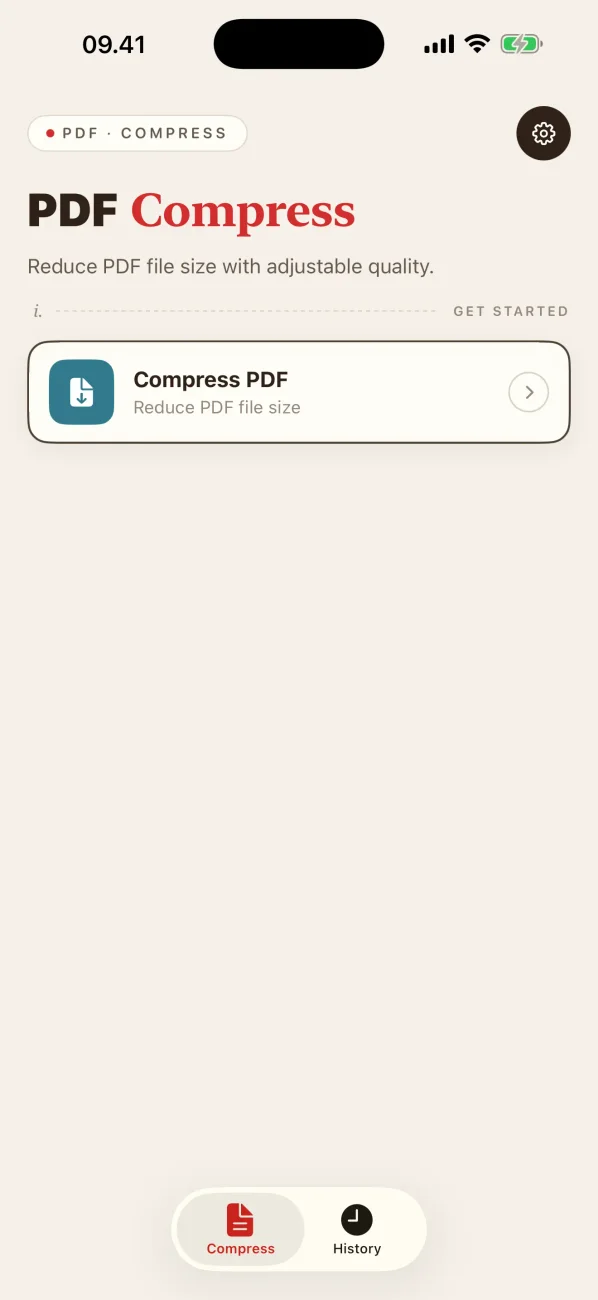
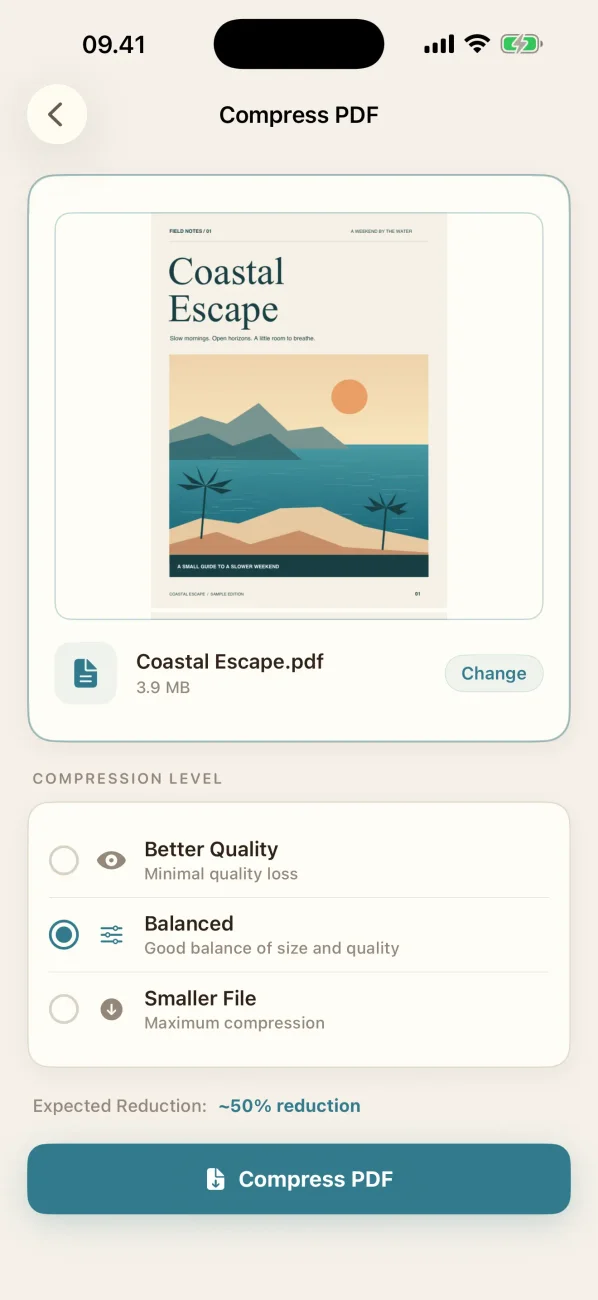
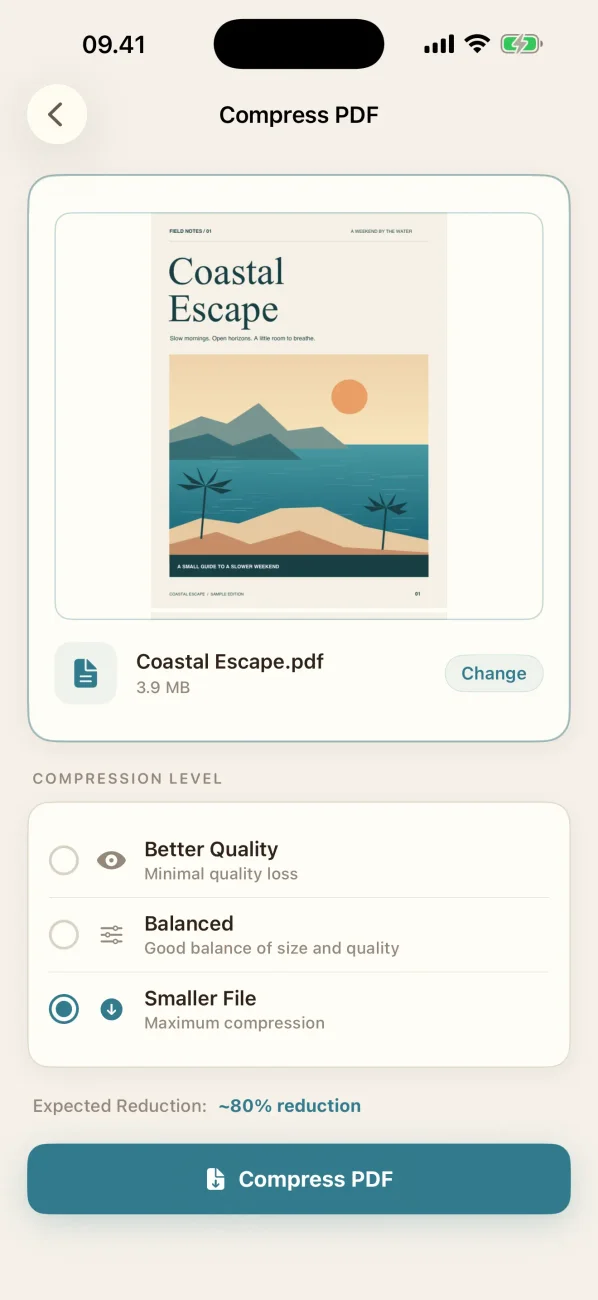
PDF Compressor helps you reduce PDF file size for sharing, uploading, and keeping smaller copies of your documents. Select a PDF, choose a compression level, and check the result before saving or sharing it.
Choose your compression level
Pick Better Quality, Balanced, or Smaller File to prioritize visual quality or a smaller output. The amount of reduction depends on the original document.
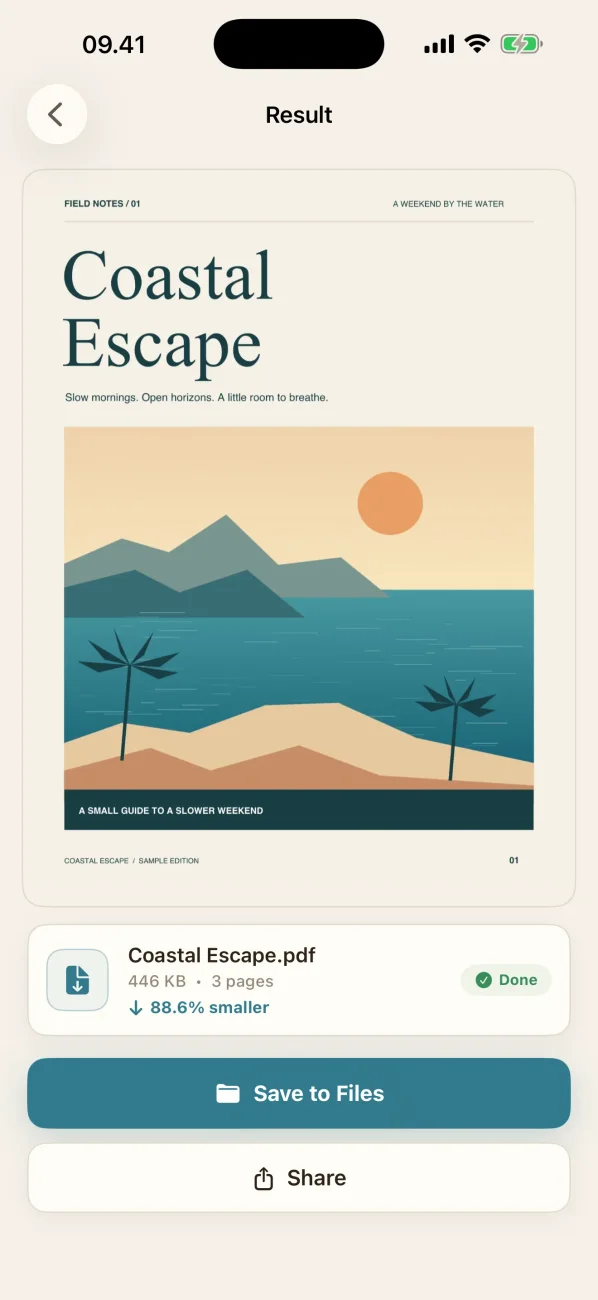
Check the result
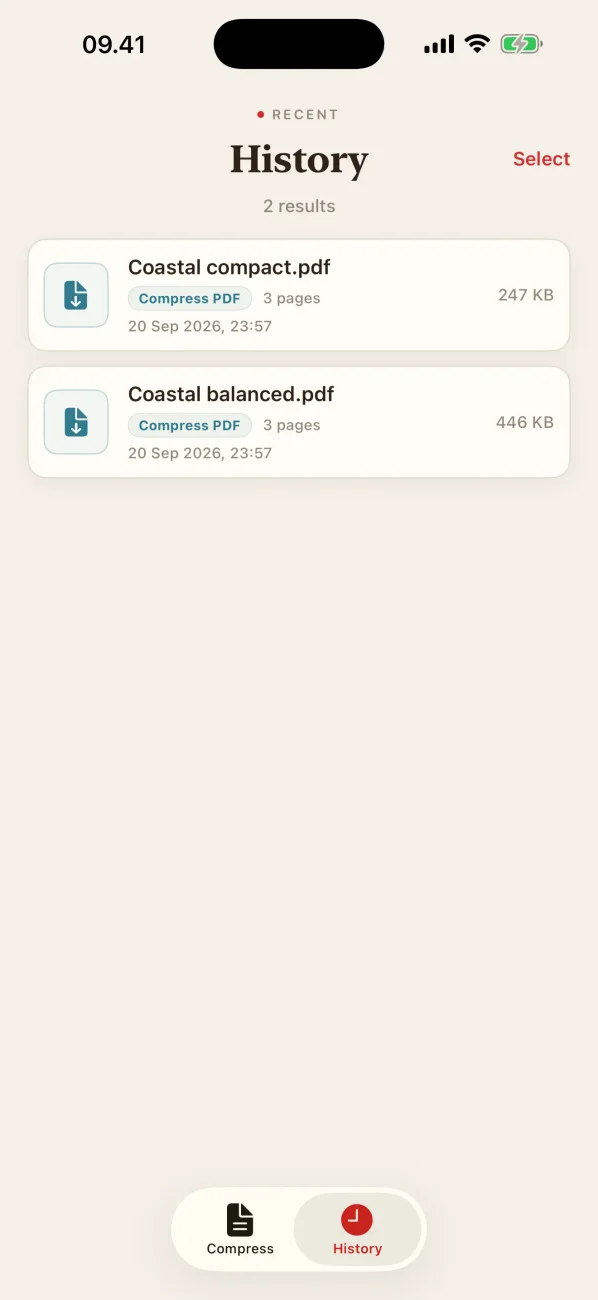
Preview your compressed PDF and see its file size, page count, and percentage reduction. Your original PDF stays unchanged, so you can review the compressed copy before using it.
Save, share, and find it again
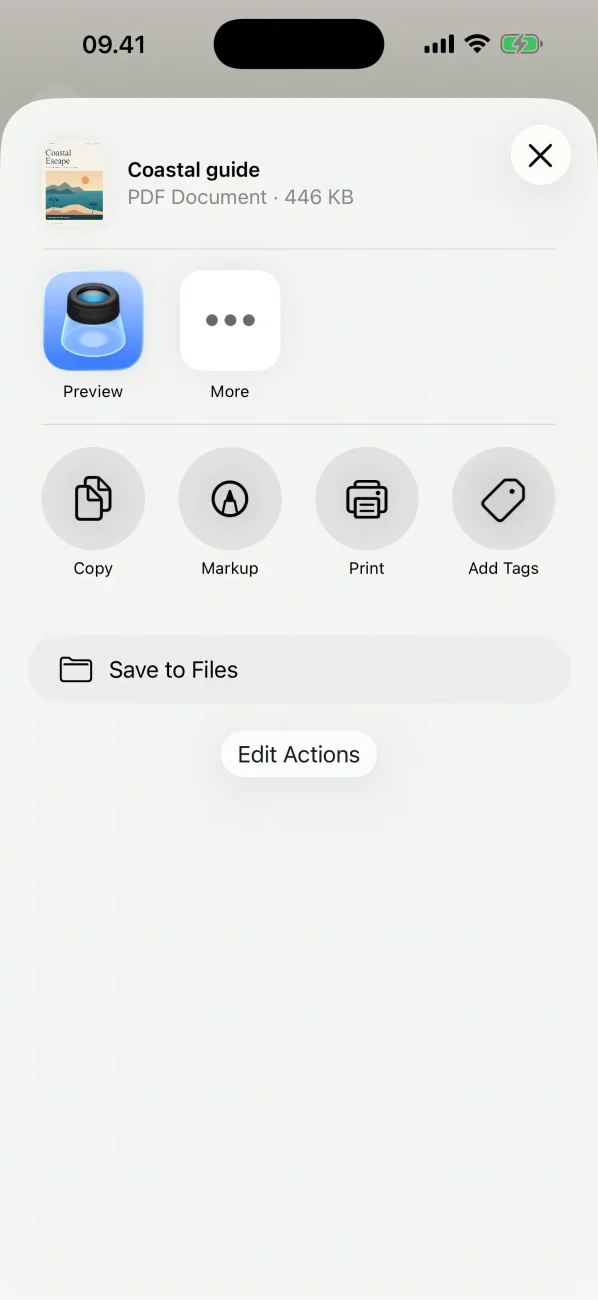
Save the result to Files or send it through the share sheet. Saved results remain available in History for previewing, sharing, renaming, or deleting later.
Process your PDFs locally
Compression runs locally without uploading your documents to a processing server. No app account is required.
Choose the access that fits your needs
Free access includes advertising and two successful compressions per day. Cancelled or failed attempts and results without a meaningful size reduction do not use your allowance. Previewing, saving, and sharing an existing result remain available without using another compression. Optional Pro access removes advertising and the daily compression limit. The same compression quality options are available with free and Pro access.
Before you compress
Compression converts each page into an image within the output PDF. Visual quality may decrease, and text in the compressed copy will no longer be selectable or searchable. Some PDFs may not become smaller, and a specific output size is not guaranteed.
PDF Compressor lets you use the app at no cost. However, premium access may be available as an optional in-app upgrade.
Privacy Policy: https://alderpathstudio.github.io/PDF-Compressor/privacy-policy.html
Terms of Use: https://alderpathstudio.github.io/PDF-Compressor/term-of-use.html
Yenilikler
Sürüm 1.0.1 · 06.10.2026
Performance improvements
Uygulama gizliliği
Bu uygulamanın verileri nasıl işlediği hakkında Jeny Goentoro tarafından App Store üzerinde yapılan beyan.
-
Sizi izlemek için kullanılan veriler
Başka şirketlere ait uygulamalarda ve web sitelerinde sizi izlemek için kullanılabilir.
- Tanımlayıcılar
-
Sizinle ilişkilendirilen veriler
Toplanabilir ve kimliğinizle ilişkilendirilebilir.
- Konum
- Tanımlayıcılar
- Kullanım verileri
-
Sizinle ilişkilendirilmeyen veriler
Toplanabilir ancak kimliğinizle ilişkilendirilmez.
- Tanılama
Gizlilik uygulamaları, örneğin kullandığınız özelliklere veya yaşınıza göre değişiklik gösterebilir.
Bilgiler
- Satıcı
- Jeny Goentoro
- Kategori
- Üretkenlik
- Sürüm
- 1.0.1
- Güncellendi
- 06.10.2026
- Yayın tarihi
- 30.09.2026
- Boyut
- 7,4 MB
- Gereksinim
- iOS 17.0 veya sonrası
- Yaş sınırı
- 4+
- Fiyat
- Ücretsiz
- Uygulama içi satın alma
- Evet
- Diller
- İngilizce
- Telif hakkı
- © 2026 Alderpath Studio
Bunları da beğenebilirsiniz
-
 Video Sıkıştırma, DönüştürücüBoyut küçültme & düzenleme
-
 Merge PDF - Combine PDFsÜretkenlik
-
 Udfyld: Fill & Sign PDF EditorÜretkenlik
-
 Minder: Focus EyesÜretkenlik
-
 Scan Sheets: QR ve barkodMetni Excel, CSV yap
-
 PDF Opus: Tarayıcı ve DüzenleTara, İmzala, PDF Dönüştürücü
-
 Quiet Translator: ÇevirmenCanlı AI sesli çeviri
-
 Balane TextDeck: KısayolAI Prompt ve Metin Şablonu
-
 PDF Redak: Düzenle ve İmzalaİmza, kaşe, Word, çeviri
-
 PDFz: PDF Tarayıcı & DüzenlemeTara, İmza, Form Doldur, Çevir