- Age rating4+
- CategoryProductivity
- DeveloperJeny Goentoro
- LanguagesEnglish
- Size7.4 MB
Links to the official App Store page
Download.org hosts no file of PDF Compressor. The button opens its official App Store page, published by Jeny Goentoro. Listing last checked on Nov 17, 2026.
Screenshots
About
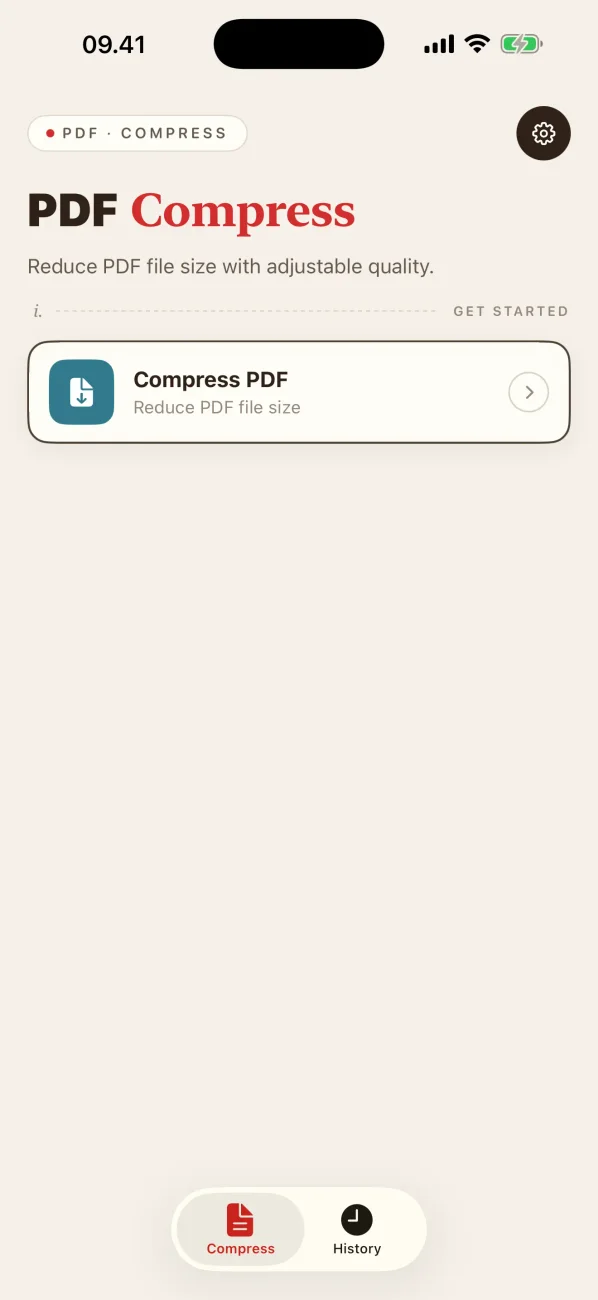
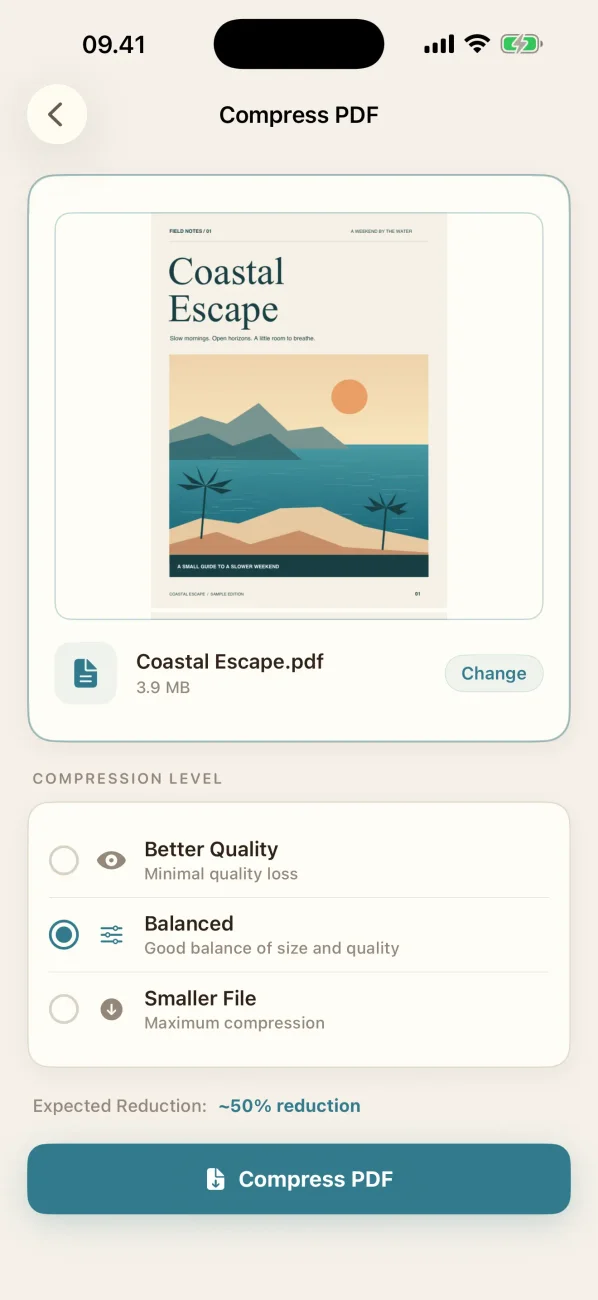
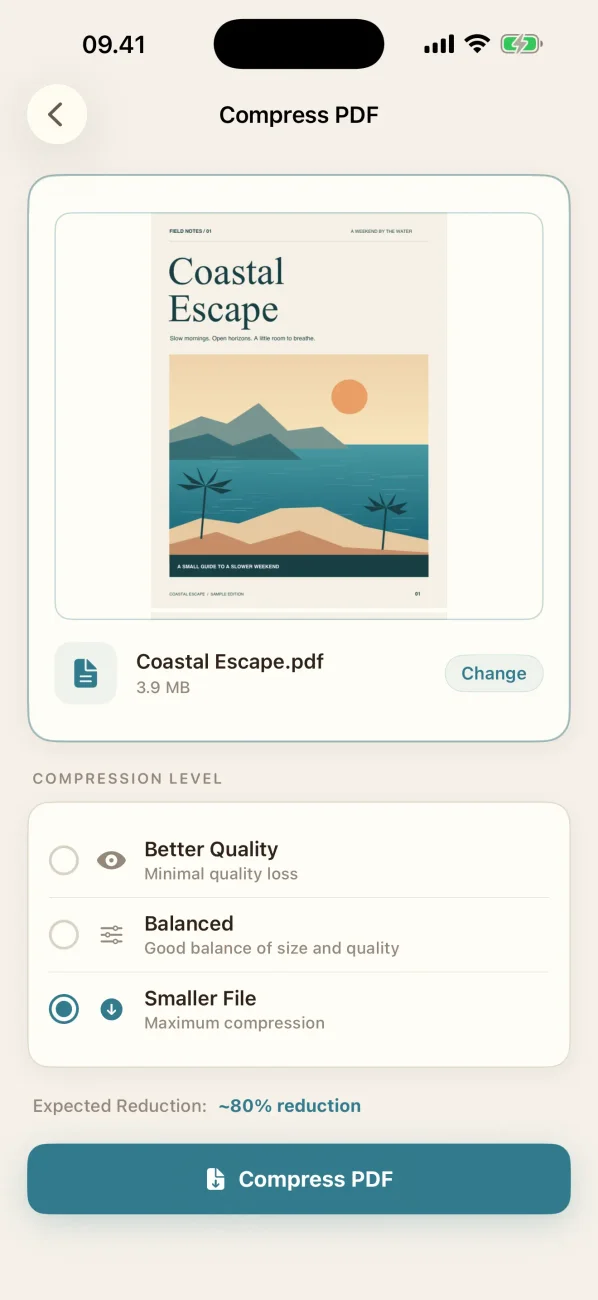
PDF Compressor helps you reduce PDF file size for sharing, uploading, and keeping smaller copies of your documents. Select a PDF, choose a compression level, and check the result before saving or sharing it.
Choose your compression level
Pick Better Quality, Balanced, or Smaller File to prioritize visual quality or a smaller output. The amount of reduction depends on the original document.
Check the result
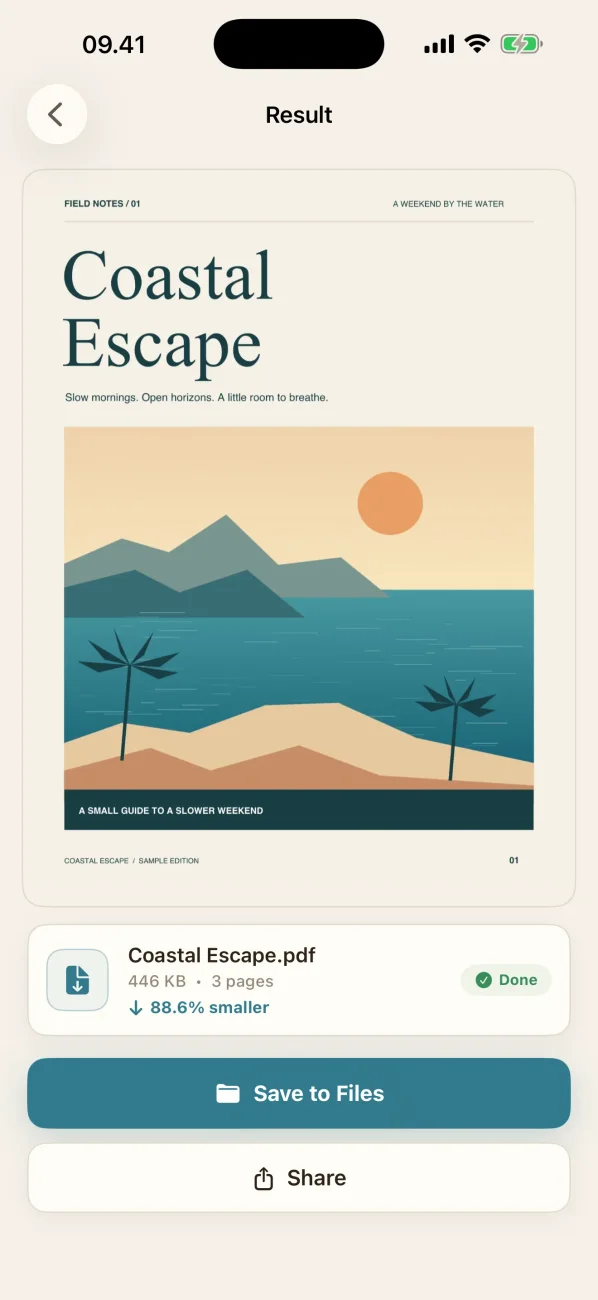
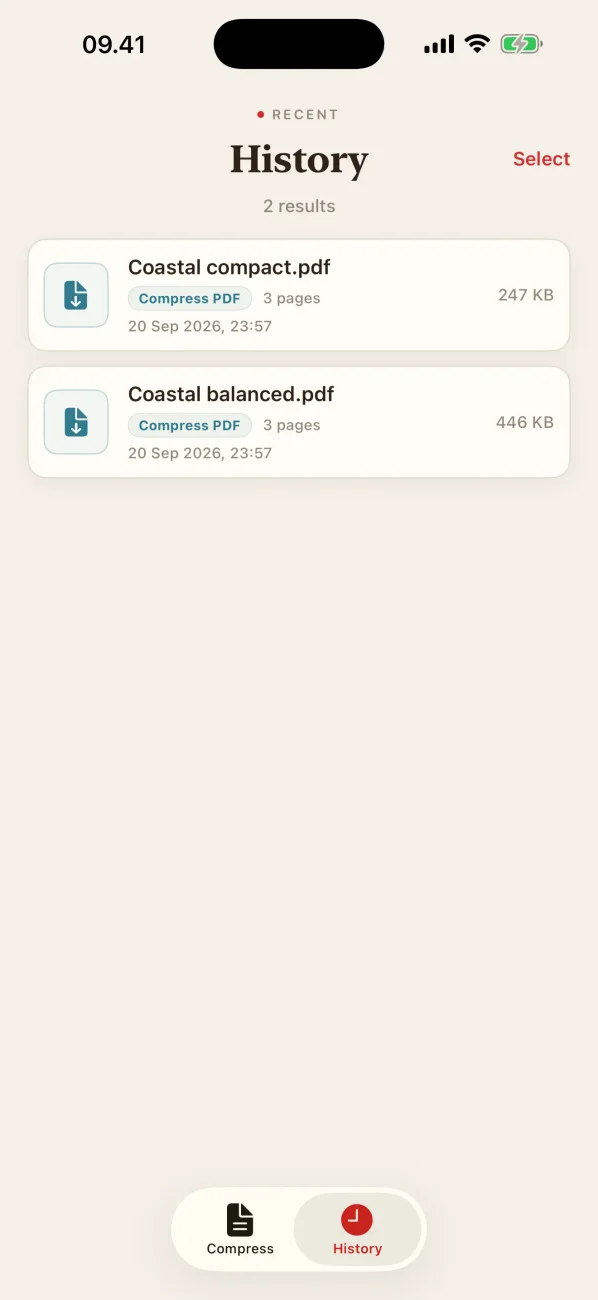
Preview your compressed PDF and see its file size, page count, and percentage reduction. Your original PDF stays unchanged, so you can review the compressed copy before using it.
Save, share, and find it again
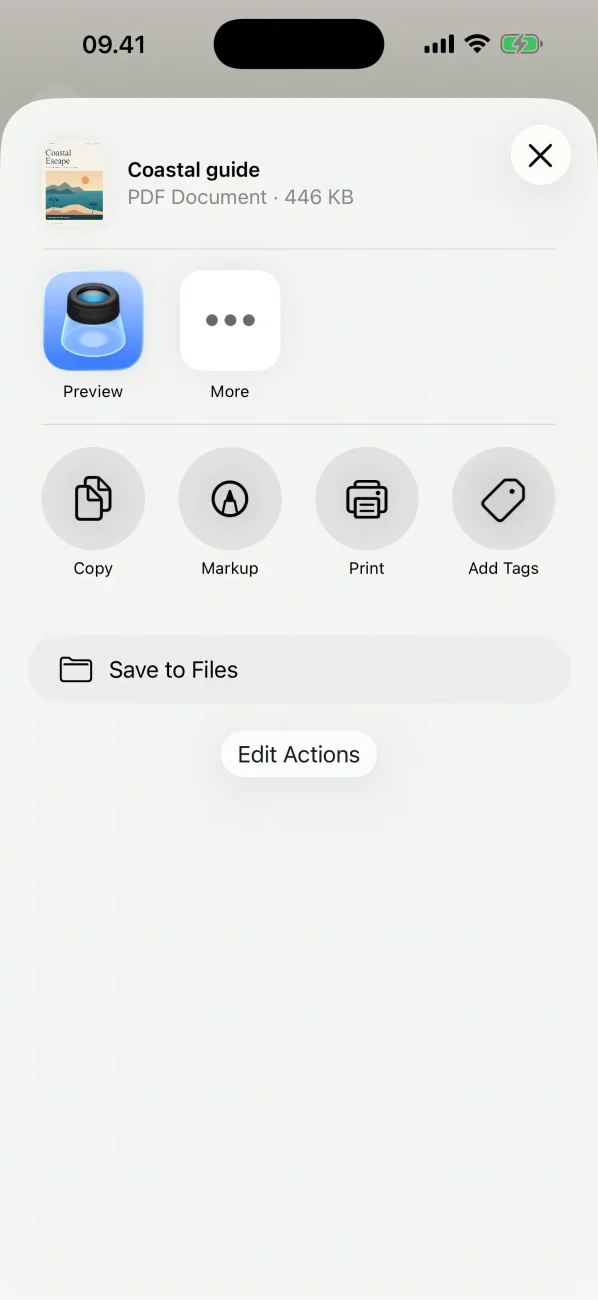
Save the result to Files or send it through the share sheet. Saved results remain available in History for previewing, sharing, renaming, or deleting later.
Process your PDFs locally
Compression runs locally without uploading your documents to a processing server. No app account is required.
Choose the access that fits your needs
Free access includes advertising and two successful compressions per day. Cancelled or failed attempts and results without a meaningful size reduction do not use your allowance. Previewing, saving, and sharing an existing result remain available without using another compression. Optional Pro access removes advertising and the daily compression limit. The same compression quality options are available with free and Pro access.
Before you compress
Compression converts each page into an image within the output PDF. Visual quality may decrease, and text in the compressed copy will no longer be selectable or searchable. Some PDFs may not become smaller, and a specific output size is not guaranteed.
PDF Compressor lets you use the app at no cost. However, premium access may be available as an optional in-app upgrade.
Privacy Policy: https://alderpathstudio.github.io/PDF-Compressor/privacy-policy.html
Terms of Use: https://alderpathstudio.github.io/PDF-Compressor/term-of-use.html
What’s new
Version 1.0.1 · Oct 6, 2026
Performance improvements
App privacy
What Jeny Goentoro declares on the App Store about how this app handles data.
-
Data used to track you
May be used to track you across apps and websites owned by other companies.
- Identifiers
-
Data linked to you
May be collected and linked to your identity.
- Location
- Identifiers
- Usage data
-
Data not linked to you
May be collected but is not linked to your identity.
- Diagnostics
Privacy practices may vary, for example with the features you use or your age.
Information
- Seller
- Jeny Goentoro
- Category
- Productivity
- Version
- 1.0.1
- Updated
- Oct 6, 2026
- Released
- Sep 30, 2026
- Size
- 7.4 MB
- Requires
- iOS 17.0 or later
- Age rating
- 4+
- Price
- Free
- In-app purchases
- Yes
- Languages
- English
- Copyright
- © 2026 Alderpath Studio
You might also like
-
 FrameSlim: Compress VideosConvert, Resize & Edit
-
 Merge PDF - Combine PDFsCombine PDF Files in Seconds
-
 Udfyld: Fill & Sign PDF EditorFill in and sign PDFs
-
 Minder: Focus EyesADHD body double & study timer
-
 Scan Sheets: QR & BarcodeText to Excel, CSV, XLSX
-
 PDF Opus: Scanner & EditorScan Documents, Sign & Convert
-
 Quiet Translator: InterpreterLive AI speech translation
-
 Balane TextDeck: ShortcutsPrompt Library & Text Expander
-
 PDF Redak: Edit, Sign & ScanSign, stamp, Word, translate
-
 PDFz: PDF Scanner & EditorSign, Fill Forms, Convert, OCR