Strecam
Other camera more to streaming
Entwickelt für iPhone, iPad
Kostenlos · In-App-Käufe
- Altersfreigabe4+
- KategorieFoto und Video
- EntwicklerPablo Gutierrez
- SprachenEnglisch+ 5 weitere
- Größe10,6 MB
Verlinkt auf die offizielle App Store-Seite
Download.org hostet keine Datei von Strecam. Die Schaltfläche öffnet die App-Seite bei App Store, wo Pablo Gutierrez die App veröffentlicht. Eintrag zuletzt geprüft am 18.11.2026.
Screenshots

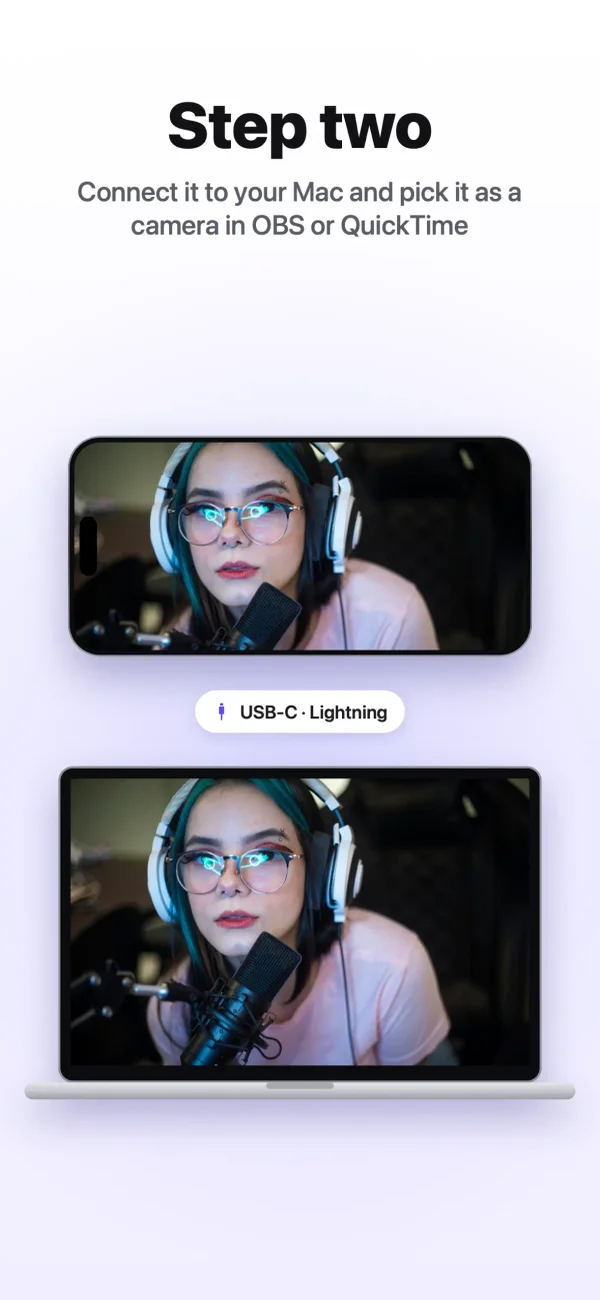
Info
Der Entwickler hat diesen Text nicht in Ihrer Sprache bereitgestellt.
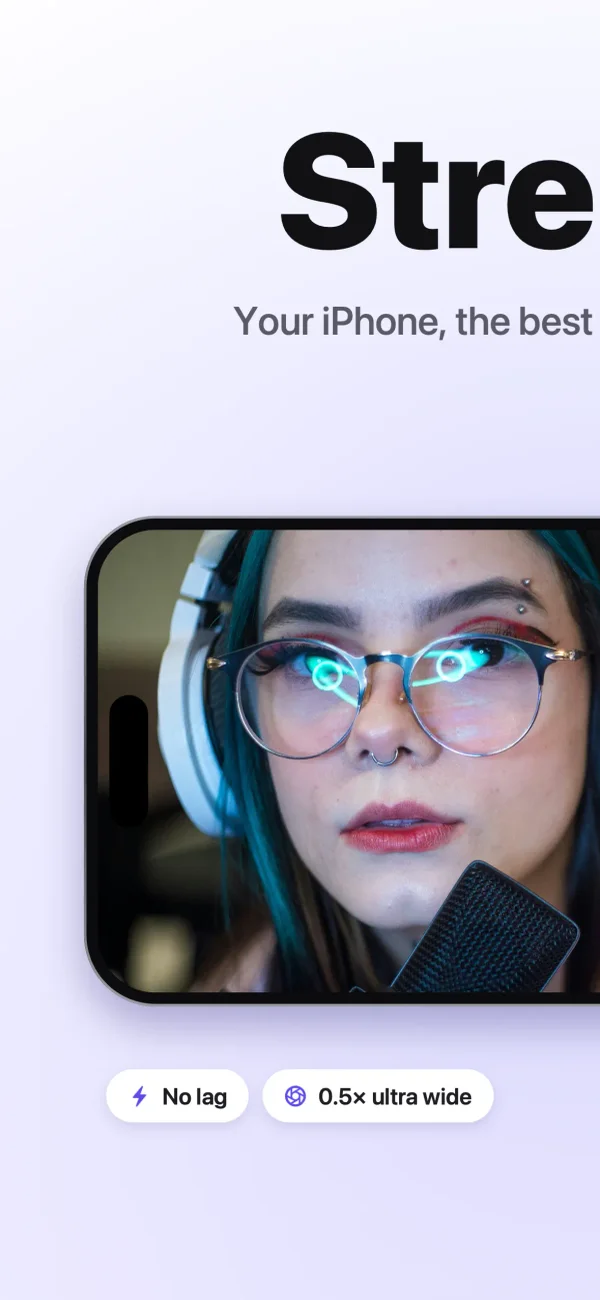
Turn your iPhone or iPad into the best webcam for your Mac. Connect it with a cable and use it as a camera in OBS, QuickTime or your favorite streaming app: live video, no lag and no Wi‑Fi needed.
A CAMERA WITH NOTHING ON SCREEN
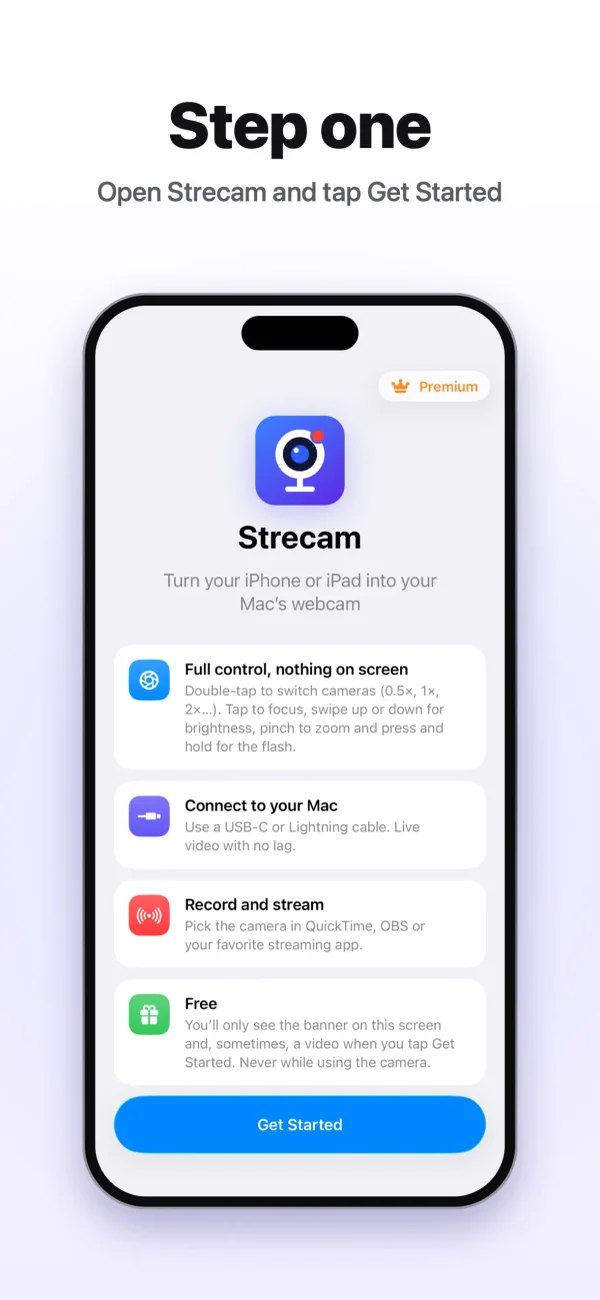
Strecam shows only your image: no buttons, no frames, no menus. Everything is controlled with gestures:
• Double-tap: switch cameras (0.5× ultra wide, 1×, 2× and front)
• Tap: focus on that spot
• Swipe up or down: adjust brightness
• Pinch: zoom
• Press and hold: turn the flash on or off (rear camera)
Works in portrait and landscape.
FREE
You'll only see a banner on the start screen and, sometimes, a video when you tap Get Started. Never while you're using the camera. If you like, watch a video and use Strecam for 24 hours without the watermark or video ads, or go Premium to remove them forever.
TIP
Turn on Do Not Disturb and silence your device so no notifications show up while you stream.
HOW TO USE IT WITH OBS
1. Connect your iPhone or iPad to your Mac with a USB‑C or Lightning cable. If asked, tap "Trust" on the device.
2. Open Strecam on your device and tap Get Started.
3. In OBS, click + under "Sources" and choose "Video Capture Device".
4. Give it a name and select your iPhone or iPad under "Device".
Done!
HOW TO USE IT WITH QUICKTIME
1. Connect your iPhone or iPad to your Mac with a USB‑C or Lightning cable.
2. Open Strecam on your device and tap Get Started.
3. In QuickTime, go to File > New Movie Recording.
4. Click the arrow next to the record button and select your iPhone or iPad as the camera.
Done!
ALSO ON A SCREEN OR CAPTURE CARD
With Apple's Digital AV Adapter you can show the image on a TV, a monitor or an HDMI capture card.
Neue Funktionen
Version 1.5.1 · 07.11.2026
Stability and performance improvements, plus small tweaks to make Strecam work even better on all your devices.
App-Datenschutz
Was Pablo Gutierrez im App Store zum Umgang dieser App mit Daten angibt.
-
Nicht mit Ihnen verknüpfte Daten
Können erfasst werden, sind aber nicht mit Ihrer Identität verknüpft.
- Nutzungsdaten
- Diagnose
Die Datenschutzpraktiken können variieren, zum Beispiel je nach den von Ihnen verwendeten Funktionen oder Ihrem Alter.
Informationen
- Anbieter
- Pablo Gutierrez
- Kategorie
- Foto und Video
- Version
- 1.5.1
- Aktualisiert
- 07.11.2026
- Veröffentlicht
- 05.06.2020
- Größe
- 10,6 MB
- Erfordert
- iOS 17.0 oder neuer
- Altersfreigabe
- 4+
- Preis
- Kostenlos
- In-App-Käufe
- Ja
- Sprachen
- Englisch, Französisch, Deutsch, Portugiesisch, Vereinf. Chinesisch, Spanisch
- Copyright
- © Pablo Gutiérrez
Das könnte Ihnen auch gefallen
-
 StreamCam for OBS & StreamLabs4K-Livestream-Webcam
-
 LM-Cam for OBS studioFoto und Video
-
 Shoot Pro Camera SourceFoto und Video
-
 Stream Studio NDI CameraProfessionelle OBS-Kamera
-
 NDI Screen CaptureFoto und Video
-
 Phonecam for OBS StudioFoto und Video
-
 USB Camera to NDIFoto und Video
-
 Larix Broadcaster: Live StreamLive-Encoder: SRT, NDI, RTMP
-
 CameraFi LiveAll-in-one live streaming app
-
 VDO.NinjaFoto und Video