Strecam
Other camera more to streaming
Được thiết kế cho iPhone, iPad
Miễn phí · Mua hàng trong ứng dụng
- Độ tuổi4+
- Danh mụcẢnh & Video
- Nhà phát triểnPablo Gutierrez
- Ngôn ngữTiếng Anh+ 5 ngôn ngữ khác
- Kích thước10,6 MB
Liên kết đến trang App Store chính thức
Download.org không lưu trữ tệp nào của Strecam. Nút này mở trang ứng dụng trên App Store, nơi Pablo Gutierrez phát hành ứng dụng. Trang được kiểm tra lần cuối: 18/11/2026.
Ảnh chụp màn hình

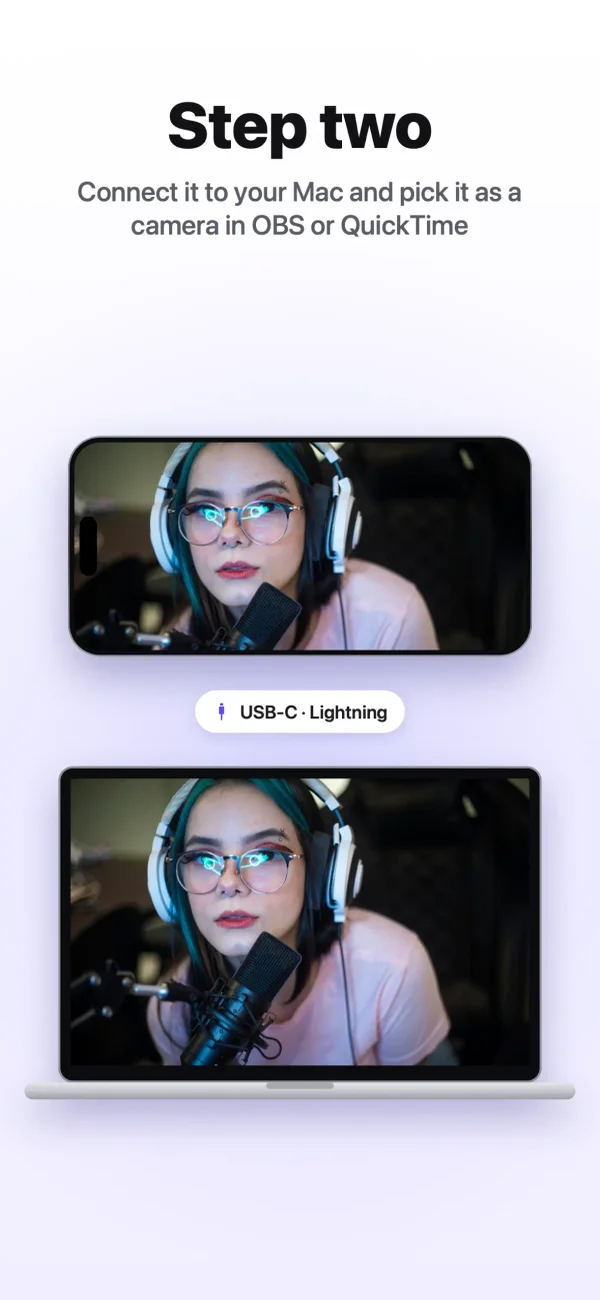
Giới thiệu
Nhà phát triển chưa cung cấp nội dung này bằng ngôn ngữ của bạn.
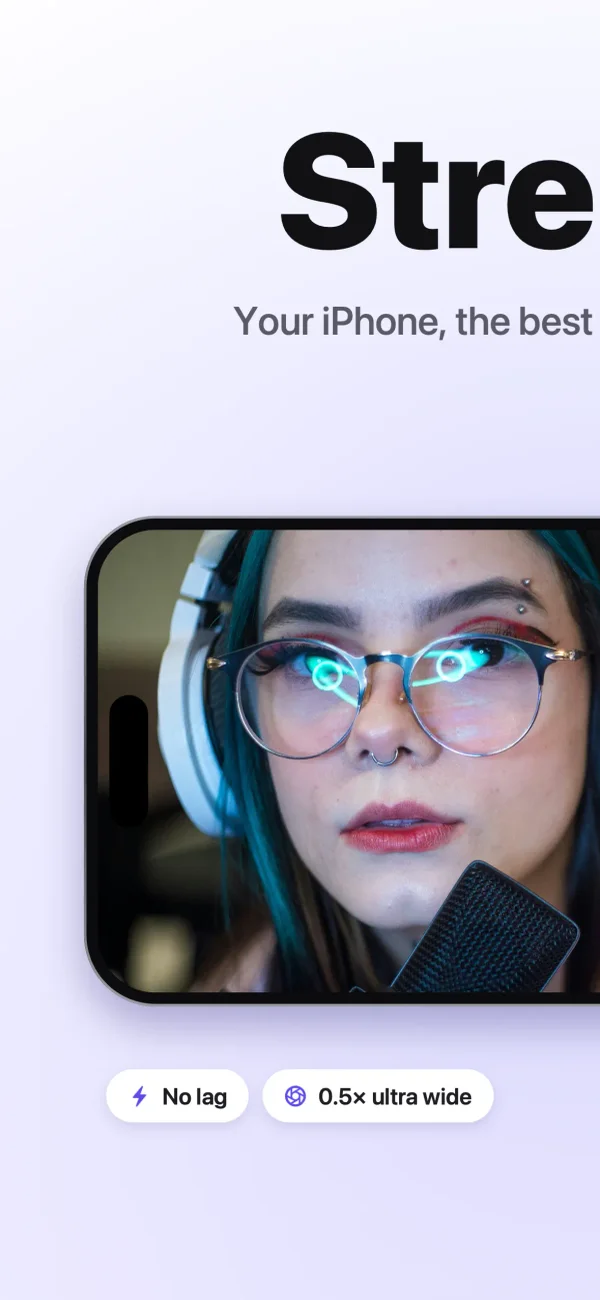
Turn your iPhone or iPad into the best webcam for your Mac. Connect it with a cable and use it as a camera in OBS, QuickTime or your favorite streaming app: live video, no lag and no Wi‑Fi needed.
A CAMERA WITH NOTHING ON SCREEN
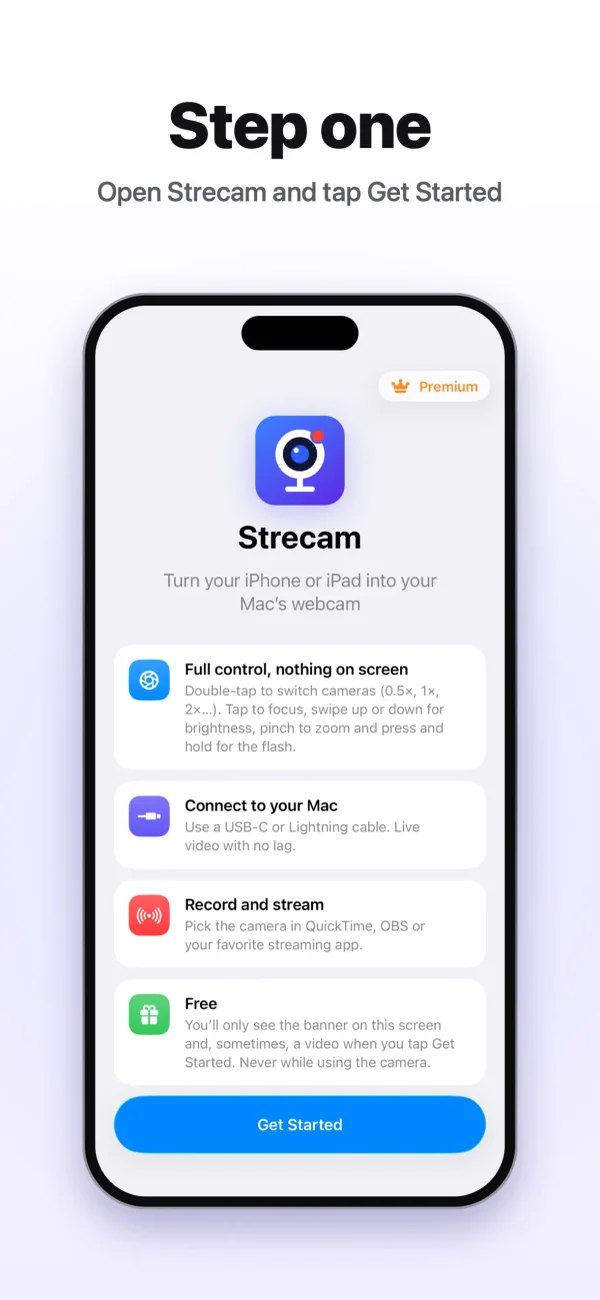
Strecam shows only your image: no buttons, no frames, no menus. Everything is controlled with gestures:
• Double-tap: switch cameras (0.5× ultra wide, 1×, 2× and front)
• Tap: focus on that spot
• Swipe up or down: adjust brightness
• Pinch: zoom
• Press and hold: turn the flash on or off (rear camera)
Works in portrait and landscape.
FREE
You'll only see a banner on the start screen and, sometimes, a video when you tap Get Started. Never while you're using the camera. If you like, watch a video and use Strecam for 24 hours without the watermark or video ads, or go Premium to remove them forever.
TIP
Turn on Do Not Disturb and silence your device so no notifications show up while you stream.
HOW TO USE IT WITH OBS
1. Connect your iPhone or iPad to your Mac with a USB‑C or Lightning cable. If asked, tap "Trust" on the device.
2. Open Strecam on your device and tap Get Started.
3. In OBS, click + under "Sources" and choose "Video Capture Device".
4. Give it a name and select your iPhone or iPad under "Device".
Done!
HOW TO USE IT WITH QUICKTIME
1. Connect your iPhone or iPad to your Mac with a USB‑C or Lightning cable.
2. Open Strecam on your device and tap Get Started.
3. In QuickTime, go to File > New Movie Recording.
4. Click the arrow next to the record button and select your iPhone or iPad as the camera.
Done!
ALSO ON A SCREEN OR CAPTURE CARD
With Apple's Digital AV Adapter you can show the image on a TV, a monitor or an HDMI capture card.
Có gì mới
Phiên bản 1.5.1 · 07/11/2026
Stability and performance improvements, plus small tweaks to make Strecam work even better on all your devices.
Quyền riêng tư của ứng dụng
Những gì Pablo Gutierrez khai báo trên App Store về cách ứng dụng này xử lý dữ liệu.
-
Dữ liệu không liên kết với bạn
Có thể được thu thập nhưng không liên kết với danh tính của bạn.
- Dữ liệu sử dụng
- Chẩn đoán
Phương thức đảm bảo quyền riêng tư có thể khác nhau, chẳng hạn như tuỳ theo các tính năng bạn sử dụng hoặc độ tuổi của bạn.
Thông tin
- Người bán
- Pablo Gutierrez
- Danh mục
- Ảnh & Video
- Phiên bản
- 1.5.1
- Cập nhật
- 07/11/2026
- Phát hành
- 05/06/2020
- Kích thước
- 10,6 MB
- Yêu cầu
- iOS 17.0 trở lên
- Độ tuổi
- 4+
- Giá
- Miễn phí
- Mua hàng trong ứng dụng
- Có
- Ngôn ngữ
- Tiếng Anh, Tiếng Pháp, Tiếng Đức, Tiếng Bồ Đào Nha, Tiếng Trung Giản thể, Tiếng Tây Ban Nha
- Bản quyền
- © Pablo Gutiérrez
Có thể bạn cũng thích
-
 StreamCam for OBS & StreamLabsẢnh & Video
-
 LM-Cam for OBS studioẢnh & Video
-
 Shoot Pro Camera SourceẢnh & Video
-
 Stream Studio NDI OBS CameraẢnh & Video
-
 NDI Screen CaptureẢnh & Video
-
 Phonecam for OBS StudioẢnh & Video
-
 USB Camera to NDIẢnh & Video
-
 Larix Broadcaster: Live StreamẢnh & Video
-
 CameraFi LiveAll-in-one live streaming app
-
 VDO.NinjaẢnh & Video