- 対象年齢4+
- カテゴリ写真/ビデオ
- 開発元Pablo Gutierrez
- 言語英語ほか5言語
- サイズ10.6 MB
App Storeの公式ページにリンクしています
Download.orgはStrecamのファイルを一切ホストしていません。ボタンを押すと、Pablo Gutierrezが公開しているApp Storeのアプリページが開きます。ページの最終確認:2026/11/18。
スクリーンショット

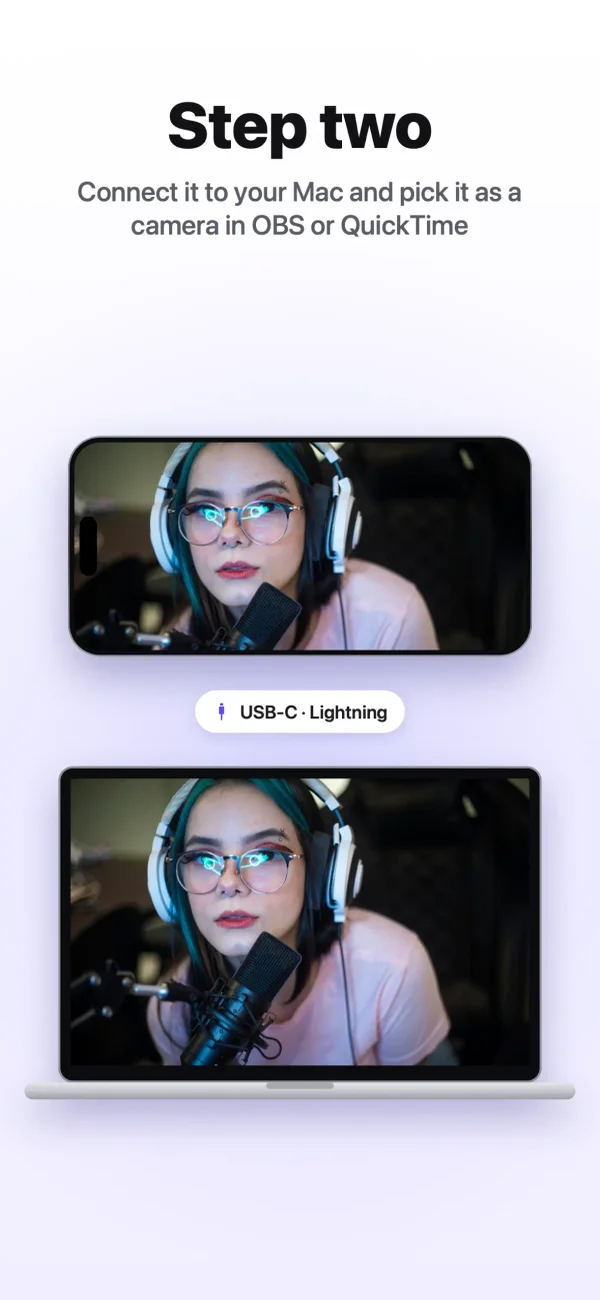
概要
開発元はこのテキストをお使いの言語で提供していません。
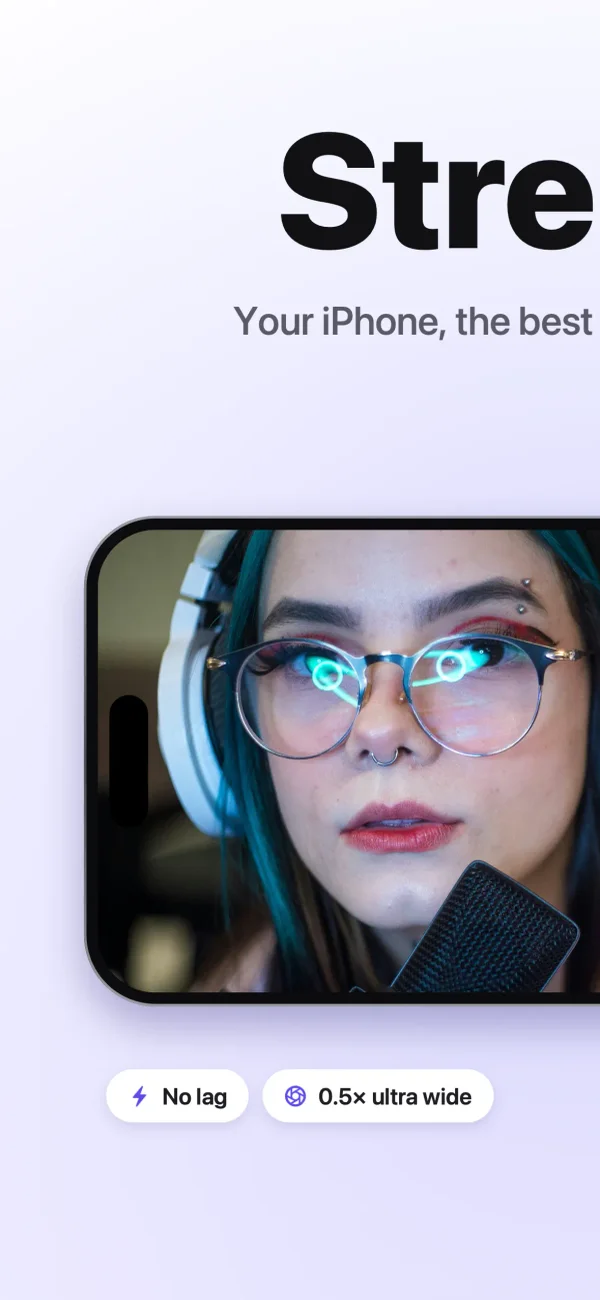
Turn your iPhone or iPad into the best webcam for your Mac. Connect it with a cable and use it as a camera in OBS, QuickTime or your favorite streaming app: live video, no lag and no Wi‑Fi needed.
A CAMERA WITH NOTHING ON SCREEN
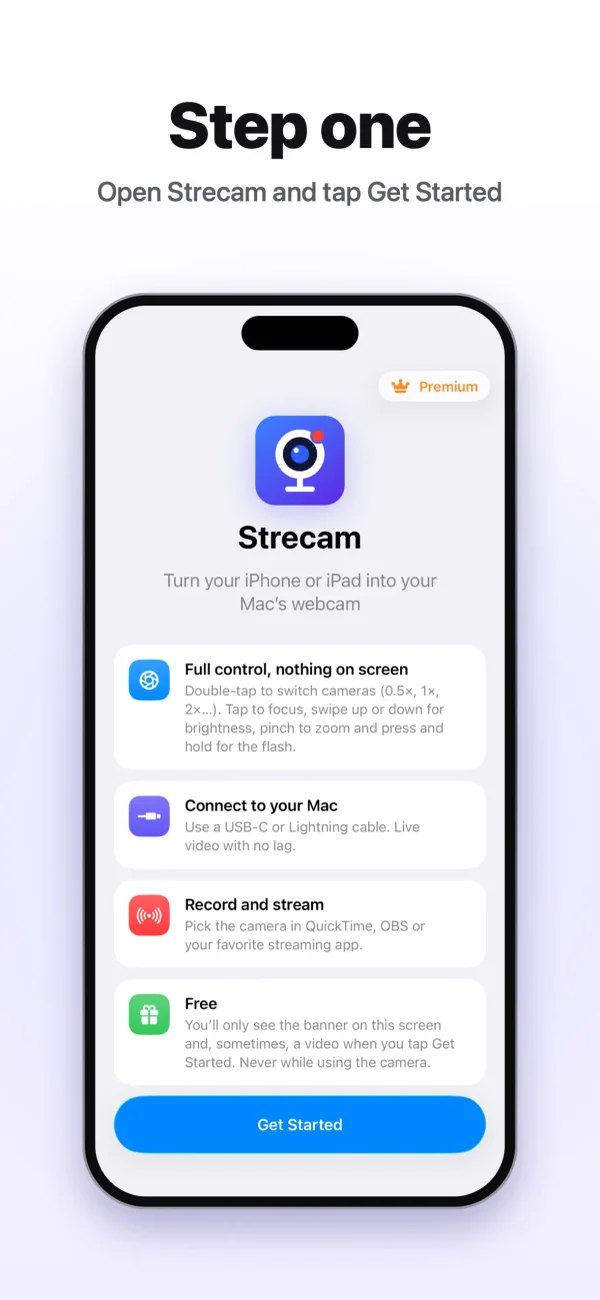
Strecam shows only your image: no buttons, no frames, no menus. Everything is controlled with gestures:
• Double-tap: switch cameras (0.5× ultra wide, 1×, 2× and front)
• Tap: focus on that spot
• Swipe up or down: adjust brightness
• Pinch: zoom
• Press and hold: turn the flash on or off (rear camera)
Works in portrait and landscape.
FREE
You'll only see a banner on the start screen and, sometimes, a video when you tap Get Started. Never while you're using the camera. If you like, watch a video and use Strecam for 24 hours without the watermark or video ads, or go Premium to remove them forever.
TIP
Turn on Do Not Disturb and silence your device so no notifications show up while you stream.
HOW TO USE IT WITH OBS
1. Connect your iPhone or iPad to your Mac with a USB‑C or Lightning cable. If asked, tap "Trust" on the device.
2. Open Strecam on your device and tap Get Started.
3. In OBS, click + under "Sources" and choose "Video Capture Device".
4. Give it a name and select your iPhone or iPad under "Device".
Done!
HOW TO USE IT WITH QUICKTIME
1. Connect your iPhone or iPad to your Mac with a USB‑C or Lightning cable.
2. Open Strecam on your device and tap Get Started.
3. In QuickTime, go to File > New Movie Recording.
4. Click the arrow next to the record button and select your iPhone or iPad as the camera.
Done!
ALSO ON A SCREEN OR CAPTURE CARD
With Apple's Digital AV Adapter you can show the image on a TV, a monitor or an HDMI capture card.
新機能
バージョン 1.5.1 · 2026/11/7
Stability and performance improvements, plus small tweaks to make Strecam work even better on all your devices.
アプリのプライバシー
このアプリのデータの取り扱いについて、Pablo GutierrezがApp Storeで申告している内容です。
-
ユーザーに関連付けられないデータ
収集される場合がありますが、ユーザーの識別情報には関連付けられません。
- 使用状況データ
- 診断
プライバシーの取り扱いは、ご利用の機能やお客様の年齢などに応じて異なる場合があります。
情報
- 販売元
- Pablo Gutierrez
- カテゴリ
- 写真/ビデオ
- バージョン
- 1.5.1
- 更新日
- 2026/11/7
- リリース
- 2020/6/5
- サイズ
- 10.6 MB
- 必要条件
- iOS 17.0以降
- 対象年齢
- 4+
- 価格
- 無料
- アプリ内課金
- あり
- 言語
- 英語, フランス語, ドイツ語, ポルトガル語, 簡体字中国語, スペイン語
- 著作権
- © Pablo Gutiérrez
こちらもおすすめ
-
 StreamCam for OBS & StreamLabs写真/ビデオ
-
 LM-Cam for OBS studioNDI(R),SRT,RTMP 対応 配信カメラ
-
 Shoot Pro カメラソースリモート操作。描画ツール。
-
 Stream Studio NDI CameraプロOBSカメラ
-
 NDI Screen Capture写真/ビデオ
-
 Phonecam for OBS Studio写真/ビデオ
-
 USB Camera to NDI写真/ビデオ
-
 Larix Broadcaster: Live Streamライブ配信:SRT・NDI・RTMP対応
-
 CameraFi Liveいつでもどこでも特別な瞬間をライブ配信!
-
 VDO.Ninja写真/ビデオ