Strecam
Other camera more to streaming
iPhone, iPad için tasarlandı
Ücretsiz · Uygulama içi satın alma
- Yaş sınırı4+
- KategoriFotoğraf ve Video
- GeliştiriciPablo Gutierrez
- Dillerİngilizce+ 5 dil daha
- Boyut10,6 MB
Resmi App Store sayfasına bağlanır
Download.org, Strecam için hiçbir dosya barındırmaz. Düğme, uygulamanın App Store üzerindeki sayfasını açar; uygulamayı orada Pablo Gutierrez yayınlar. Sayfanın son kontrolü: 18.11.2026.
Ekran görüntüleri

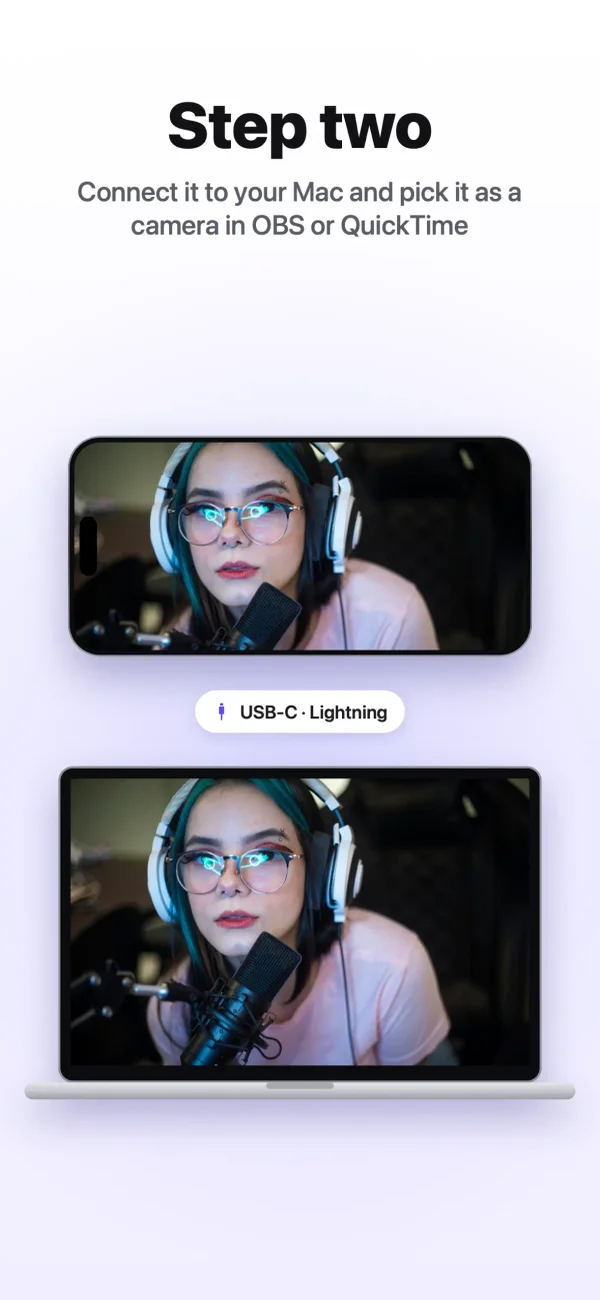
Hakkında
Geliştirici bu metni dilinizde sunmamış.
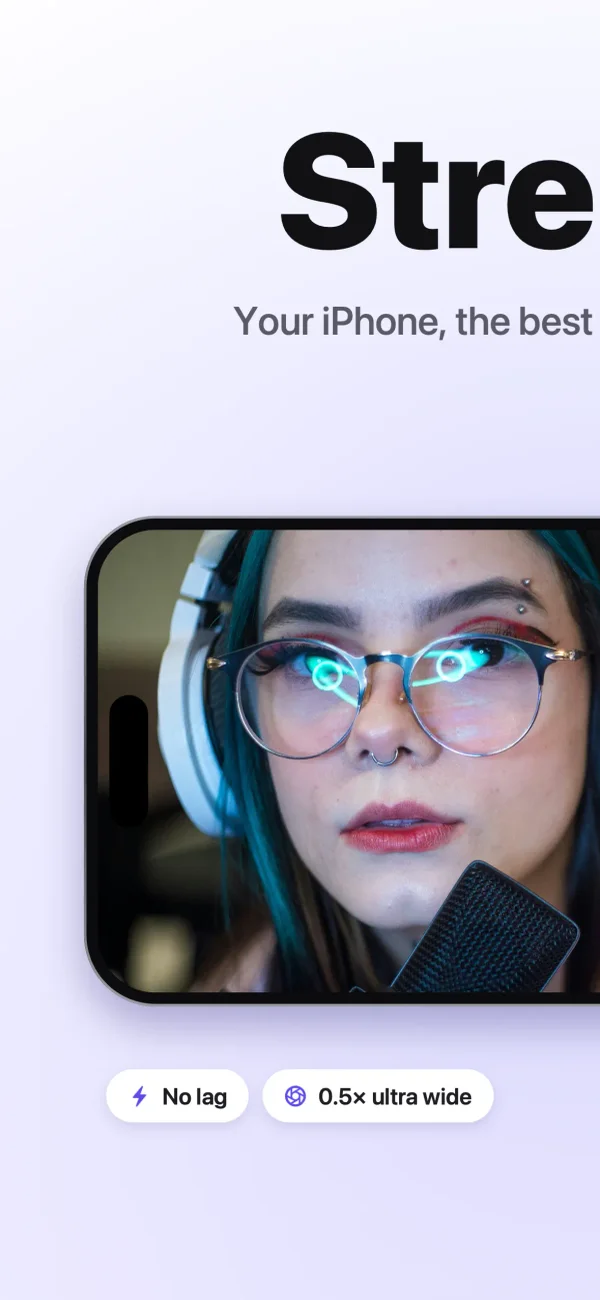
Turn your iPhone or iPad into the best webcam for your Mac. Connect it with a cable and use it as a camera in OBS, QuickTime or your favorite streaming app: live video, no lag and no Wi‑Fi needed.
A CAMERA WITH NOTHING ON SCREEN
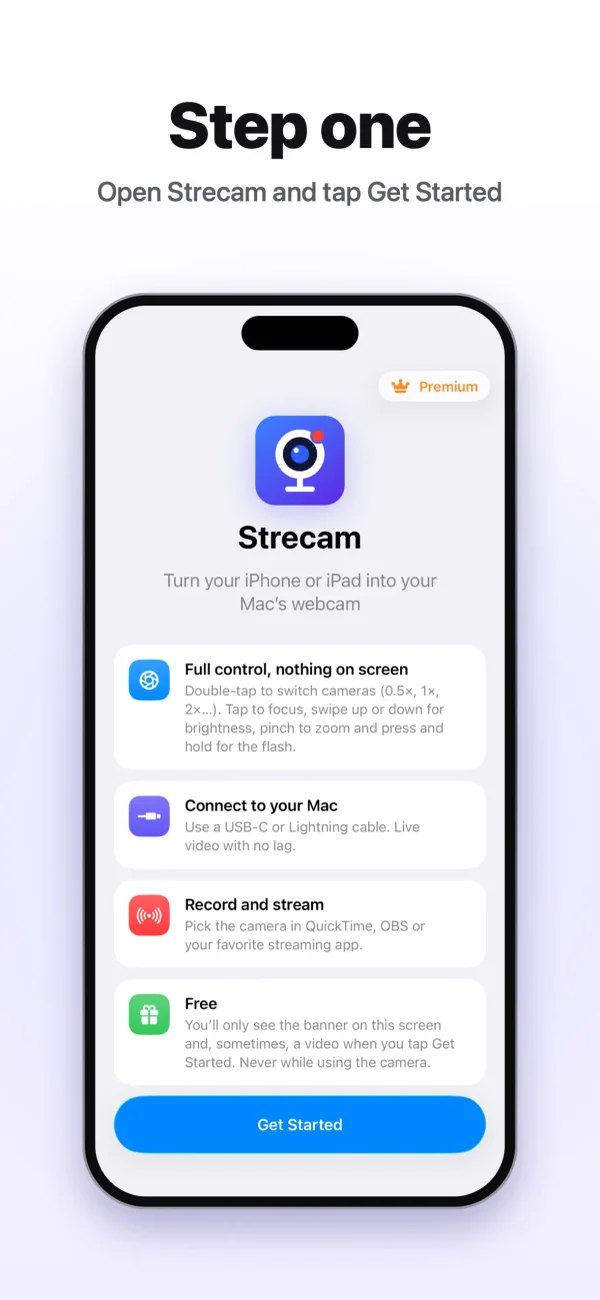
Strecam shows only your image: no buttons, no frames, no menus. Everything is controlled with gestures:
• Double-tap: switch cameras (0.5× ultra wide, 1×, 2× and front)
• Tap: focus on that spot
• Swipe up or down: adjust brightness
• Pinch: zoom
• Press and hold: turn the flash on or off (rear camera)
Works in portrait and landscape.
FREE
You'll only see a banner on the start screen and, sometimes, a video when you tap Get Started. Never while you're using the camera. If you like, watch a video and use Strecam for 24 hours without the watermark or video ads, or go Premium to remove them forever.
TIP
Turn on Do Not Disturb and silence your device so no notifications show up while you stream.
HOW TO USE IT WITH OBS
1. Connect your iPhone or iPad to your Mac with a USB‑C or Lightning cable. If asked, tap "Trust" on the device.
2. Open Strecam on your device and tap Get Started.
3. In OBS, click + under "Sources" and choose "Video Capture Device".
4. Give it a name and select your iPhone or iPad under "Device".
Done!
HOW TO USE IT WITH QUICKTIME
1. Connect your iPhone or iPad to your Mac with a USB‑C or Lightning cable.
2. Open Strecam on your device and tap Get Started.
3. In QuickTime, go to File > New Movie Recording.
4. Click the arrow next to the record button and select your iPhone or iPad as the camera.
Done!
ALSO ON A SCREEN OR CAPTURE CARD
With Apple's Digital AV Adapter you can show the image on a TV, a monitor or an HDMI capture card.
Yenilikler
Sürüm 1.5.1 · 07.11.2026
Stability and performance improvements, plus small tweaks to make Strecam work even better on all your devices.
Uygulama gizliliği
Bu uygulamanın verileri nasıl işlediği hakkında Pablo Gutierrez tarafından App Store üzerinde yapılan beyan.
-
Sizinle ilişkilendirilmeyen veriler
Toplanabilir ancak kimliğinizle ilişkilendirilmez.
- Kullanım verileri
- Tanılama
Gizlilik uygulamaları, örneğin kullandığınız özelliklere veya yaşınıza göre değişiklik gösterebilir.
Bilgiler
- Satıcı
- Pablo Gutierrez
- Kategori
- Fotoğraf ve Video
- Sürüm
- 1.5.1
- Güncellendi
- 07.11.2026
- Yayın tarihi
- 05.06.2020
- Boyut
- 10,6 MB
- Gereksinim
- iOS 17.0 veya sonrası
- Yaş sınırı
- 4+
- Fiyat
- Ücretsiz
- Uygulama içi satın alma
- Evet
- Diller
- İngilizce, Fransızca, Almanca, Portekizce, Basitleştirilmiş Çince, İspanyolca
- Telif hakkı
- © Pablo Gutiérrez
Bunları da beğenebilirsiniz
-
 StreamCam for OBS & StreamLabsFotoğraf ve Video
-
 LM-Cam for OBS studioFotoğraf ve Video
-
 Shoot Pro Camera SourceFotoğraf ve Video
-
 Stream Studio NDI OBS CameraFotoğraf ve Video
-
 NDI Screen CaptureFotoğraf ve Video
-
 Phonecam for OBS StudioFotoğraf ve Video
-
 USB Camera to NDIFotoğraf ve Video
-
 Larix Broadcaster: Live StreamFotoğraf ve Video
-
 CameraFi LiveAll-in-one live streaming app
-
 VDO.NinjaFotoğraf ve Video