Strecam
Other camera more to streaming
Dirancang untuk iPhone, iPad
Gratis · Pembelian dalam aplikasi
- Batasan usia4+
- KategoriFoto & Video
- PengembangPablo Gutierrez
- BahasaInggris+ 5 lainnya
- Ukuran10,6 MB
Tertaut ke halaman resmi App Store
Download.org tidak menyimpan file Strecam apa pun. Tombol ini membuka halaman aplikasi di App Store, tempat Pablo Gutierrez menerbitkannya. Halaman terakhir diperiksa pada 18/11/2026.
Tangkapan layar

Tentang
Pengembang belum menyediakan teks ini dalam bahasa Anda.
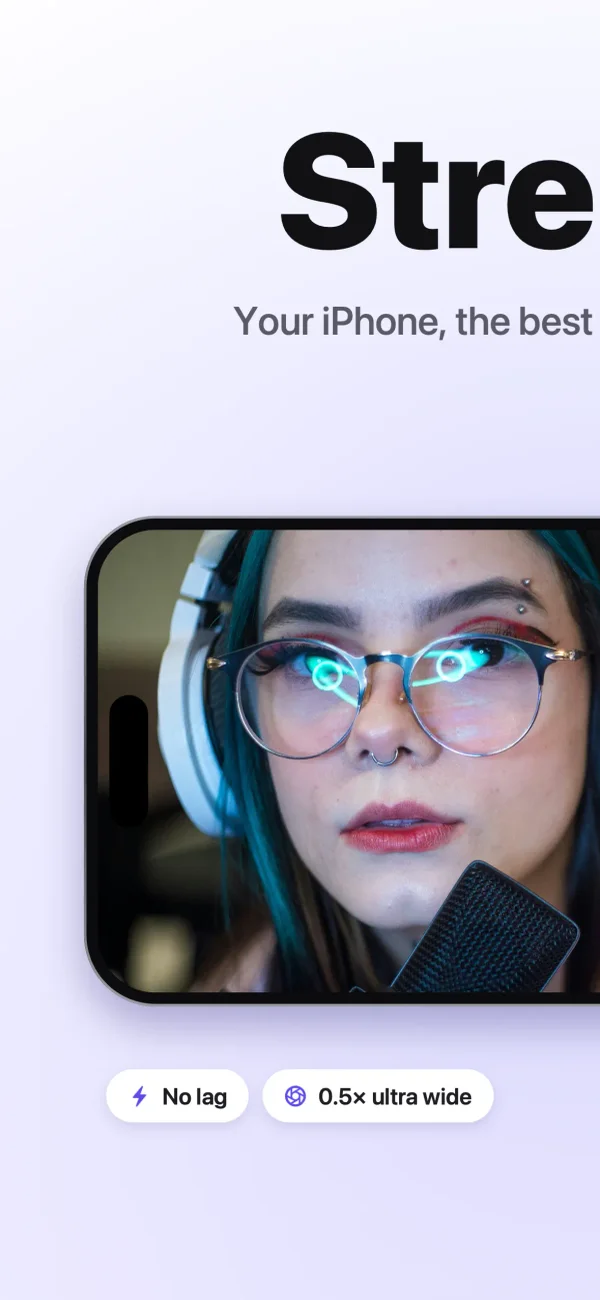
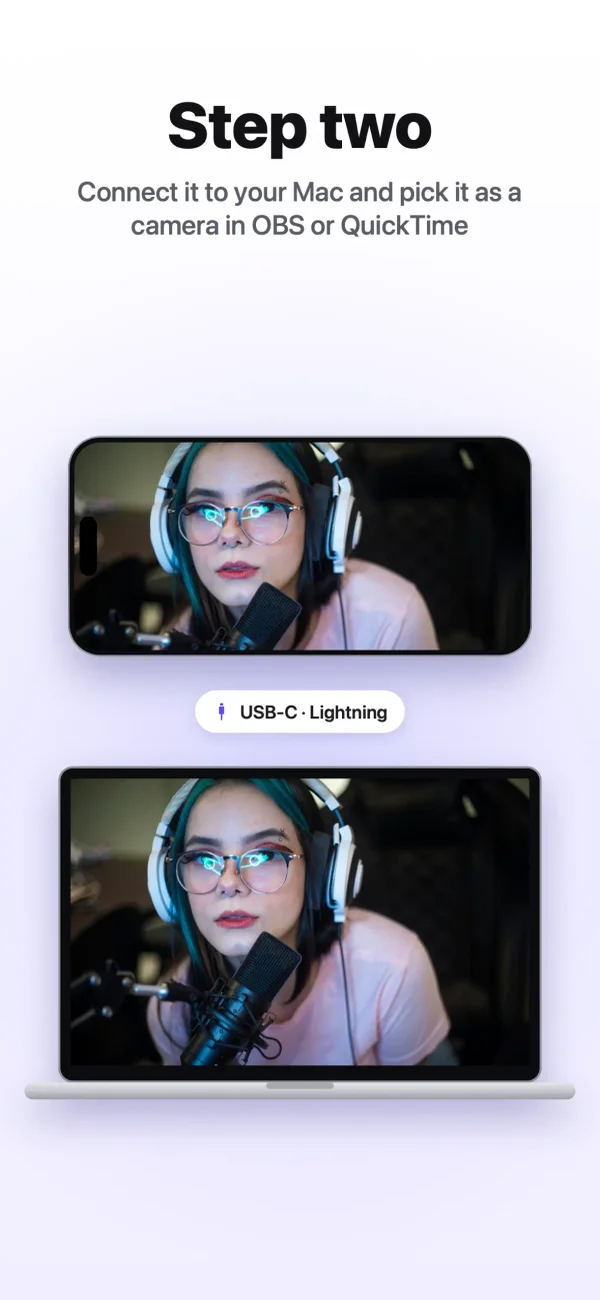
Turn your iPhone or iPad into the best webcam for your Mac. Connect it with a cable and use it as a camera in OBS, QuickTime or your favorite streaming app: live video, no lag and no Wi‑Fi needed.
A CAMERA WITH NOTHING ON SCREEN
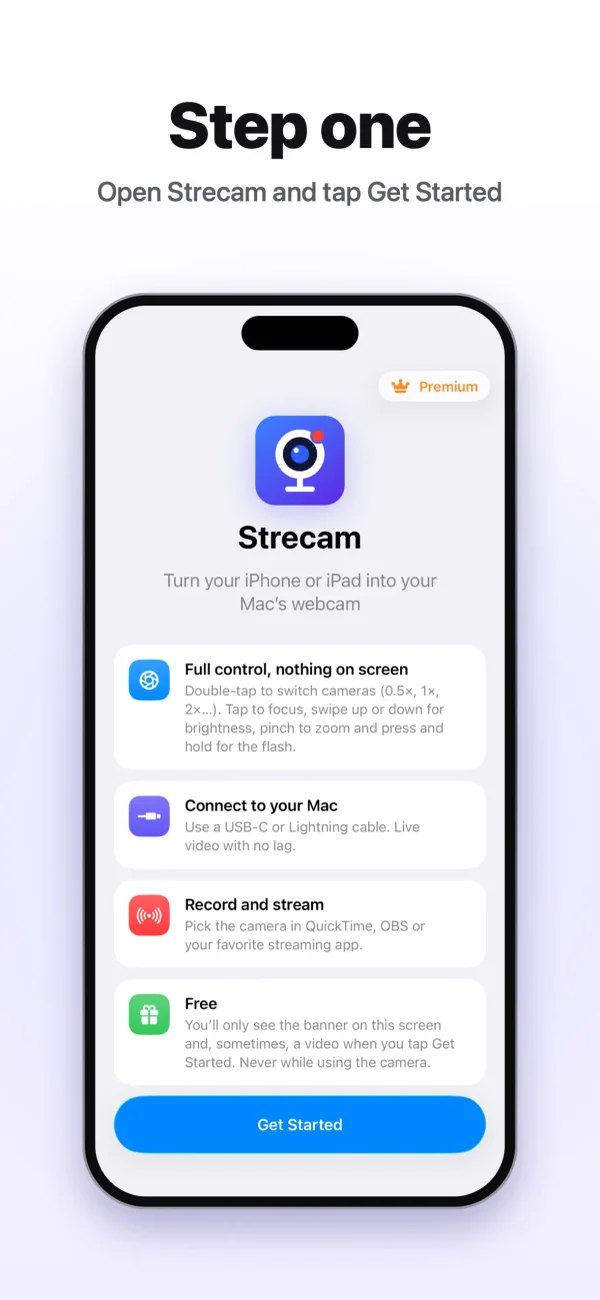
Strecam shows only your image: no buttons, no frames, no menus. Everything is controlled with gestures:
• Double-tap: switch cameras (0.5× ultra wide, 1×, 2× and front)
• Tap: focus on that spot
• Swipe up or down: adjust brightness
• Pinch: zoom
• Press and hold: turn the flash on or off (rear camera)
Works in portrait and landscape.
FREE
You'll only see a banner on the start screen and, sometimes, a video when you tap Get Started. Never while you're using the camera. If you like, watch a video and use Strecam for 24 hours without the watermark or video ads, or go Premium to remove them forever.
TIP
Turn on Do Not Disturb and silence your device so no notifications show up while you stream.
HOW TO USE IT WITH OBS
1. Connect your iPhone or iPad to your Mac with a USB‑C or Lightning cable. If asked, tap "Trust" on the device.
2. Open Strecam on your device and tap Get Started.
3. In OBS, click + under "Sources" and choose "Video Capture Device".
4. Give it a name and select your iPhone or iPad under "Device".
Done!
HOW TO USE IT WITH QUICKTIME
1. Connect your iPhone or iPad to your Mac with a USB‑C or Lightning cable.
2. Open Strecam on your device and tap Get Started.
3. In QuickTime, go to File > New Movie Recording.
4. Click the arrow next to the record button and select your iPhone or iPad as the camera.
Done!
ALSO ON A SCREEN OR CAPTURE CARD
With Apple's Digital AV Adapter you can show the image on a TV, a monitor or an HDMI capture card.
Yang baru
Versi 1.5.1 · 7/11/2026
Stability and performance improvements, plus small tweaks to make Strecam work even better on all your devices.
Privasi aplikasi
Yang dinyatakan Pablo Gutierrez di App Store tentang cara aplikasi ini menangani data.
-
Data yang tidak ditautkan dengan Anda
Dapat dikumpulkan, tetapi tidak ditautkan dengan identitas Anda.
- Data penggunaan
- Diagnostik
Praktik privasi dapat bervariasi, misalnya berdasarkan fitur yang Anda gunakan atau usia Anda.
Informasi
- Penjual
- Pablo Gutierrez
- Kategori
- Foto & Video
- Versi
- 1.5.1
- Diperbarui
- 7/11/2026
- Dirilis
- 5/6/2020
- Ukuran
- 10,6 MB
- Memerlukan
- iOS 17.0 atau yang lebih baru
- Batasan usia
- 4+
- Harga
- Gratis
- Pembelian dalam aplikasi
- Ya
- Bahasa
- Inggris, Prancis, Jerman, Portugis, Tionghoa Sederhana, Spanyol
- Hak cipta
- © Pablo Gutiérrez
Mungkin Anda juga suka
-
 StreamCam for OBS & StreamLabsFoto & Video
-
 LM-Cam for OBS studioFoto & Video
-
 Shoot Pro Camera SourceFoto & Video
-
 Stream Studio NDI OBS CameraFoto & Video
-
 NDI Screen CaptureFoto & Video
-
 Phonecam for OBS StudioFoto & Video
-
 USB Camera to NDIFoto & Video
-
 Larix Broadcaster: Live StreamFoto & Video
-
 CameraFi LiveAll-in-one live streaming app
-
 VDO.NinjaFoto & Video