
Tenuto
Theory exercises and tools
Diseñada para iPhone, iPad, iPod touch
5,99 €
- Clasificación por edad4+
- CategoríaMúsica
- Desarrolladormusictheory.net
- IdiomasInglés
- Tamaño11,2 MB
Enlaza a la página oficial de App Store
Download.org no aloja ningún archivo de Tenuto. El botón abre la página de la aplicación en App Store, donde la publica musictheory.net. Ficha comprobada por última vez el 24/11/2026.
Capturas de pantalla


Acerca de
El desarrollador no ha proporcionado este texto en tu idioma.
Tenuto is a collection of 24 highly-customizable exercises designed to enhance your musicality. From recognizing chords on a keyboard to identifying intervals by ear, it has an exercise for you. Tenuto also includes six musical calculators for accidentals, intervals, scales, chords, analysis symbols, and twelve-tone matrices.
A short description of the exercises and calculators follows.
––––––
• Note Identification
• Key Signature Identification
• Interval Identification
• Scale Identification
• Chord Identification
Tap the button corresponding to the written staff line. For example: if shown a C, E, and G with a sharp; tap the "Augmented Triad" button.
––––––
• Note Construction
• Key Signature Construction
• Interval Construction
• Scale Construction
• Chord Construction
Construct the specified label by moving notes and/or adding accidentals. For example: if shown a C and an "Augmented 4th" label, move the second note to F and add a sharp.
––––––
• Keyboard Reverse Identification
Tap the piano key corresponding to the written note on the staff. While similar to Note Identification, this exercise uses a piano keyboard rather than note name buttons.
• Keyboard Note Identification
• Keyboard Interval Identification
• Keyboard Scale Identification
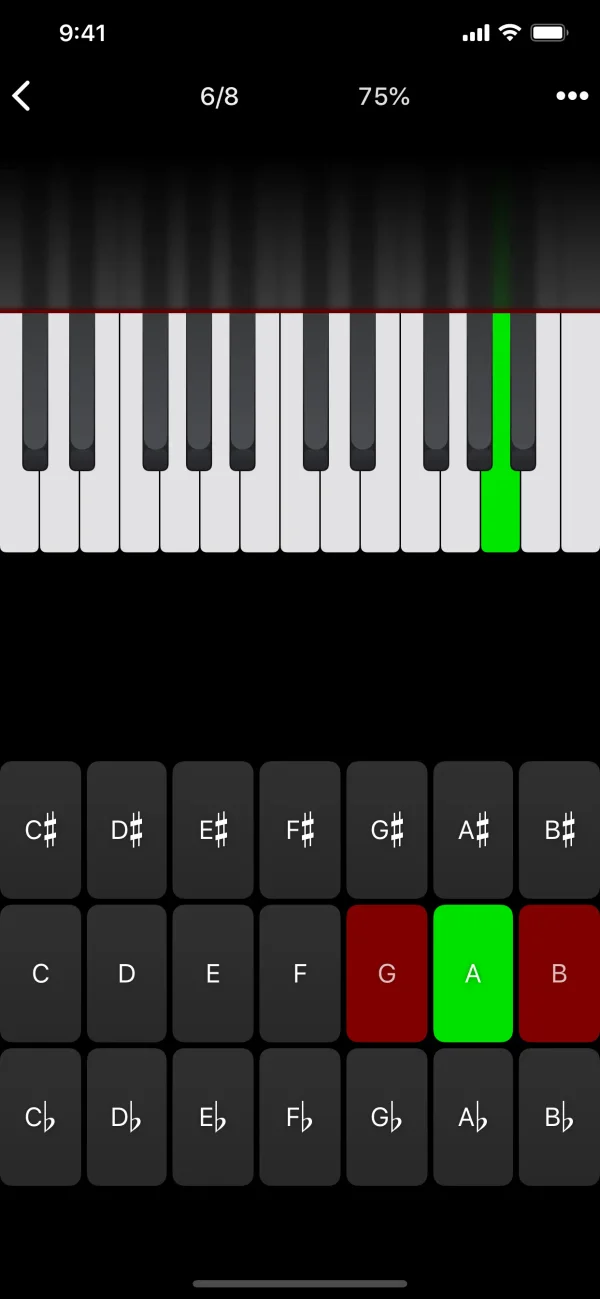
• Keyboard Chord Identification
Tap the button corresponding to the highlighted piano key(s). If the C and G keys are highlighted, tap the "P5" (Perfect 5th) button.
––––––
• Fretboard Note Identification
• Fretboard Interval Identification
• Fretboard Scale Identification
• Fretboard Chord Identification
Tap the button corresponding to the marked fretboard position(s). If the 2nd fret of the D string is marked, tap the "E" button.
––––––
• Keyboard Ear Training
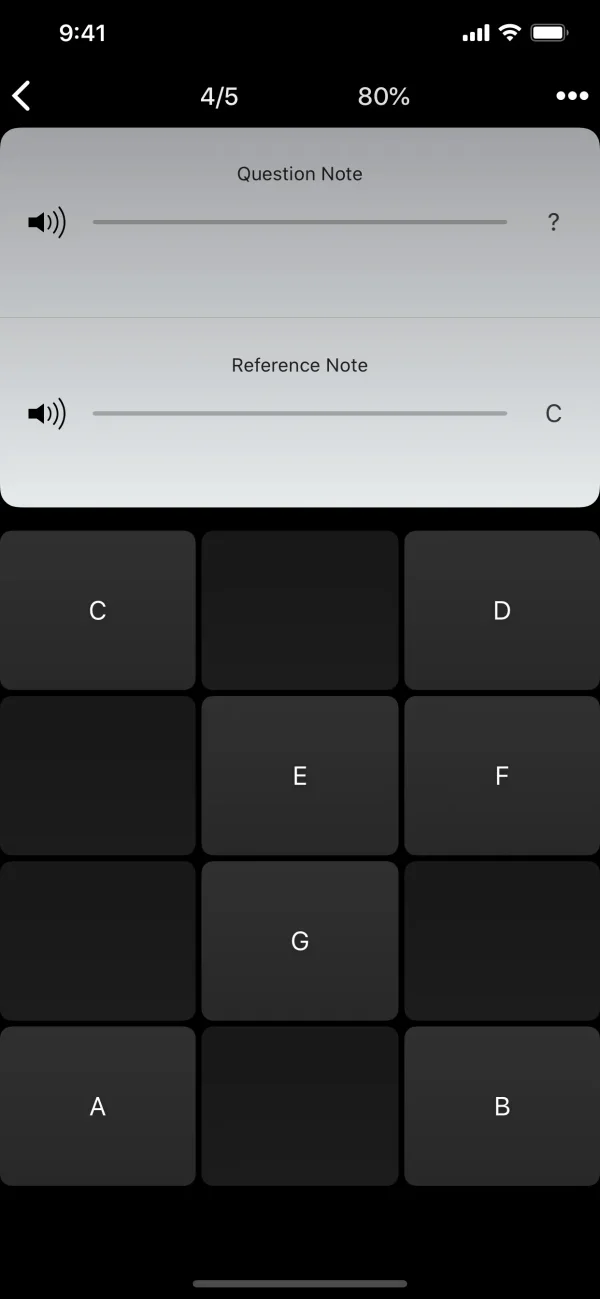
• Note Ear Training
Listen to the played reference and question notes. Select the piano key or note button corresponding to the question note.
• Interval Ear Training
• Scale Ear Training
• Chord Ear Training
Tap the button corresponding to the played notes. If E and F are played, tap the "Minor 2nd" button.
––––––
• Accidental Calculator
Display the accidental for a note and key.
• Interval Calculator
Display the interval for a note, type, and key.
• Chord Calculator
Display the scale for a tonic and scale type.
• Chord Calculator
Display the chord for a note, type, and key.
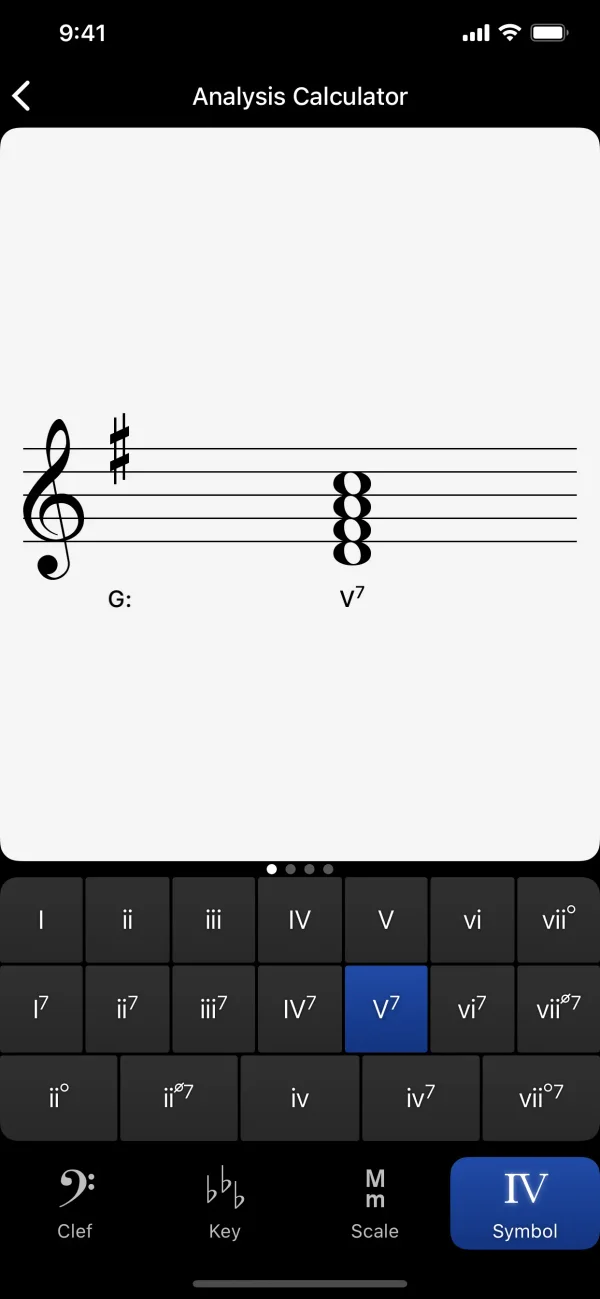
• Analysis Calculator
Display the chord for a symbol and key.
• Matrix Calculator
Display the twelve-tone matrix for a specified tone row.
Novedades
Versión 5.1 · 28/4/2026
- Updates the app icon used in Dark, Clear, or Tinted modes.
- Fixes several layout and drawing issues when running as a Windowed App.
- Fixes an extremely rare crash when Challenge Mode is enabled.
Privacidad de la aplicación
Lo que musictheory.net declara en App Store sobre cómo esta aplicación gestiona los datos.
-
Datos no vinculados a ti
Pueden recopilarse, pero no se vinculan a tu identidad.
- Diagnóstico
Las prácticas de privacidad pueden variar, por ejemplo, según las funciones que uses o tu edad.
Información
- Vendedor
- musictheory.net, LLC
- Categoría
- Música
- Versión
- 5.1
- Actualizado
- 28/4/2026
- Publicado
- 30/8/2011
- Tamaño
- 11,2 MB
- Requiere
- iOS 15.8 o posterior
- Clasificación por edad
- 4+
- Precio
- 5,99 €
- Idiomas
- Inglés
- Copyright
- © 2011-2026, musictheory.net, LLC
Quizá también te guste
-
 Earpeggio - Educación AuditivaIntervalos, acordes y ritmo
-
 Functional Ear TrainerEntrenamiento de oído
-
 Sight Reading FactoryMúsica
-
 iReal ProCifrados & Acompañamientos
-
 EarMaster - Solfeo y AudiciónOído. Canto. Ritmo. Jazz
-
 Music Tutor (Sight-reading)Música
-
 Acordes y Escalas de PianoAprende teoría y solfeo
-
 Music Rhythm TrainerSight reading & ear training
-
 TONALY: Songs, Escalas, TeoríaAcordes & Práctica Musical
-
 TonalEnergy Afinador y MetrónoFerramentas Musicais