
- Age rating4+
- CategoryMusic
- Developermusictheory.net
- LanguagesEnglish
- Size11.2 MB
Links to the official App Store page
Download.org hosts no file of Tenuto. The button opens its official App Store page, published by musictheory.net. Listing last checked on Nov 24, 2026.
Screenshots


About
Tenuto is a collection of 24 highly-customizable exercises designed to enhance your musicality. From recognizing chords on a keyboard to identifying intervals by ear, it has an exercise for you. Tenuto also includes six musical calculators for accidentals, intervals, scales, chords, analysis symbols, and twelve-tone matrices.
A short description of the exercises and calculators follows.
––––––
• Note Identification
• Key Signature Identification
• Interval Identification
• Scale Identification
• Chord Identification
Tap the button corresponding to the written staff line. For example: if shown a C, E, and G with a sharp; tap the "Augmented Triad" button.
––––––
• Note Construction
• Key Signature Construction
• Interval Construction
• Scale Construction
• Chord Construction
Construct the specified label by moving notes and/or adding accidentals. For example: if shown a C and an "Augmented 4th" label, move the second note to F and add a sharp.
––––––
• Keyboard Reverse Identification
Tap the piano key corresponding to the written note on the staff. While similar to Note Identification, this exercise uses a piano keyboard rather than note name buttons.
• Keyboard Note Identification
• Keyboard Interval Identification
• Keyboard Scale Identification
• Keyboard Chord Identification
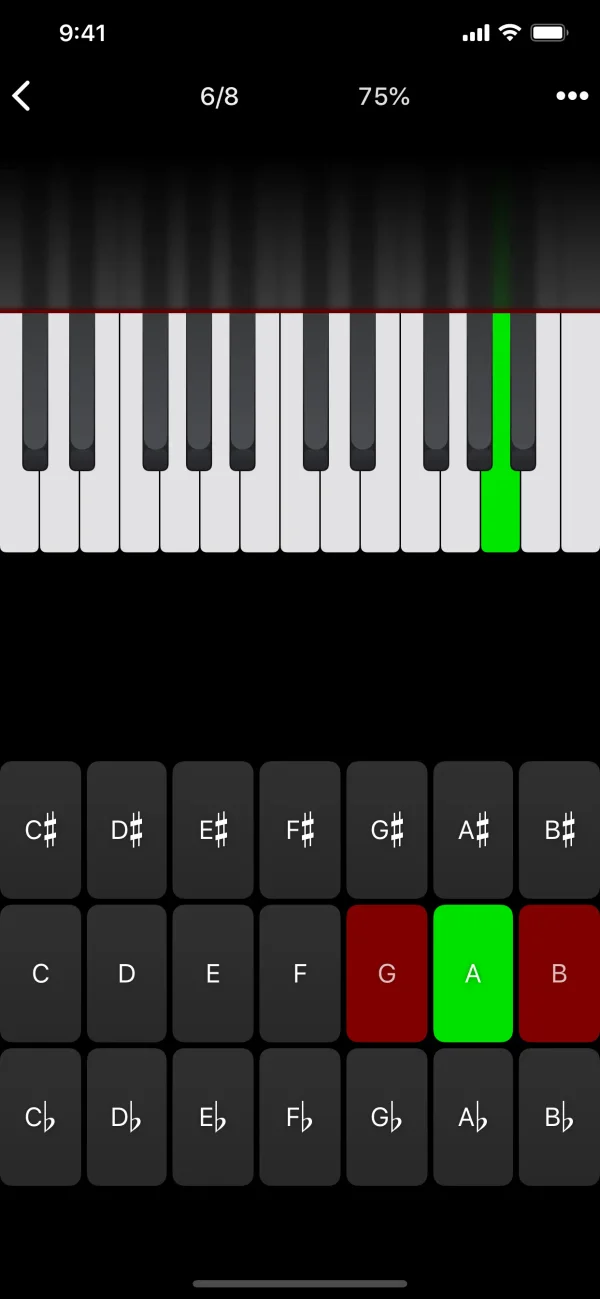
Tap the button corresponding to the highlighted piano key(s). If the C and G keys are highlighted, tap the "P5" (Perfect 5th) button.
––––––
• Fretboard Note Identification
• Fretboard Interval Identification
• Fretboard Scale Identification
• Fretboard Chord Identification
Tap the button corresponding to the marked fretboard position(s). If the 2nd fret of the D string is marked, tap the "E" button.
––––––
• Keyboard Ear Training
• Note Ear Training
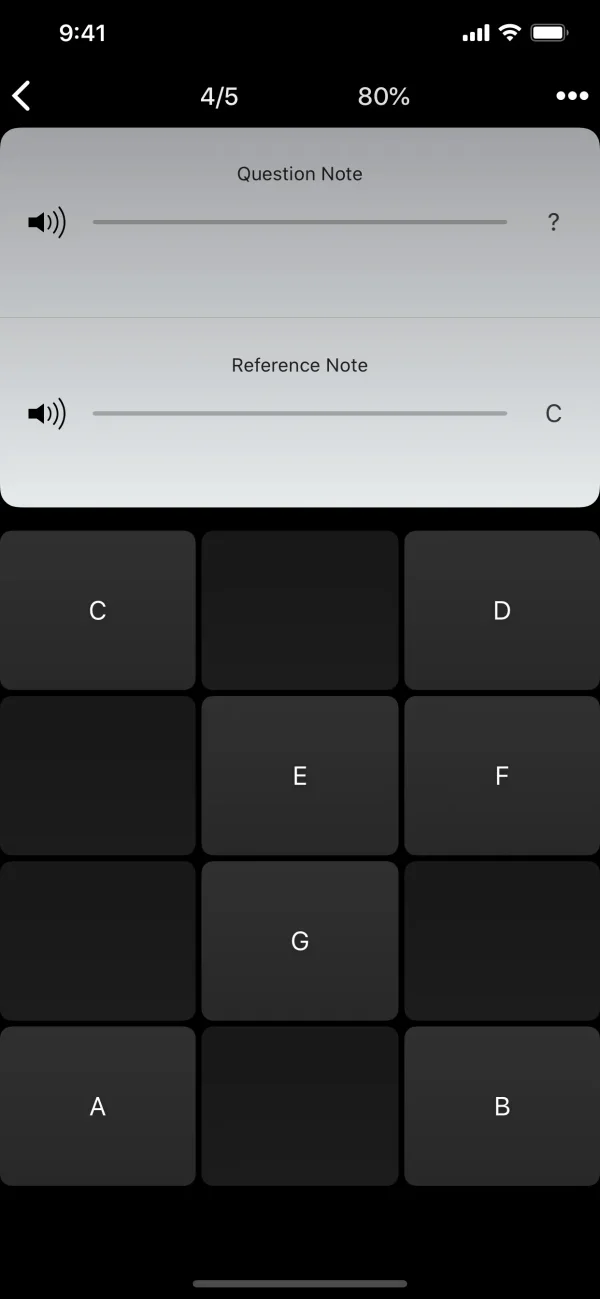
Listen to the played reference and question notes. Select the piano key or note button corresponding to the question note.
• Interval Ear Training
• Scale Ear Training
• Chord Ear Training
Tap the button corresponding to the played notes. If E and F are played, tap the "Minor 2nd" button.
––––––
• Accidental Calculator
Display the accidental for a note and key.
• Interval Calculator
Display the interval for a note, type, and key.
• Chord Calculator
Display the scale for a tonic and scale type.
• Chord Calculator
Display the chord for a note, type, and key.
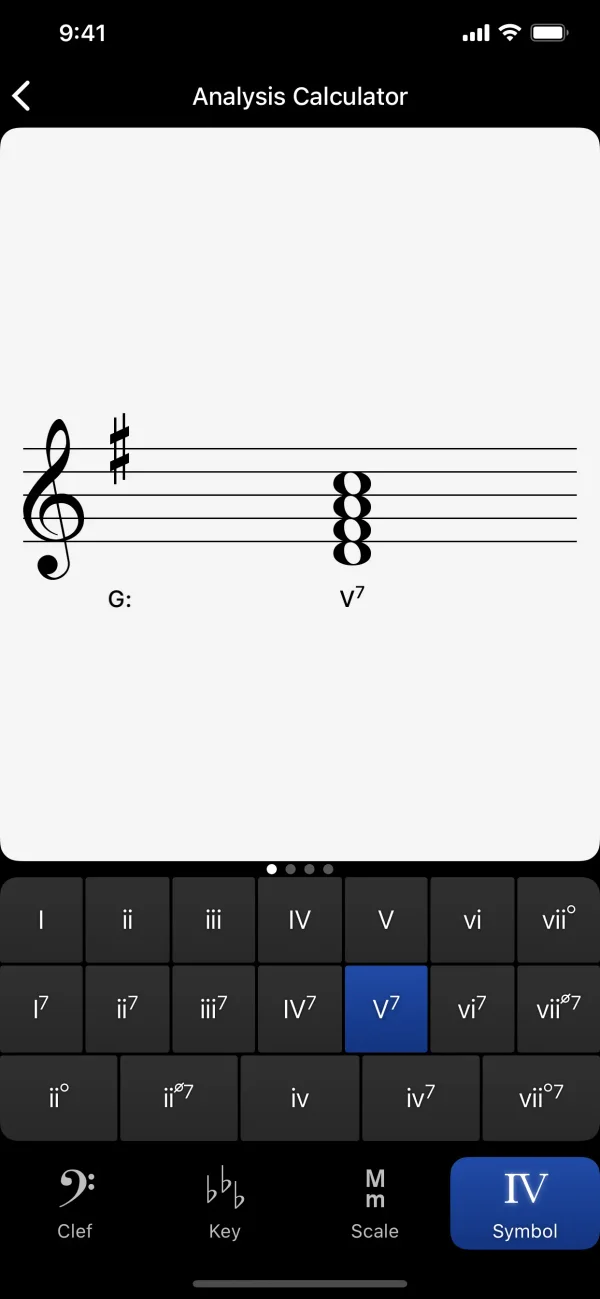
• Analysis Calculator
Display the chord for a symbol and key.
• Matrix Calculator
Display the twelve-tone matrix for a specified tone row.
What’s new
Version 5.1 · Apr 28, 2026
- Updates the app icon used in Dark, Clear, or Tinted modes.
- Fixes several layout and drawing issues when running as a Windowed App.
- Fixes an extremely rare crash when Challenge Mode is enabled.
App privacy
What musictheory.net declares on the App Store about how this app handles data.
-
Data not linked to you
May be collected but is not linked to your identity.
- Diagnostics
Privacy practices may vary, for example with the features you use or your age.
Information
- Seller
- musictheory.net, LLC
- Category
- Music
- Version
- 5.1
- Updated
- Apr 28, 2026
- Released
- Aug 30, 2011
- Size
- 11.2 MB
- Requires
- iOS 15.8 or later
- Age rating
- 4+
- Price
- $4.99
- Languages
- English
- Copyright
- © 2011-2026, musictheory.net, LLC
You might also like
-
 Earpeggio - Music Ear TrainingIntervals, Chords & Rhythm
-
 Functional Ear TrainerEar training for everyone
-
 Sight Reading FactoryMusic
-
 iReal ProMusic Book & Backing Tracks
-
 EarMaster - Music TheoryEar training & sight-singing
-
 Music Tutor (Sight-reading)Improve your sight-reading
-
 Piano Chords and ScalesLearn, play and compose songs
-
 Music Rhythm TrainerSight reading & ear training
-
 TONALY: Songs, Scales & TheoryChord Progressions & Practice
-
 TonalEnergy Tuner & MetronomePowerful Music Practice Tools