
Tenuto
Theory exercises and tools
Được thiết kế cho iPhone, iPad, iPod touch
149.000đ
- Độ tuổi4+
- Danh mụcNhạc
- Nhà phát triểnmusictheory.net
- Ngôn ngữTiếng Anh
- Kích thước11,2 MB
Liên kết đến trang App Store chính thức
Download.org không lưu trữ tệp nào của Tenuto. Nút này mở trang ứng dụng trên App Store, nơi musictheory.net phát hành ứng dụng. Trang được kiểm tra lần cuối: 25/11/2026.
Ảnh chụp màn hình


Giới thiệu
Nhà phát triển chưa cung cấp nội dung này bằng ngôn ngữ của bạn.
Tenuto is a collection of 24 highly-customizable exercises designed to enhance your musicality. From recognizing chords on a keyboard to identifying intervals by ear, it has an exercise for you. Tenuto also includes six musical calculators for accidentals, intervals, scales, chords, analysis symbols, and twelve-tone matrices.
A short description of the exercises and calculators follows.
––––––
• Note Identification
• Key Signature Identification
• Interval Identification
• Scale Identification
• Chord Identification
Tap the button corresponding to the written staff line. For example: if shown a C, E, and G with a sharp; tap the "Augmented Triad" button.
––––––
• Note Construction
• Key Signature Construction
• Interval Construction
• Scale Construction
• Chord Construction
Construct the specified label by moving notes and/or adding accidentals. For example: if shown a C and an "Augmented 4th" label, move the second note to F and add a sharp.
––––––
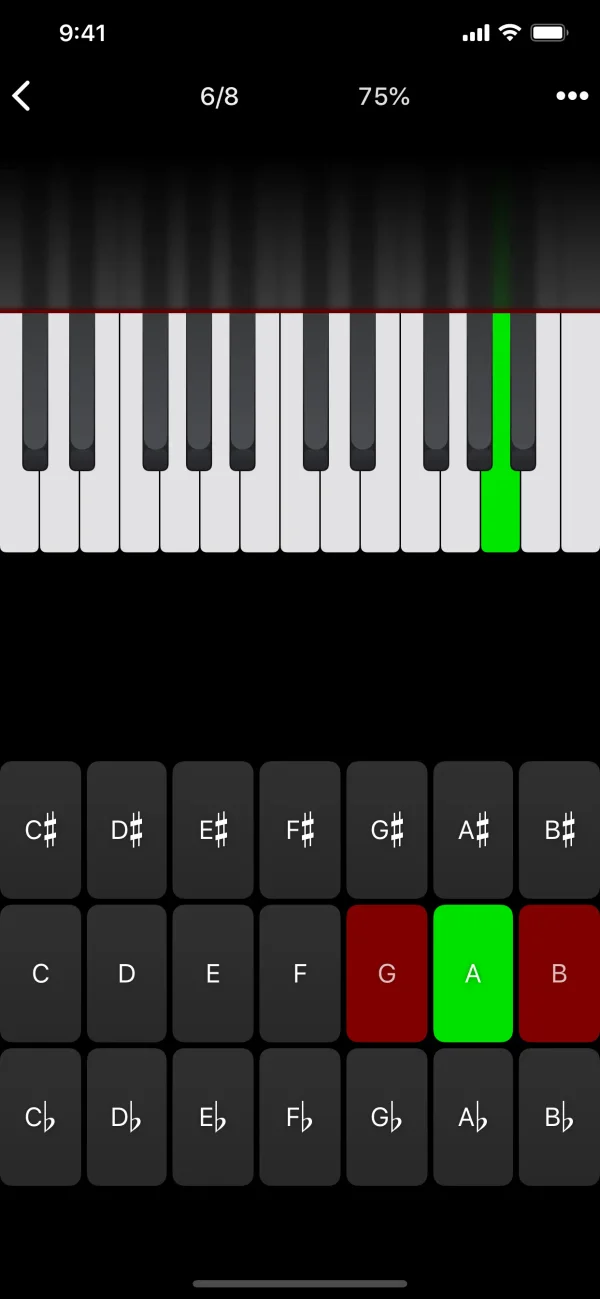
• Keyboard Reverse Identification
Tap the piano key corresponding to the written note on the staff. While similar to Note Identification, this exercise uses a piano keyboard rather than note name buttons.
• Keyboard Note Identification
• Keyboard Interval Identification
• Keyboard Scale Identification
• Keyboard Chord Identification
Tap the button corresponding to the highlighted piano key(s). If the C and G keys are highlighted, tap the "P5" (Perfect 5th) button.
––––––
• Fretboard Note Identification
• Fretboard Interval Identification
• Fretboard Scale Identification
• Fretboard Chord Identification
Tap the button corresponding to the marked fretboard position(s). If the 2nd fret of the D string is marked, tap the "E" button.
––––––
• Keyboard Ear Training
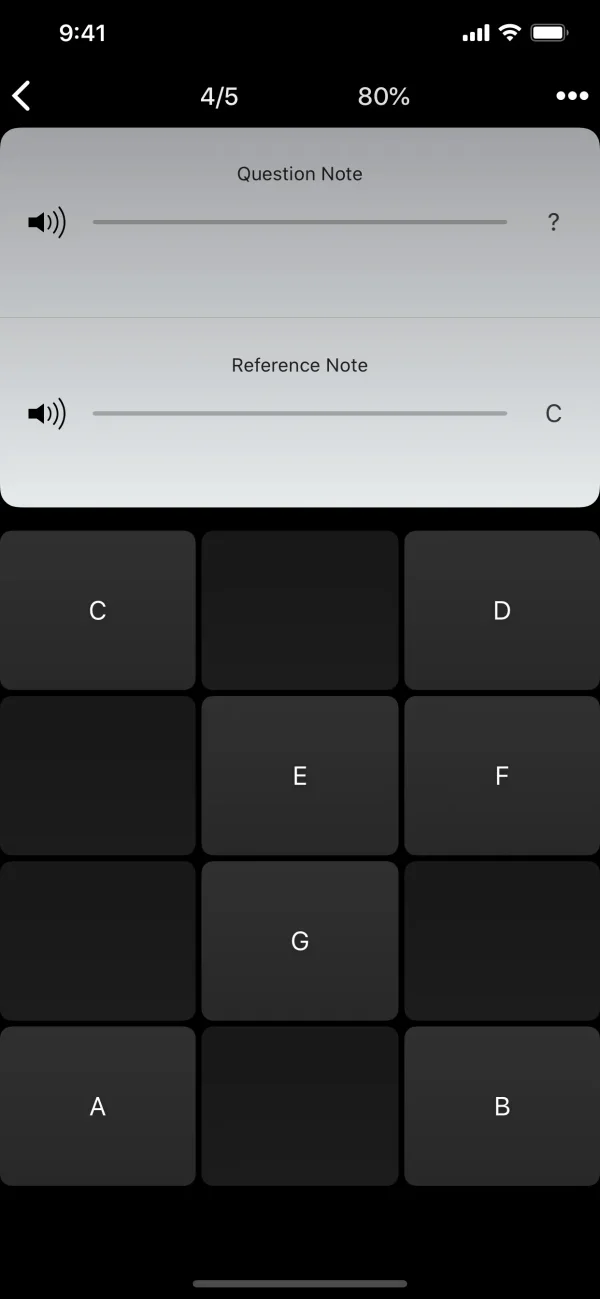
• Note Ear Training
Listen to the played reference and question notes. Select the piano key or note button corresponding to the question note.
• Interval Ear Training
• Scale Ear Training
• Chord Ear Training
Tap the button corresponding to the played notes. If E and F are played, tap the "Minor 2nd" button.
––––––
• Accidental Calculator
Display the accidental for a note and key.
• Interval Calculator
Display the interval for a note, type, and key.
• Chord Calculator
Display the scale for a tonic and scale type.
• Chord Calculator
Display the chord for a note, type, and key.
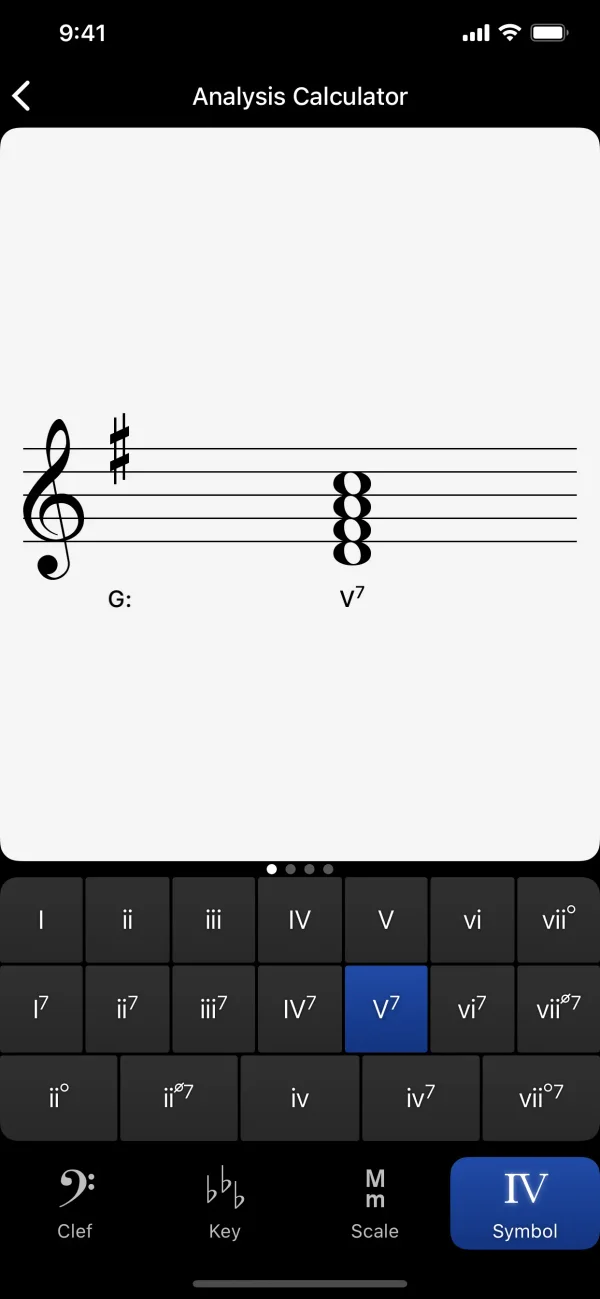
• Analysis Calculator
Display the chord for a symbol and key.
• Matrix Calculator
Display the twelve-tone matrix for a specified tone row.
Có gì mới
Phiên bản 5.1 · 28/04/2026
- Updates the app icon used in Dark, Clear, or Tinted modes.
- Fixes several layout and drawing issues when running as a Windowed App.
- Fixes an extremely rare crash when Challenge Mode is enabled.
Quyền riêng tư của ứng dụng
Những gì musictheory.net khai báo trên App Store về cách ứng dụng này xử lý dữ liệu.
-
Dữ liệu không liên kết với bạn
Có thể được thu thập nhưng không liên kết với danh tính của bạn.
- Chẩn đoán
Phương thức đảm bảo quyền riêng tư có thể khác nhau, chẳng hạn như tuỳ theo các tính năng bạn sử dụng hoặc độ tuổi của bạn.
Thông tin
- Người bán
- musictheory.net, LLC
- Danh mục
- Nhạc
- Phiên bản
- 5.1
- Cập nhật
- 28/04/2026
- Phát hành
- 30/08/2011
- Kích thước
- 11,2 MB
- Yêu cầu
- iOS 15.8 trở lên
- Độ tuổi
- 4+
- Giá
- 149.000đ
- Ngôn ngữ
- Tiếng Anh
- Bản quyền
- © 2011-2026, musictheory.net, LLC
Có thể bạn cũng thích
-
 Earpeggio - Music Ear TrainingNhạc
-
 Functional Ear TrainerNhạc
-
 Sight Reading FactoryNhạc
-
 iReal ProNhạc
-
 EarMaster - Music TheoryNhạc
-
 Music Tutor (Sight-reading)Nhạc
-
 Piano Chords and ScalesHọc hợp âm, âm giai, nhạc lý
-
 Music Rhythm TrainerNhạc
-
 TONALY: Songs, Scales & TheoryNhạc
-
 TonalEnergy Tuner & MetronomeNhạc