
Tenuto
Theory exercises and tools
Projetado para iPhone, iPad, iPod touch
R$ 29,90
- Classificação etária4+
- CategoriaMúsica
- Desenvolvedormusictheory.net
- IdiomasInglês
- Tamanho11,2 MB
Leva à página oficial na App Store
O Download.org não hospeda nenhum arquivo de Tenuto. O botão abre a página do app na App Store, onde musictheory.net o publica. Página verificada pela última vez em 28/11/2026.
Capturas de tela

Sobre
O desenvolvedor não forneceu este texto no seu idioma.
Tenuto is a collection of 24 highly-customizable exercises designed to enhance your musicality. From recognizing chords on a keyboard to identifying intervals by ear, it has an exercise for you. Tenuto also includes six musical calculators for accidentals, intervals, scales, chords, analysis symbols, and twelve-tone matrices.
A short description of the exercises and calculators follows.
––––––
• Note Identification
• Key Signature Identification
• Interval Identification
• Scale Identification
• Chord Identification
Tap the button corresponding to the written staff line. For example: if shown a C, E, and G with a sharp; tap the "Augmented Triad" button.
––––––
• Note Construction
• Key Signature Construction
• Interval Construction
• Scale Construction
• Chord Construction
Construct the specified label by moving notes and/or adding accidentals. For example: if shown a C and an "Augmented 4th" label, move the second note to F and add a sharp.
––––––
• Keyboard Reverse Identification
Tap the piano key corresponding to the written note on the staff. While similar to Note Identification, this exercise uses a piano keyboard rather than note name buttons.
• Keyboard Note Identification
• Keyboard Interval Identification
• Keyboard Scale Identification
• Keyboard Chord Identification
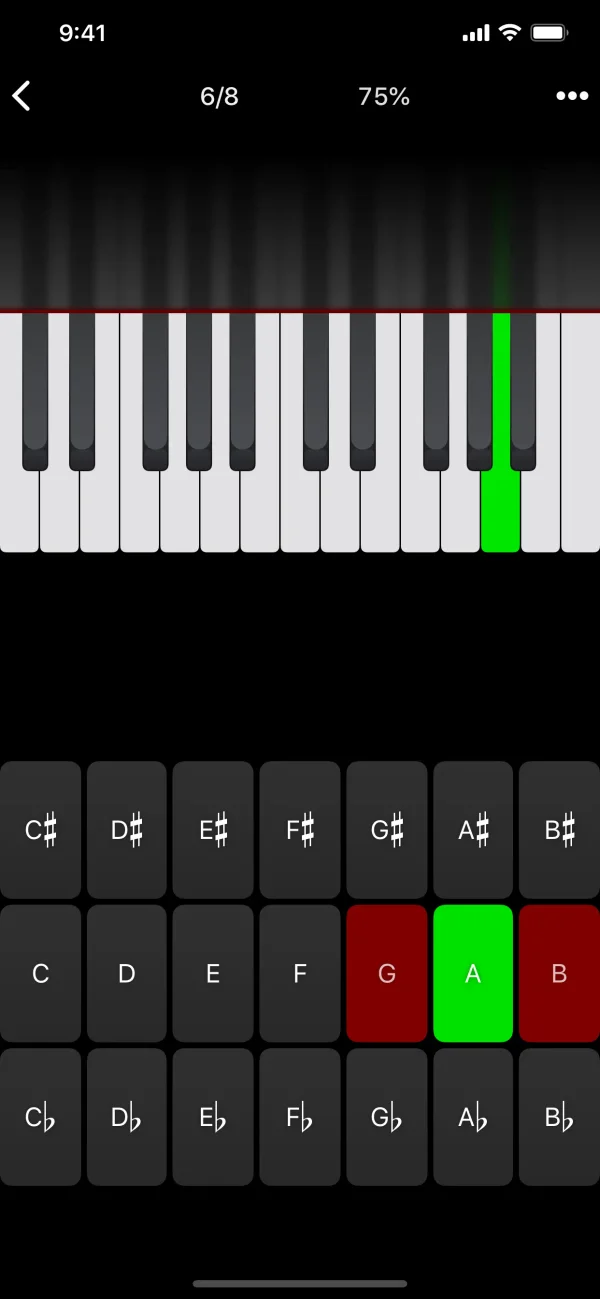
Tap the button corresponding to the highlighted piano key(s). If the C and G keys are highlighted, tap the "P5" (Perfect 5th) button.
––––––
• Fretboard Note Identification
• Fretboard Interval Identification
• Fretboard Scale Identification
• Fretboard Chord Identification
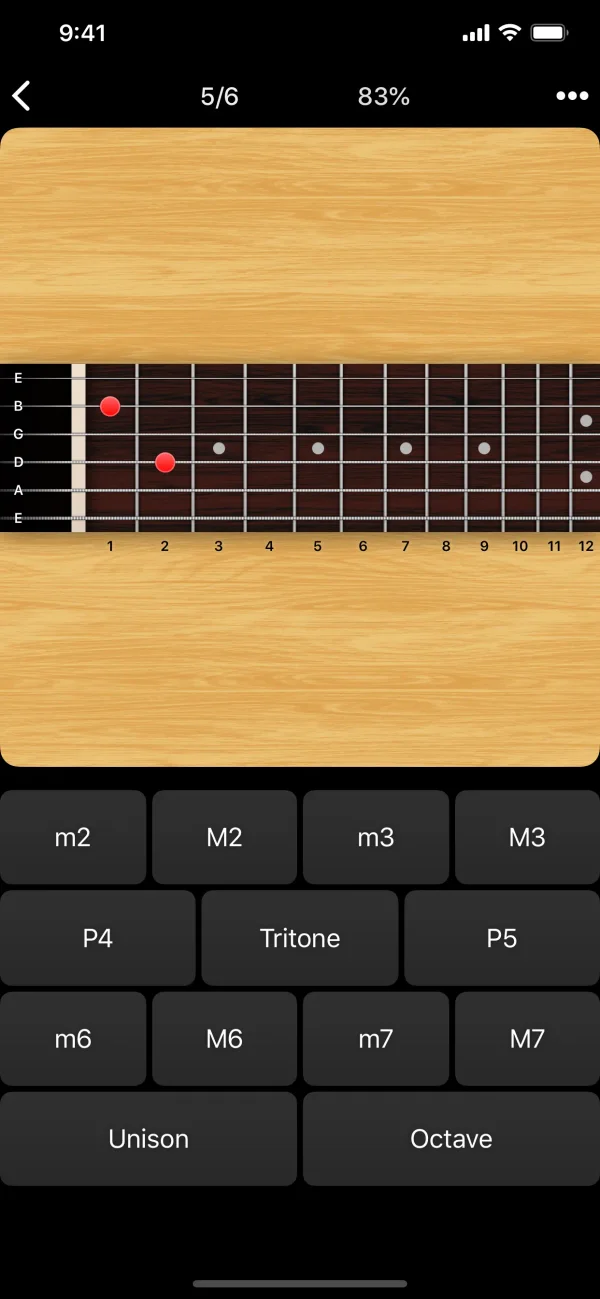
Tap the button corresponding to the marked fretboard position(s). If the 2nd fret of the D string is marked, tap the "E" button.
––––––
• Keyboard Ear Training
• Note Ear Training
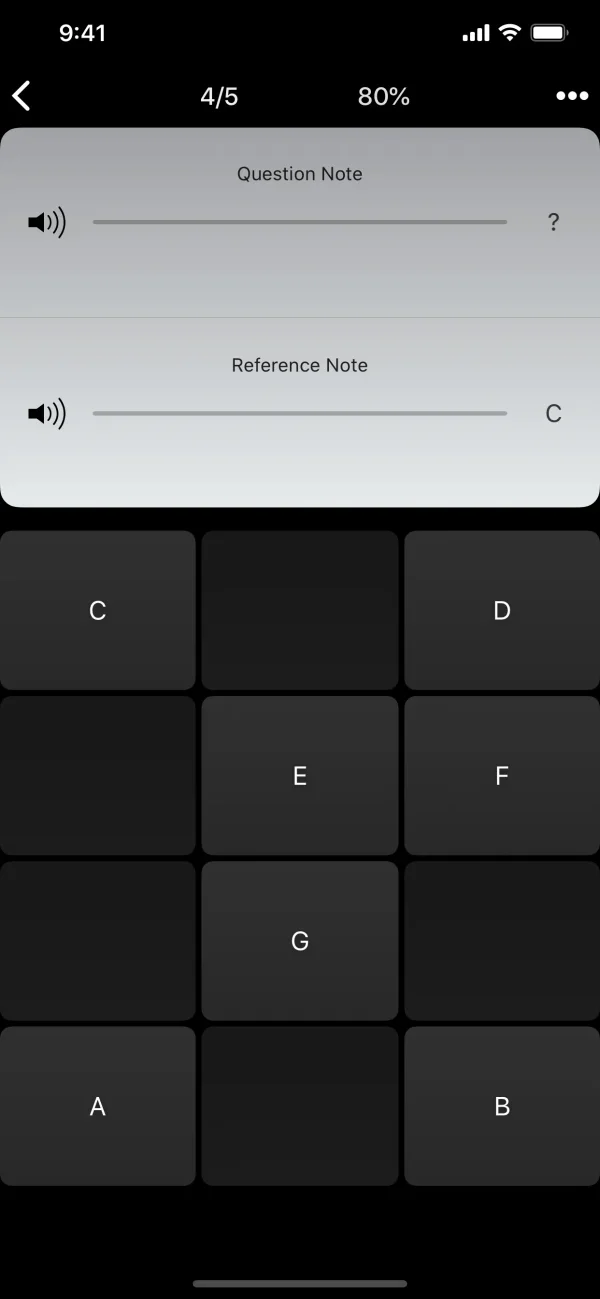
Listen to the played reference and question notes. Select the piano key or note button corresponding to the question note.
• Interval Ear Training
• Scale Ear Training
• Chord Ear Training
Tap the button corresponding to the played notes. If E and F are played, tap the "Minor 2nd" button.
––––––
• Accidental Calculator
Display the accidental for a note and key.
• Interval Calculator
Display the interval for a note, type, and key.
• Chord Calculator
Display the scale for a tonic and scale type.
• Chord Calculator
Display the chord for a note, type, and key.
• Analysis Calculator
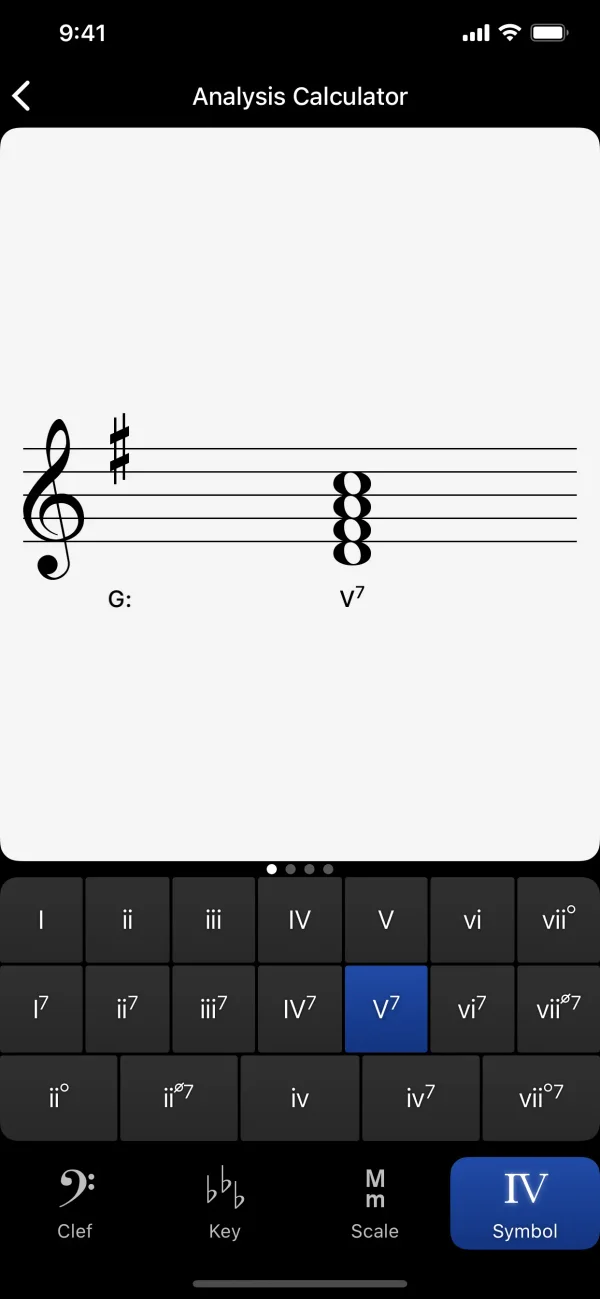
Display the chord for a symbol and key.
• Matrix Calculator
Display the twelve-tone matrix for a specified tone row.
Novidades
Versão 5.1 · 28/04/2026
- Updates the app icon used in Dark, Clear, or Tinted modes.
- Fixes several layout and drawing issues when running as a Windowed App.
- Fixes an extremely rare crash when Challenge Mode is enabled.
Privacidade do app
O que musictheory.net declara na App Store sobre como este app lida com os dados.
-
Dados não vinculados a você
Podem ser coletados, mas não são vinculados à sua identidade.
- Diagnóstico
As práticas de privacidade podem variar, por exemplo, com base nos recursos que você usa ou na sua idade.
Informações
- Vendedor
- musictheory.net, LLC
- Categoria
- Música
- Versão
- 5.1
- Atualizado
- 28/04/2026
- Lançamento
- 30/08/2011
- Tamanho
- 11,2 MB
- Requer
- iOS 15.8 ou posterior
- Classificação etária
- 4+
- Preço
- R$ 29,90
- Idiomas
- Inglês
- Copyright
- © 2011-2026, musictheory.net, LLC
Você também pode gostar
-
 Earpeggio - Percepção MusicalIntervalos, acordes e ritmo
-
 Functional Ear TrainerTreino de Ouvido
-
 Sight Reading FactoryMúsica
-
 iReal ProCifras & Bases
-
 EarMaster - Music TheoryMúsica
-
 Music Tutor (Sight-reading)Música
-
 Piano Chords and ScalesAprenda acordes e escalas
-
 Music Rhythm TrainerMúsica
-
 TONALY: Songs, Escalas, TeoriaProgressões & Prática Musical
-
 TonalEnergy Afinador+MetrônomoFerramentas de prática