
- 対象年齢4+
- カテゴリミュージック
- 開発元musictheory.net
- 言語英語
- サイズ11.2 MB
App Storeの公式ページにリンクしています
Download.orgはTenutoのファイルを一切ホストしていません。ボタンを押すと、musictheory.netが公開しているApp Storeのアプリページが開きます。ページの最終確認:2026/11/24。
スクリーンショット


概要
開発元はこのテキストをお使いの言語で提供していません。
Tenuto is a collection of 24 highly-customizable exercises designed to enhance your musicality. From recognizing chords on a keyboard to identifying intervals by ear, it has an exercise for you. Tenuto also includes six musical calculators for accidentals, intervals, scales, chords, analysis symbols, and twelve-tone matrices.
A short description of the exercises and calculators follows.
––––––
• Note Identification
• Key Signature Identification
• Interval Identification
• Scale Identification
• Chord Identification
Tap the button corresponding to the written staff line. For example: if shown a C, E, and G with a sharp; tap the "Augmented Triad" button.
––––––
• Note Construction
• Key Signature Construction
• Interval Construction
• Scale Construction
• Chord Construction
Construct the specified label by moving notes and/or adding accidentals. For example: if shown a C and an "Augmented 4th" label, move the second note to F and add a sharp.
––––––
• Keyboard Reverse Identification
Tap the piano key corresponding to the written note on the staff. While similar to Note Identification, this exercise uses a piano keyboard rather than note name buttons.
• Keyboard Note Identification
• Keyboard Interval Identification
• Keyboard Scale Identification
• Keyboard Chord Identification
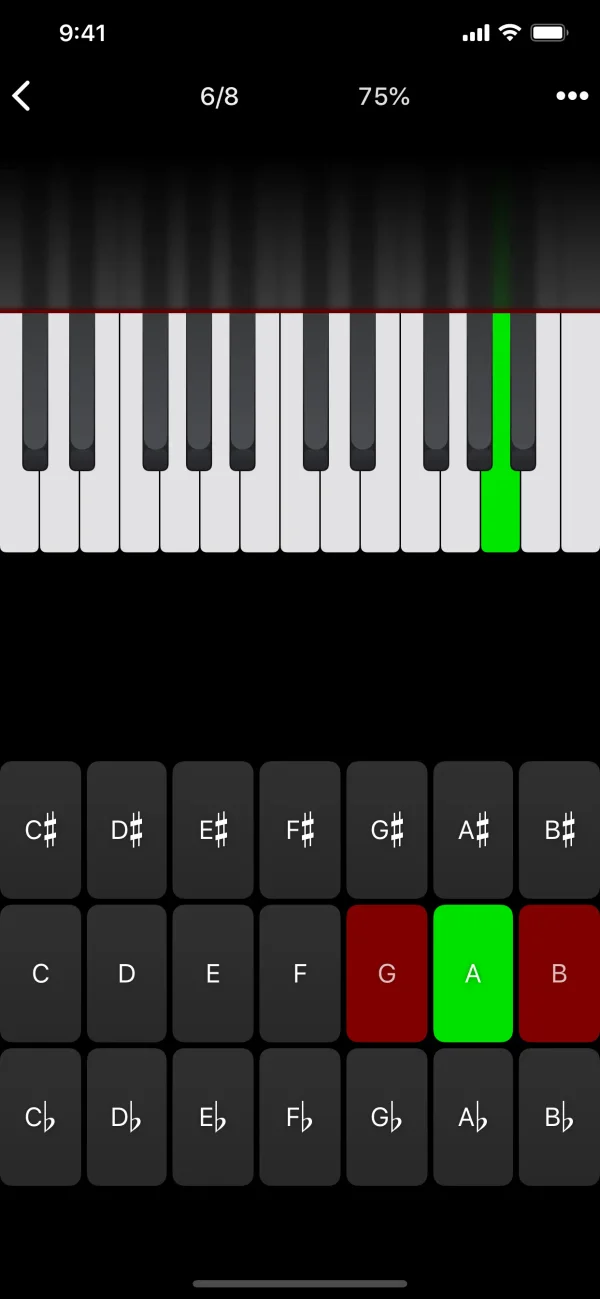
Tap the button corresponding to the highlighted piano key(s). If the C and G keys are highlighted, tap the "P5" (Perfect 5th) button.
––––––
• Fretboard Note Identification
• Fretboard Interval Identification
• Fretboard Scale Identification
• Fretboard Chord Identification
Tap the button corresponding to the marked fretboard position(s). If the 2nd fret of the D string is marked, tap the "E" button.
––––––
• Keyboard Ear Training
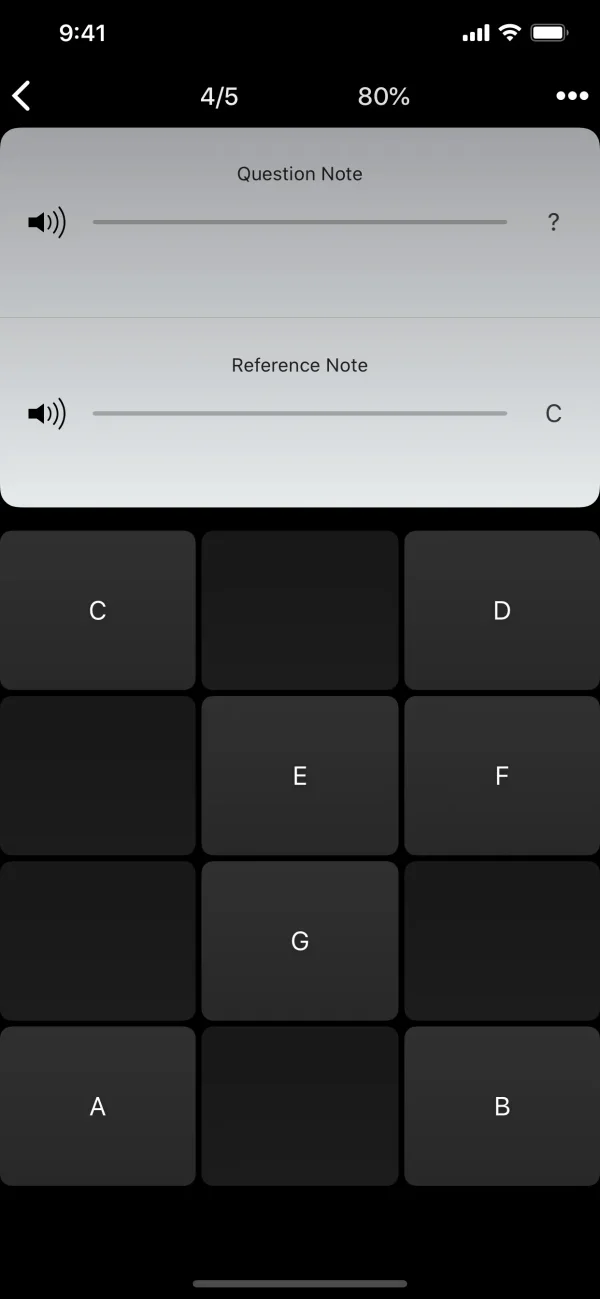
• Note Ear Training
Listen to the played reference and question notes. Select the piano key or note button corresponding to the question note.
• Interval Ear Training
• Scale Ear Training
• Chord Ear Training
Tap the button corresponding to the played notes. If E and F are played, tap the "Minor 2nd" button.
––––––
• Accidental Calculator
Display the accidental for a note and key.
• Interval Calculator
Display the interval for a note, type, and key.
• Chord Calculator
Display the scale for a tonic and scale type.
• Chord Calculator
Display the chord for a note, type, and key.
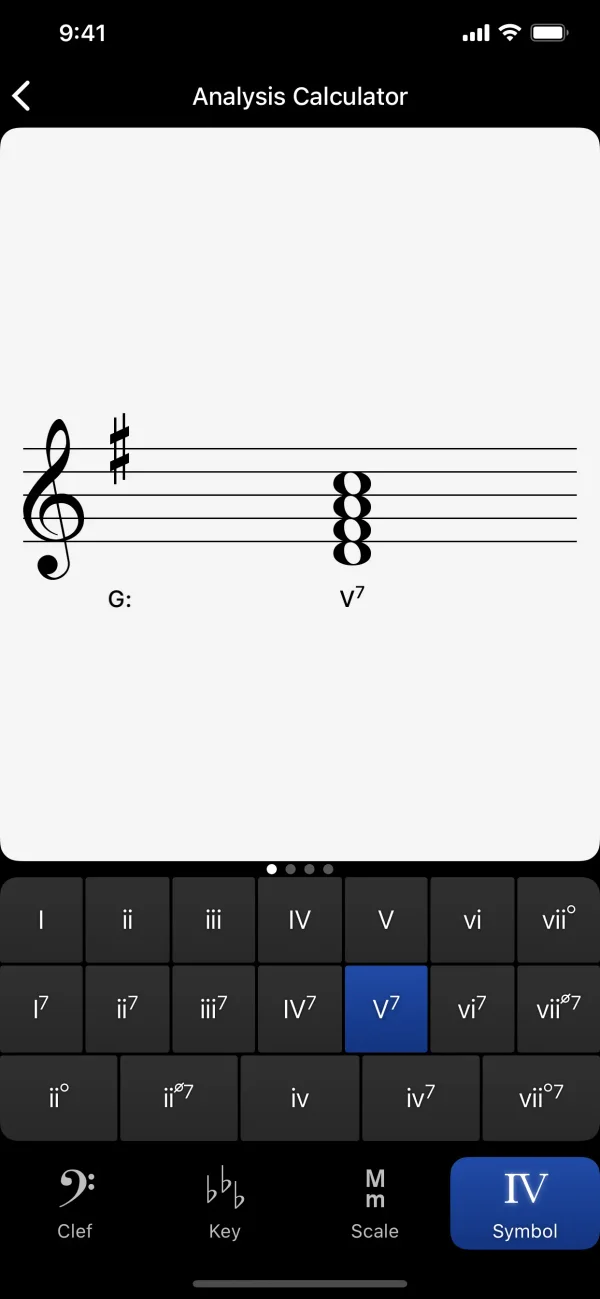
• Analysis Calculator
Display the chord for a symbol and key.
• Matrix Calculator
Display the twelve-tone matrix for a specified tone row.
新機能
バージョン 5.1 · 2026/4/28
- Updates the app icon used in Dark, Clear, or Tinted modes.
- Fixes several layout and drawing issues when running as a Windowed App.
- Fixes an extremely rare crash when Challenge Mode is enabled.
アプリのプライバシー
このアプリのデータの取り扱いについて、musictheory.netがApp Storeで申告している内容です。
-
ユーザーに関連付けられないデータ
収集される場合がありますが、ユーザーの識別情報には関連付けられません。
- 診断
プライバシーの取り扱いは、ご利用の機能やお客様の年齢などに応じて異なる場合があります。
情報
- 販売元
- musictheory.net, LLC
- カテゴリ
- ミュージック
- バージョン
- 5.1
- 更新日
- 2026/4/28
- リリース
- 2011/8/30
- サイズ
- 11.2 MB
- 必要条件
- iOS 15.8以降
- 対象年齢
- 4+
- 価格
- ¥800
- 言語
- 英語
- 著作権
- © 2011-2026, musictheory.net, LLC
こちらもおすすめ
-
 Earpeggio - Music Ear Trainingミュージック
-
 Functional Ear Trainerミュージック
-
 Sight Reading Factoryミュージック
-
 iReal Pro楽譜とバッキングトラック
-
 EarMaster完璧なイヤートレーニング
-
 Music Tutor (Sight-reading)ミュージック
-
 コード - ピアノアプリスケール・コード進行・音楽理論
-
 Music Rhythm TrainerSight reading & ear training
-
 TONALY: 作曲・スケール・音楽理論コード進行と練習
-
 TonalEnergyチューナーとメトロノーム強力な練習ツール