
- Classification d’âge4+
- CatégoriePhoto et vidéo
- DéveloppeurContent Interface Corporation
- LanguesAnglais
- Taille126,6 Mo
Renvoie vers la page App Store officielle
Download.org n’héberge aucun fichier de iZoomViewer. Le bouton ouvre la page de l’application sur App Store, où Content Interface Corporation la publie. Fiche vérifiée pour la dernière fois le 17/11/2026.
Captures d’écran


À propos
Le développeur n’a pas fourni ce texte dans votre langue.
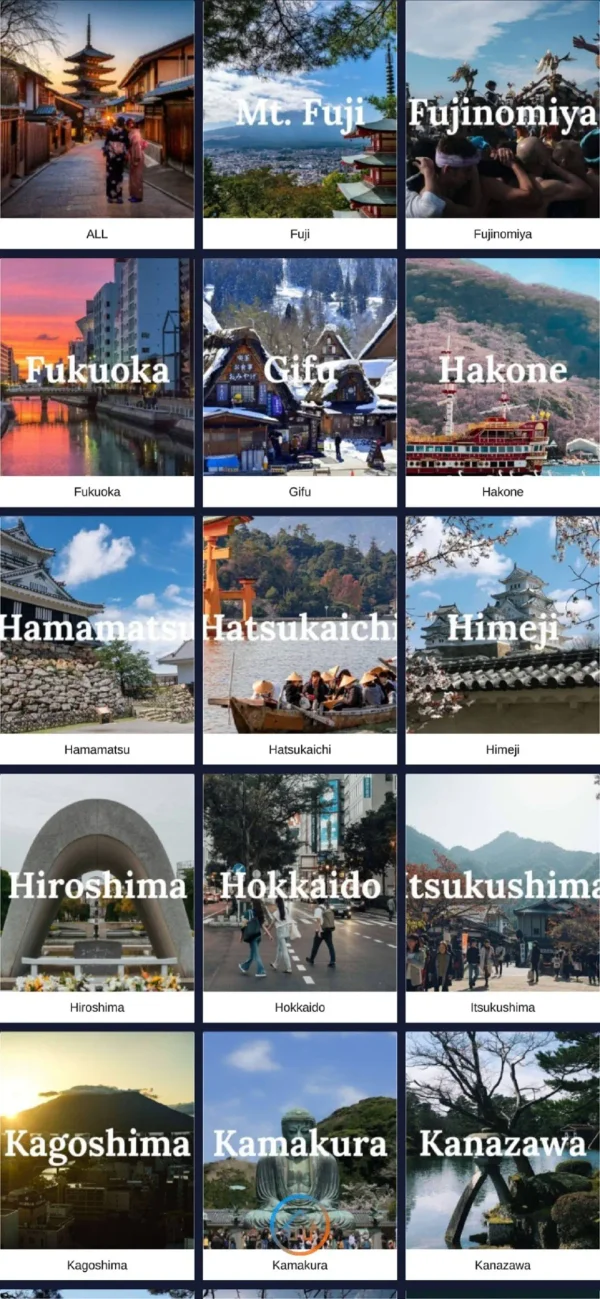
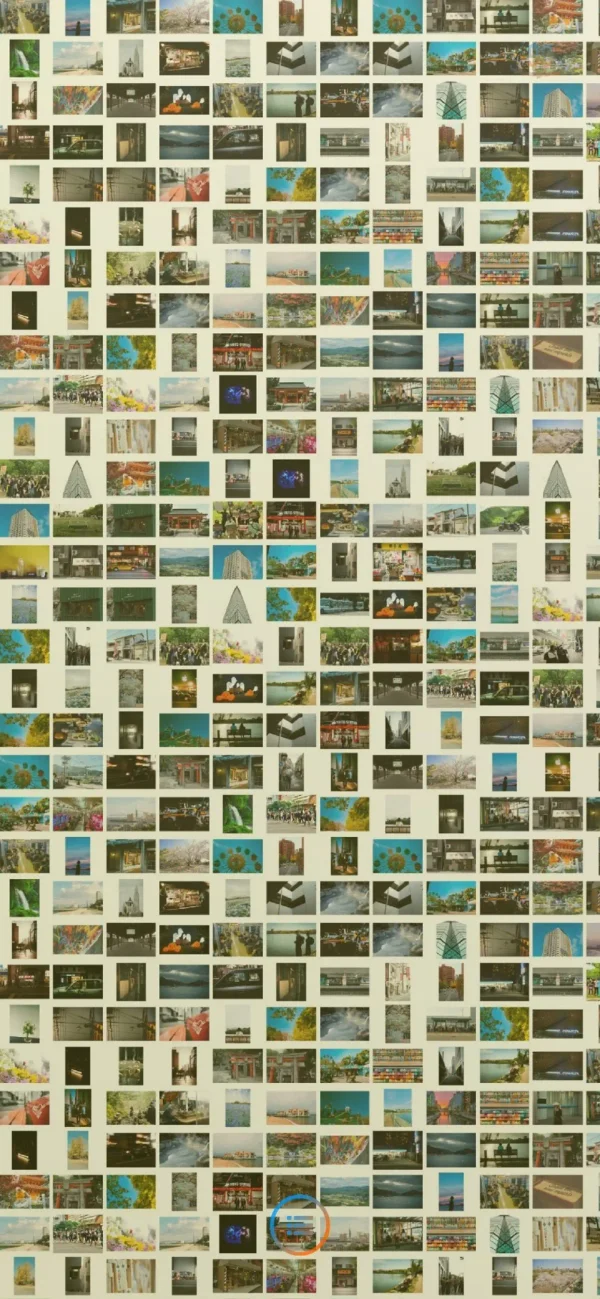
iZoomViewer, an innovative & revolutionary way to explore & discover digital media. You magnify one image to reveal thousands more, endlessly.
Content Interface's iZoom (Infinite Zoom) is an infinitely zoomable mosaic of photos and videos. iZoomViewer allows the user to select an iZoom from a list of many iZooms to zoom in. While zooming, each pixel is gradually morphed into another image or video which is morphed further into others, endlessly.
Each iZoom contains thousands of images and photos, providing you with hours of entertainment and education.
How to set custom cover image for an iZoom scene:
1) Tap the gear button to open the Setting menu.
2) Tap "Cover" to open the child menu. Then tap "Camera" to open the camera screen, or "Gallery" to selecting a photo from the device's Photo app.
3a) In the camera screen, tap anywhere to capture the photo.
3b) Tap the V tick button to set this captured photo be the cover image of the current scene.
4a) After select a photo from the device's Photo app, a photo preview screen will be opened.
4b) In the photo preview screen, tap the V tick button to set this selected photo be the cover image of the current scene.
Functions of other buttons in the camera screen:
- ">>" : Switch to the next camera of the current type (iPhone Pro models may have 3 back cameras). It is hidden if the current camera type has only one camera.
- AF : Auto focus mode. Tap it to switch to MF mode. If it is still AF, then the current camera does not support MF mode.
- MF : Manual focus mode. Tap it to switch to AF mode.
Notes about the camera screen:
- In captured state, these buttons will be hidden : AF/MF, ">>".
- In live state, the V tick button will be hidden.
- In MF mode, the tap gesture is used for setting camera focus point. So a circle button will appear for setting captured and live state of the camera.
Nouveautés
Version 1.2.6 · 07/12/2025
- Improve automation : Cache before playing.
- Support playing direct linked video.
Confidentialité de l’application
Ce que Content Interface Corporation déclare sur l’App Store au sujet du traitement des données par cette application.
-
Données non collectées
Le développeur ne collecte aucune donnée à partir de cette application.
Les pratiques en matière de confidentialité peuvent varier, notamment en fonction des fonctionnalités que vous utilisez ou de votre âge.
Informations
- Vendeur
- Content Interface Corporation
- Catégorie
- Photo et vidéo
- Version
- 1.2.6
- Mis à jour
- 07/12/2025
- Publié
- 19/04/2022
- Taille
- 126,6 Mo
- Nécessite
- iOS 15.0 ou version ultérieure
- Classification d’âge
- 4+
- Prix
- Gratuit
- Langues
- Anglais
- Copyright
- © 2024 Content Interface Corporation
Vous aimerez peut-être aussi
-
 Lecteur vidéo avec zoomLecteur vidéo avec zoom
-
 OpenPhotosPhoto et vidéo
-
 Posemètre・PhotomètreEV, ouverture, obturateur, ISO
-
 Zoom Appareil Photo & LoupeVision nocturne, jumelles HD
-
 Ralenti: Vidéo Accélérée 8xTimelapse Hyperlapse Vitesse
-
 Rec Video RecorderPhoto et vidéo
-
 Picto: Album Photo & SouvenirsOrganise par Date et Lieu
-
 VR Player : 3D VR 360 VR VideoEnter virtual reality.
-
 Calm Wildlife 4K TVPhoto et vidéo
-
 Video to SlowMotion - SlowEditPhoto et vidéo