
- Age rating4+
- CategoryPhoto & Video
- DeveloperContent Interface Corporation
- LanguagesEnglish
- Size126.6 MB
Links to the official App Store page
Download.org hosts no file of iZoomViewer. The button opens its official App Store page, published by Content Interface Corporation. Listing last checked on Nov 17, 2026.
Screenshots



About
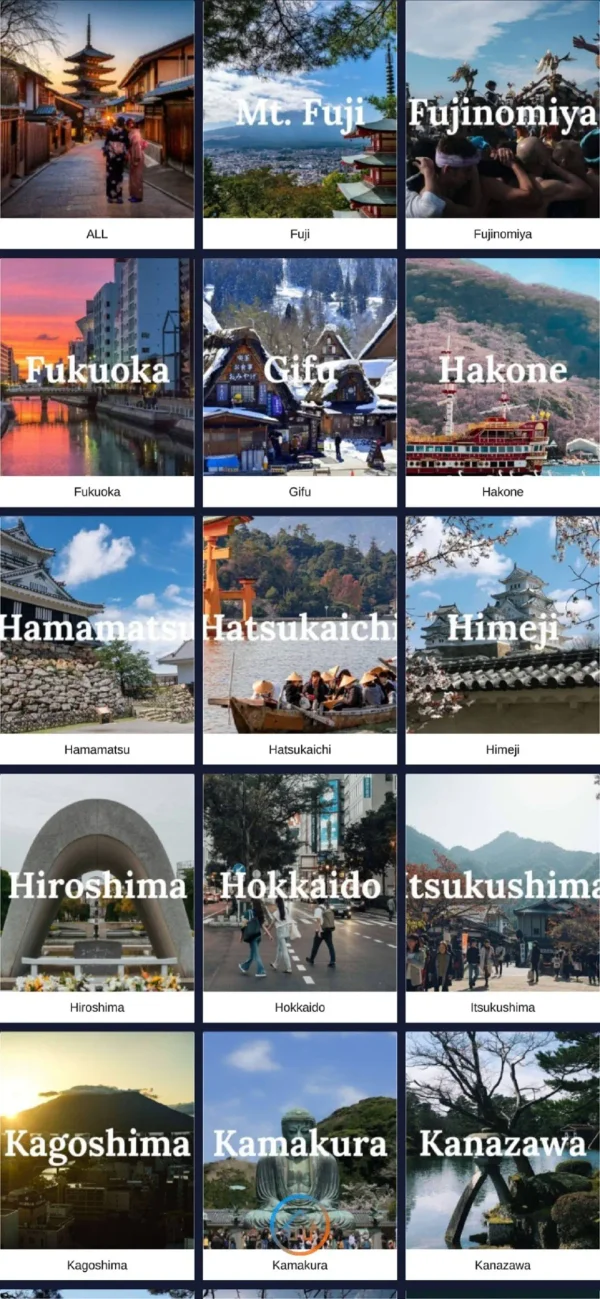
iZoomViewer, an innovative & revolutionary way to explore & discover digital media. You magnify one image to reveal thousands more, endlessly.
Content Interface's iZoom (Infinite Zoom) is an infinitely zoomable mosaic of photos and videos. iZoomViewer allows the user to select an iZoom from a list of many iZooms to zoom in. While zooming, each pixel is gradually morphed into another image or video which is morphed further into others, endlessly.
Each iZoom contains thousands of images and photos, providing you with hours of entertainment and education.
How to set custom cover image for an iZoom scene:
1) Tap the gear button to open the Setting menu.
2) Tap "Cover" to open the child menu. Then tap "Camera" to open the camera screen, or "Gallery" to selecting a photo from the device's Photo app.
3a) In the camera screen, tap anywhere to capture the photo.
3b) Tap the V tick button to set this captured photo be the cover image of the current scene.
4a) After select a photo from the device's Photo app, a photo preview screen will be opened.
4b) In the photo preview screen, tap the V tick button to set this selected photo be the cover image of the current scene.
Functions of other buttons in the camera screen:
- ">>" : Switch to the next camera of the current type (iPhone Pro models may have 3 back cameras). It is hidden if the current camera type has only one camera.
- AF : Auto focus mode. Tap it to switch to MF mode. If it is still AF, then the current camera does not support MF mode.
- MF : Manual focus mode. Tap it to switch to AF mode.
Notes about the camera screen:
- In captured state, these buttons will be hidden : AF/MF, ">>".
- In live state, the V tick button will be hidden.
- In MF mode, the tap gesture is used for setting camera focus point. So a circle button will appear for setting captured and live state of the camera.
What’s new
Version 1.2.6 · Dec 7, 2025
- Improve automation : Cache before playing.
- Support playing direct linked video.
App privacy
What Content Interface Corporation declares on the App Store about how this app handles data.
-
Data not collected
The developer does not collect any data from this app.
Privacy practices may vary, for example with the features you use or your age.
Information
- Seller
- Content Interface Corporation
- Category
- Photo & Video
- Version
- 1.2.6
- Updated
- Dec 7, 2025
- Released
- Apr 19, 2022
- Size
- 126.6 MB
- Requires
- iOS 15.0 or later
- Age rating
- 4+
- Price
- Free
- Languages
- English
- Copyright
- © 2024 Content Interface Corporation
You might also like
-
 Useful Zoom V-PlayerZoomable Video Player
-
 OpenPhotosPhoto & Video
-
 Light Meter・Exposure MeterEV, Aperture, Shutter & ISO
-
 Super Zoom Camera: MagnifierNight Vision, Binoculars & HD
-
 Slow Motion: Video Speed EditTimelapse Ramp, Fast Forward
-
 Rec Video RecorderRec Video Recorder & Editor
-
 Picto: Photo Moments & AlbumsAuto Organize by Date & Place
-
 VR Player : 3D VR 360 VR VideoEnter virtual reality.
-
 Calm Wildlife 4K TVAmazing Wildlife Videos in 4K
-
 Video to SlowMotion - SlowEditSimple Video Speed Changer App