
- Yaş sınırı4+
- KategoriFotoğraf ve Video
- GeliştiriciContent Interface Corporation
- Dillerİngilizce
- Boyut126,6 MB
Resmi App Store sayfasına bağlanır
Download.org, iZoomViewer için hiçbir dosya barındırmaz. Düğme, uygulamanın App Store üzerindeki sayfasını açar; uygulamayı orada Content Interface Corporation yayınlar. Sayfanın son kontrolü: 17.11.2026.
Ekran görüntüleri



Hakkında
Geliştirici bu metni dilinizde sunmamış.
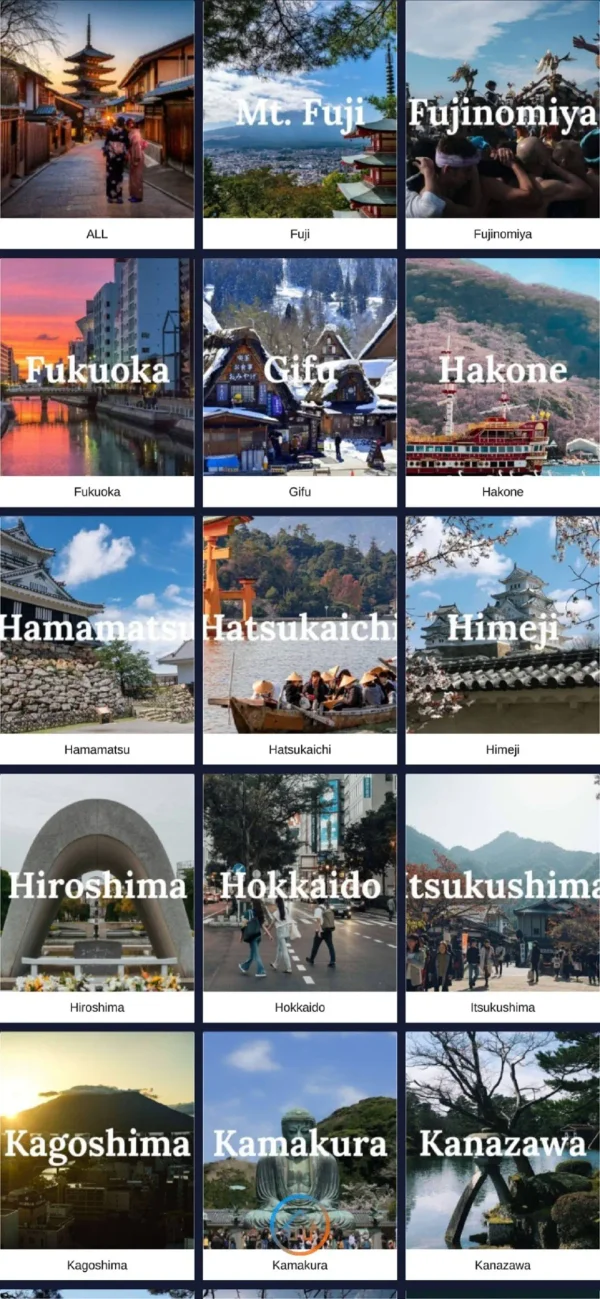
iZoomViewer, an innovative & revolutionary way to explore & discover digital media. You magnify one image to reveal thousands more, endlessly.
Content Interface's iZoom (Infinite Zoom) is an infinitely zoomable mosaic of photos and videos. iZoomViewer allows the user to select an iZoom from a list of many iZooms to zoom in. While zooming, each pixel is gradually morphed into another image or video which is morphed further into others, endlessly.
Each iZoom contains thousands of images and photos, providing you with hours of entertainment and education.
How to set custom cover image for an iZoom scene:
1) Tap the gear button to open the Setting menu.
2) Tap "Cover" to open the child menu. Then tap "Camera" to open the camera screen, or "Gallery" to selecting a photo from the device's Photo app.
3a) In the camera screen, tap anywhere to capture the photo.
3b) Tap the V tick button to set this captured photo be the cover image of the current scene.
4a) After select a photo from the device's Photo app, a photo preview screen will be opened.
4b) In the photo preview screen, tap the V tick button to set this selected photo be the cover image of the current scene.
Functions of other buttons in the camera screen:
- ">>" : Switch to the next camera of the current type (iPhone Pro models may have 3 back cameras). It is hidden if the current camera type has only one camera.
- AF : Auto focus mode. Tap it to switch to MF mode. If it is still AF, then the current camera does not support MF mode.
- MF : Manual focus mode. Tap it to switch to AF mode.
Notes about the camera screen:
- In captured state, these buttons will be hidden : AF/MF, ">>".
- In live state, the V tick button will be hidden.
- In MF mode, the tap gesture is used for setting camera focus point. So a circle button will appear for setting captured and live state of the camera.
Yenilikler
Sürüm 1.2.6 · 07.12.2025
- Improve automation : Cache before playing.
- Support playing direct linked video.
Uygulama gizliliği
Bu uygulamanın verileri nasıl işlediği hakkında Content Interface Corporation tarafından App Store üzerinde yapılan beyan.
-
Veri toplanmıyor
Geliştirici bu uygulamadan hiçbir veri toplamıyor.
Gizlilik uygulamaları, örneğin kullandığınız özelliklere veya yaşınıza göre değişiklik gösterebilir.
Bilgiler
- Satıcı
- Content Interface Corporation
- Kategori
- Fotoğraf ve Video
- Sürüm
- 1.2.6
- Güncellendi
- 07.12.2025
- Yayın tarihi
- 19.04.2022
- Boyut
- 126,6 MB
- Gereksinim
- iOS 15.0 veya sonrası
- Yaş sınırı
- 4+
- Fiyat
- Ücretsiz
- Diller
- İngilizce
- Telif hakkı
- © 2024 Content Interface Corporation
Bunları da beğenebilirsiniz
-
 Zoomlu video oynatıcıZoomlu video oynatıcı
-
 OpenPhotosFotoğraf ve Video
-
 Işık Ölçer・PozometreEV, diyafram, enstantane, ISO
-
 Zoom Kamera: Büyüteç & DürbünGece görüşü, teleskop ve HD
-
 Ağır Çekim Video HızlandırmaYavaşlat, timelapse, 0,1x-8x
-
 Rec Video RecorderFotoğraf ve Video
-
 Picto: Fotoğraf Albümü & AnıTarih ve Konuma Göre Düzenle
-
 VR Player : 3D VR 360 VR VideoSanal gerçekliği girin.
-
 Calm Wildlife 4K TVFotoğraf ve Video
-
 Video to SlowMotion - SlowEditFotoğraf ve Video