
- Độ tuổi4+
- Danh mụcẢnh & Video
- Nhà phát triểnContent Interface Corporation
- Ngôn ngữTiếng Anh
- Kích thước126,6 MB
Liên kết đến trang App Store chính thức
Download.org không lưu trữ tệp nào của iZoomViewer. Nút này mở trang ứng dụng trên App Store, nơi Content Interface Corporation phát hành ứng dụng. Trang được kiểm tra lần cuối: 17/11/2026.
Ảnh chụp màn hình


Giới thiệu
Nhà phát triển chưa cung cấp nội dung này bằng ngôn ngữ của bạn.
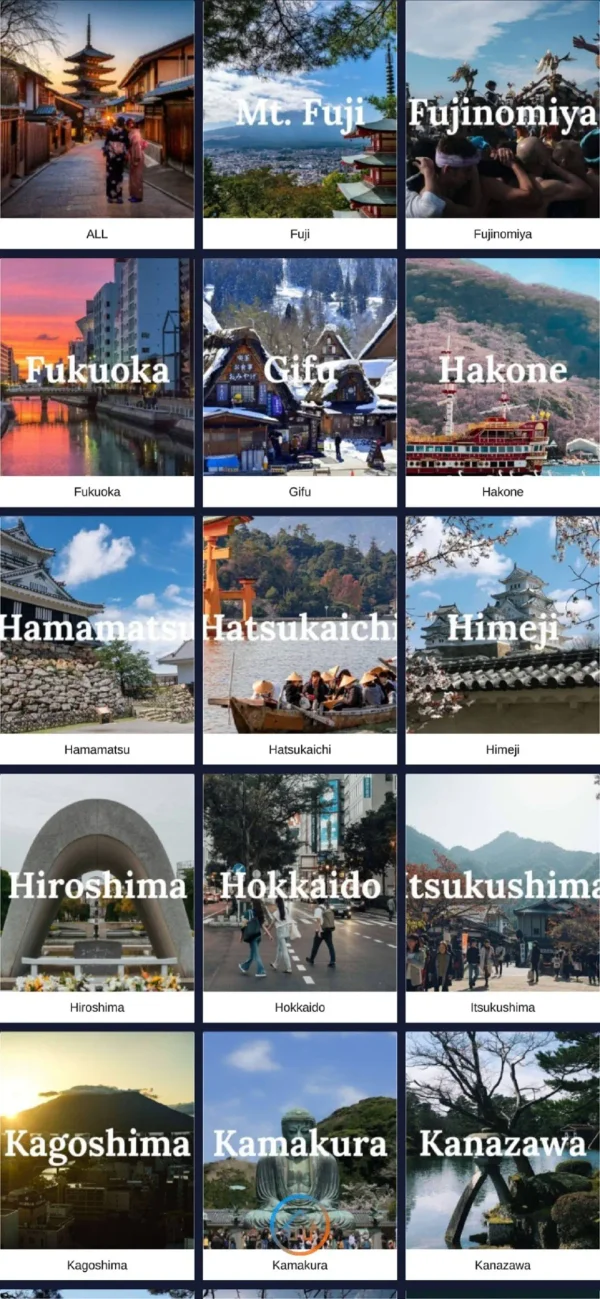
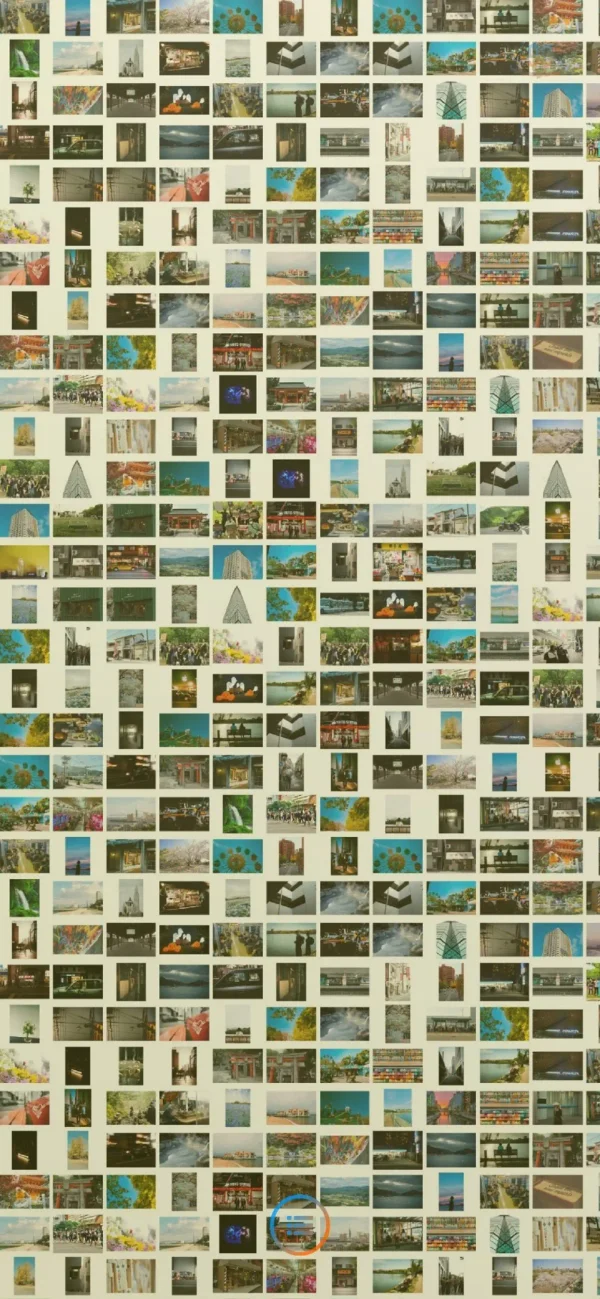
iZoomViewer, an innovative & revolutionary way to explore & discover digital media. You magnify one image to reveal thousands more, endlessly.
Content Interface's iZoom (Infinite Zoom) is an infinitely zoomable mosaic of photos and videos. iZoomViewer allows the user to select an iZoom from a list of many iZooms to zoom in. While zooming, each pixel is gradually morphed into another image or video which is morphed further into others, endlessly.
Each iZoom contains thousands of images and photos, providing you with hours of entertainment and education.
How to set custom cover image for an iZoom scene:
1) Tap the gear button to open the Setting menu.
2) Tap "Cover" to open the child menu. Then tap "Camera" to open the camera screen, or "Gallery" to selecting a photo from the device's Photo app.
3a) In the camera screen, tap anywhere to capture the photo.
3b) Tap the V tick button to set this captured photo be the cover image of the current scene.
4a) After select a photo from the device's Photo app, a photo preview screen will be opened.
4b) In the photo preview screen, tap the V tick button to set this selected photo be the cover image of the current scene.
Functions of other buttons in the camera screen:
- ">>" : Switch to the next camera of the current type (iPhone Pro models may have 3 back cameras). It is hidden if the current camera type has only one camera.
- AF : Auto focus mode. Tap it to switch to MF mode. If it is still AF, then the current camera does not support MF mode.
- MF : Manual focus mode. Tap it to switch to AF mode.
Notes about the camera screen:
- In captured state, these buttons will be hidden : AF/MF, ">>".
- In live state, the V tick button will be hidden.
- In MF mode, the tap gesture is used for setting camera focus point. So a circle button will appear for setting captured and live state of the camera.
Có gì mới
Phiên bản 1.2.6 · 07/12/2025
- Improve automation : Cache before playing.
- Support playing direct linked video.
Quyền riêng tư của ứng dụng
Những gì Content Interface Corporation khai báo trên App Store về cách ứng dụng này xử lý dữ liệu.
-
Dữ liệu không được thu thập
Nhà phát triển không thu thập bất kỳ dữ liệu nào từ ứng dụng này.
Phương thức đảm bảo quyền riêng tư có thể khác nhau, chẳng hạn như tuỳ theo các tính năng bạn sử dụng hoặc độ tuổi của bạn.
Thông tin
- Người bán
- Content Interface Corporation
- Danh mục
- Ảnh & Video
- Phiên bản
- 1.2.6
- Cập nhật
- 07/12/2025
- Phát hành
- 19/04/2022
- Kích thước
- 126,6 MB
- Yêu cầu
- iOS 15.0 trở lên
- Độ tuổi
- 4+
- Giá
- Miễn phí
- Ngôn ngữ
- Tiếng Anh
- Bản quyền
- © 2024 Content Interface Corporation
Có thể bạn cũng thích
-
 Trình phát video thu phóngTrình phát video có thể zoom
-
 OpenPhotosẢnh & Video
-
 Máy Đo Sáng・Đo Phơi SángEV, khẩu độ, tốc độ và ISO
-
 Camera Zoom: Kính Lúp Phóng ToNhìn ban đêm, ống nhòm & HD
-
 Quay Chậm: Tua Nhanh Video 8xSlow-Mo, Timelapse, Hyperlapse
-
 Rec Video RecorderẢnh & Video
-
 Picto: Album Ảnh & Kỷ NiệmTự động sắp xếp ngày & nơi
-
 VR Player : 3D VR 360 VR Videovào VR.
-
 Calm Wildlife 4K TVẢnh & Video
-
 Video to SlowMotion - SlowEditẢnh & Video